iFlight TITAN X2: Check DJI O4 Wide Compatibility Before Buying Goggles

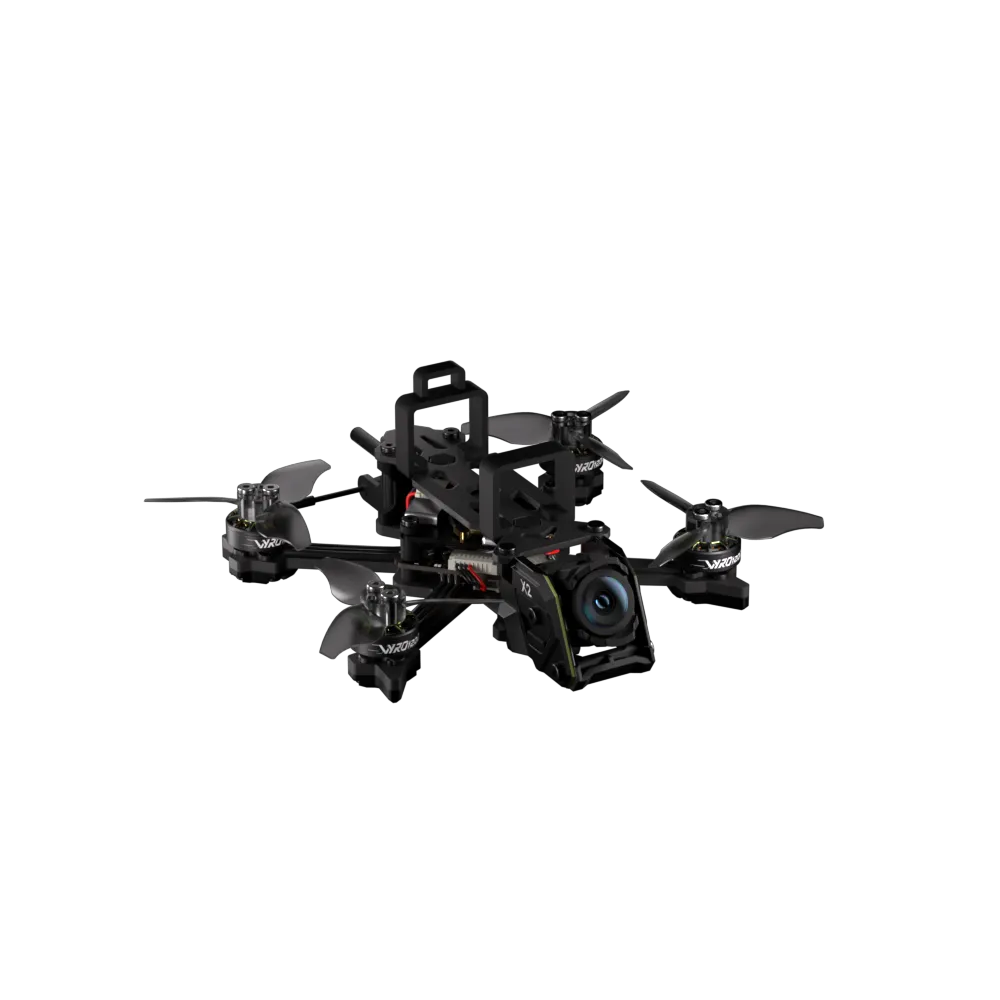
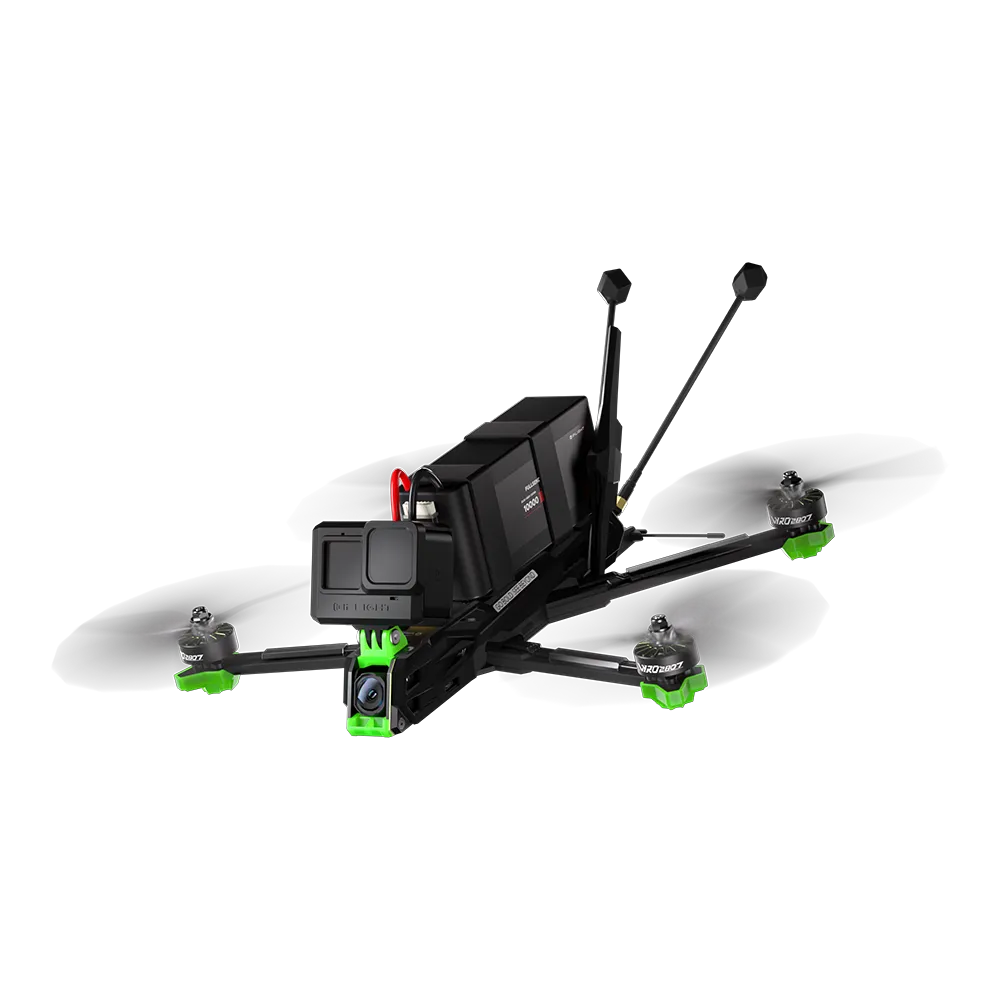
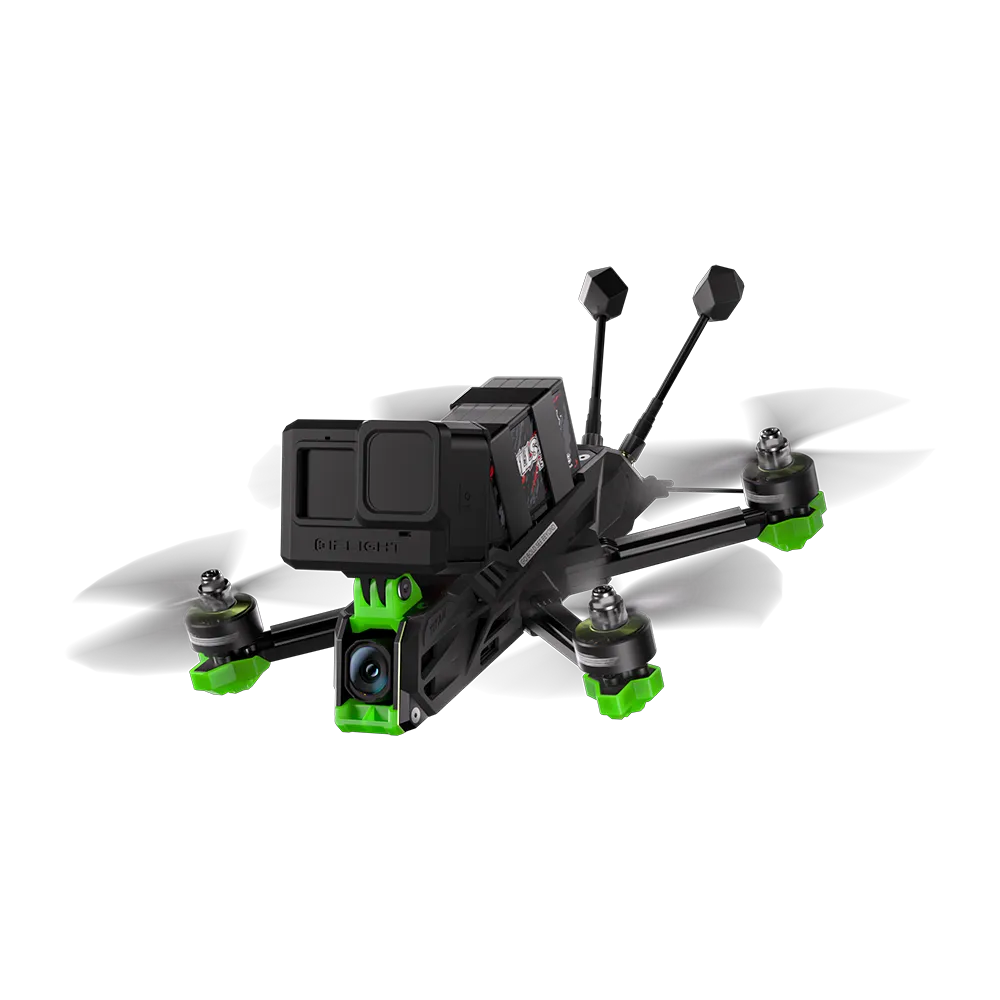
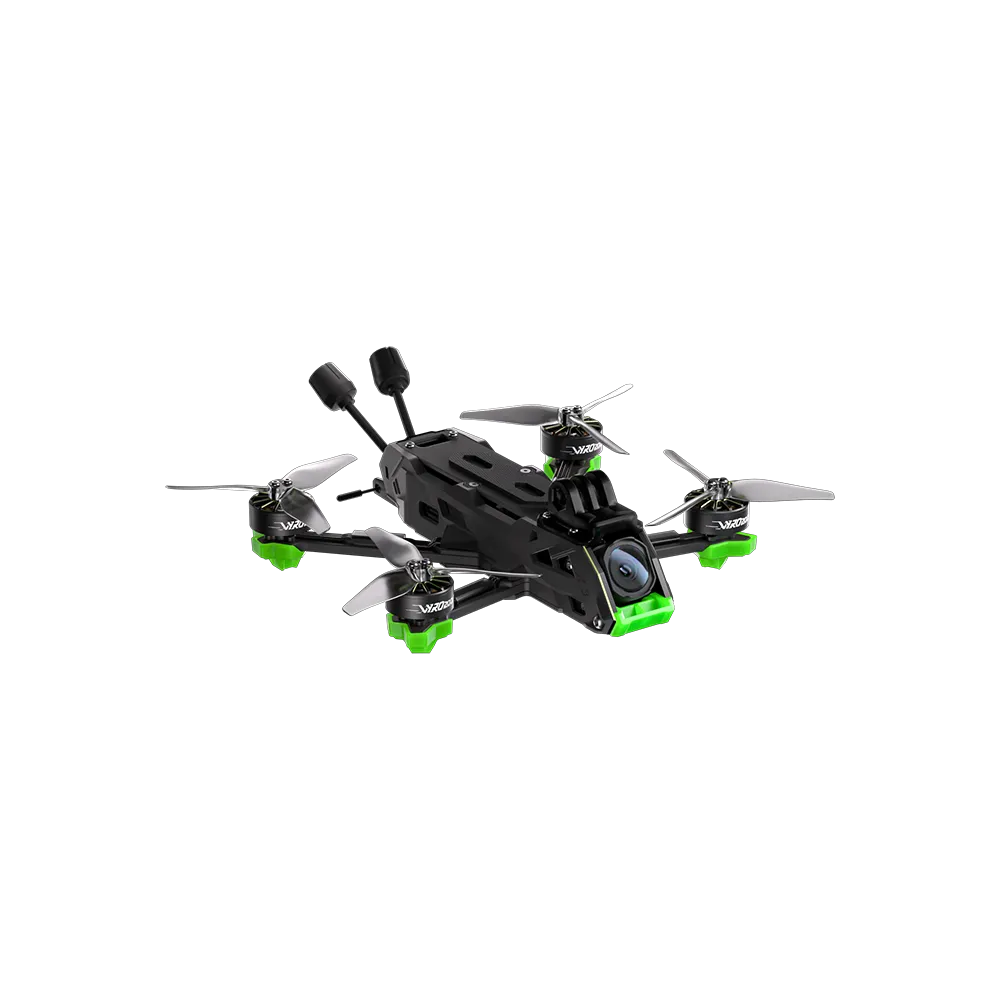
An indoor pilot orders the iFlight TITAN X2 and assumes its DJI O4 Wide digital video system behaves identically to the larger TITAN X3/X5/X7 configurations sold with O4 Pro. The camera, air unit, power envelope and goggles/controller support can differ across O4 generations and air-unit variants. Confirm the exact video module fitted to the 2S two-inch aircraft and the intended DJI goggles and remote before buying or updating firmware. A shared “O4” product family name is not a universal compatibility certificate.
Where this problem starts
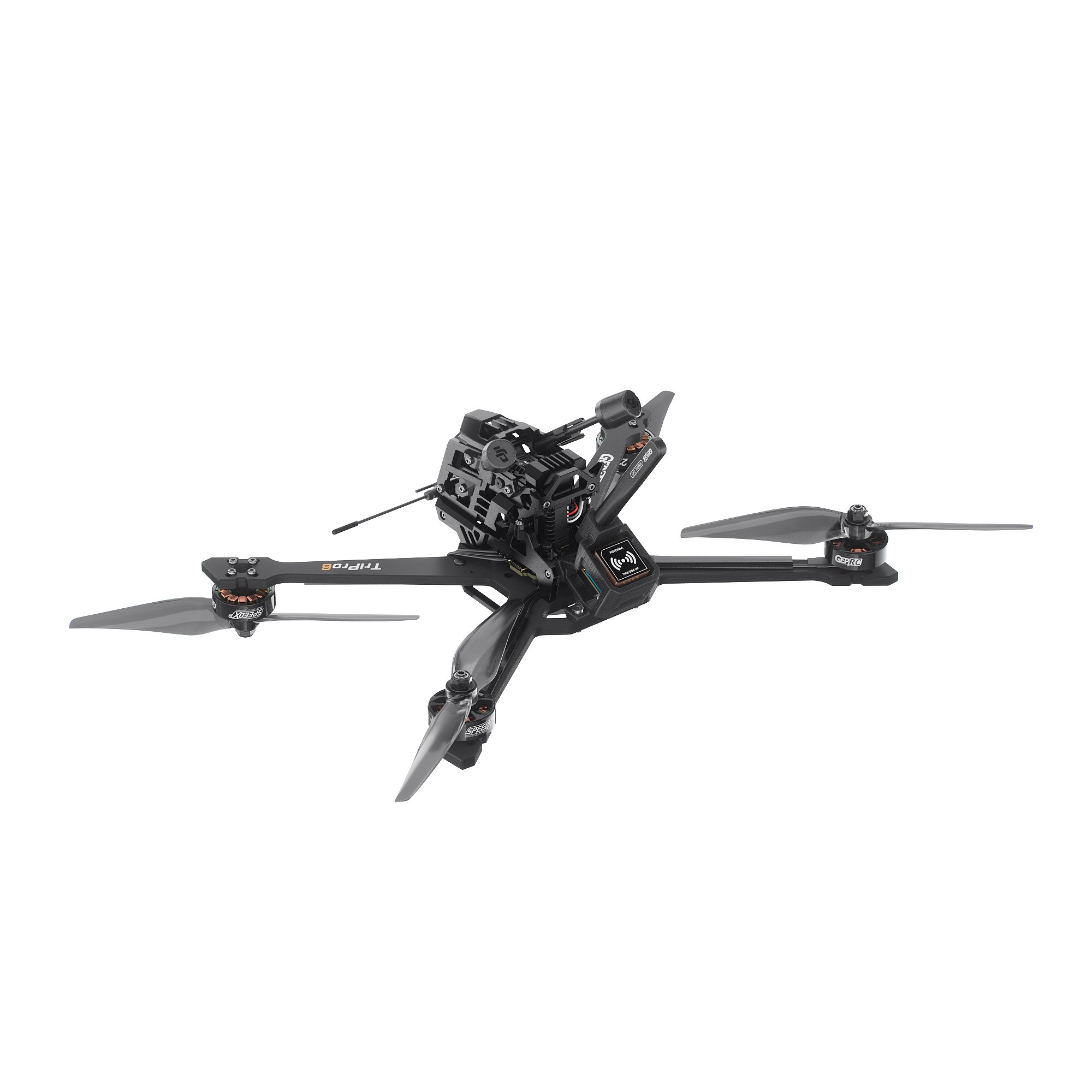
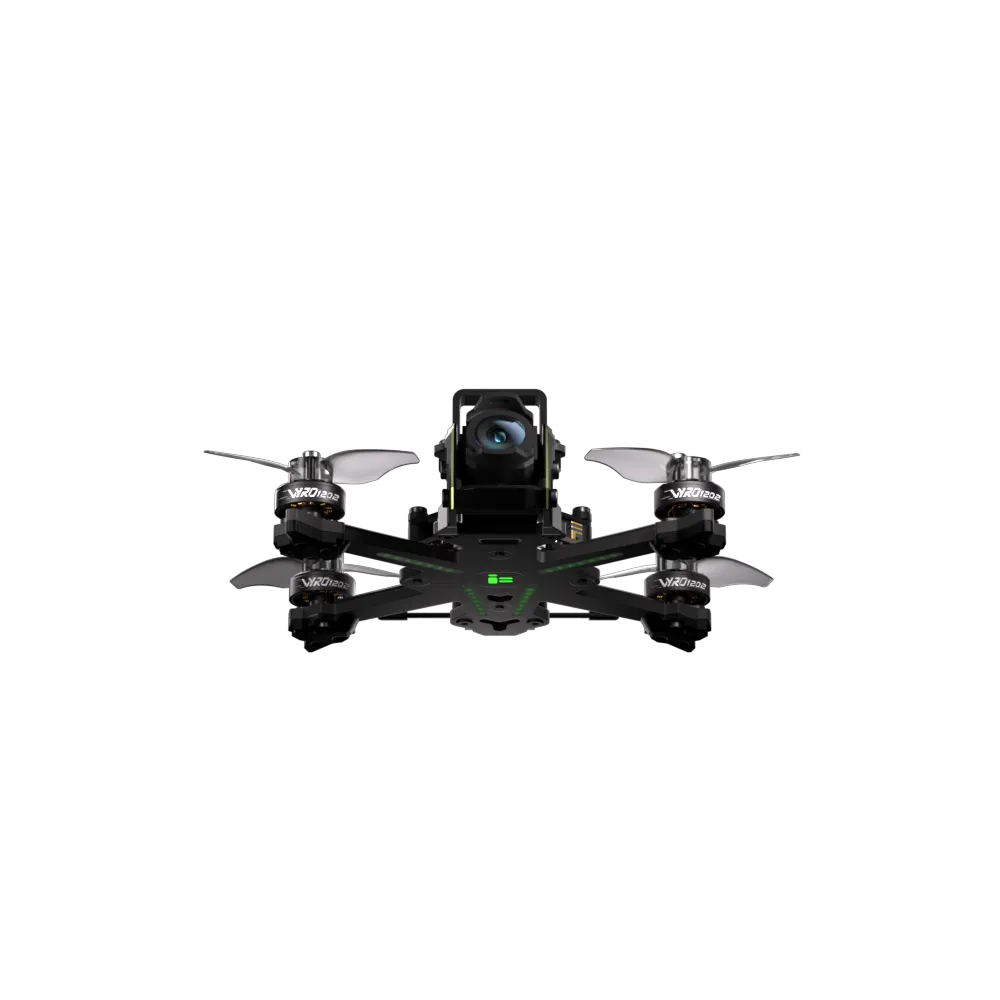
iFlight lists TITAN X2 as a 112g two-inch platform using DJI O4 Wide, not the O4 Air Unit Pro in X3/X5/X7. The same FPV frame can come in different receiver, VTX and voltage variants, so a pilot should record the precise ordered configuration, firmware and battery before comparing two builds. Familiar connector colours or an identical airframe silhouette are not conclusive compatibility evidence.
Practical diagnosis on the bench
- Identify the fault: Note whether the problem is electrical power, control link, digital/analog video, propulsion, charging, navigation or mechanical fit.
- Run the relevant check: Confirm the supported goggles/controller combination against the exact DJI O4 Wide hardware.
- Isolate the next variable: Budget a compatible 2S battery and identify the spare propeller and motor specification.
- Compare with a known-safe setup: Use a supported part or the manufacturer’s documented baseline; change only one variable per attempt.
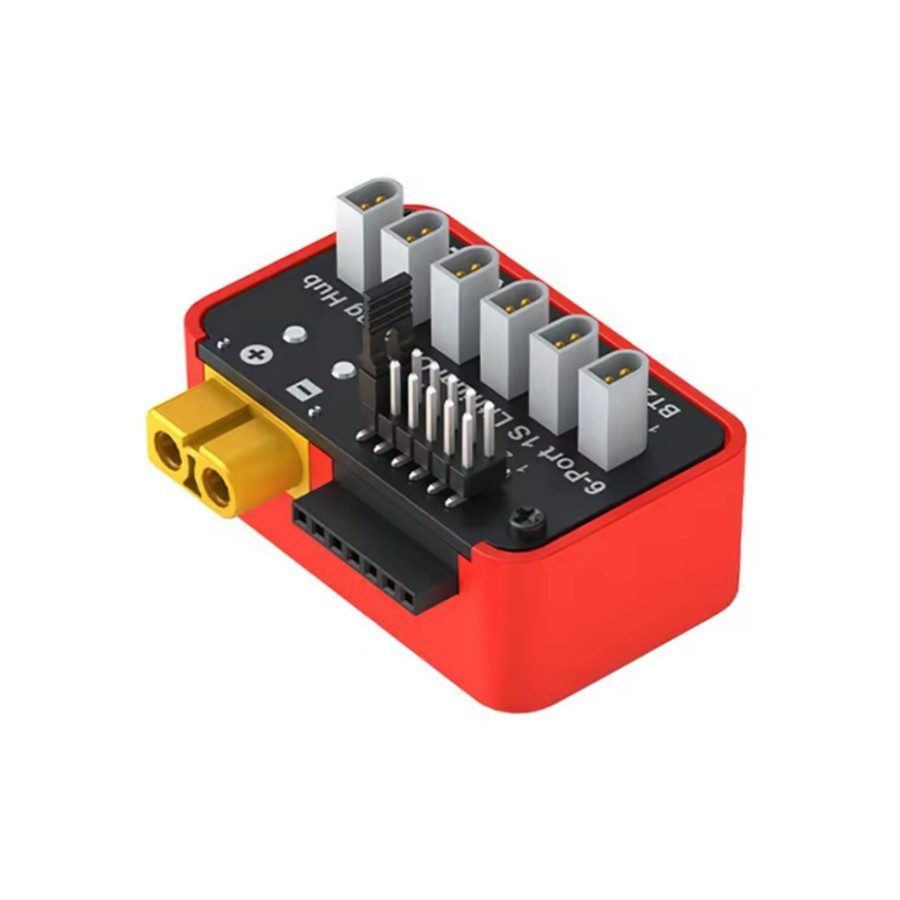
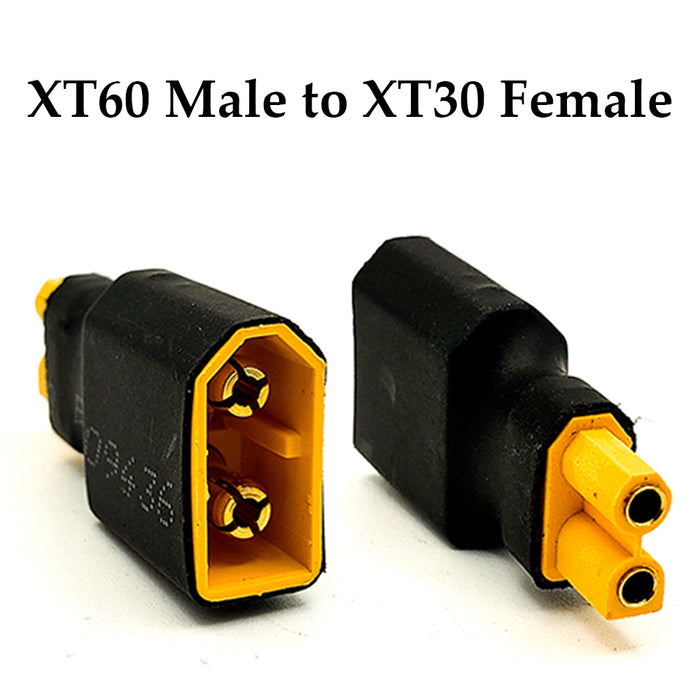
For electrical diagnosis, remove propellers and use suitable measurement equipment before energising a modified circuit. Check polarity and allowed input voltage with the component specifications, not by assuming all XT30- or XT60-equipped devices operate at the same pack voltage. Stop immediately on unexpected heat, smoke or damaged insulation, and do not attempt to revive swollen or mechanically compromised cells.
What does a successful test actually prove?
| Result | Useful conclusion | Still to check |
|---|---|---|
| Part powers on | Some supply path is working | Full voltage headroom, signal integrity, operating mode |
| Radio or video link connects | A compatible transport is present | Failsafe, legal RF channel and link margin |
| Static bench check passes | One controlled condition is satisfied | Cooling, vibration, real loads and safe preflight |
A misleading shortcut to avoid
Lightweight indoor suitability does not make the aircraft contact-safe around bystanders. If the symptom began after a crash, inspect the physical system before flashing firmware or swapping tune profiles. A bent shaft, damaged antenna and loose connector can mimic a software issue. Conversely, software that speaks to a device does not mean that the power wiring and load are safe.
What to order, and what to keep
When buying a replacement, match the manufacturer-approved version and check iFlight TITAN X2 O4 2S HD 2-Inch FPV Drone at FalconFly. Keep notes on the original symptom and part model; this is essential when different shaft sizes, RF standards or battery voltages share similar product names. For a new build, calculate the component-level voltage and current envelope before paying for a larger pack or more powerful transmitter.
Do not treat a pilot’s range or flight-time video as an assurance for your environment. Antenna placement, interference, wind, payload and software versions affect the outcome. Prepare an accessible arming-disarm procedure and a safe recovery plan for the intended flying site.
FAQ
Can a compatible plug prove two parts are compatible?
No. Confirm polarity, cell count, signal protocol, connector ratings and the documentation for both components.
Should I update firmware as a first troubleshooting step?
Only after identifying the exact target and reading its release notes. An incompatible firmware build can make the original fault harder to diagnose.
Should I fly to test a suspicious setup?
Never use an uncontrolled flight to investigate damaged propulsion, uncertain power distribution or failed failsafe configuration.
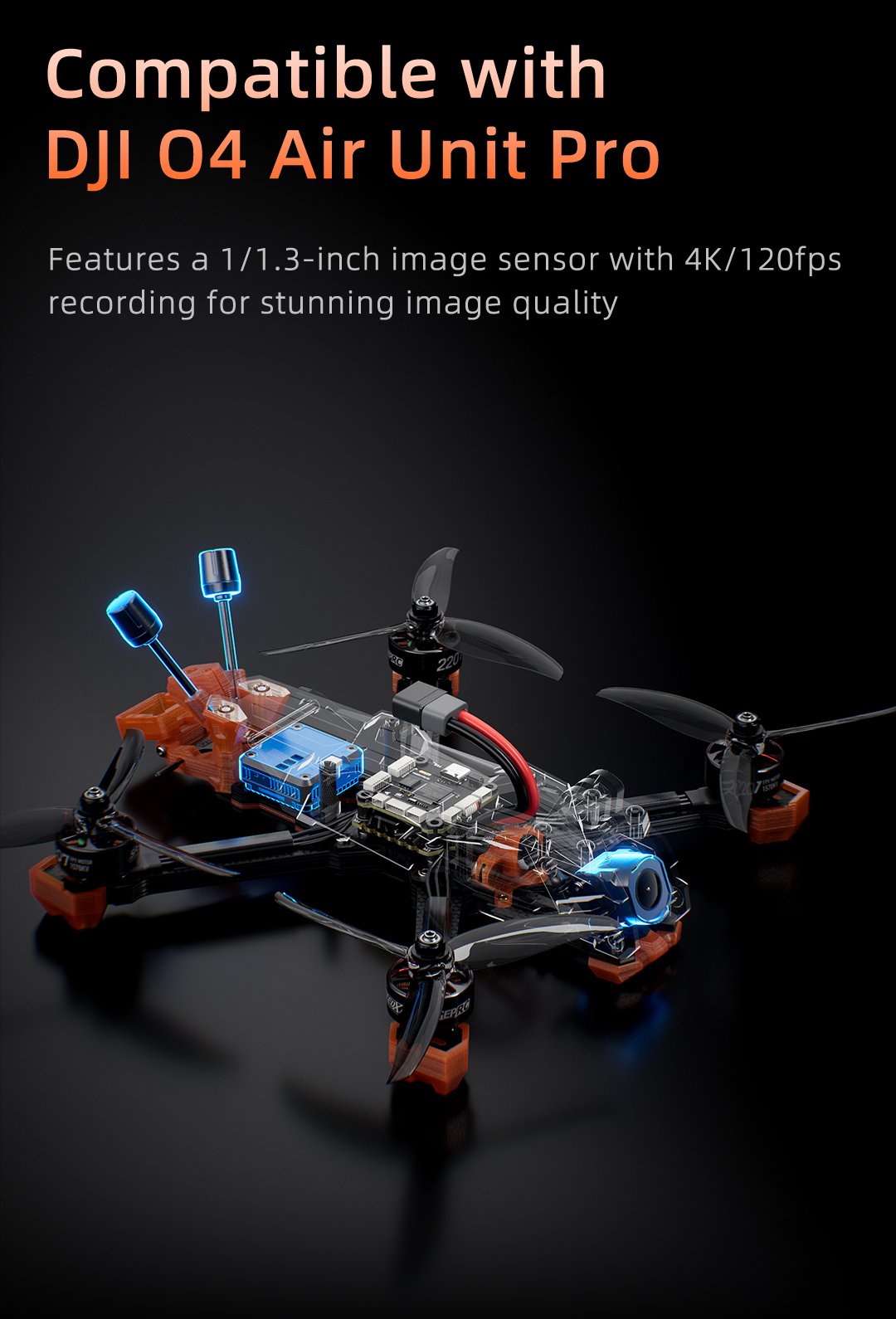
The O4 Wide-equipped configuration should not be confused with O4 Air Unit Pro. For a wider explanation of imaging hardware and goggle choices, use our DJI O4 versus O4 Pro compatibility guide alongside this TITAN X2-specific specification check.
Manufacturer information
Read the original manufacturer’s technical material for this product family, then confirm the exact stocked version on iFlight TITAN X2 O4 2S HD 2-Inch FPV Drone.