Field-tested diagnostic procedures and practical equipment maintenance.

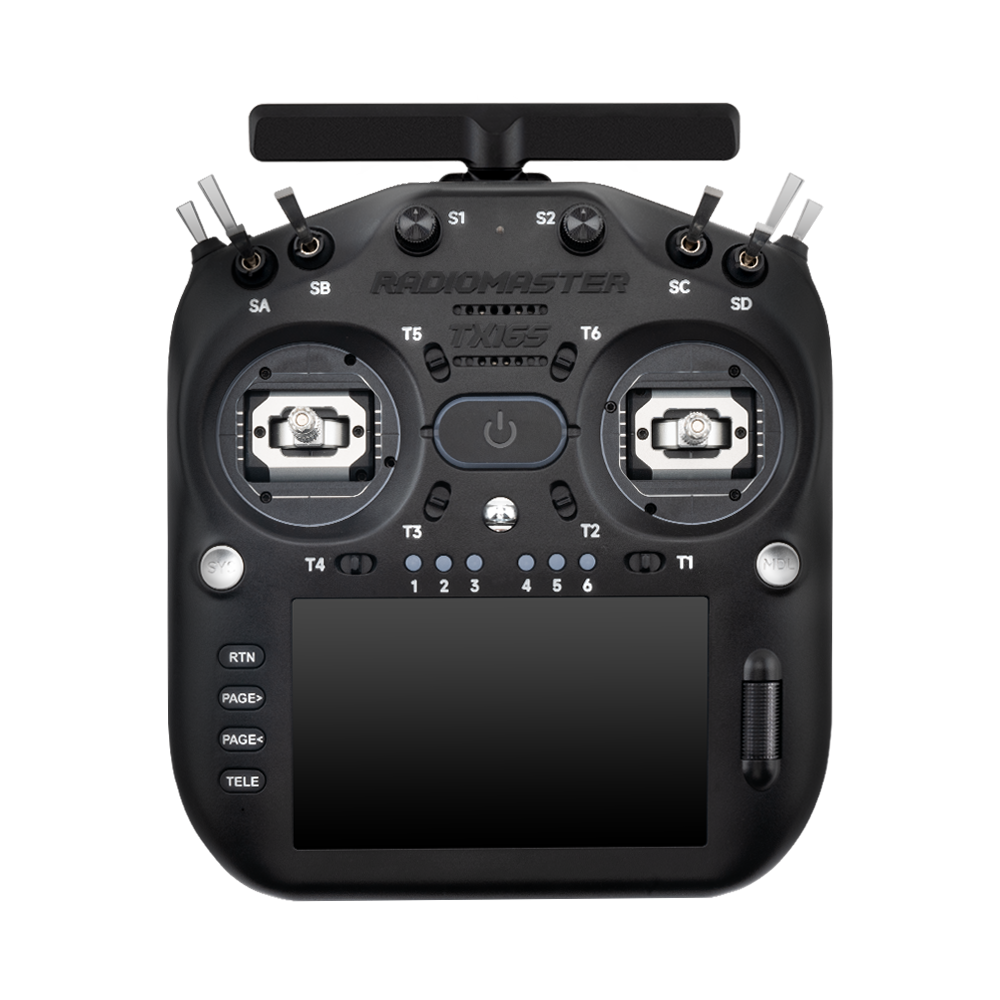
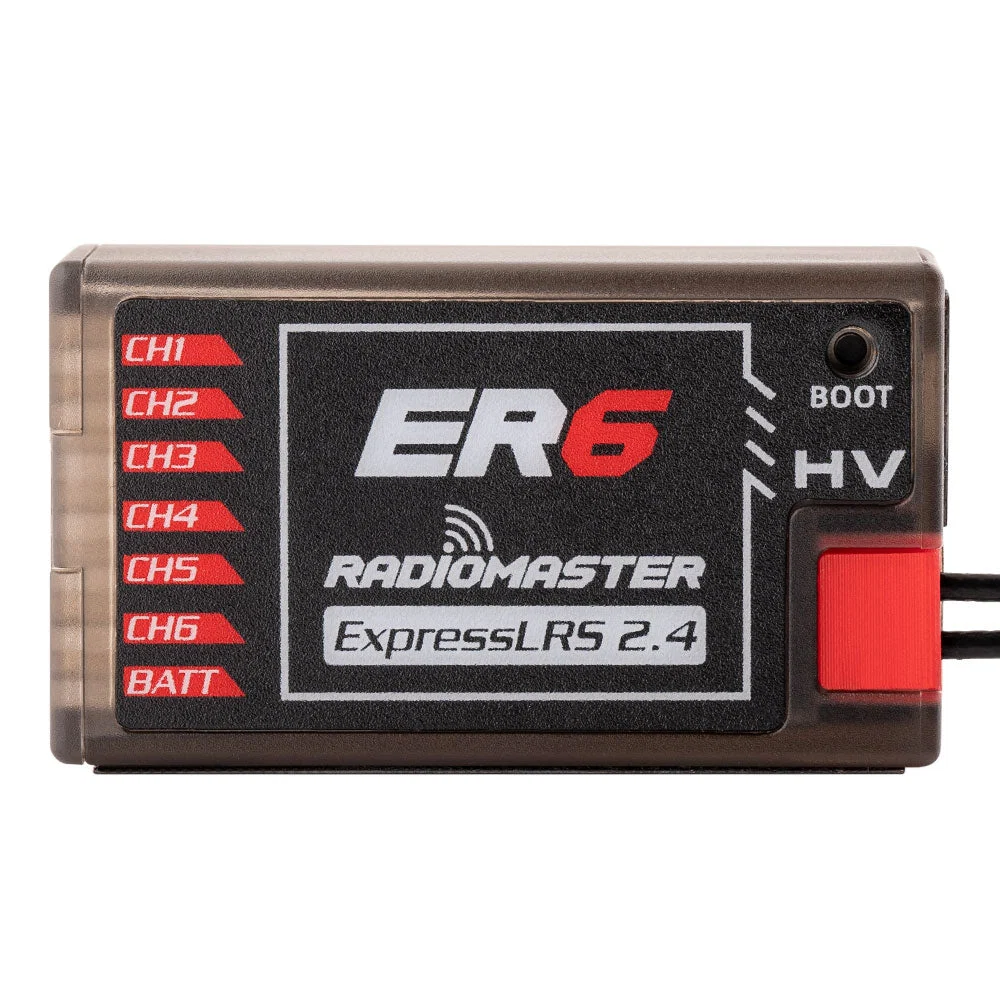
RADIOMASTER ER6 2.4GHz ELRS PWM Receiver FRONT VIEW
Flight Planning & Safety, Radios & ExpressLRS, Troubleshooting & Maintenance

Betaflight Failsafe Checklist: What Happens When Your FPV Radio Link Drops?

An FPV quad does not become safe simply because the radio and receiver have completed a bind. The important question is what the flight controller will do when they stop communicating. Failsafe is the part of a build that deserves a deliberate test while the propellers are off, rather than a hopeful assumption before the first flight.
Continue reading
GEPRC momoda model product view 5
FPV Builds & Components, Goggles & Video Systems, Troubleshooting & Maintenance

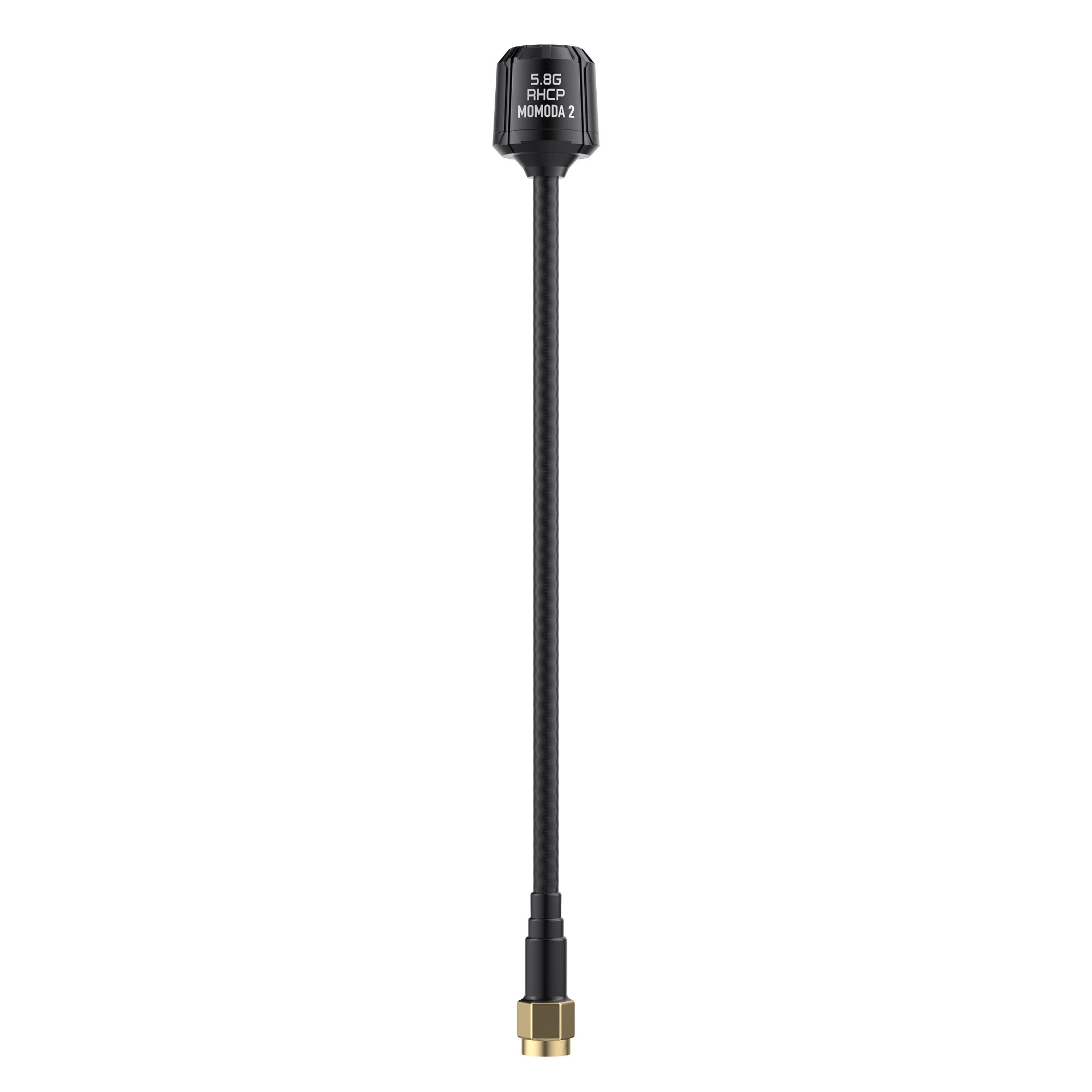
FPV Antenna Compatibility: RHCP, LHCP, SMA and U.FL Explained

When an FPV video link breaks up, antenna shopping often becomes a search for the largest printed gain number. In practice, polarisation, frequency, connector, cable condition and placement are more likely to explain a poor link than the brand of a replacement antenna. The useful purchase is the one that correctly matches the system already on your bench.
Continue reading
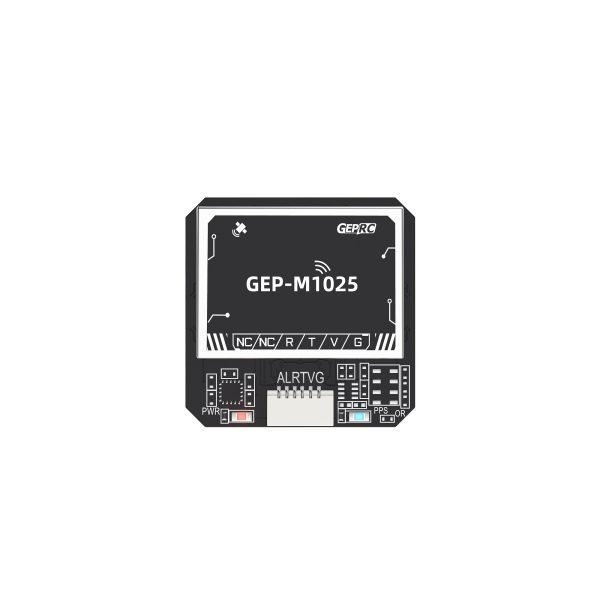
GEPRC M1025 GPS module official front product image
Flight Planning & Safety, FPV Builds & Components, Troubleshooting & Maintenance

Betaflight GPS Rescue: What to Check Before Trusting Return-to-Home

GPS Rescue is a valuable recovery feature, but it should never be treated as an unconditional return-to-home guarantee. A quad can have satellites, show a home arrow and still fail to return safely if its attitude estimate, hover throttle, antenna placement or failsafe configuration is wrong. The safest approach is to treat every prerequisite as something to verify, not assume.
Continue reading
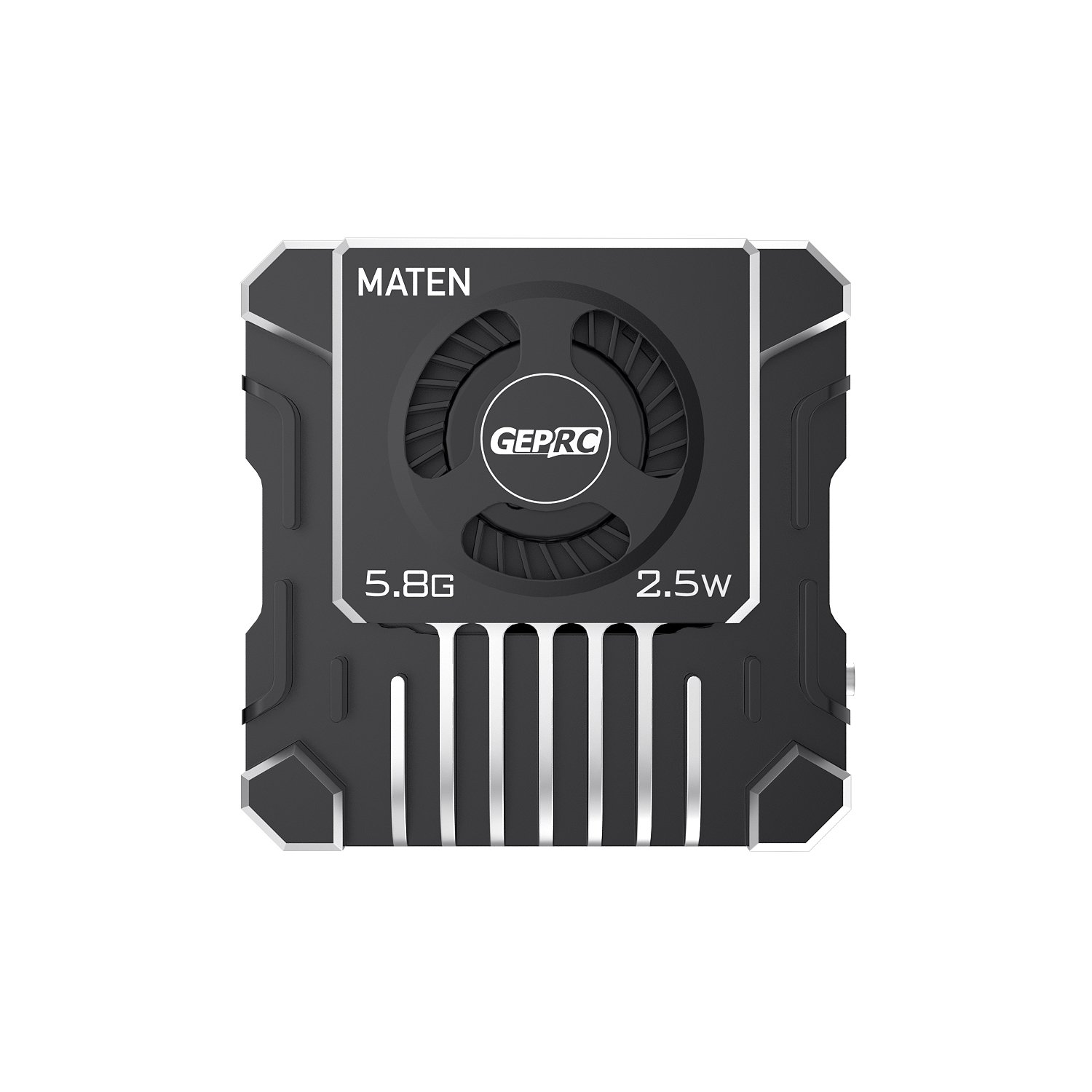
GEPRC MATEN 5.8G 2.5W VTX PRO (Silver) product view 1
Goggles & Video Systems, Troubleshooting & Maintenance

FPV Goggles Show OSD but No Camera Image? Diagnose the Video Path First

A blank FPV picture can look like a failed video transmitter, yet the actual fault may be a camera wire, a mismatched channel or a setting that has no bearing on video at all. The fastest repair starts by identifying exactly what you can still see. OSD characters over a grey screen are a different symptom from complete static, and neither should be treated like a DJI O4 pairing failure.
Continue reading