FPV Goggles Show OSD but No Camera Image? Diagnose the Video Path First

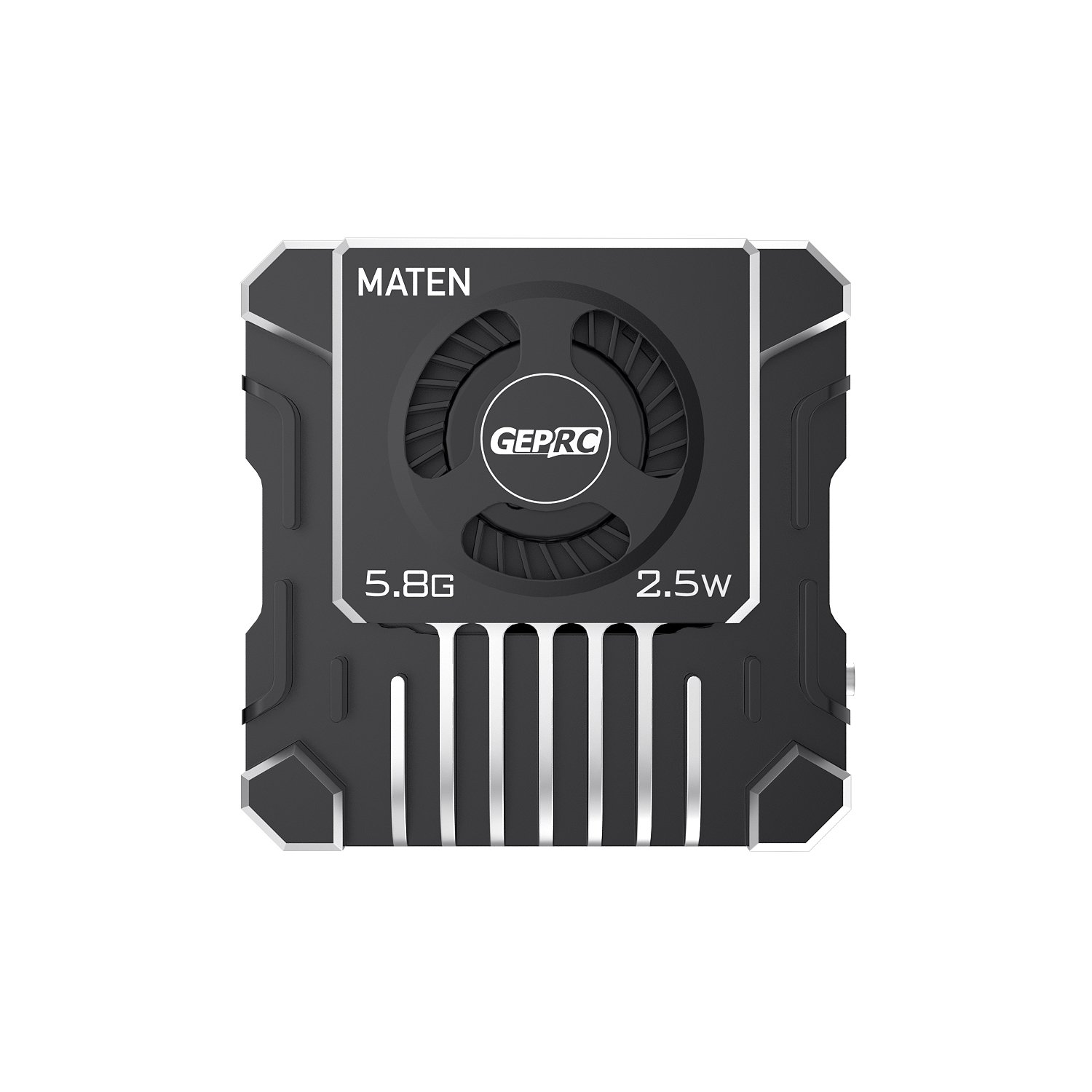
A blank FPV picture can look like a failed video transmitter, yet the actual fault may be a camera wire, a mismatched channel or a setting that has no bearing on video at all. The fastest repair starts by identifying exactly what you can still see. OSD characters over a grey screen are a different symptom from complete static, and neither should be treated like a DJI O4 pairing failure.
Begin with a safe, reproducible test
Remove every propeller before powering the aircraft on the bench. Take note of what the goggles actually display: moving snow or static, a flat black image, recognizable OSD text with no background picture, or a digital link warning. Check the goggles’ band and channel, the VTX status LED, camera wiring and the transmitter antenna. Never run a high-power VTX without a properly connected compatible antenna, and avoid long bench tests without airflow.
Before changing settings, ask whether the system worked before a crash, a firmware update or a rewire. If it worked yesterday, the last event often narrows the investigation more than a dozen speculative menu changes. After impact, inspect micro coaxial connectors and the camera housing as carefully as the visible solder joints.
Analog FPV: OSD present, picture missing
On many analog builds, the video path is camera → flight controller OSD circuitry → video transmitter → goggles. If the goggles clearly render flight-controller OSD but show a black or grey image underneath, the transmitter is receiving enough of the FC’s signal to display text. That shifts attention to the camera’s supply, camera-to-FC video connection, damaged camera cable, and video-format configuration rather than blindly replacing the VTX.
A recent r/fpv discussion described this exact symptom after an analog camera change: the pilot could see OSD but not the scene. Advice centred on wiring, video format and testing the signal path instead of reflashing the flight controller immediately. That is a useful diagnostic pattern, not proof that every system has the same failed part.
Analog FPV: neither picture nor OSD
No OSD and no image require a broader investigation. Verify the goggles are on the correct channel, the transmitter is powered, the antenna and connector are sound, and pit mode or low-power configuration is not creating a misleadingly weak link. Confirm whether the FC is supposed to provide analog OSD; not every board or wiring layout has the same hardware. If a camera is wired directly to the VTX, video may appear without FC-generated OSD.
VTX tables, SmartAudio and Tramp primarily manage channel/power control; they should not be the first explanation for a physically missing camera signal. Betaflight documents this distinction. In other words, changing a VTX table may not repair a broken wire or a dead camera. If you must trace the circuit, compare it against the exact FC and VTX manufacturer’s wiring diagram first.
DJI O4 and other digital systems: a different path
Digital FPV often fails in ways that look superficially similar but use different diagnostics. A DJI O4 Air Unit must be powered appropriately, activated and paired with supported goggles. If the goggles receive live video but no Betaflight OSD, inspect the flight-controller serial connection and supported MSP DisplayPort settings before touching the camera. Conversely, if goggles will not link to the Air Unit at all, check activation, firmware, device selection and model compatibility.
DJI’s support guidance notes that an unactivated O4 unit can have severely limited transmitter power and that goggles activation affects controls. Follow the official activation flow with the correct DJI Assistant software and a data-capable USB cable. A failed digital pair does not mean the airframe’s ELRS receiver is faulty; radio control and video may be separate links.
Decide whether the problem follows the camera, the FC or the goggles
Change one variable at a time. Record the original configuration, inspect connectors under good light, and measure approved power rails only if you know how to do so safely. Where manufacturer’s instructions permit a direct video-path test, isolate the camera from the FC to learn whether the problem is before or after the OSD path. Do not short signal pins or improvise connection voltages. Also inspect the goggles’ own inputs and antenna connections.
If the problem follows the camera, replacement or camera service may be appropriate. If it follows the FC’s OSD path, inspect pads and settings. If it occurs only with one headset or channel, the receiving side deserves attention. Keep the old component until you can reproduce the diagnosis; otherwise a new part can mask the original fault.
Choosing replacements without creating a second compatibility problem
For a DJI O4-based project, review our O4 Air Unit versus O4 Pro guide and the Goggles 3/N3 comparison. For analog equipment, match the camera output format, VTX input, supply voltage and connector pinout rather than assuming the latest camera will fit the existing loom. If the airframe also needs a new receiver, the ELRS guide covers that separate link.
Questions people ask before buying
Why can I see OSD text but not the picture?
On an analog build, this often indicates the FC-to-VTX path is working while the camera signal, its power or its configuration needs attention.
Will changing my Betaflight VTX table restore a missing image?
Only if channel or power configuration is the underlying issue. VTX tables do not repair camera wiring.
Can an analog camera connect directly to a VTX?
Some supported setups can transmit camera video directly, but that bypasses the FC’s analog OSD path. Follow the product wiring instructions.
Why does DJI O4 show video but no flight data?
Check FC firmware, the relevant UART and DJI-supported MSP DisplayPort/OSD configuration.
Could an unactivated O4 Air Unit be the reason for poor transmission?
Yes. DJI describes transmission power and interface restrictions before activation. Activate using the documented method.
Should I keep powering a VTX without an antenna to test it?
No. Many VTX units can be damaged by transmitting without a suitable antenna, particularly at high output powers.
Is a blank picture after a crash always a broken camera?
No. The antenna, cable, connectors, FC video path and VTX can all be involved. Isolate the symptom first.
Browse additional FalconFly buying and troubleshooting guides. Always check exact hardware revisions and manufacturer recommendations.
Technical references: Betaflight video configuration · Betaflight troubleshooting · DJI O4 activation help · Community: OSD without picture