DJI Goggles 3 vs Goggles N3: Which Makes Sense for Your FPV Setup?

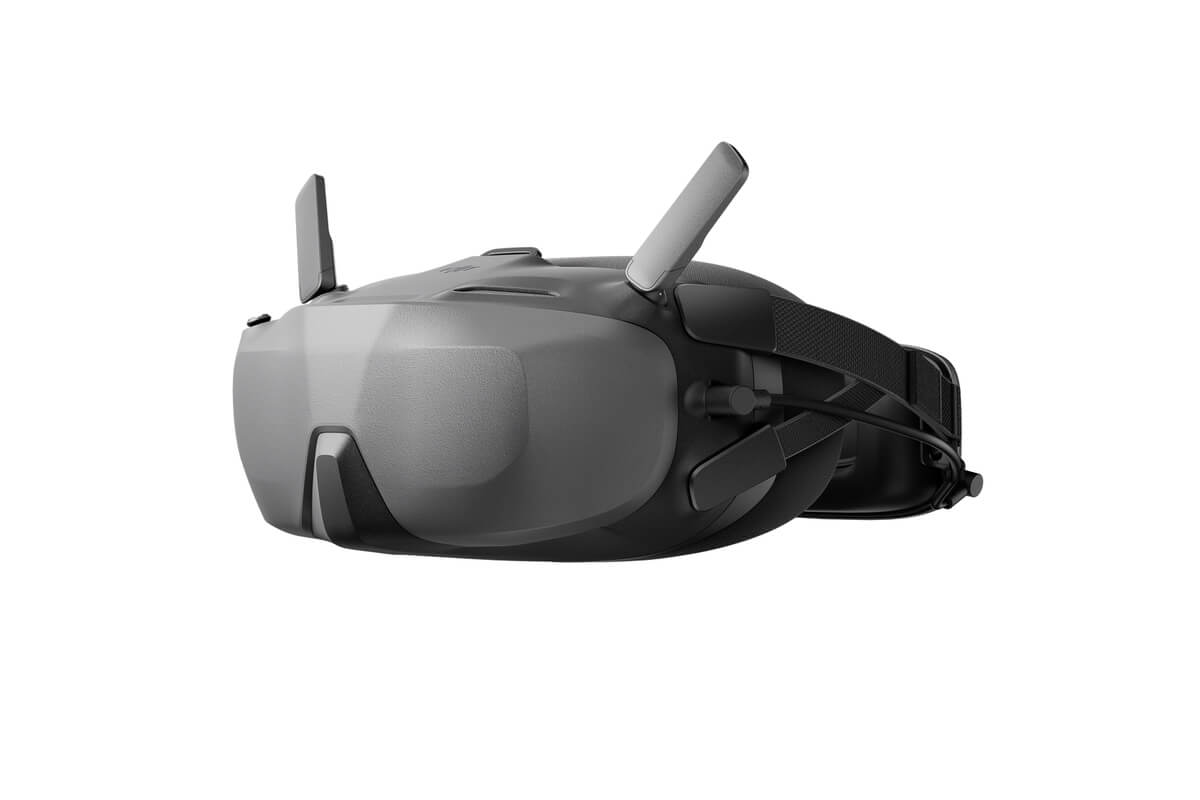
The choice between DJI Goggles 3 and Goggles N3 is not simply a price decision. They use different display designs and approaches to fit, and the best option depends on how you fly, whether you wear prescription glasses, and which DJI aircraft or Air Unit you actually own.
The viewing experience is genuinely different
Goggles 3 uses a compact dual-display design and includes diopter adjustment. Goggles N3 is a roomier headset with a larger internal viewing arrangement designed to accommodate many eyeglasses without the same adjustment process. Screen refresh specifications and optical fit influence how natural the image feels, but neither a headline resolution nor a refresh figure can tell you how the headset will sit on your face.
For relaxed cinematic work, comfort and prescription-glasses compatibility may matter more than the last increment of display smoothness. For fast acro flying, some pilots value the presentation and response of the more premium Goggles 3. Both can be effective when paired with a supported aircraft and configured correctly.
DJI O4 and DJI O3 are not the same compatibility question
Both Goggles 3 and Goggles N3 support the DJI O4 Air Unit series with appropriate firmware. Crucially, support for DJI O3 Air Unit is not identical: Goggles 3 can support O3 under DJI’s documented configurations, while N3 must not be assumed to support O3. This is one of the most common costly mistakes in second-hand FPV purchases.
Do not extrapolate from a drone’s name, a product image or another owner’s setup. DJI’s compatibility tables change with software updates. Confirm the exact Goggles model, Air Unit model, remote controller generation and current firmware before purchase or a service update.
Video and flight control may be independent
DJI goggles receive video from a compatible DJI aircraft or Air Unit; they are not themselves proof of radio-receiver compatibility. A drone equipped with a DJI O4 camera and a separate ELRS receiver can use DJI goggles for the view and an ELRS radio to control the craft. A different setup may use a supported DJI FPV remote instead. Check the actual receiver installed in a BNF listing and what the aircraft’s flight controller supports.
If you are building rather than buying ready-made, include camera mounting clearance, Air Unit power input, antennas, cooling and flight-controller UART availability in the compatibility check. Some Air Units have voltage limits that differ substantially between standard and Pro models.
Binding failures: what to check before returning a headset
Start by selecting the correct device or Air Unit in the goggles menu. Update and activate the Air Unit and goggles with the applicable DJI Assistant application, using a data-capable cable. Then restart all devices and follow the model-specific pairing sequence. An Air Unit that is unactivated or paired in a different operating mode may behave like faulty hardware.
If pairing still fails, record firmware versions of both devices, confirm region and country settings where relevant, and compare against DJI’s current compatibility matrix. Avoid random downgrade attempts that are not documented as supported by DJI.
Shop the exact product, not the description alone
Compare DJI Goggles 3 with DJI Goggles N3, and check your airframe against DJI’s current compatibility chart before selecting a radio. For a separate radio-control system, the RadioMaster TX16S MK3 ELRS is an example of a different control ecosystem, not an automatic substitute for a DJI FPV Remote.
Questions buyers ask
Will DJI Goggles N3 work with the O3 Air Unit?
Do not assume so. N3’s support centres on the compatible O4 ecosystem; verify DJI’s current matrix for the exact O3 model and firmware.
Will Goggles 3 connect to every DJI drone?
No. DJI compatibility differs by aircraft generation, firmware and controller combination.
Can I wear my glasses with Goggles N3?
Its headset design is intended to accommodate many eyeglasses, though actual fit depends on frame dimensions and the wearer.
Do I need a DJI FPV remote to fly an O4-equipped ELRS quad?
Not if the quad has a properly configured compatible ELRS receiver and you use a matched ELRS radio. The video and control links remain separate.
Why won’t my O4 Air Unit pair after a firmware update?
Confirm the correct Air Unit mode, activation state, supported versions, compatible devices and DJI Assistant application before repeating the documented pairing procedure.
Explore more in the FalconFly FPV Knowledge Hub. Product fit must always be confirmed against the exact aircraft model and its documentation.
Technical and community references: DJI official compatibility list · Goggles N3 blurred-image discussion · O4 pairing discussion