ExpressLRS Not Binding? A Practical Troubleshooting Sequence

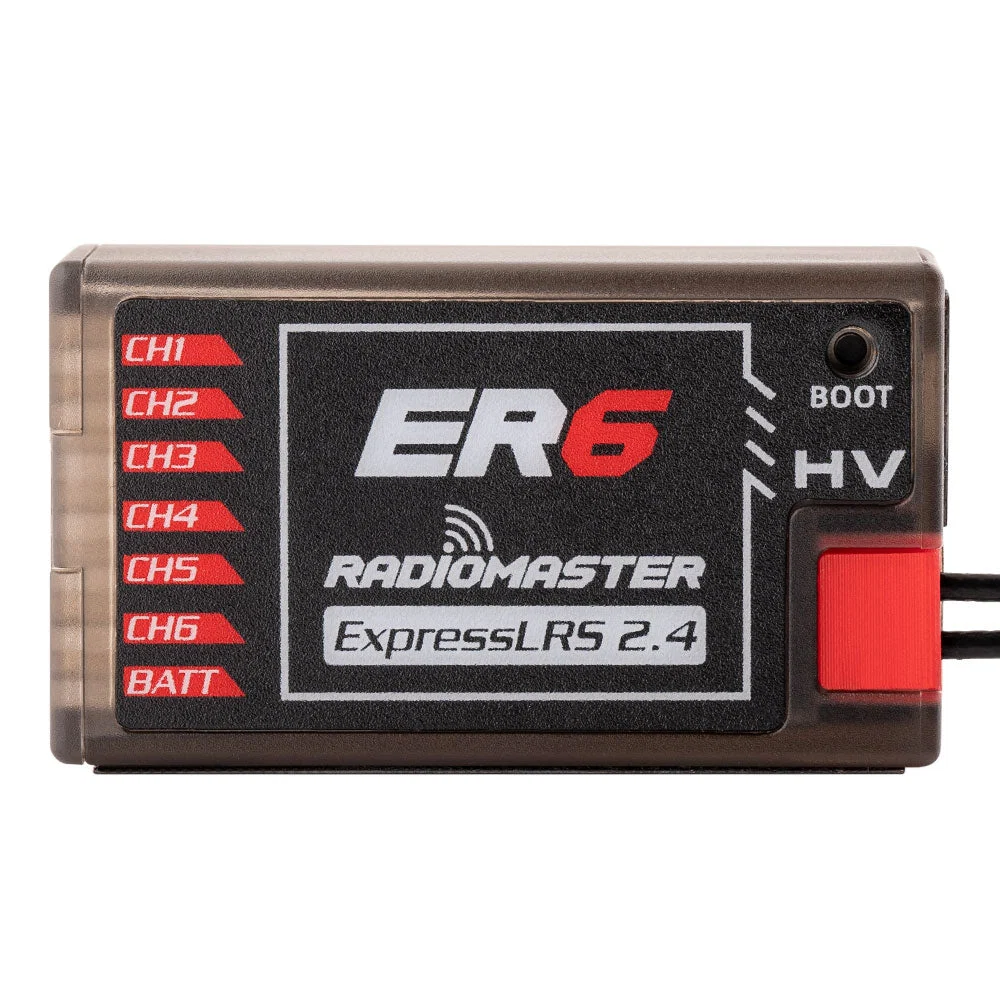
An ELRS receiver with a flashing LED does not automatically mean a faulty receiver. Most binding failures can be narrowed down by checking a short list in the right order. Randomly reflashing every component often adds a new problem before the original one is understood.
Prove that the transmitter is transmitting
On EdgeTX, make sure the correct model is selected and that its Internal RF or External RF configuration matches the physical ELRS module. Confirm that the RF output is enabled, then open the ExpressLRS Lua script to inspect the active band and link settings. If the radio’s RF module is disabled, no amount of receiver button pressing will complete a bind.
Set the aircraft safely on a bench with propellers removed. Power the receiver from a stable, manufacturer-approved source and check its LED sequence. A receiver that never powers up presents an electrical or wiring problem, not a binding problem.
Frequency and firmware: two quiet mismatches
Standard 2.4 GHz ELRS hardware pairs with supported 2.4 GHz devices, while 868/900/915 MHz ELRS hardware requires a matching regional band. Some dedicated crossband products have additional modes, but one cannot infer that a 2.4 GHz-only transmitter can bind to a 915 MHz receiver. Check each exact SKU rather than the manufacturer’s logo.
Firmware major versions must also be compatible. A radio and receiver running incompatible major ELRS releases will not complete normal binding. Look at the actual versions in the Lua and receiver information screens, not just the date the products were purchased.
Use one binding method consistently
ExpressLRS supports binding through a shared binding phrase in compatible firmware builds; the phrase must be configured consistently on both ends. Some hardware and configurations also support traditional binding methods. If one device was flashed with a phrase and the other was not, the user may observe a connection attempt without a successful link.
If a receiver enters Wi-Fi mode for flashing, make sure you are using the official firmware target, not merely a target with a similar product name. Do not confuse a Wi-Fi access-point connection with a completed radio link. In certain cases, a wrong firmware target can stop the receiver from behaving as expected.
When the link connects but the drone does not respond
After successful binding, check the receiver wiring to the flight controller. On a typical serial ELRS receiver, the FC UART RX and TX pins must be connected appropriately and Betaflight receiver protocol should be configured for CRSF on the correct port. Inspect the Receiver tab with the propellers removed. If channel bars do not move, fix the serial configuration before tuning stick endpoints.
Arm prevention is a separate diagnostic path. Even with a valid link, arming may be blocked by configuration, sensor conditions or a safety flag. Investigate arming disable flags rather than bypassing them.
Shop and cross-check the right hardware
For a 2.4 GHz ELRS setup, compare the RadioMaster TX16S MK3 ELRS with compatible 2.4 GHz hardware such as ER6 PWM or a serial receiver chosen for your FC. The Bandit BR1 915 MHz is not a standard substitute for 2.4 GHz equipment. For the broader selection process, see our ELRS compatibility guide.
Frequently asked questions
Why is my ELRS receiver’s LED blinking?
LED patterns differ by device and firmware. Compare the pattern with that receiver’s documentation and verify power, radio output, band and firmware before drawing conclusions.
Does a binding phrase replace the need to match firmware?
No. It makes compatible devices identify a link but does not make incompatible major protocol versions interoperable.
Can I bind a 2.4 GHz Pocket to a 915 MHz receiver?
Not with a standard 2.4 GHz-only RF module. A matching supported 900 MHz radio system is required.
My transmitter binds but Betaflight shows no stick movement. Why?
This points to receiver-to-FC wiring, UART port selection, power, serial receiver type or configuration rather than necessarily the radio link.
Should I flash again after the first failure?
Check the selected model, RF enabled state, exact firmware target and version first; reflash only when you have identified a mismatch or corrupted installation.
For more technical guidance, see the FalconFly FPV Knowledge Hub. Always match the exact product revision to your existing equipment.
References: ExpressLRS documentation · ExpressLRS official troubleshooting guide · Pocket transmitter troubleshooting