GEPRC MARK5 O4 Pro PNP Won’t Bind to ELRS? Receiver Options Explained

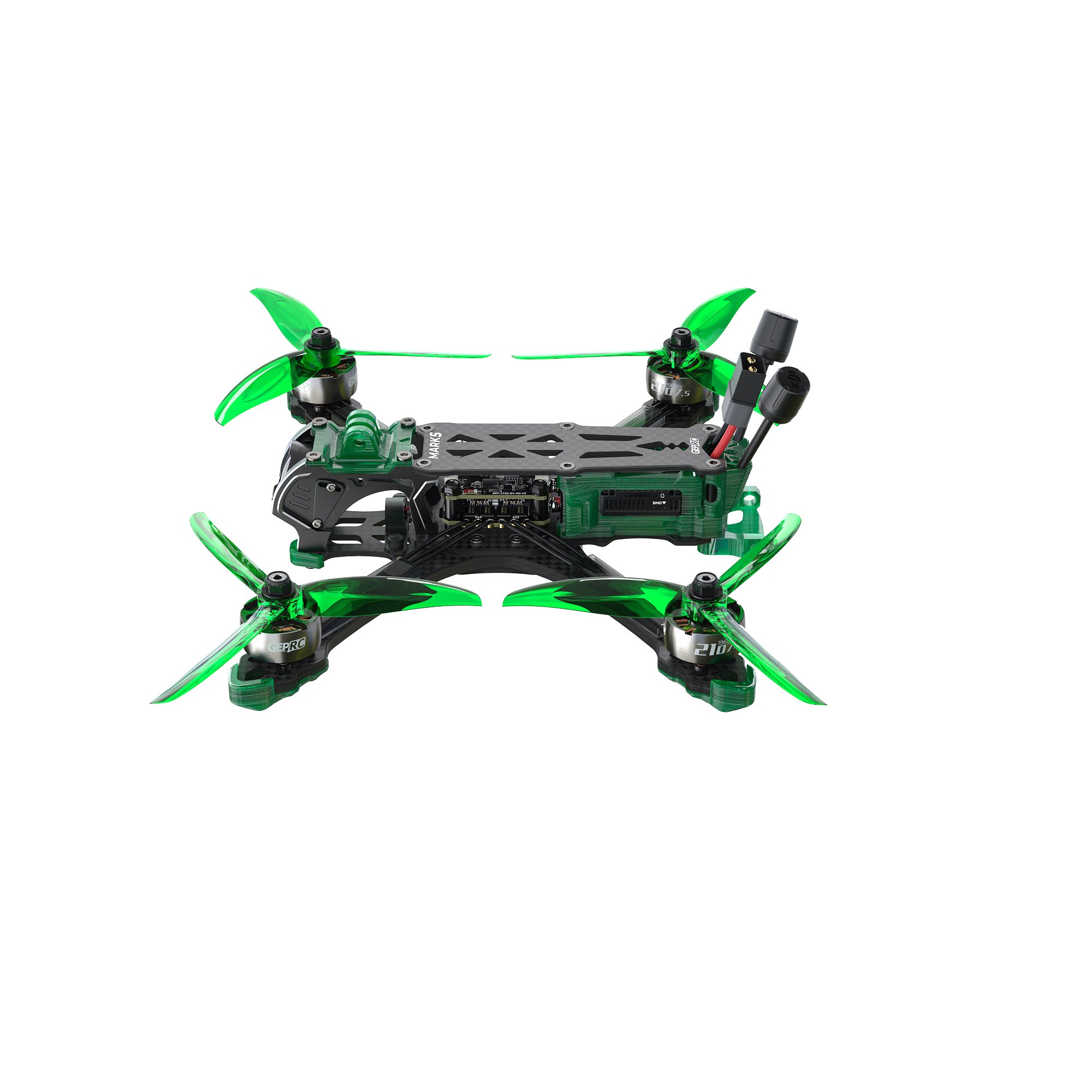
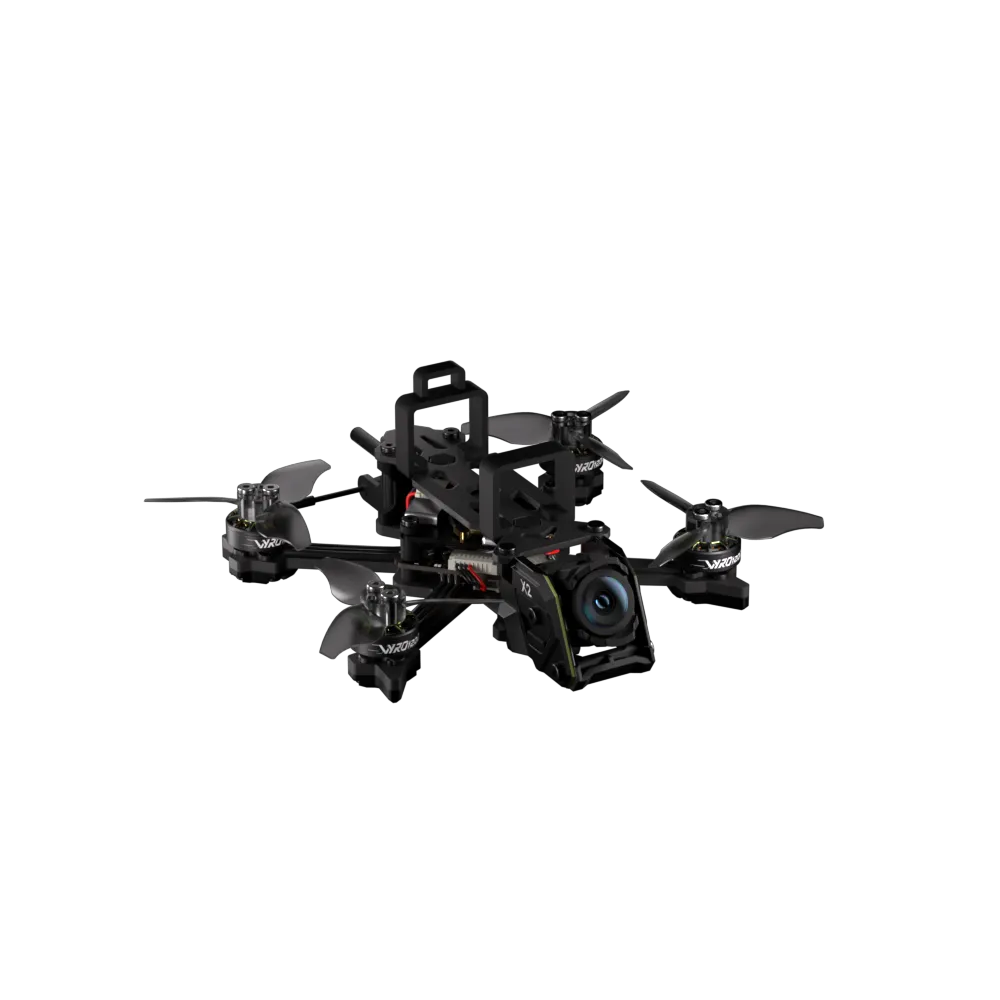
A pilot buys the MARK5 O4 Pro Wide X PNP and expects the aircraft to bind to an ELRS transmitter immediately. Before changing firmware, soldering another lead or returning the GEPRC MARK5 O4 Pro Wide X PNP 6S – Emerald Green, isolate which part of the system actually fails. This article focuses on a specific, repeatable setup problem rather than generic FPV buying advice.
PNP is not an ELRS receiver option—but it can use DJI control
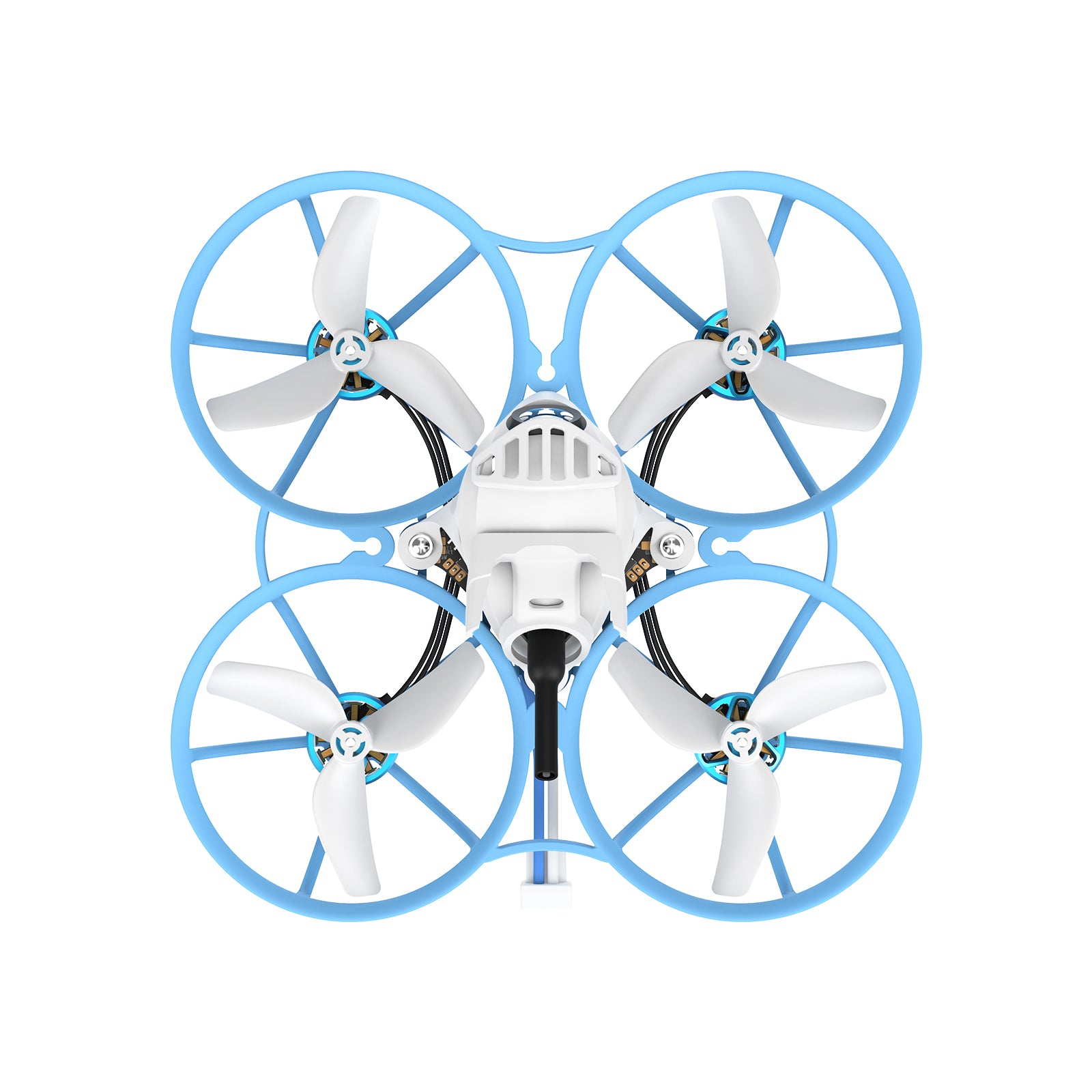
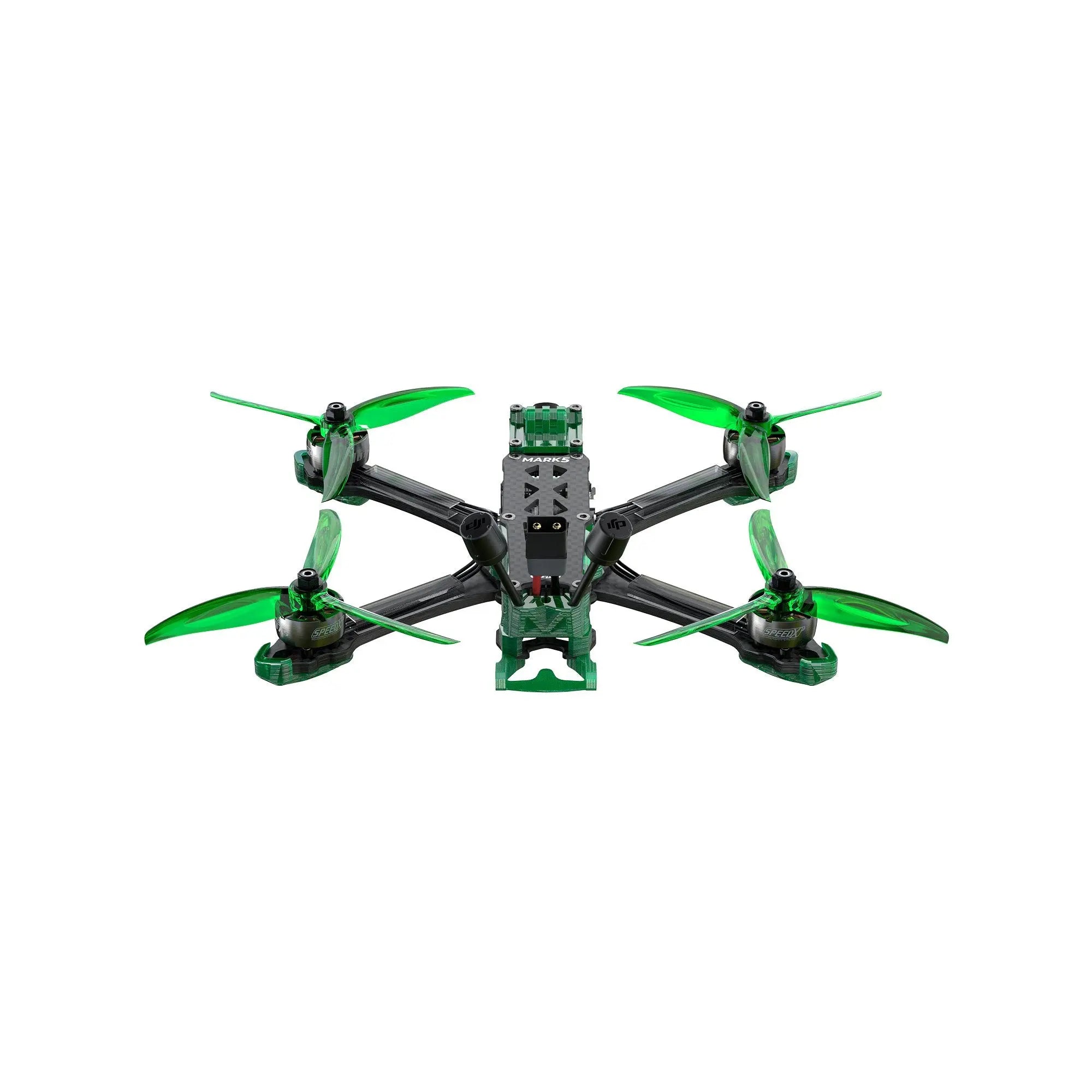
The GEPRC MARK5 O4 Pro Wide X PNP 6S contains DJI O4 Air Unit Pro digital video hardware. GEPRC sells this product family with different control-receiver options: PNP, ELRS 2.4GHz and TBS NanoRX. These are not interchangeable choices. PNP does not mean the aircraft’s DJI O4 air unit lacks all radio control capability. In GEPRC’s own receiver guide, the DJI PNP selection uses the DJI Air Unit’s built-in control receiver with a compatible DJI FPV remote controller; it simply does not include a separate onboard ExpressLRS receiver.
This distinction explains a common real-world return: a pilot with a RadioMaster ELRS radio buys the PNP variant and repeatedly tries ELRS bind mode. The aircraft can have a healthy DJI O4 video signal in the goggles, but no separate ELRS receiver exists to receive the RadioMaster control packets. Neither a new binding phrase nor reflashing the transmitter fixes missing hardware. The right solution is to use the supported DJI FPV controller path, or install a compatible external ELRS receiver with the correct wiring, Betaflight configuration and failsafe testing—or select the preconfigured ELRS version instead.
Four tests that distinguish PNP from ELRS problems
- Read the order option, not the frame photo. Compare the invoice and GEPRC product listing for “6S PNP” versus “6S ELRS 2.4G”. Confirm the aircraft battery is within the manufacturer-selected 6S configuration; control binding and battery voltage are unrelated faults.
- Separate video pairing from control pairing. DJI goggles displaying a clear O4 video image proves a video link, not that a separate ELRS control receiver is installed or bound. Video and stick input need independent verification.
- For DJI PNP control: Follow the compatible DJI O4 Air Unit Pro and DJI FPV remote-controller linking procedure for your supported controller model and current firmware; inspect the controller channels in Betaflight’s Receiver tab with propellers removed before attempting arming.
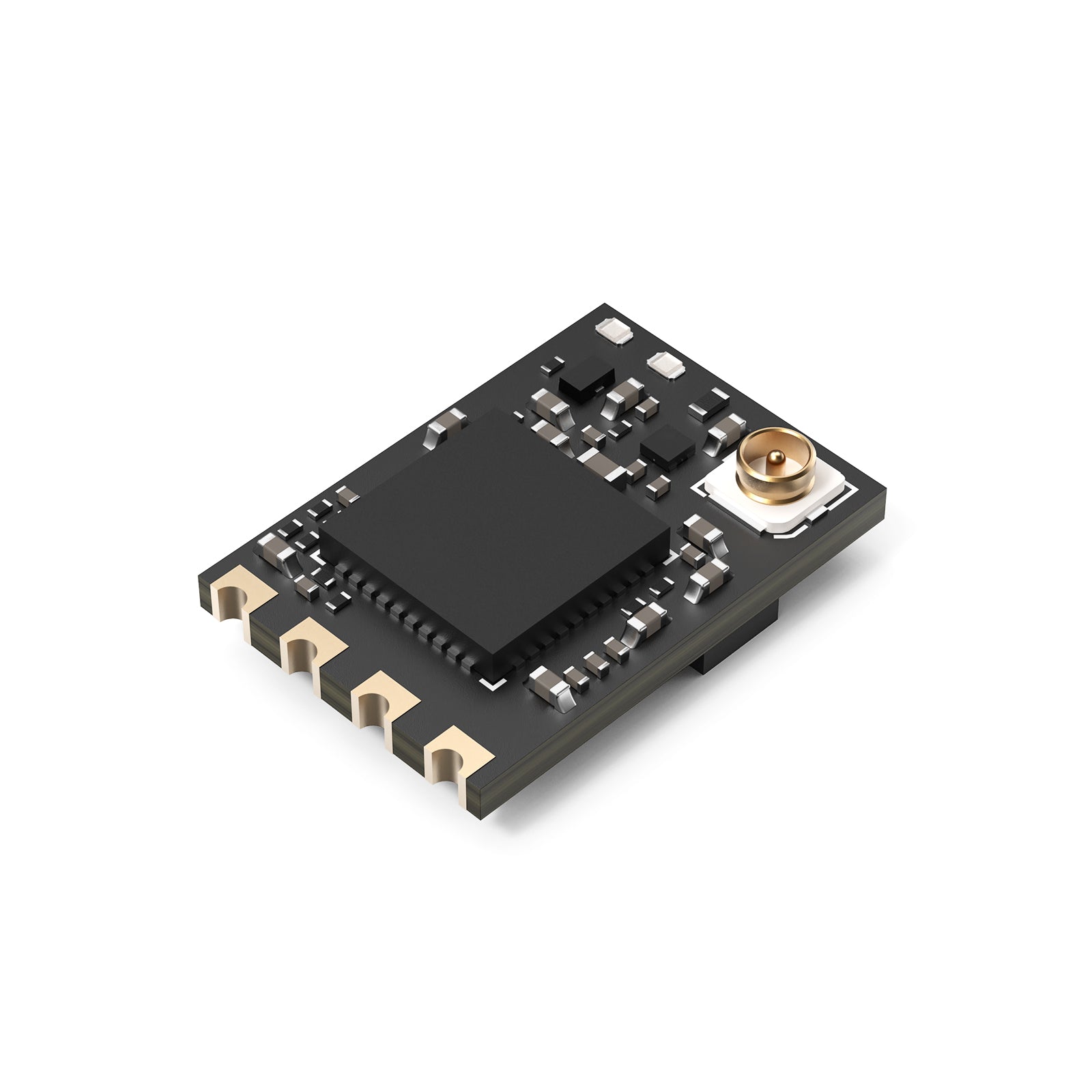
- For a RadioMaster/ELRS transmitter: Check whether a physical ELRS 2.4GHz receiver is installed and powered. If not, the PNP build cannot bind directly to the RadioMaster. A qualified installer can add the correct receiver, connect the appropriate UART and power supply, configure Betaflight Serial RX/CRSF protocol and confirm ExpressLRS major-version compatibility before testing failsafe.
Do not randomly flash flight-controller firmware to “add ELRS.” If a preinstalled ELRS version refuses to bind, then inspect its actual receiver power, LED pattern, TX/RX wiring, regulatory region, transmitter packet rate and firmware-major-version compatibility. Revisit the manufacturer-recommended Betaflight configuration after confirming which receiver is physically fitted.
Which setup do you own?
| MARK5 variant | Control receiver / supported approach | Typical symptom if misidentified |
|---|---|---|
| PNP + DJI O4 Air Unit Pro | DJI O4 integrated receiver; appropriate DJI FPV Remote Controller | ELRS bind never works because no separate ELRS RX was selected |
| ELRS 2.4GHz variant | Installed ExpressLRS receiver and compatible ELRS transmitter | No stick response if major versions, binding phrase or UART setup differ |
| TBS NanoRX variant | TBS Crossfire-compatible transmitter or module | A 2.4GHz ELRS-only radio cannot bind Crossfire directly |
For receiver-selection details, check GEPRC’s official VTX and Receiver Guide, the GEPRC Wide X model listing, and the ExpressLRS official binding documentation. This isn’t a case where a generic “try updating everything” instruction is responsible troubleshooting.
One assumption that causes expensive mistakes
A DJI O4 HD video link and an ELRS or Crossfire control link are separate systems; a video connection cannot substitute for a receiver. This matters because FPV products often share connectors while their firmware targets and safe voltage ranges are different. Use the original manufacturer’s system diagram rather than a video of another, visually similar build.
How to decide whether to repair or buy
Review GEPRC MARK5 O4 Pro Wide X PNP 6S – Emerald Green on FalconFly and match its actual stocked option with the existing setup. A missing ELRS receiver, an incompatible digital headset or the wrong motor mounting pattern cannot be fixed by endlessly changing rates and filters. Conversely, replacing a perfectly good component will not resolve a swapped polarity or broken strain relief.
For a new build, identify the entire chain on one worksheet: pack voltage, power-distribution ratings, FC, receiver control protocol, video system, camera, antenna, frame mounting and props. That checklist will reveal mismatch risks long before the first battery connection. After safe repairs, complete a restrained functional and failsafe check before normal flight operations.
FAQ
Why does the part power on but still not work correctly?
Power indicates only that some supply path is present. Signal protocol, correct firmware, connector integrity or supported operating mode can still be wrong.
Can I replace an original cable with one of the same length?
Only when the cable’s connector, pinout, impedance and manufacturer compatibility are confirmed; length alone does not establish equivalence.
When should I stop diagnosing?
Stop after unexplained heating, damaged conductors or uncertain propulsion and battery safety, and seek qualified repair assistance.
Related FalconFly guide
For broader practical context, read our FPV RTF versus BNF versus PNP receiver options guide. It complements this product-specific troubleshooting workflow.
Reference documents
Verify model-specific limits in the manufacturer’s technical documentation, and compare the required variant with the GEPRC MARK5 O4 Pro Wide X PNP 6S – Emerald Green product page.