BETAFPV 25mW Analog Air VTX: Why a Digital HD Receiver Shows No Video

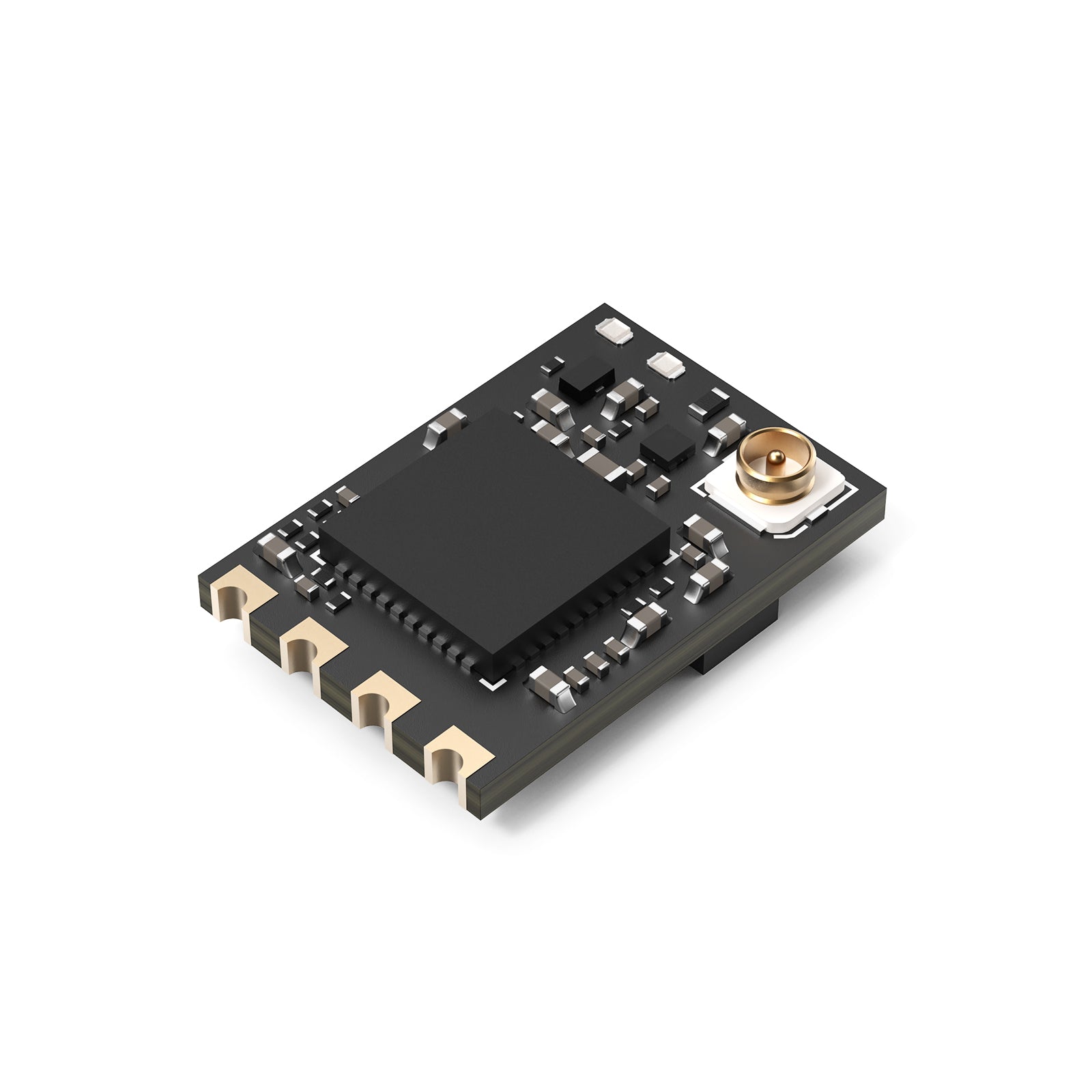
A pilot installs a BETAFPV Air VTX in a micro whoop, sees its power LED but no picture in VR04 HD or another digital FPV receiver. The VTX and goggles may both work correctly: BETAFPV Air VTX is a 5.8GHz analog FM video transmitter, not an ArtLynk P1 digital HD unit. It sends PAL/NTSC analog camera video on one of 48 channels at 25mW or a low-power PIT mode. No firmware or channel scan can make a digital-only receiver demodulate this different RF/video protocol.
Read the Air VTX specifications—not a generic “5.8GHz VTX” label
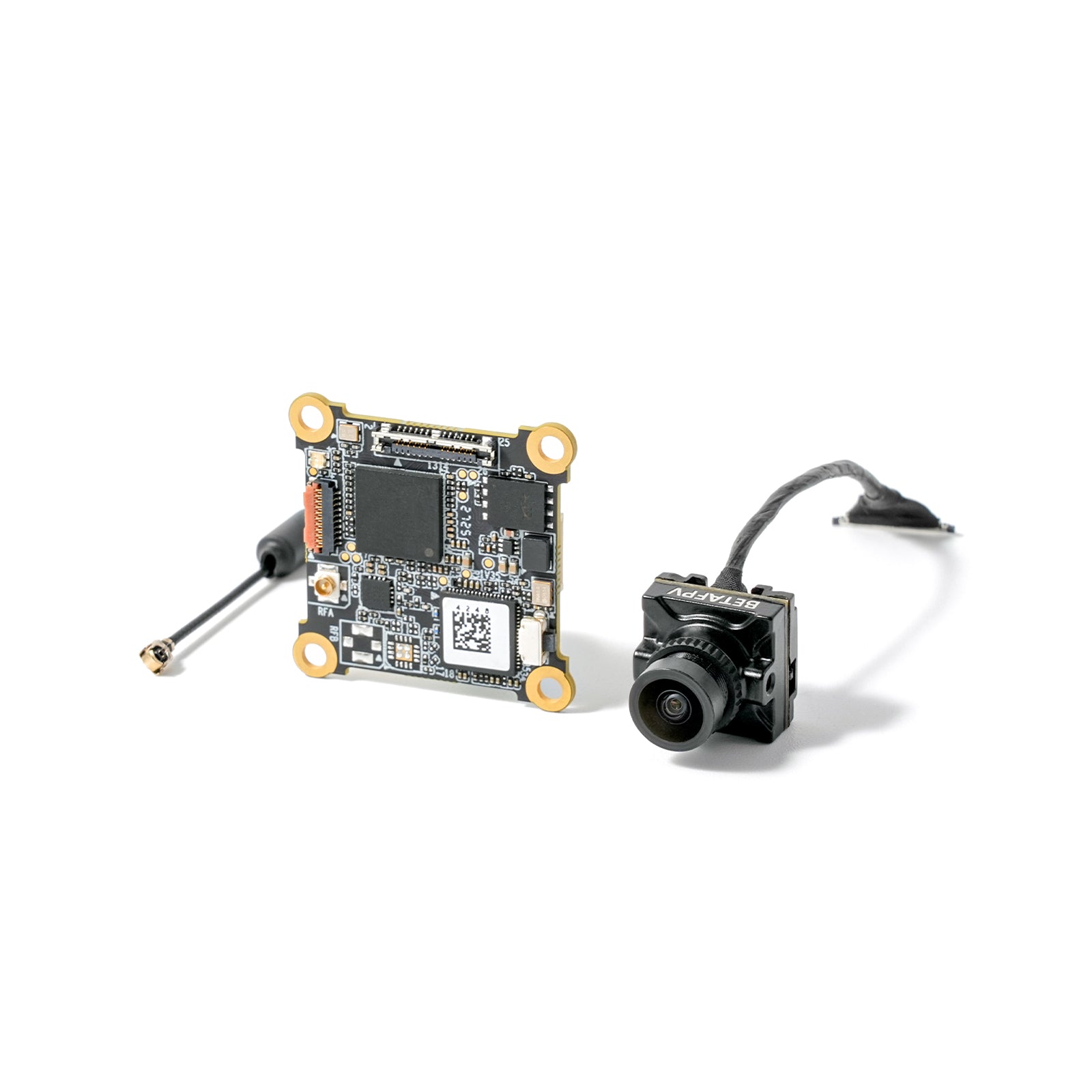
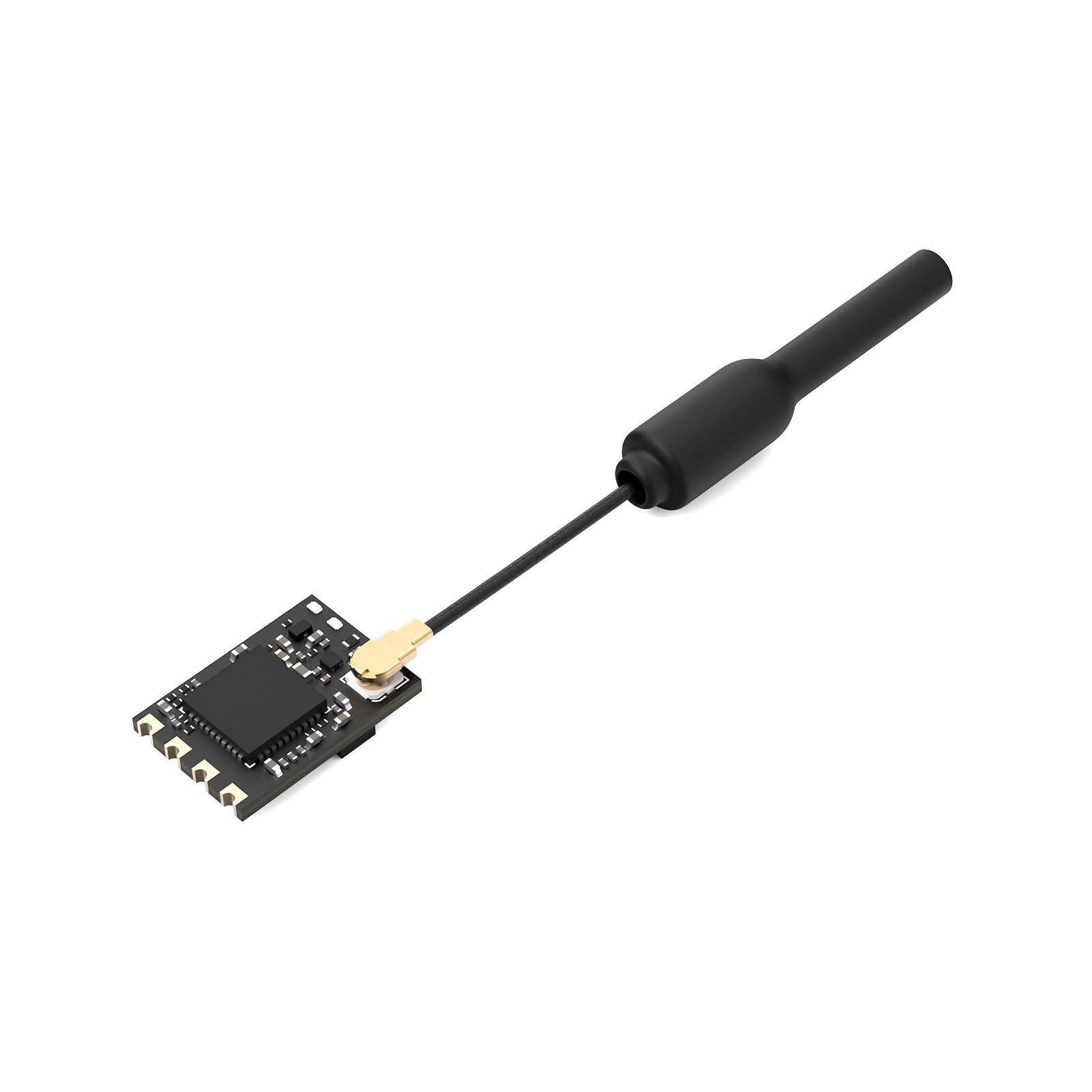
The BETAFPV Air VTX 25mW Analog Transmitter is a very small 14×10.5mm, approximately 0.6g board. BETAFPV specifies 5V input, approximately 150mA input draw at 25mW output, I-PEX/U.FL antenna connector, 48 analog channels, PAL/NTSC video and SmartAudio 2.0 channel control. Output selection is 25mW or PIT mode, rather than multiple hundred-milliwatt power levels. The manufacturer recommends it alongside the Matrix 1S 4IN1 FC for lightweight custom builds.
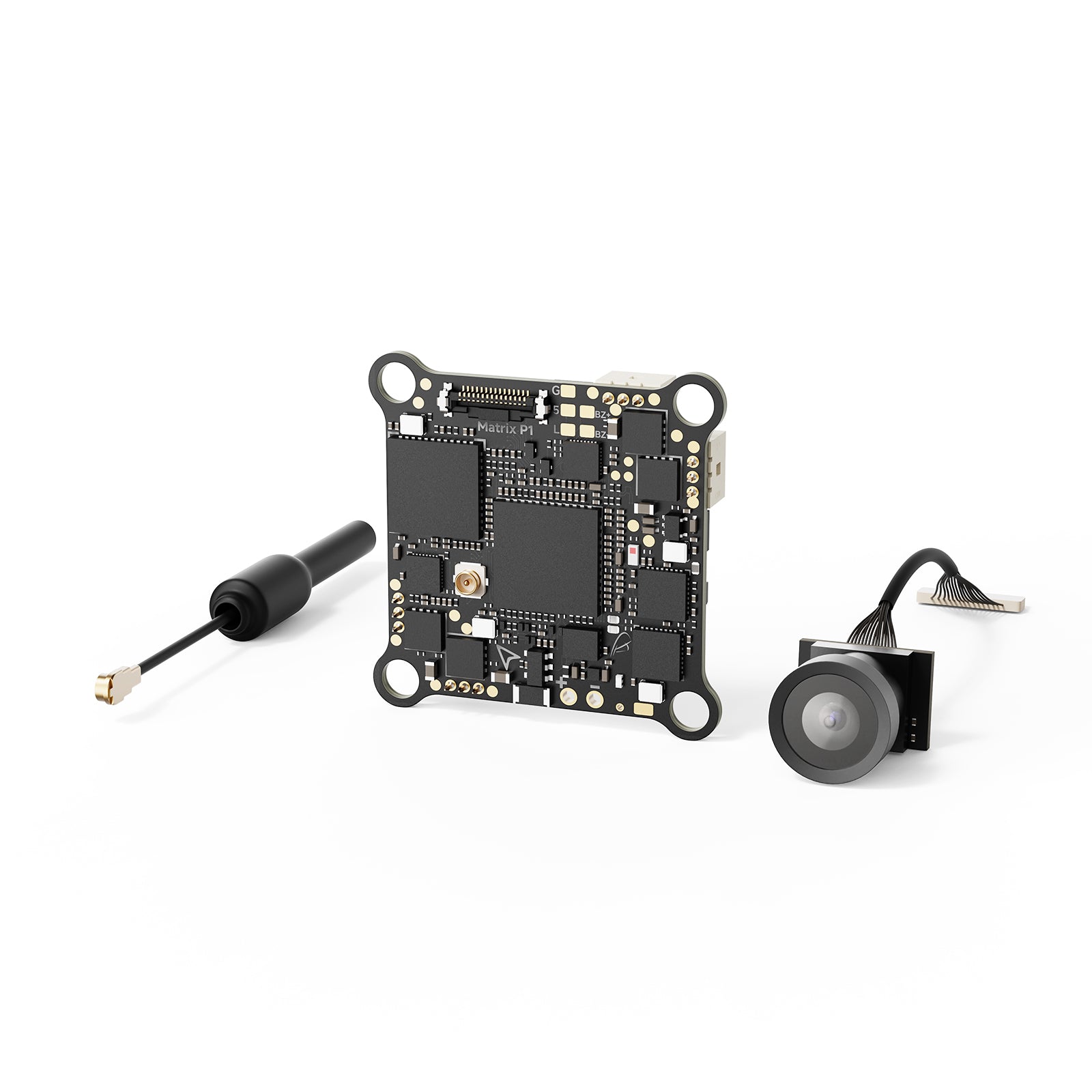
| Capability | BETAFPV Air VTX Analog | P1 ArtLynk HD VTX |
|---|---|---|
| Video format | Analog PAL/NTSC FM | Digital HD with ArtLynk protocol |
| Radio channel interface | 5.8GHz 48 analog channels | Digital link with its own binding and firmware support |
| Nominal transmitter power | 25mW or PIT | Model/firmware specific; not the same power table |
| Receiver | Compatible analog 5.8GHz FPV goggles/receiver | VR04 HD or other manufacturer-confirmed ArtLynk receiver |
| Camera compatibility | Supported analog composite video source | P1-compatible digital camera/air-unit system |
| Does the same 5.8GHz band make them interoperable? | No; RF frequency alone does not determine video protocol | |
What to check when goggles show black, blue or static video
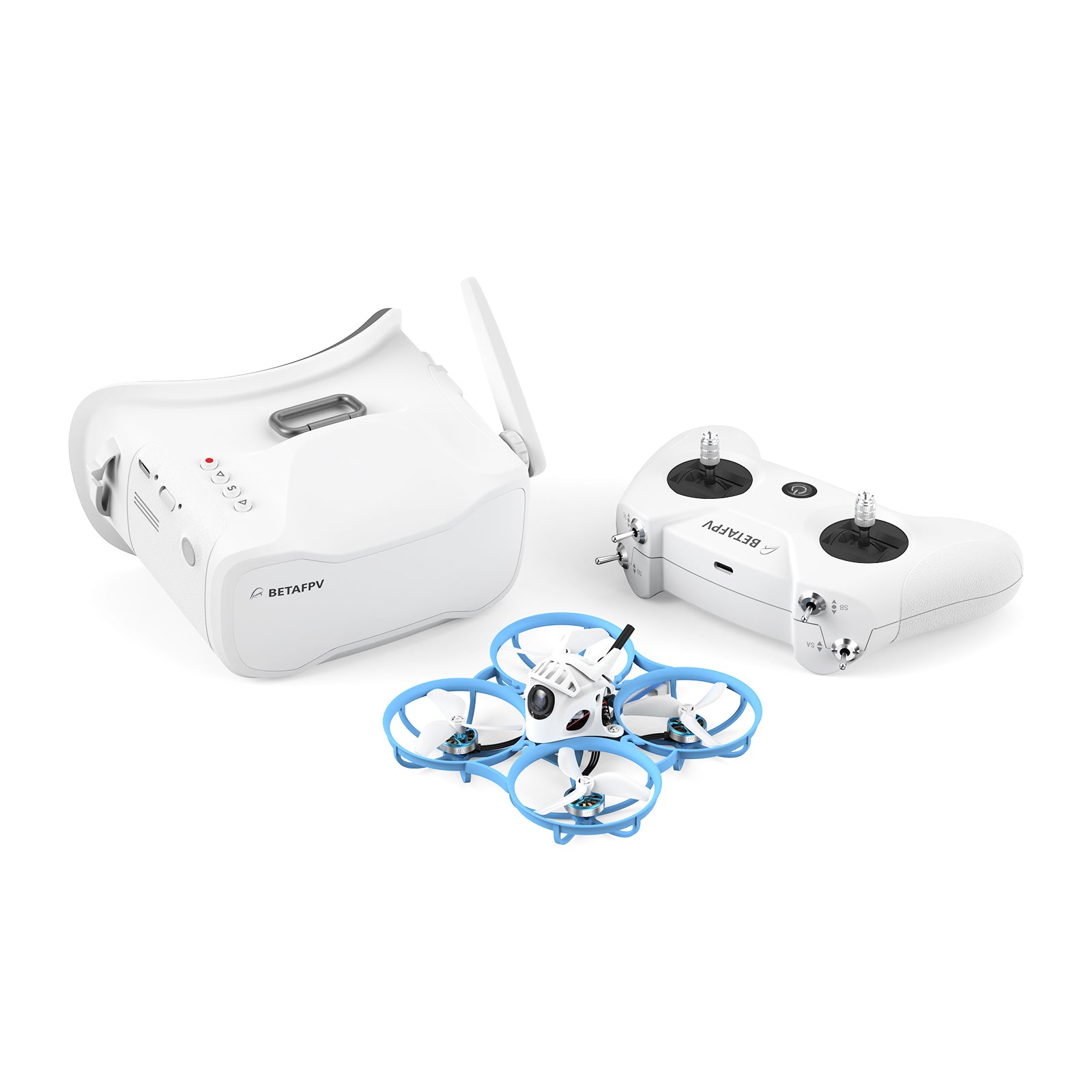
First identify which goggles receiver is actually installed. A BETAFPV VR03 analog goggle or another analog 5.8GHz receiver can decode an Air VTX when the camera, video line, channel and antenna are correct. A VR04 HD designed for BETAFPV’s digital ArtLynk environment does not become an analog receiver just because its display and antennas look similar. Likewise, DJI Goggles receiving O4 video do not directly decode an analog Air VTX unless a separately supported external analog video input/receiver path is explicitly present.
If the receiver is analog, inspect its exact band and channel. BETAFPV specifies 48 channels and RaceBand support. Set the receiver manually to the actual selected transmitter frequency if an automatic scan lands on the wrong adjacent channel. If the VTX is in PIT mode, signal strength can be extremely low: a scan from across the room may be unreliable even though the board is powered.
SmartAudio 2.0 is a control protocol, not the video signal
The Air VTX supports SmartAudio 2.0 for changing channel/power settings via a compatible flight-controller UART. That does not transport digital HD video. For Betaflight, verify the flight controller’s actual TX/RX UART assignment, configure the correct VTX control interface and use a matching analog VTX table so the requested channel and available PIT/25mW power states correspond to hardware. An empty VTX tab or wrong power-level table can prevent configuration without explaining digital receiver incompatibility.
A common wiring mistake is connecting the VTX’s control lead where an analog video source should go or mapping SmartAudio to the same UART resource used by ELRS or GPS. Before changing firmware, draw the power, ground, video and control paths from the original BETAFPV diagram and check each one separately. Do not repurpose arbitrary FC pins based on another model’s screenshot.
Why the 5V input rating matters
BETAFPV specifies 5V for this tiny transmitter. A fully charged 1S LiHV cell may reach about 4.35V, while a 2S LiPo reaches 8.4V. Even if the VTX is used in a drone with a higher-cell battery, it must be fed by a manufacturer-approved suitable 5V rail, not a raw 2S/3S flight-pack lead. The nominal current draw is 150mA at 5V for the 25mW mode, which must be included in the FC regulator load budget.
Do not assume a weak, sagging or overloaded 5V rail is healthy merely because the VTX’s status LED lights briefly. Brownouts can cause the RF module to reset or fall into unexpected settings. Inspect supply voltage with an appropriate safe procedure and isolate other loads if a repeatable problem begins after adding a GPS, buzzer or lighting accessory.
Seven steps for a working analog picture
- Identify the actual system: confirm this 25mW analog Air VTX, not P1 HD or DJI O4, and choose a supported analog camera and receiver.
- Remove propellers and disconnect the battery before rewiring: inspect tiny pads, connector insulation and the I-PEX RF antenna for damage.
- Verify regulated 5V: confirm power and ground are connected to a regulator with enough spare current for the VTX and camera.
- Verify analog camera video: ensure the camera’s composite signal feeds the proper VTX video input, not an ELRS receiver UART or digital camera connector.
- Install the correct RF antenna: do not run the VTX without the proper antenna or use a connector that fits badly and may damage the RF output.
- Match receiver channel: set a compatible analog receiver to the transmitter’s exact 5.8GHz band/channel and check PIT versus 25mW output.
- Review SmartAudio only after video works: validate the FC UART and Betaflight VTX table, then check the supported region’s allowed channel/power.
When is the Air VTX the right choice?
Its very low 0.6g mass makes it suitable for weight-sensitive analog micro builds, but 25mW is not a high-power long-range RF setup. Expect real range to depend on the antennas, interference, receiver sensitivity, power and operating environment. Do not increase output beyond the manufacturer’s actual power options or treat a menu that lists 400mW as proof this hardware can deliver it.
If the user specifically wants P1 ArtLynk HD, the correct route is an approved P1 digital air unit and compatible VR04 HD goggles, not a firmware change to an analog Air VTX. If they want an existing VR03 analog kit to keep working, a compatible analog video system is the natural choice.
Official manufacturer references
BETAFPV’s Air VTX specifications list 5V/150mA, 25mW/PIT, 48 analog channels, I-PEX and SmartAudio 2.0. See the matching analog Air VTX on FalconFly. For more protocol context use our analog versus digital FPV overview and Betaflight analog VTX table troubleshooting.