Original SkyRC B6neo vs B6neo 2: Is an Upgrade Worth It for USB-C FPV Charging?

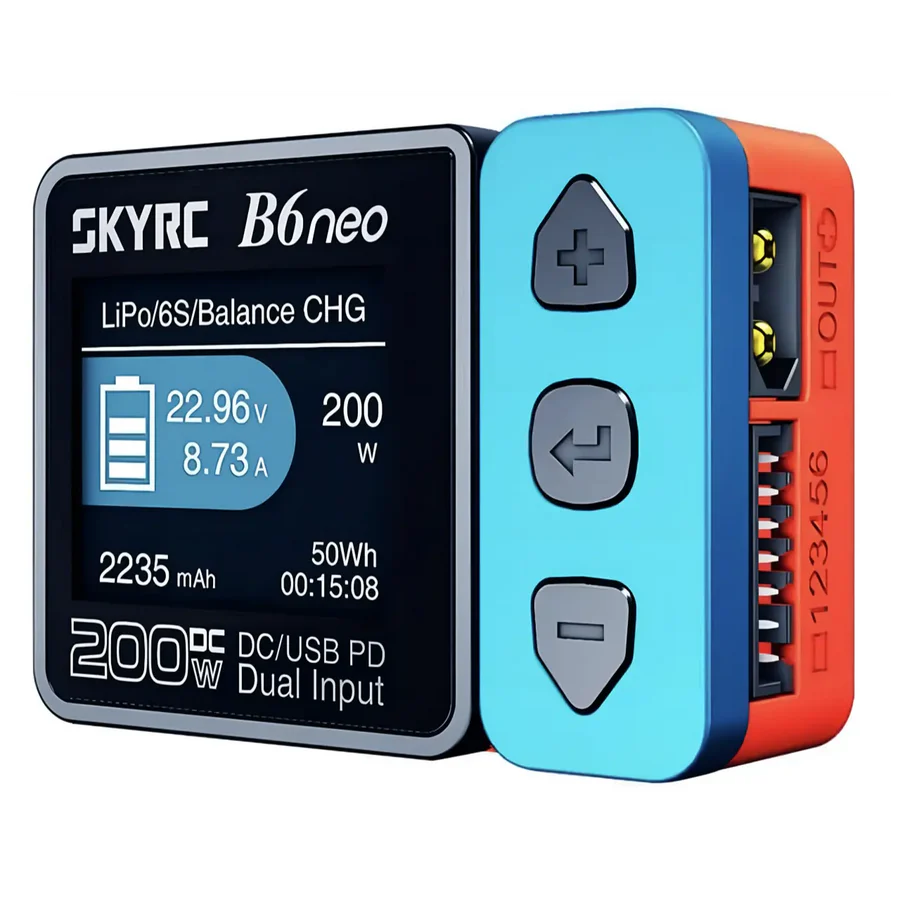
Two compact chargers can look almost identical while having quite different limits on the workbench. The question for an FPV pilot is not “Which has the bigger number?” but “Which input do I actually use, and which battery does that input have to charge?”
On a USB-C travel charger, the upgrade is smaller than it sounds
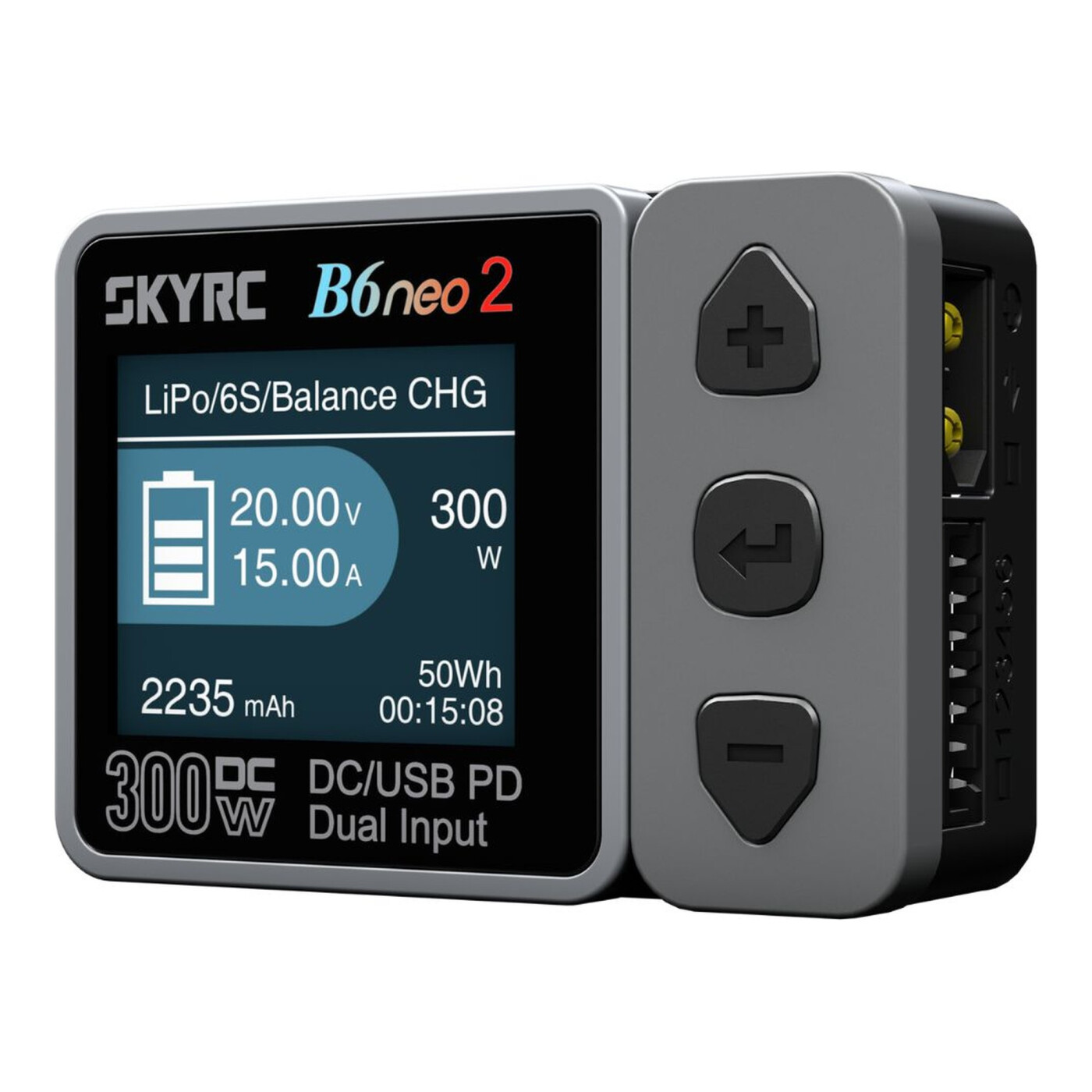
The original B6neo and B6neo 2 are each limited to 80W charging from USB-C PD. The headline difference is DC input: the older B6neo reaches 200W at up to 10A, while B6neo 2 reaches 300W at up to 15A when supplied by an appropriately rated DC system. If your field power bank cannot deliver more than 80W PD, neither will become a 300W charger just because of a firmware update.
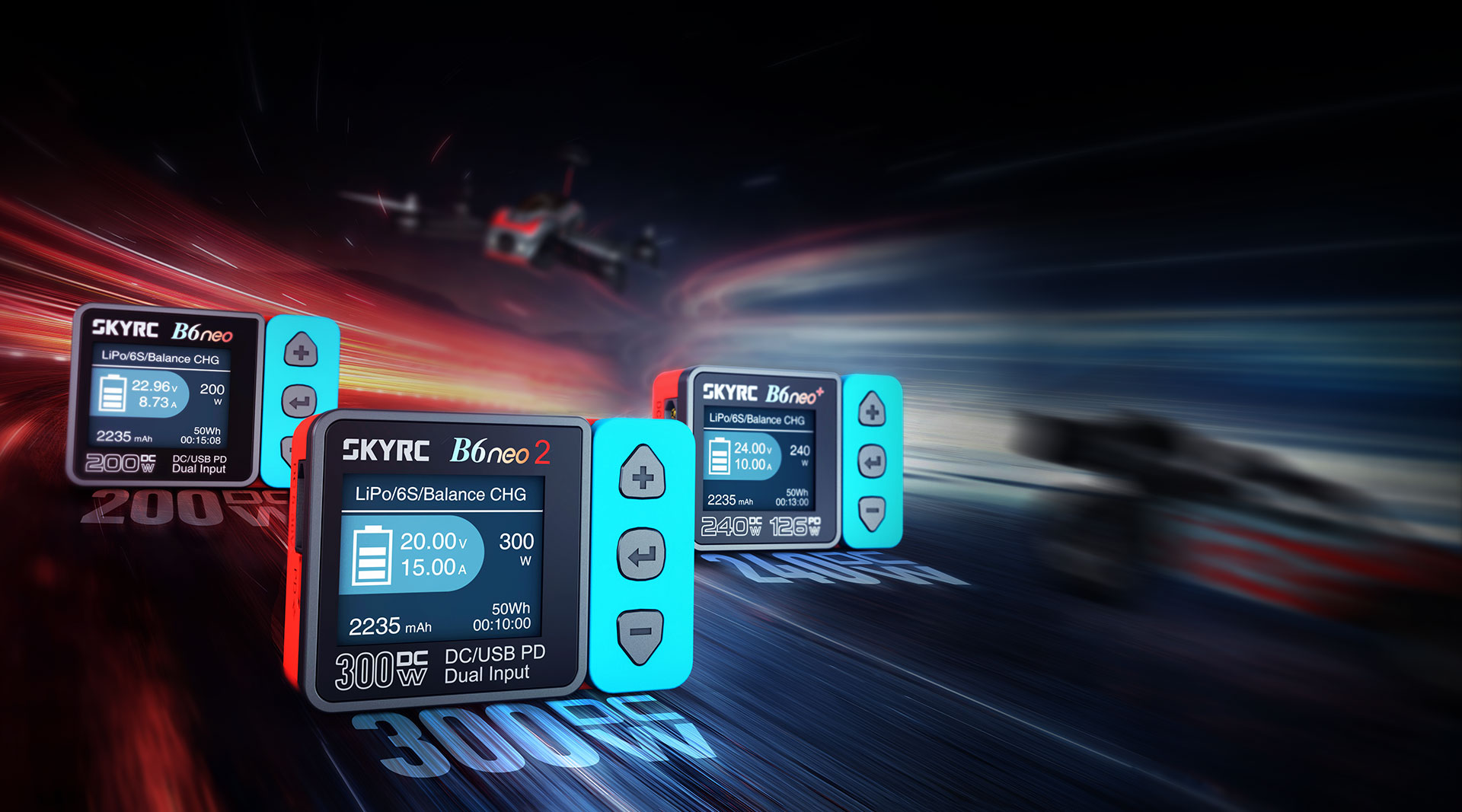
| Specification | B6neo | B6neo 2 |
|---|---|---|
| Max charging power, DC | 200W | 300W |
| Max charging power, USB-C PD | 80W | 80W |
| Max charge current | 10A | 15A |
| Max discharge power (specified setup) | 29.5W | 24W |
| Supported lithium packs | 1–6S | 1–6S |
Which one should you buy?
Scenario A: hotel room and USB-C PD charger
Both models share the 80W PD ceiling. A travel pilot charging 1S, 2S or modest 4S packs may see very little real benefit from the B6neo 2’s headline DC specification. Check that the USB supply delivers the appropriate PD profile.
Scenario B: a pit table with a properly rated DC power supply
On a well-planned DC bench, the newer model can exploit more output, subject to battery charge-current ratings and heat management. This matters more for larger 6S packs than for tiny whoops. Keep an appropriate power reserve at the supply—do not select an input source exactly on the ragged edge of the charging demand.
Scenario C: storage-discharge priority
Do not assume that B6neo 2 is faster at every function: SkyRC’s specified maximum discharging power for the original B6neo is higher in its stated test condition than the B6neo 2. Charging power, discharging power and balance current are different metrics. If storage routines are a major reason to buy, read that specification carefully.
Checks that matter more than the model label
- Know the battery chemistry and its approved target voltage.
- Match 1–6S lithium cell count and verify the balance lead.
- Keep an intact, correctly polarized XT60 connection and an adequate DC supply for high power.
- Pick charging current to the battery’s rating, not simply the charger’s maximum.
- Review actual thermal behaviour; never charge packs unattended.
FAQ
Is B6neo 2 always faster on USB-C?
No. Both are 80W maximum on USB-C PD; actual speed depends on pack state, source negotiation and battery specifications.
Does a 300W charger mean 300W from the wall socket?
No. These are DC/PD-input compact models, not standalone AC mains chargers. Select the appropriate external power source.
Related FalconFly guide
For broader practical context, read our SkyRC B6neo+ and iMars D300 Plus charger comparison guide. It complements this product-specific troubleshooting workflow.
Which upgrade actually changes the charging workflow?
If you charge only from a power-bank USB-C PD source, both the original B6neo and B6neo 2 share the 80W maximum USB-C input/output mode. The bigger upgrade is on a suitable external DC input: the original model’s maximum is 200W and 10A, versus 300W and 15A for the B6neo 2. A user who charges 1S whoop packs, small 4S freestyle packs or a 6S battery at a conservative 1C may not benefit from the extra DC ceiling. A user with a high-wattage DC field supply and appropriately rated larger packs may.
| Purchase scenario | What drives the decision |
|---|---|
| USB-C travel charging | Both models are capped at 80W; compare price, user interface and available functions |
| 6S LiPo charge at 1–3A | Generally far below 200W, so charger generation may not be the bottleneck |
| Higher-current large pack through DC | B6neo 2 offers 300W/15A versus original 200W/10A, provided the pack and supply permit it |
| Multiple batteries in a flight day | Both are single-channel devices; compare with a genuine dual-channel charger or safe approved serial/parallel accessory |
What the 15A rating does not authorize
Maximum charger current is only one constraint. Battery chemistry, C-rate, temperature, pack capacity, balance state and wiring are independent requirements. A 6S 1000mAh pack charged at its approved 1C rate uses only 1A regardless of whether the charger could produce 10A or 15A. Conversely, a high-capacity pack may need more power at a safe current than an 80W USB-C supply can provide. Calculate required wattage and check the specific battery’s approval before prioritizing a headline number.
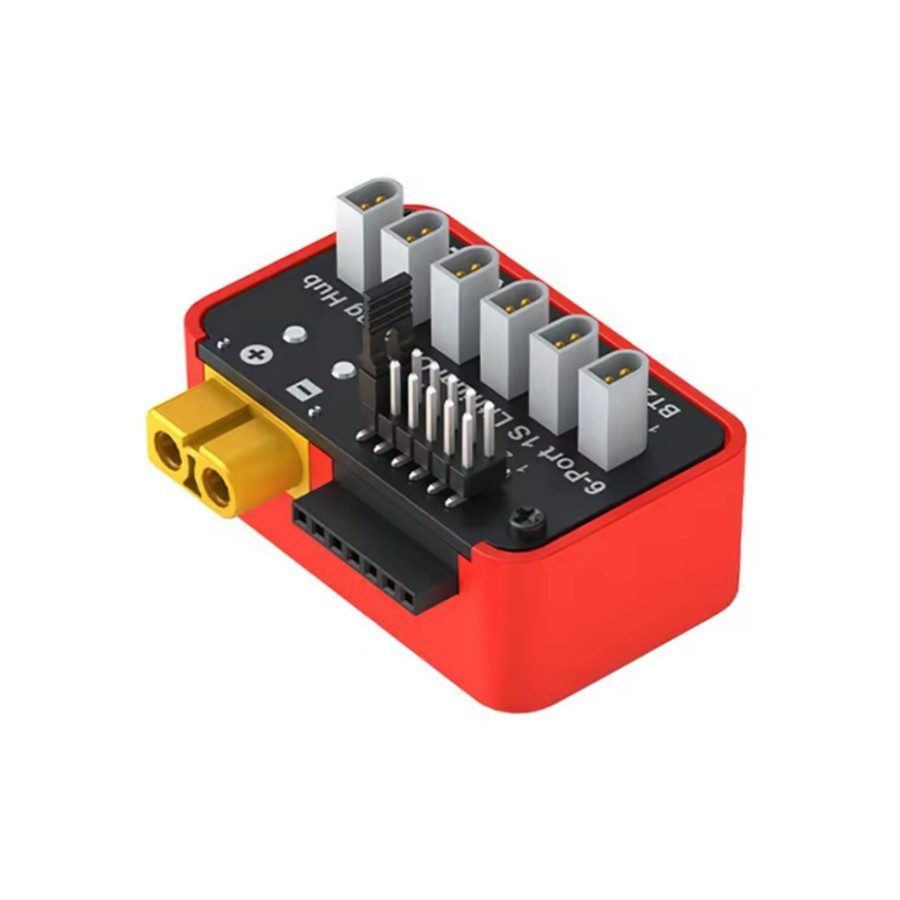
A B6neo 2 also does not become a dual-channel charger when two batteries can be connected through a separately sold hub. Such arrangements have their own cell-count, balancing and electrical constraints. Buyers should select equipment based on how many independent packs and chemistries they need to supervise, not simply on the maximum number of plugs.
Power-budget worksheet: when 200W is already enough
Use the pack’s expected charging voltage, not only its nominal voltage, when estimating peak demand. For example, a standard 6S LiPo approaches 25.2V near full charge. At a battery-approved 2A, that is approximately 50W delivered to the pack; at 5A it is about 126W. Conversion losses mean the external supply must provide more than those figures. A 300W rating therefore makes little difference to the 2A case, whereas the 5A case can exceed the USB-C 80W ceiling while remaining within either model’s nominal DC output limit. This is a planning estimate, not permission to charge a battery at 5A: always follow its own manufacturer’s current limit.
The newer charger is not simply a higher-power version in every respect. SkyRC lists a DC input range of 10–28V for the original B6neo and 7–28V for B6neo 2, while both accept PD3.0/QC input at 12–20V. The B6neo has a maximum 500mA balance current; the B6neo 2 lists 550mA. Yet SkyRC’s published maximum discharge-power figures are 29.5W and 24W respectively under their specified conditions. Those figures should not be mixed up with charge output, and they do not imply constant discharge power at every battery voltage.
Bench test before deciding to upgrade
- Record the source. Identify its DC voltage and continuous wattage or the USB-C PD profile actually negotiated; a connector shape alone proves neither.
- Check battery condition. Inspect the pack and balance lead, confirm chemistry and cell count, and stop if it is damaged, swollen or abnormally warm.
- Run a conservative balance-charge session. Use a manufacturer-approved current and record input voltage, pack voltage, output current and any power-limit message. Keep the charger supervised on a nonflammable surface.
- Repeat only with a supported alternative input. If charging is limited on USB-C, compare with a correctly rated XT60 DC source rather than forcing a different PD voltage or improvising adapters.
- Make the buying decision from the bottleneck. If the battery’s approved current or the USB-C source is the limit, the 300W model will not solve it. If a safe DC-powered workflow repeatedly reaches the original 200W or 10A ceiling, the newer model can be relevant.
For source specifications and firmware documentation, use the manufacturer’s B6neo family comparison. Firmware, power profiles and accessories can change, so check the exact hardware revision before following instructions written for B6neo+, which has different capabilities.
Reference
SkyRC model-comparison and power-input specification. View both B6neo and B6neo 2 at FalconFly.