BETAFPV P1 Air Unit: Why ArtLynk Goggles Refuse to Bind After Firmware Update

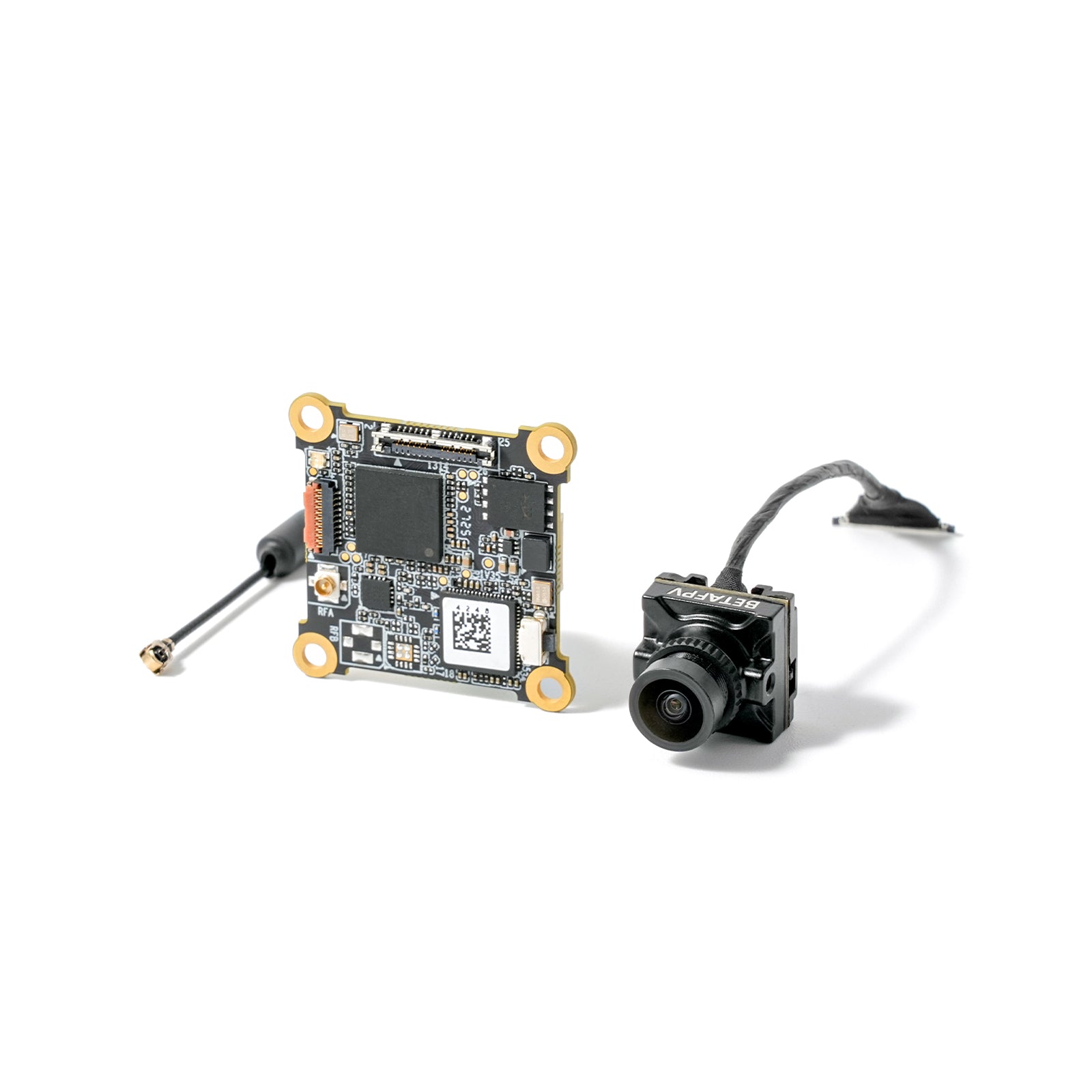
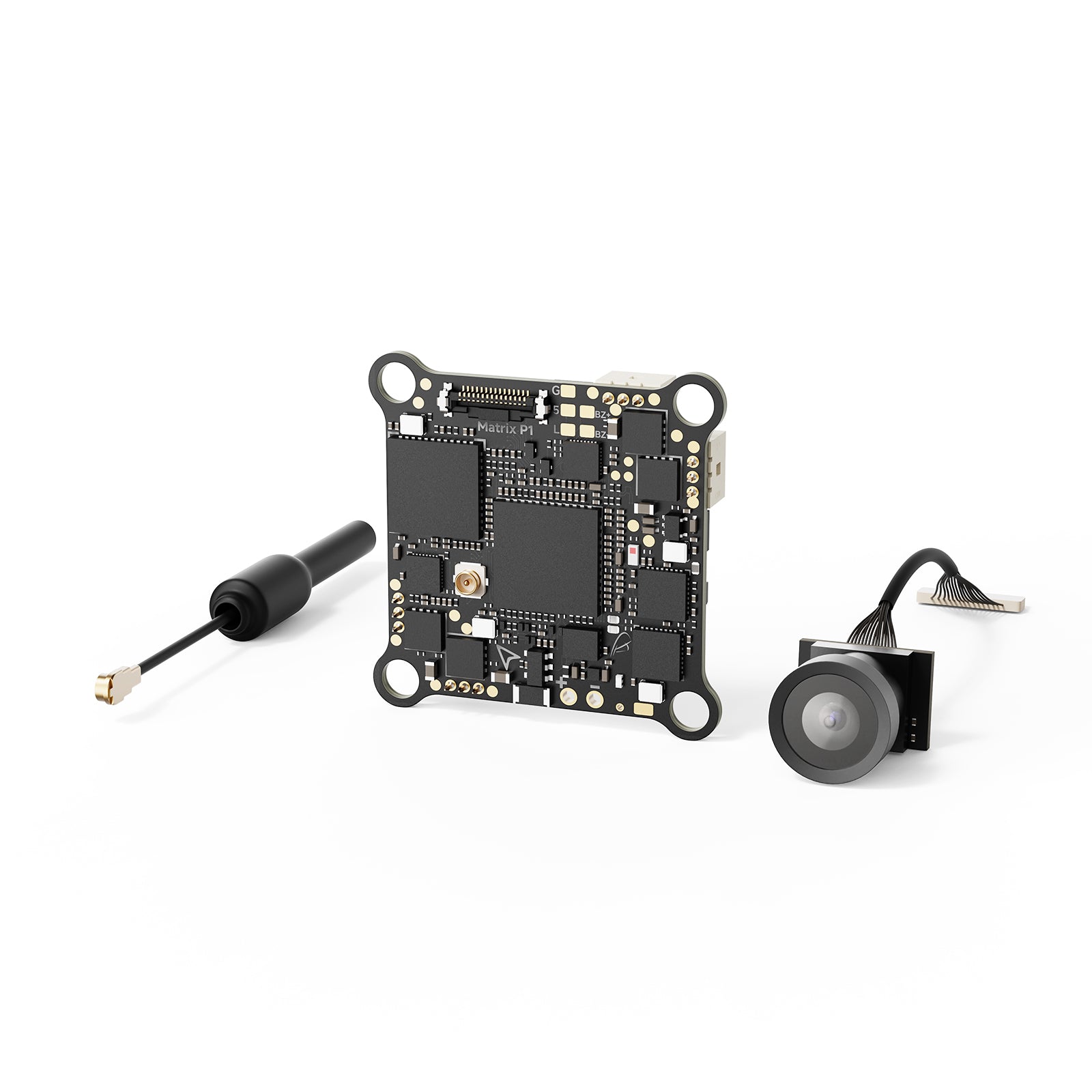
The BETAFPV P1 Air Unit powers on, the whoop’s ELRS control link works, but VR04 HD goggles refuse to bind after an update. BETAFPV’s firmware release notes identify a specific compatibility boundary: V1-generation ArtLynk firmware cannot bind with V2-generation firmware. Check the actual version on both the P1 video unit and the goggles before replacing the camera or rebuilding the flight controller. A working RC receiver is not evidence that the separate digital video protocol is compatible.
Why a working P1 can suddenly refuse to bind
The BETAFPV P1 Air Unit is part of the ArtLynk digital-video ecosystem. Its video pairing is separate from the aircraft’s ExpressLRS or other control receiver: a drone can respond to the transmitter while the VR04 HD goggles still show no P1 picture. That difference is diagnostic, not cosmetic.
BETAFPV’s September 2026 firmware notes make one particularly important point: V2-generation firmware cannot bind with V1-generation firmware. The manufacturer’s V1 examples include 1.0.36 and 1.0.44; its published V2 family includes 2.0.5, 2.0.6 and 2.1.2. Do not attempt repeated binding between mismatched generations. Verify the exact installed build on both devices before changing hardware.
Firmware compatibility: the decision table
| VR04 HD firmware | P1 Air Unit firmware | Likely outcome | Safer corrective path |
|---|---|---|---|
| V1 | V1 | Same generation; binding may work | Keep a known-good pair unless a documented feature requires upgrading |
| V1 | V2 | Incompatible generations | Update VR04 HD to a compatible V2 build following BETAFPV’s release instructions |
| V2 | V1 | Incompatible generations | Use BETAFPV’s documented recovery procedure; some workflows require first returning the ground station to V1 before bringing both forward to V2 |
| V2 | V2 | Generation aligned | Check the supported exact version, bind procedure, regional mode and antenna/power integrity |
Bench workflow before another firmware flash
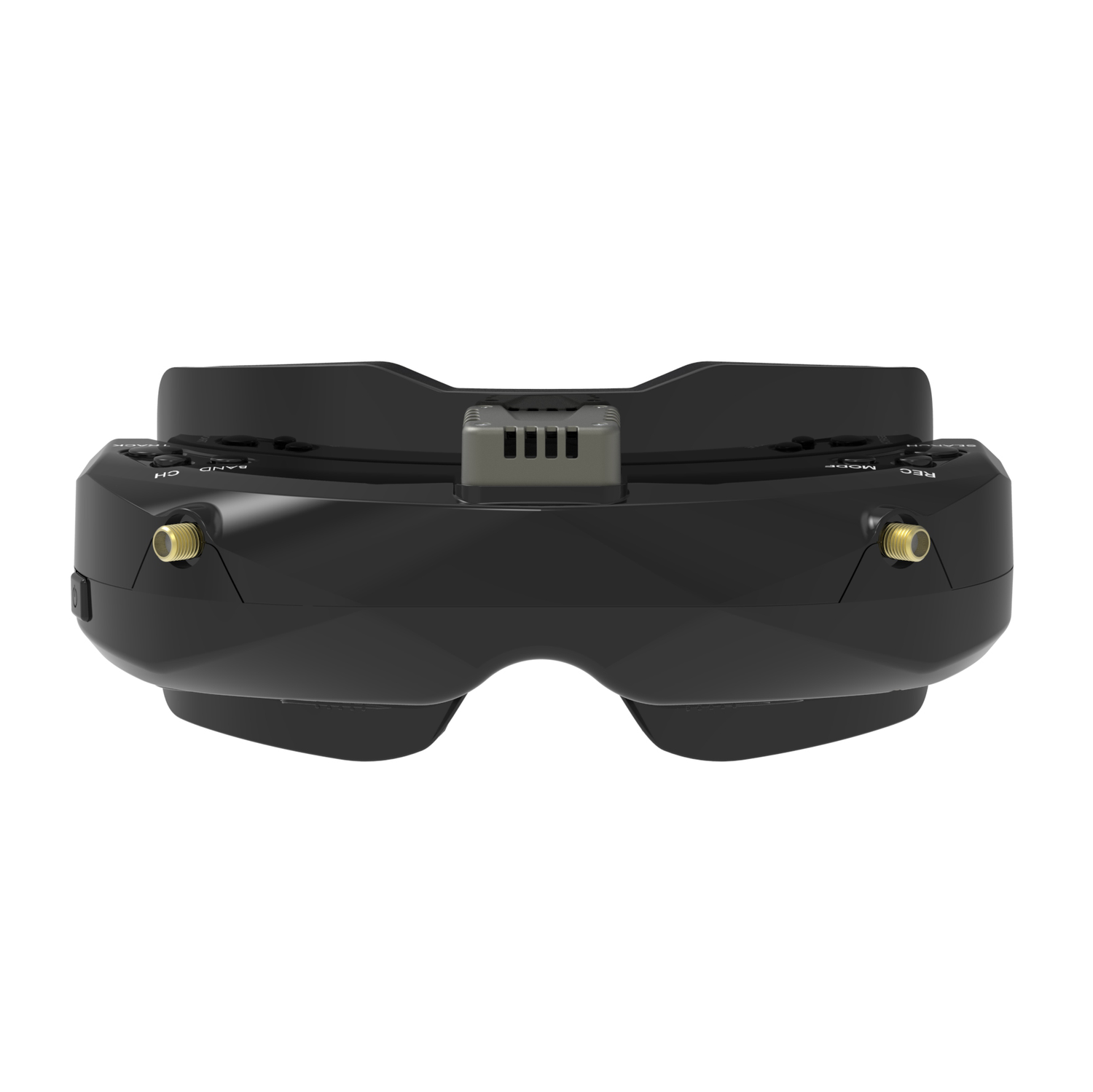
- Remove all propellers. Confirm the P1 and VR04 HD are genuine ArtLynk-compatible devices; analog VR03 goggles and DJI O4 goggles are not drop-in substitutes for the VR04 HD receiver.
- Capture the current state. Photograph the versions shown in the goggle menus, save any error text and record whether a live image worked before the update. Firmware generation matters more than whether the hardware LEDs appear normal.
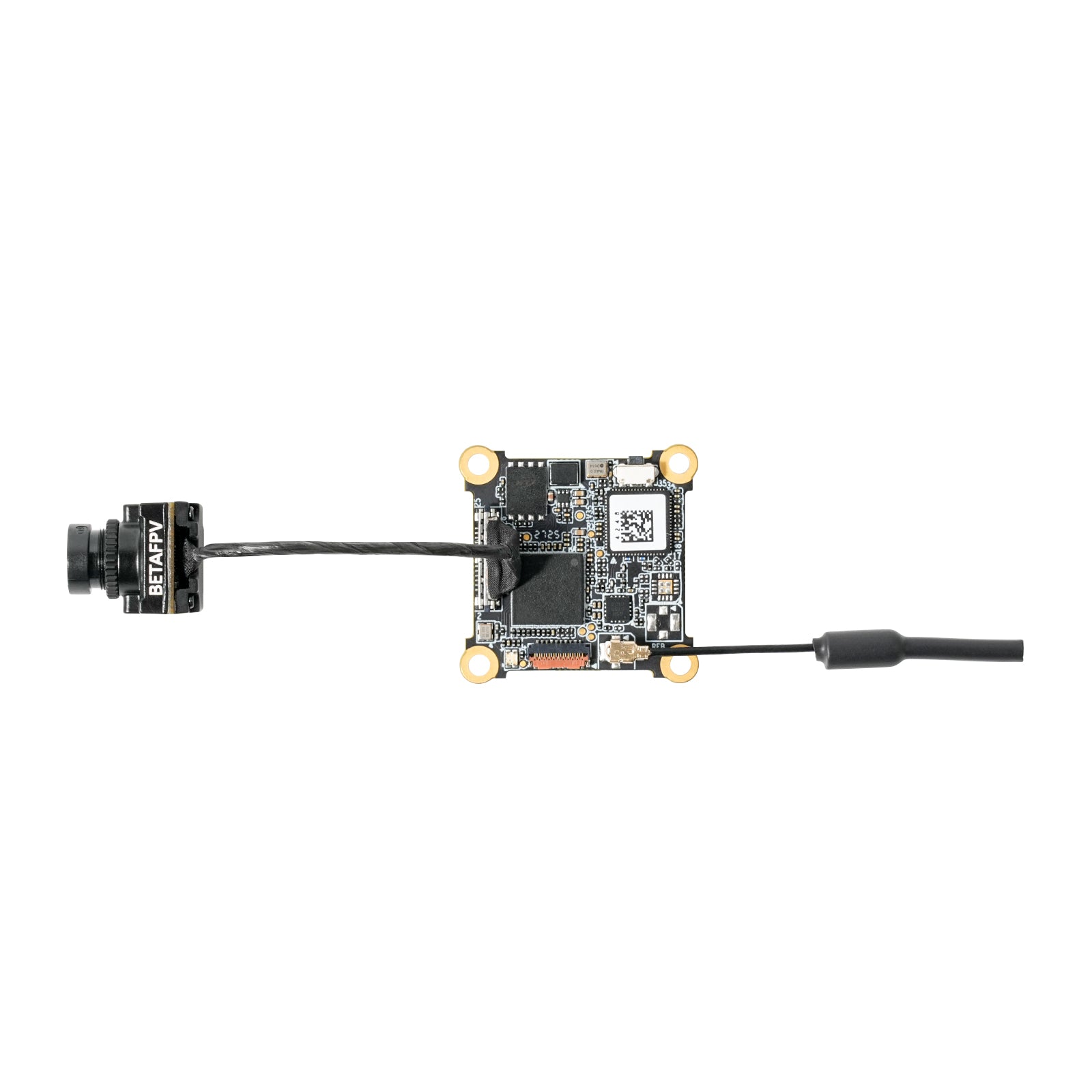
- Inspect the video system separately. Check P1 input supply, camera ribbon seating, antenna connections and whether the unit becomes excessively hot during bench operation. Do not assume a bound flight controller means a bound video link.
- Follow the documented update sequence. BETAFPV describes firmware distribution through the ground station; the air-unit update normally uses the goggles and the supplied firmware files. Prepare the correct files on the microSD card, keep stable power and do not interrupt flashing.
- Verify and rebind after reboot. Confirm the firmware version on both devices, restart both, initiate the documented pairing sequence and test the image with motors disabled.
Do not flash a downloaded image merely because it has a higher version number. Check compatibility with the exact VR04/P1 hardware revision and follow the release notes. If a supported pair still fails, preserve logs and contact the manufacturer rather than cycling through unrelated radio settings.
What does a successful test actually prove?
| Result | Useful conclusion | Still to check |
|---|---|---|
| Part powers on | Some supply path is working | Full voltage headroom, signal integrity, operating mode |
| Radio or video link connects | A compatible transport is present | Failsafe, legal RF channel and link margin |
| Static bench check passes | One controlled condition is satisfied | Cooling, vibration, real loads and safe preflight |
Control link versus HD video link: two separate fault paths
If the drone responds to stick input but the goggles are blank, prioritise ArtLynk firmware alignment, video pairing, air-unit power and camera/antenna connections. If the video works but the sticks do not, focus on the separate control receiver, transmitter protocol and safe failsafe configuration. Changing an ExpressLRS binding phrase does not repair an incompatible ArtLynk V1/V2 pair.
A binding failure that begins directly after an upgrade strongly points to a version or flashing-workflow question, but it is not proof: confirm the actual build numbers. If the fault began after a crash, physically inspect the video antenna and camera lead before flashing again.
Manufacturer evidence: BETAFPV’s P1 firmware release notes and the official ArtLynk compatibility chart. For illustrated independent troubleshooting, see Oscar Liang’s firmware workflow.
What to order, and what to keep
When buying a replacement, match the manufacturer-approved version and check BETAFPV P1 Air Unit HD VTX – ArtLynk 1080p 60fps Digital FPV at FalconFly. Keep notes on the original symptom and part model; this is essential when different shaft sizes, RF standards or battery voltages share similar product names. For a new build, calculate the component-level voltage and current envelope before paying for a larger pack or more powerful transmitter.
Do not treat a pilot’s range or flight-time video as an assurance for your environment. Antenna placement, interference, wind, payload and software versions affect the outcome. Prepare an accessible arming-disarm procedure and a safe recovery plan for the intended flying site.
FAQ
Can a compatible plug prove two parts are compatible?
No. Confirm polarity, cell count, signal protocol, connector ratings and the documentation for both components.
Should I update firmware as a first troubleshooting step?
Only after identifying the exact target and reading its release notes. An incompatible firmware build can make the original fault harder to diagnose.
Should I fly to test a suspicious setup?
Never use an uncontrolled flight to investigate damaged propulsion, uncertain power distribution or failed failsafe configuration.
Related FalconFly guide
For broader practical context, read our analog and digital FPV video systems guide. It complements this product-specific troubleshooting workflow.
Manufacturer information
Read the original manufacturer’s technical material for this product family, then confirm the exact stocked version on BETAFPV P1 Air Unit HD VTX – ArtLynk 1080p 60fps Digital FPV.