SKYZONE SKY02O: OLED Image Is Black After Channel Scan—What to Check

A SKYZONE SKY02O owner scans all channels, sees a strong signal in the menu but gets a black OLED image. Should the receiver, camera or goggles be replaced? Not yet. The SKY02O has several distinct input modes and a dedicated 5.8GHz analog SteadyView receiver. A strong channel scan or functioning menu does not prove that a compatible analog video signal is being decoded, and RF Racing mode restricts reception to RaceBand. Identify the source and mode before treating a black screen as a display failure.
First identify the exact SKY02O video path
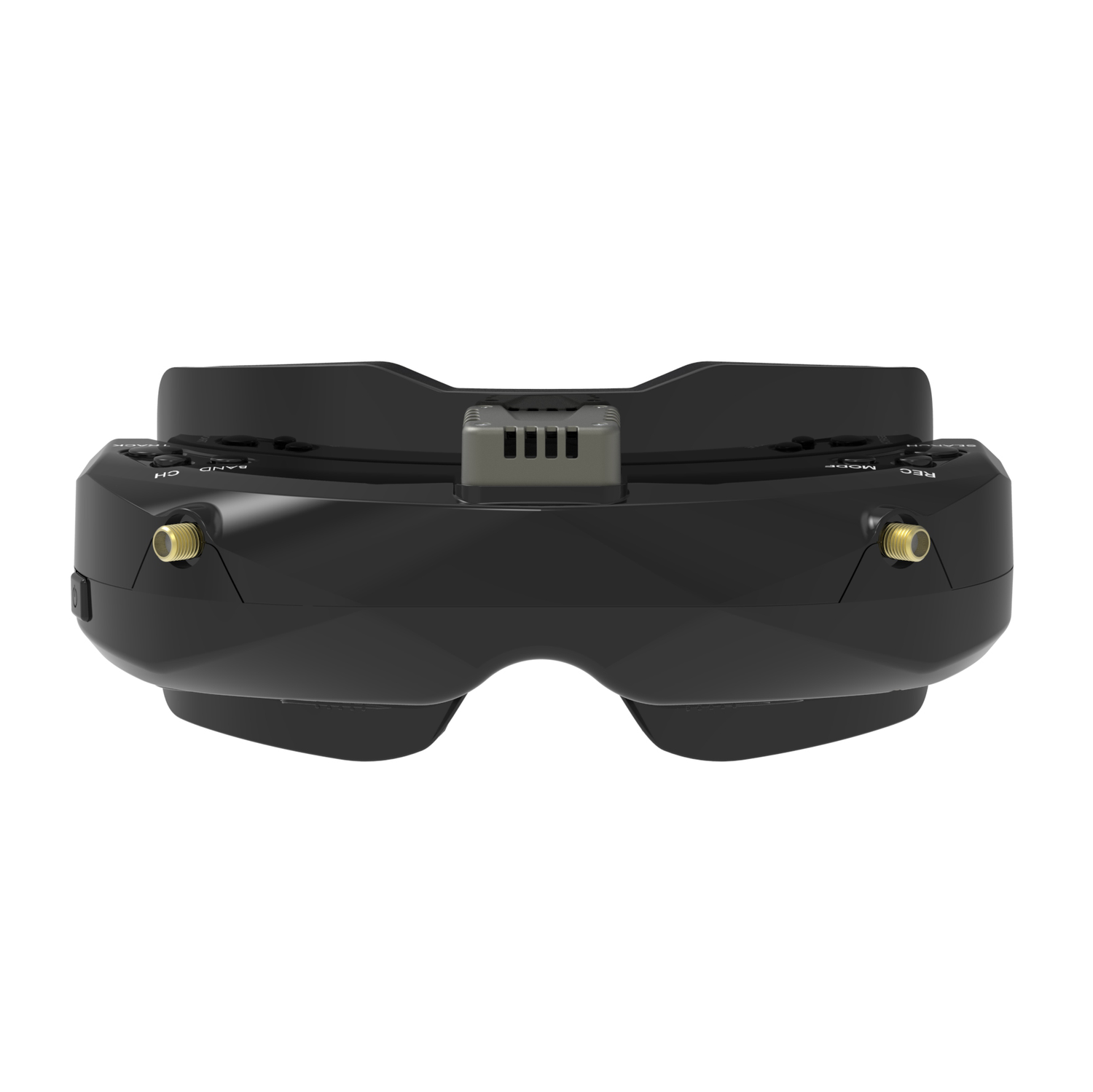
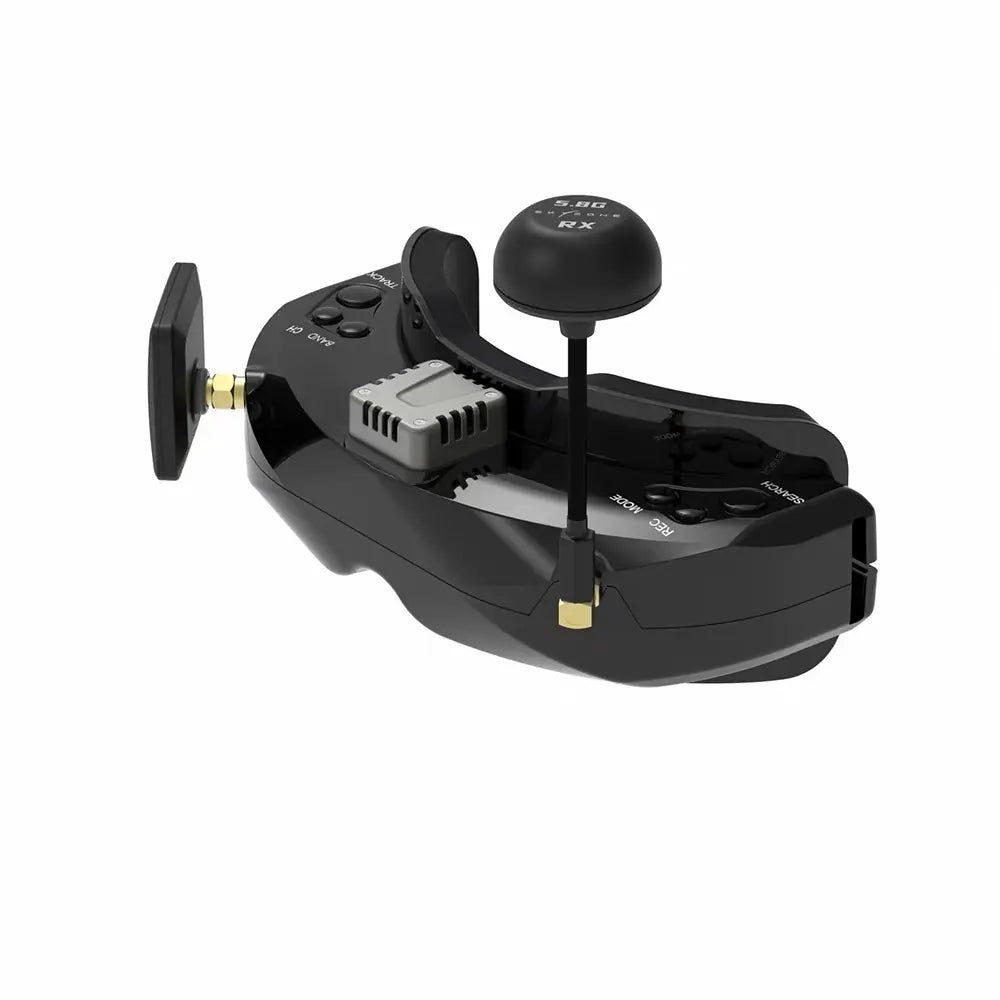
The SKYZONE SKY02O OLED Analog FPV Goggles – Black provide dual 640×400 OLED displays, a 5.8GHz 48-channel SteadyView analog receiver, HDMI input, analog AV input/output and a built-in DVR. This is an analog FPV receiver; it does not receive DJI O4, Walksnail or HDZero digital RF transmission natively. An HDMI input may display a compatible signal from a separate device, but it does not convert the goggles’ 5.8GHz analog receiver into a digital DJI radio receiver.
Four black-screen symptoms that mean different things
| Symptom | Likely diagnostic layer | First useful action |
|---|---|---|
| Menus visible, but RF feed black or absent | Input mode, analog VTX power, frequency or antenna | Use RF Normal and set exactly the VTX band/channel |
| RF Racing works on one channel only | Racing mode limits the channel set to RaceBand | Use RF Normal or select a supported RaceBand VTX frequency |
| Video rolls or tears despite good RSSI | SteadyView mixing and PAL/NTSC signal timing | Try the manufacturer’s Diversity mode rather than Mix |
| Both OLED displays go dark and goggles beep | OLED sleep/detection state | Check the manual’s sleep feature and move/wear goggles normally |
| HDMI works but RF does not | Analog receiver/antenna/VTX path, not necessarily OLED | Isolate RF mode and known-good analog test source |
| DVR shows no video or won’t record | Incorrect RF source, SD card format or available space | Restore analog signal, then inspect FAT32 and free capacity |
Auto-search is not a guaranteed correct channel lock
SKYZONE’s manual explicitly warns that its automatic channel search is not always accurate. The receiver may find a neighbouring channel, a strong unintended transmitter or a frequency whose signal is present but poorly decoded. The most reliable controlled test is to find the analog VTX’s exact configured band and channel, then manually select the matching value in the SKY02O instead of relying on the strongest result from Search.
Install the supplied patch and omnidirectional antennas correctly before performing RF tests. A 5.8GHz analog system also depends on antenna connector integrity, polarization, frequency and unobstructed path. Do not transmit on an analog VTX without its appropriate antenna, because an unprotected output stage may overheat or fail. Likewise, do not assume a DJI digital air unit is “the wrong channel”; the underlying modulation and receiver protocol are incompatible with the SKY02O’s analog RF section.
RF Normal versus RF Racing
Skyzone provides RF Normal and RF Racing selection. The manual states that RF Racing operates on RaceBand only. If the transmitter is set to a non-RaceBand 5.8GHz channel, switching the goggles to Racing mode can make it appear that the aircraft disappeared from the air. Select RF Normal for a broader band/channel check, then match the actual VTX frequency. Some transmitters also boot in Pit Mode, providing very low RF power until properly configured; check that separately if the signal is visible only at close range.
What SteadyView’s Mix and Diversity modes change
The SteadyView receiver can combine two receiver signals for a more stable image, but SKYZONE documents that certain cameras with nonstandard PAL/NTSC timing can produce rolling video in Mix mode. In that specific case, a short press of the Search button switches to Diversity mode and may resolve the rolling image. This is a decoder/mixing compatibility issue, not necessarily a broken camera or an antenna failure.
Do not change several settings simultaneously. Note the VTX channel, whether both antennas are attached, which RF mode is selected, and whether the image rolls, tears, freezes or remains fully absent. A reproducible pattern is more useful to support than the vague statement “goggles black”.
OLED sleep mode can resemble a dead screen
The manual notes an OLED sleep mode in which the displays may turn off and the goggles beep. If this occurs, check the wear/motion activation behaviour before opening the housing or ordering replacement OLED panels. Differentiate this from a missing RF source: a goggles menu that stays visible while the video is black is not the same as both displays entering sleep. If the menus never appear on either display even with proper supported input power, the investigation belongs to power or display service rather than VTX channel selection.
Seven safe troubleshooting steps
- Verify power: SKYZONE lists support for a suitable 2S–6S LiPo power source through the supplied cable. Inspect the connector, battery condition and goggles menu without the FPV aircraft armed.
- Confirm the signal type: SKY02O RF input expects 5.8GHz analog video. A digital VTX requires its own matched receiver system.
- Select RF Normal: ensure the goggles are not in HDMI, AV or RaceBand-only RF Racing mode when trying to receive an arbitrary analog VTX channel.
- Manually set band and channel: read the transmitter configuration and select the exact matching receiver frequency. Recheck antenna connectors and VTX Pit Mode.
- Check the image failure type: if it rolls rather than disappears, try Diversity instead of SteadyView Mix per SKYZONE’s documented PAL/NTSC guidance.
- Test with a known-good analog source: use an appropriately licensed, safely powered VTX in a controlled RF setting. This isolates the aircraft camera/VTX from goggles receiver and mode configuration.
- Record the evidence: photograph goggles band/channel, selected input mode, transmitter settings, RSSI, power and exact symptom. Escalate repeated hardware failure only after the supported configuration is verified.
The DVR and SD card are a separate subsystem
The SKY02O includes a built-in DVR for analog signal recording using SD card storage, with manufacturer support for up to 64GB and MJPEG AVI recording around 30fps. SKYZONE’s manual says to check FAT32 formatting and more than 0.5GB free space if a recording fails. A faulty or unformatted SD card normally does not explain why the live RF video cannot be decoded in the first place; troubleshoot the analog signal before making the DVR the root cause.
Head tracking, IPD adjustment, diopters and 16:9/4:3 screen settings are useful features but they do not change the analog modulation standard. If only one eye looks blurry, adjust IPD/diopter rather than changing transmitter channels. If the entire image is absent, start with receiver mode and matching RF.
Original documentation and related guide
SKYZONE’s official SKY02O specifications confirm the 640×400 OLED, 48-channel 5.8GHz analog receiver, DVR and 2S–6S input. Download the SKY02O user manual from SKYZONE for RF Racing, manual channel selection, SteadyView/Diversity and sleep mode. The exact black SKY02O goggles are available at FalconFly. For deciding whether analog goggles fit the FPV system at all, see our analog versus digital FPV comparison.