Meteor75 Pro II RTF Kit: Why VR03 Goggles Cannot Receive the P1 HD Upgrade

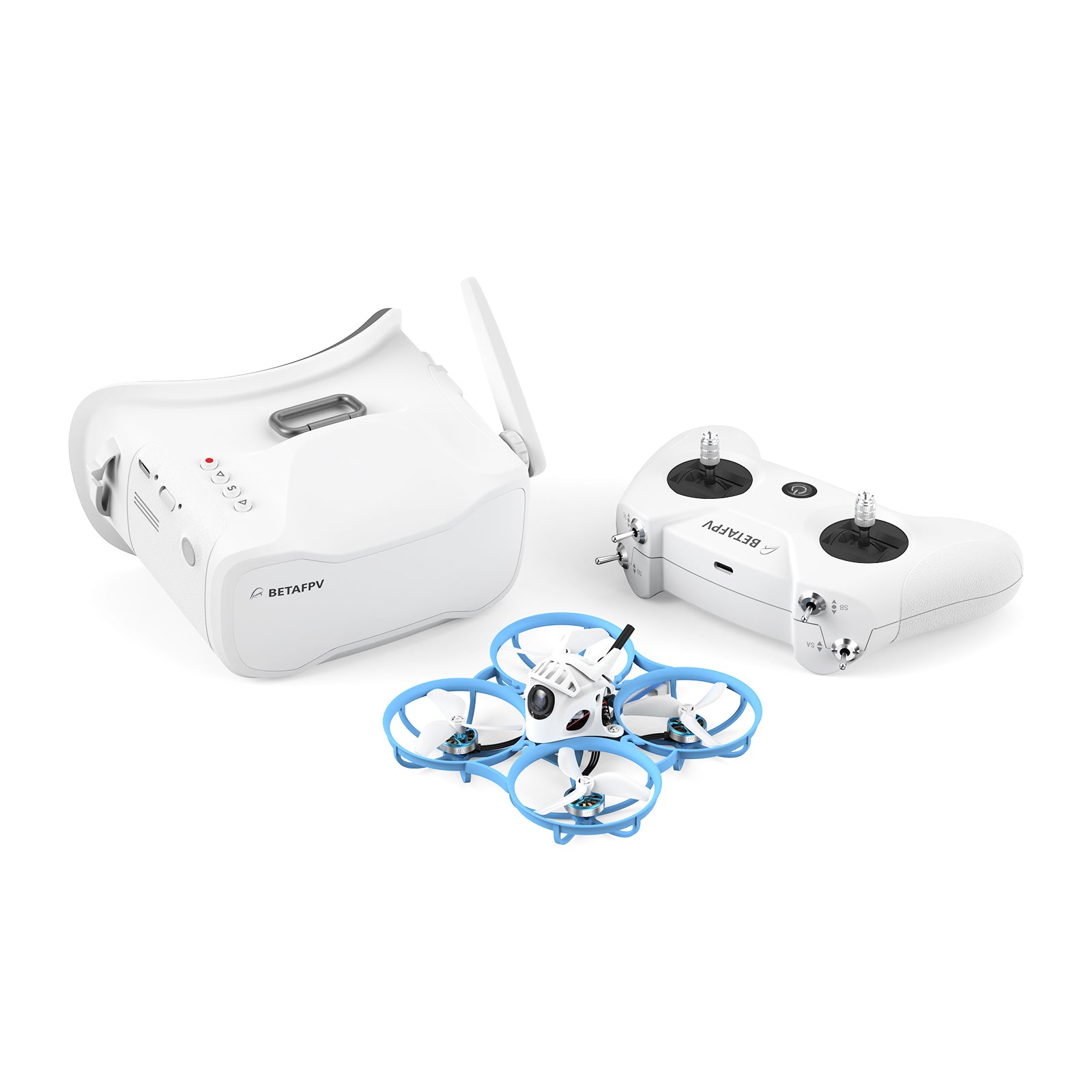
A beginner buys the BETAFPV Meteor75 Pro II analog ready-to-fly kit, then wants HD video from a P1 ArtLynk aircraft while keeping the included VR03 goggles and LiteRadio 2 SE. The main obstacle is video protocol compatibility, not the goggles’ channel setting. The VR03 receives 5.8GHz analog video; the P1 uses the ArtLynk digital system and requires a compatible VR04 HD receiver. ELRS transmitter compatibility is a separate question from the goggles, so replacing only the aircraft does not make the original analog goggles display HD.
The hidden cost of upgrading an analog RTF kit to ArtLynk HD
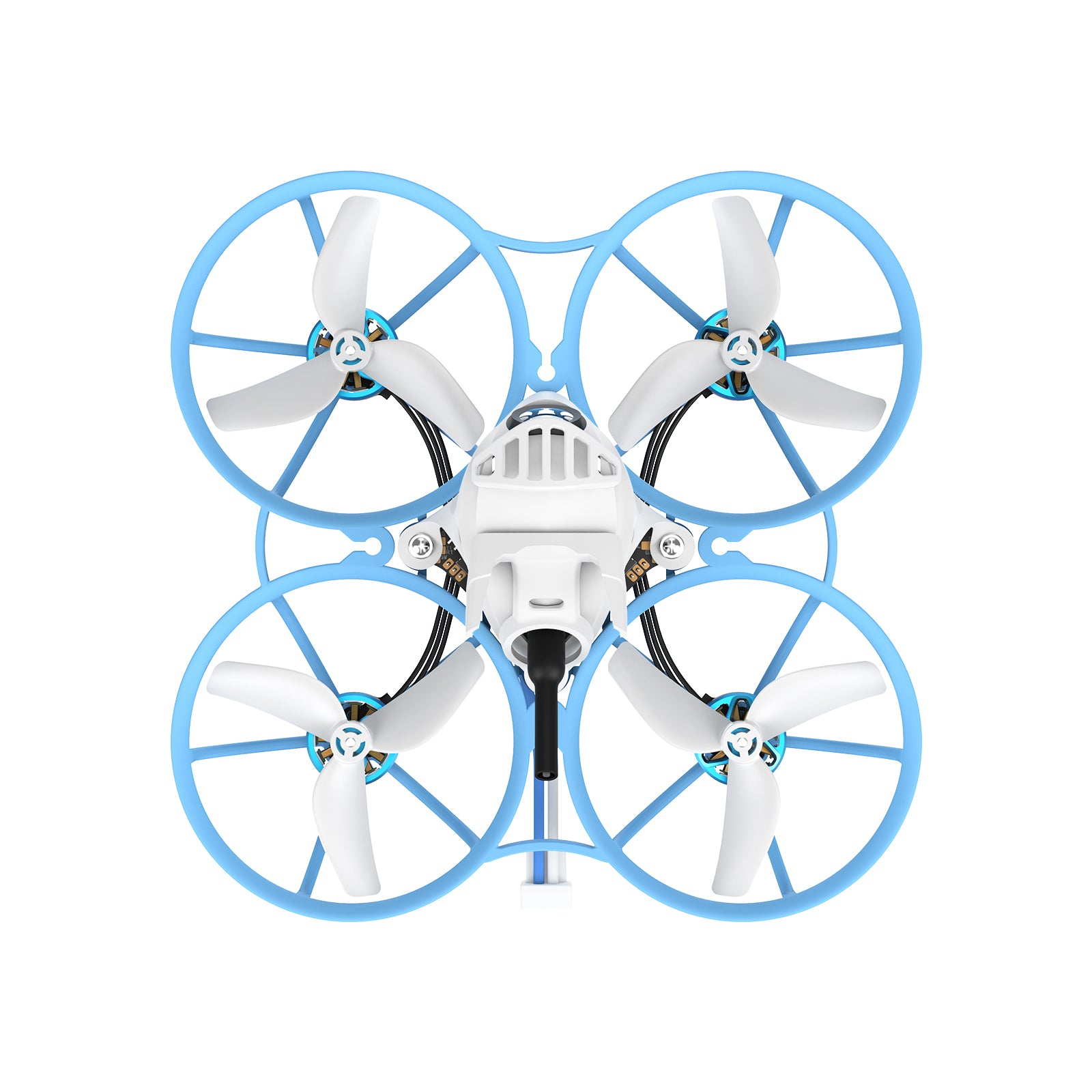
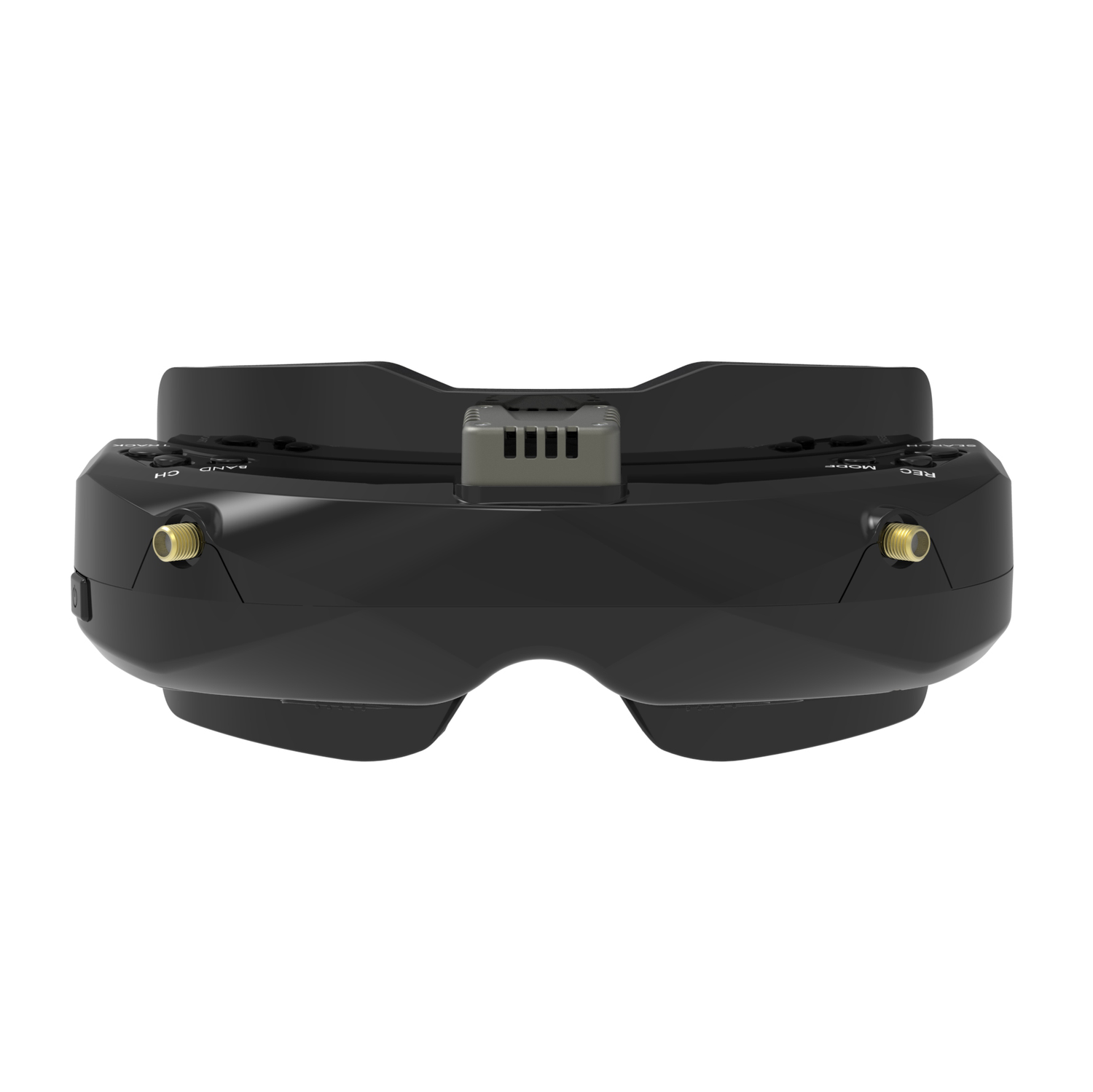
BETAFPV markets the Meteor75 Pro II analog RTF kit as a complete first-flight solution. Its VR03 goggles receive 5.8GHz analog video from the whoop’s onboard VTX; the supplied LiteRadio 2 SE communicates with the flight-control receiver. The two links are separate even though one aircraft carries both.
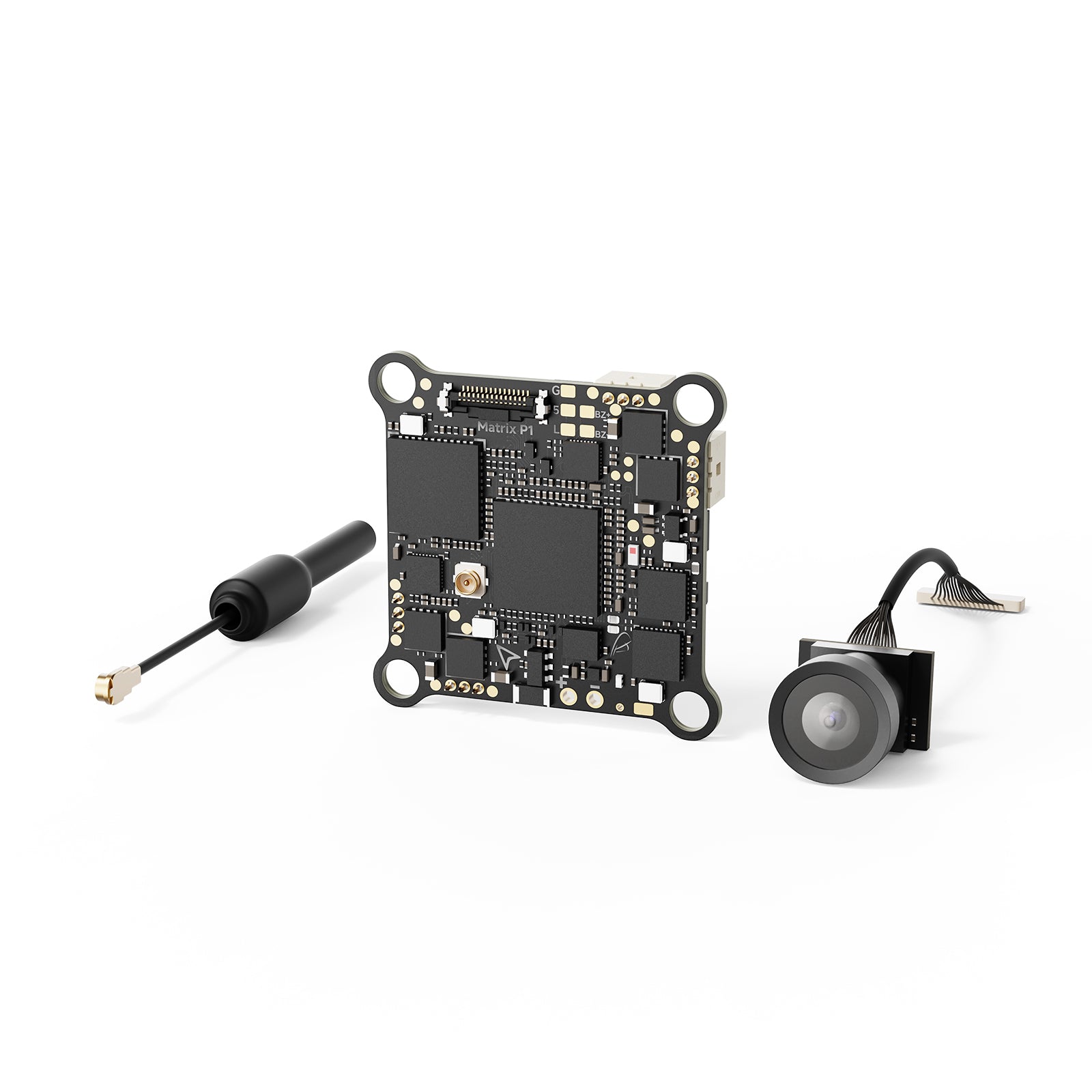
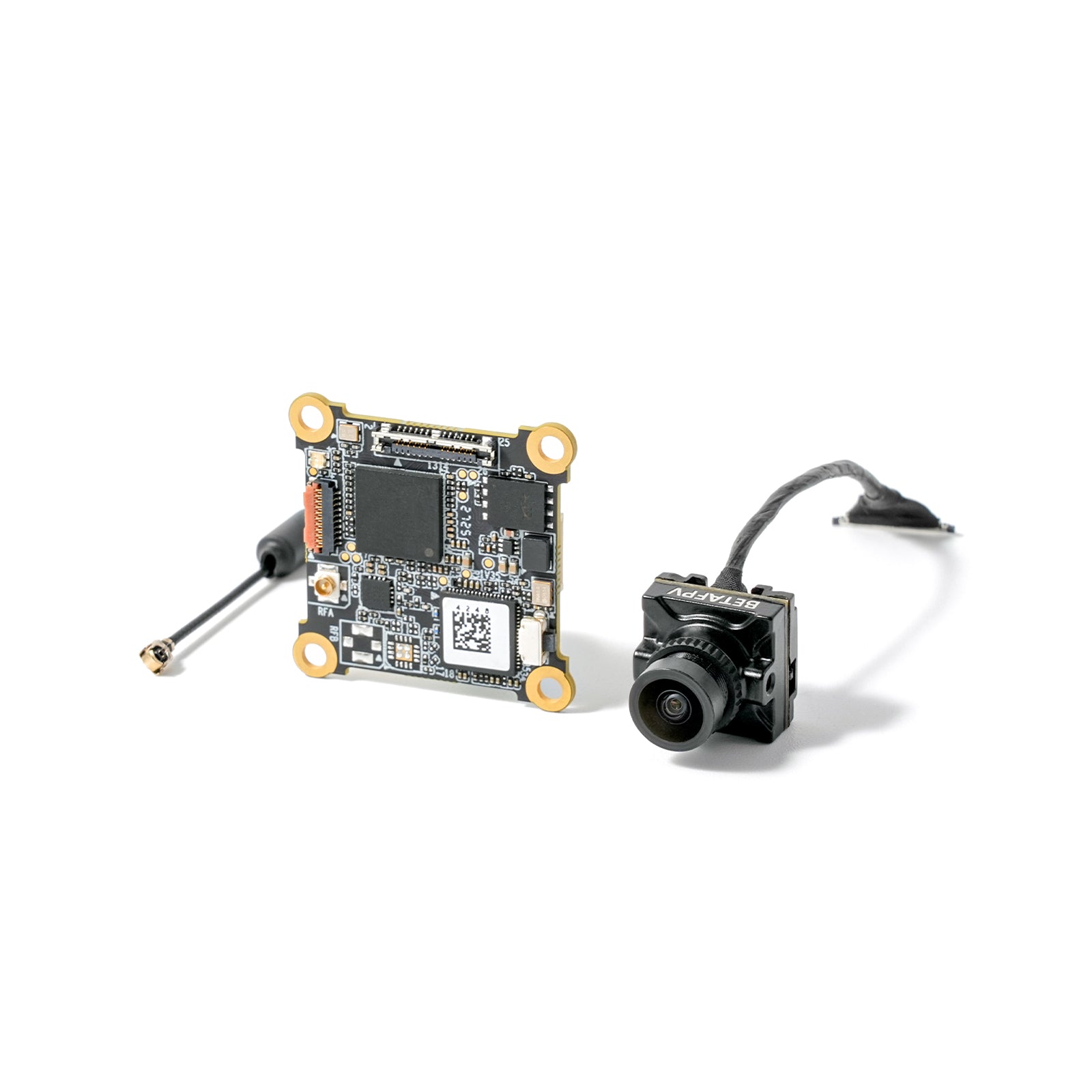
By contrast, BETAFPV’s HD kit uses the P1 Air Unit ArtLynk digital video system with VR04 HD goggles and a different radio bundle (LiteRadio 4 SE). VR03 goggles cannot decode P1’s ArtLynk digital stream. Changing the VR03’s channel or scan settings won’t make it show a P1 picture. Likewise, buying VR04 goggles alone does not turn the analog aircraft’s VTX into a digital transmitter.

Do you have an actual video-system problem or incompatible equipment?
- Identify the goggles. VR03 indicates the analog 5.8GHz receiving family. VR04 HD indicates the ArtLynk digital system. Similar-looking headsets are not automatically cross-compatible.
- Inspect the aircraft. The analog Meteor75 Pro II kit lists the Matrix 1S 5IN1 II board with onboard analog VTX. The HD package is built around Matrix 1S 3IN1 and the separate P1 air unit. Check the exact board variant before buying a digital replacement.
- For analog black/snowy video: Confirm the aircraft’s analog VTX is powered, goggles and VTX use the same band/channel, and that the right antenna is attached. Keep the aircraft unarmed with props removed during bench checks; avoid prolonged powered VTX operation without adequate cooling.
- For a P1 digital upgrade: Budget for a properly fitted P1 video unit or supported digital aircraft, compatible VR04 HD goggles, adequate power/cooling and the correct firmware version on both ArtLynk devices. V1/V2 compatibility must be verified separately.
- Test the control radio independently. A correctly bound LiteRadio transmitter does not prove the video system is compatible or bound. Do not reflash an ELRS control receiver to troubleshoot analog-versus-ArtLynk video format.
If the goal is simply to start flying, keeping the original analog RTF kit intact is generally cheaper and easier than an unsupported partial digital conversion. If the goal is HD video, compare the cost of upgrading the whole imaging chain with choosing a native HD package.
Quick compatibility table before spending money
| Setup | Video VTX | Video goggles | Compatible as supplied? |
|---|---|---|---|
| Meteor75 Pro II analog RTF | Onboard 5.8GHz analog | VR03 analog | Yes |
| Meteor75 Pro HD kit | P1 ArtLynk digital | VR04 HD ArtLynk | Yes, with matching firmware |
| P1 ArtLynk aircraft with VR03 goggles | P1 digital | VR03 analog | No: different signal format |
| Analog aircraft with VR04 HD goggles | Analog onboard VTX | VR04 HD | Not a direct ArtLynk video bind; use a specifically supported input solution if documented |
See BETAFPV’s official analog-versus-HD kit table for exact kit content. If your issue instead concerns P1 firmware generations, use our analog-versus-digital receiver compatibility guide to separate generation mismatch from missing compatible video hardware.
A misleading shortcut to avoid
An RTF kit does not guarantee compatibility with a later digital HD air unit. If the symptom began after a crash, inspect the physical system before flashing firmware or swapping tune profiles. A bent shaft, damaged antenna and loose connector can mimic a software issue. Conversely, software that speaks to a device does not mean that the power wiring and load are safe.
What to order, and what to keep
When buying a replacement, match the manufacturer-approved version and check BETAFPV Meteor75 Pro II FPV Kit – Analog RTF with VR03 & LiteRadio 2 SE at FalconFly. Keep notes on the original symptom and part model; this is essential when different shaft sizes, RF standards or battery voltages share similar product names. For a new build, calculate the component-level voltage and current envelope before paying for a larger pack or more powerful transmitter.
Do not treat a pilot’s range or flight-time video as an assurance for your environment. Antenna placement, interference, wind, payload and software versions affect the outcome. Prepare an accessible arming-disarm procedure and a safe recovery plan for the intended flying site.
FAQ
Can a compatible plug prove two parts are compatible?
No. Confirm polarity, cell count, signal protocol, connector ratings and the documentation for both components.
Should I update firmware as a first troubleshooting step?
Only after identifying the exact target and reading its release notes. An incompatible firmware build can make the original fault harder to diagnose.
Should I fly to test a suspicious setup?
Never use an uncontrolled flight to investigate damaged propulsion, uncertain power distribution or failed failsafe configuration.
Related FalconFly guide
For broader practical context, read our FPV analog versus digital video compatibility guide. It complements this product-specific troubleshooting workflow.
Manufacturer information
Read the original manufacturer’s technical material for this product family, then confirm the exact stocked version on BETAFPV Meteor75 Pro II FPV Kit – Analog RTF with VR03 & LiteRadio 2 SE.