BETAFPV Matrix 1S P1 AIO: Red Glare and Firmware Mismatch After Installation

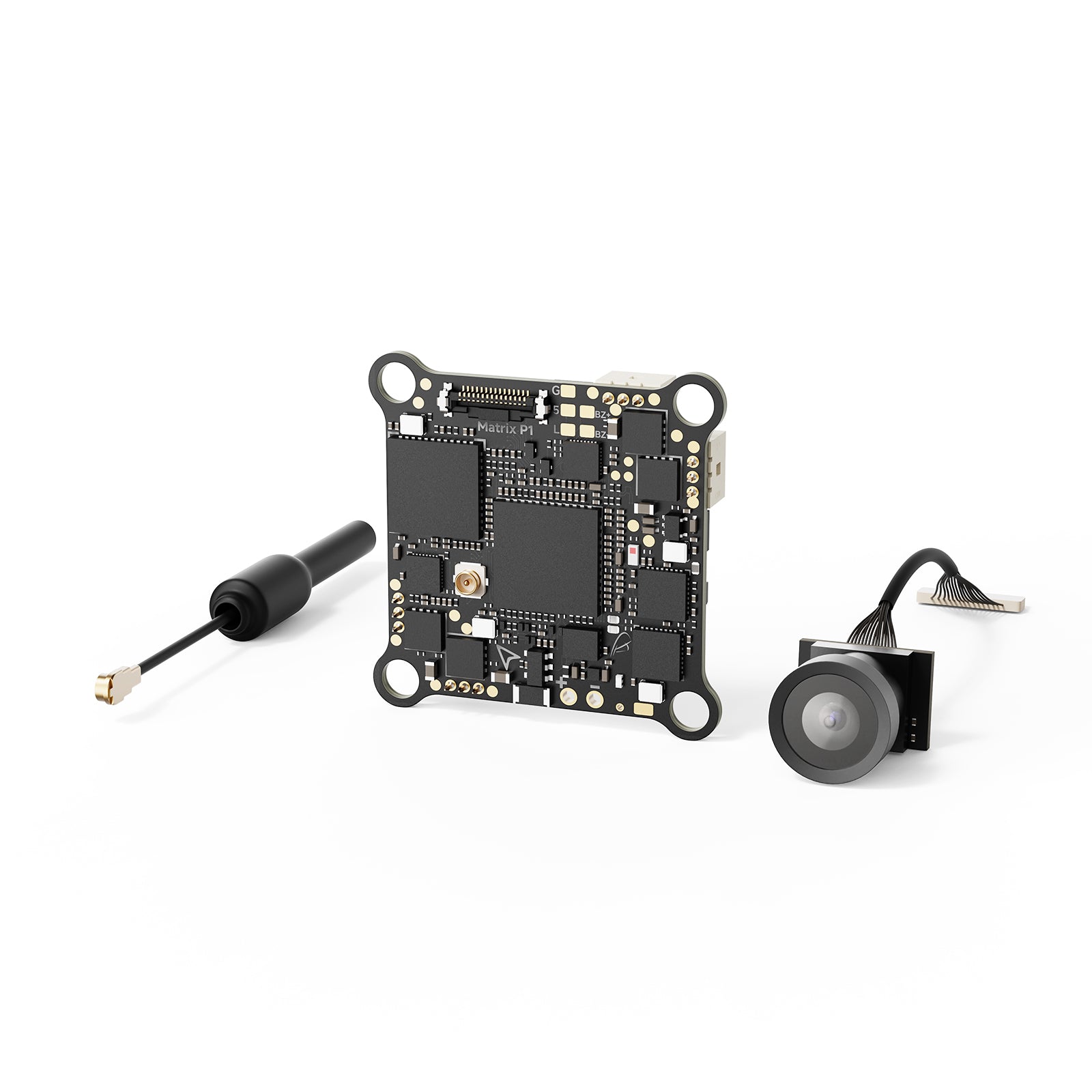
A 1S whoop builder sees a red glow in the FPV image and, after updating Betaflight, discovers that the ArtLynk P1 goggles will no longer bind. Those symptoms need two separate investigations. The red-glare reports refer to certain earlier BETAFPV beta camera units, not an established defect in the final-release Matrix P1 AIO. Video binding also depends on the P1 and VR04 HD firmware generation, while the onboard ELRS receiver and Betaflight 2026.6 configuration are independent subsystems. Reflashing one of them indiscriminately can create an additional fault instead of fixing the original problem.
Red glare and firmware mismatch are two different Matrix P1 problems
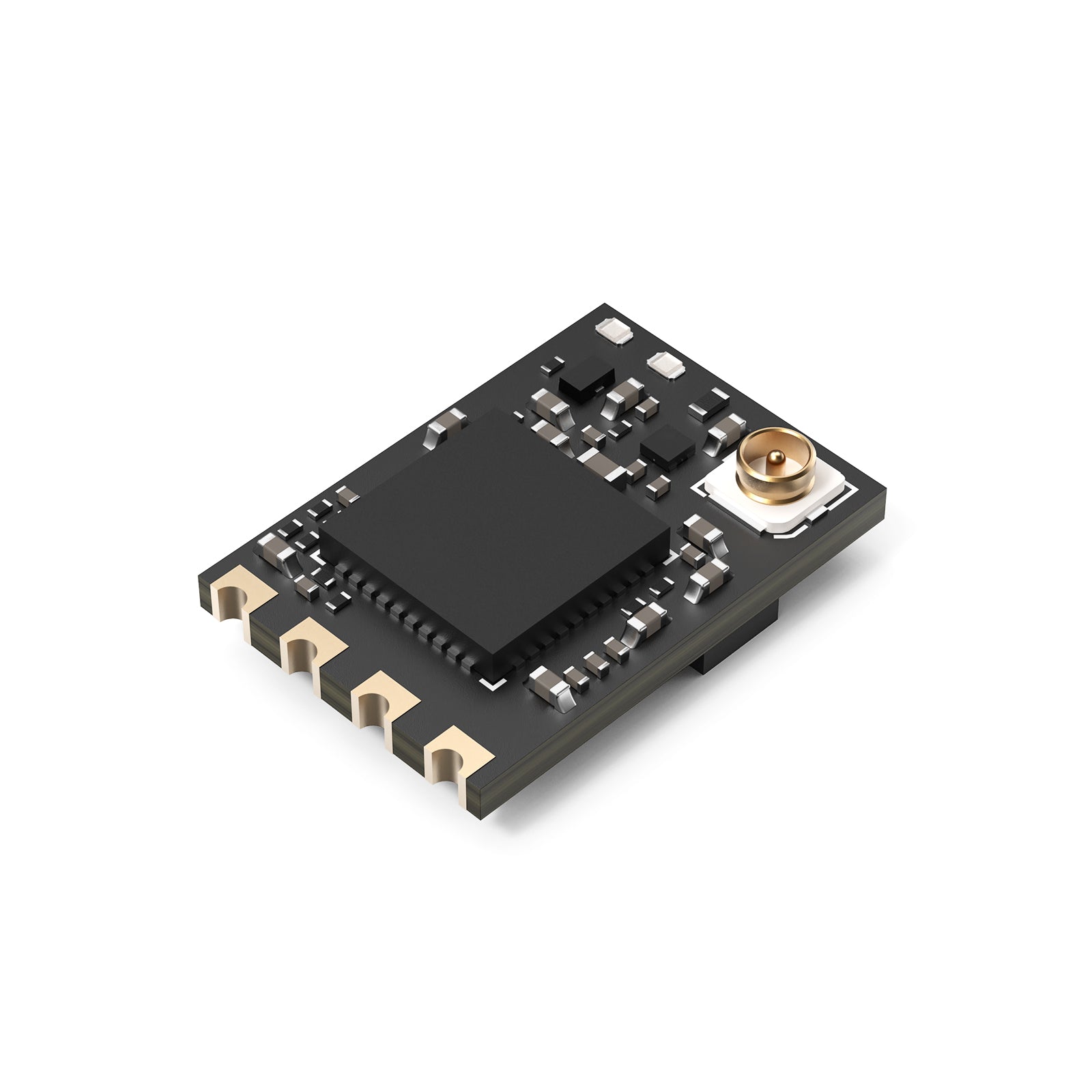
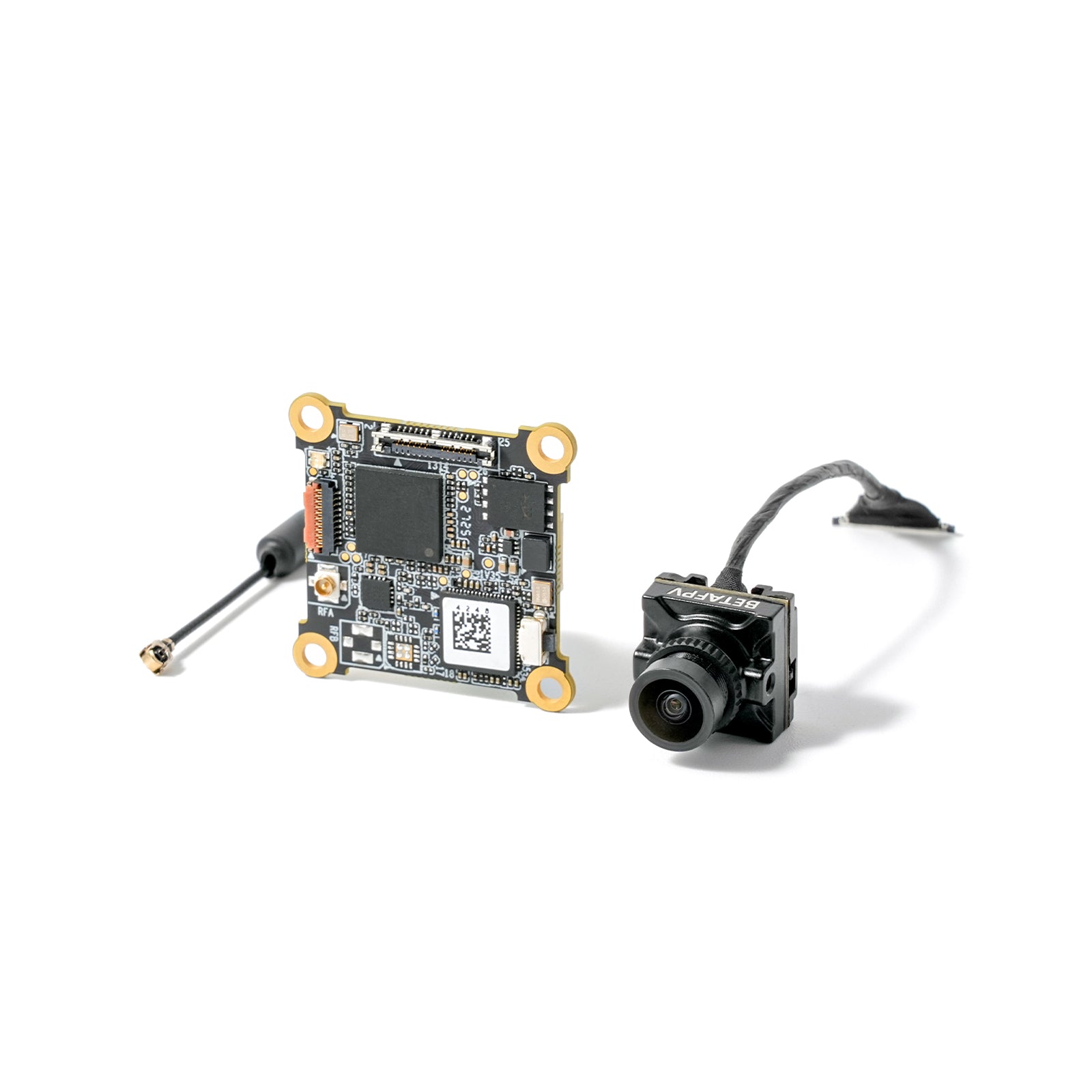
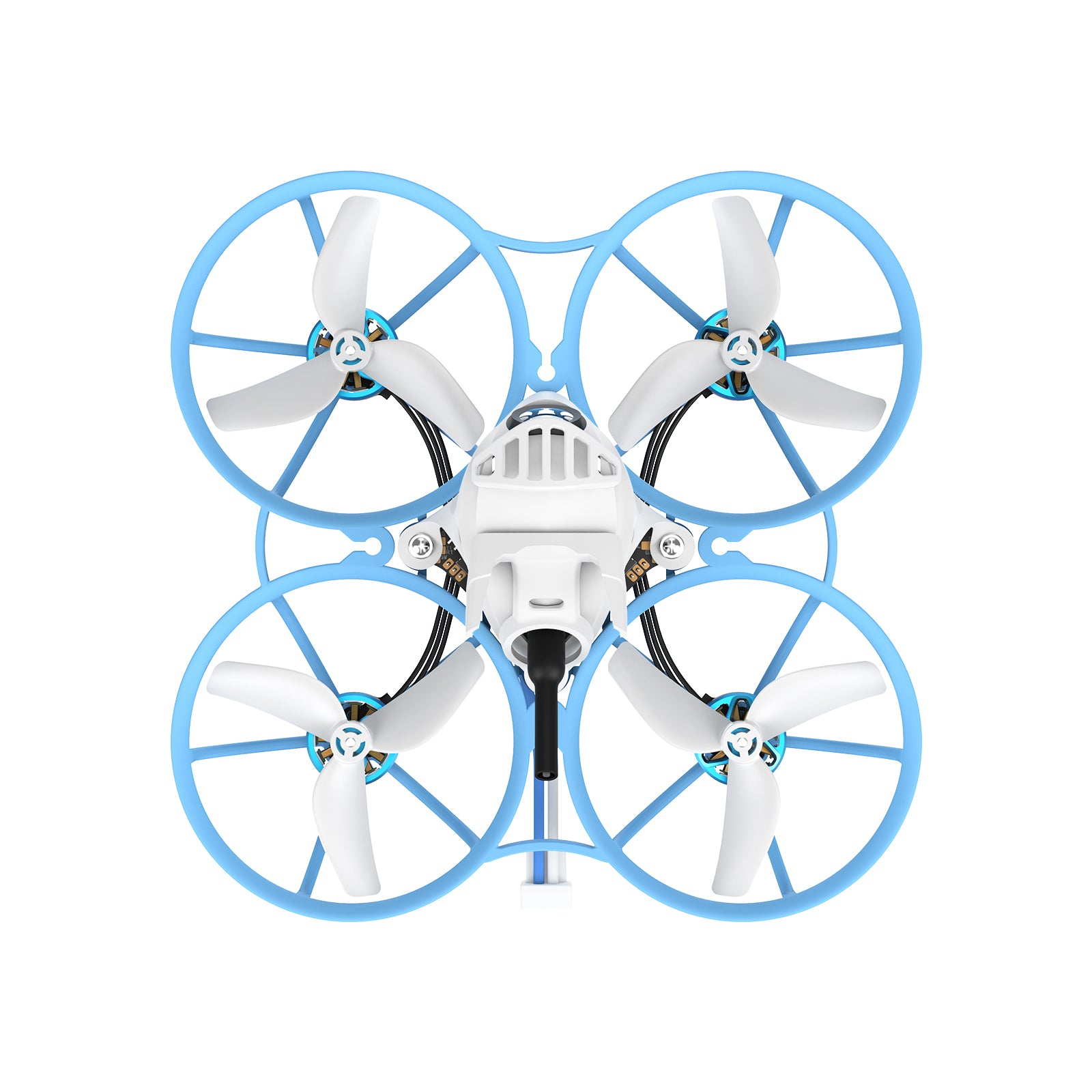
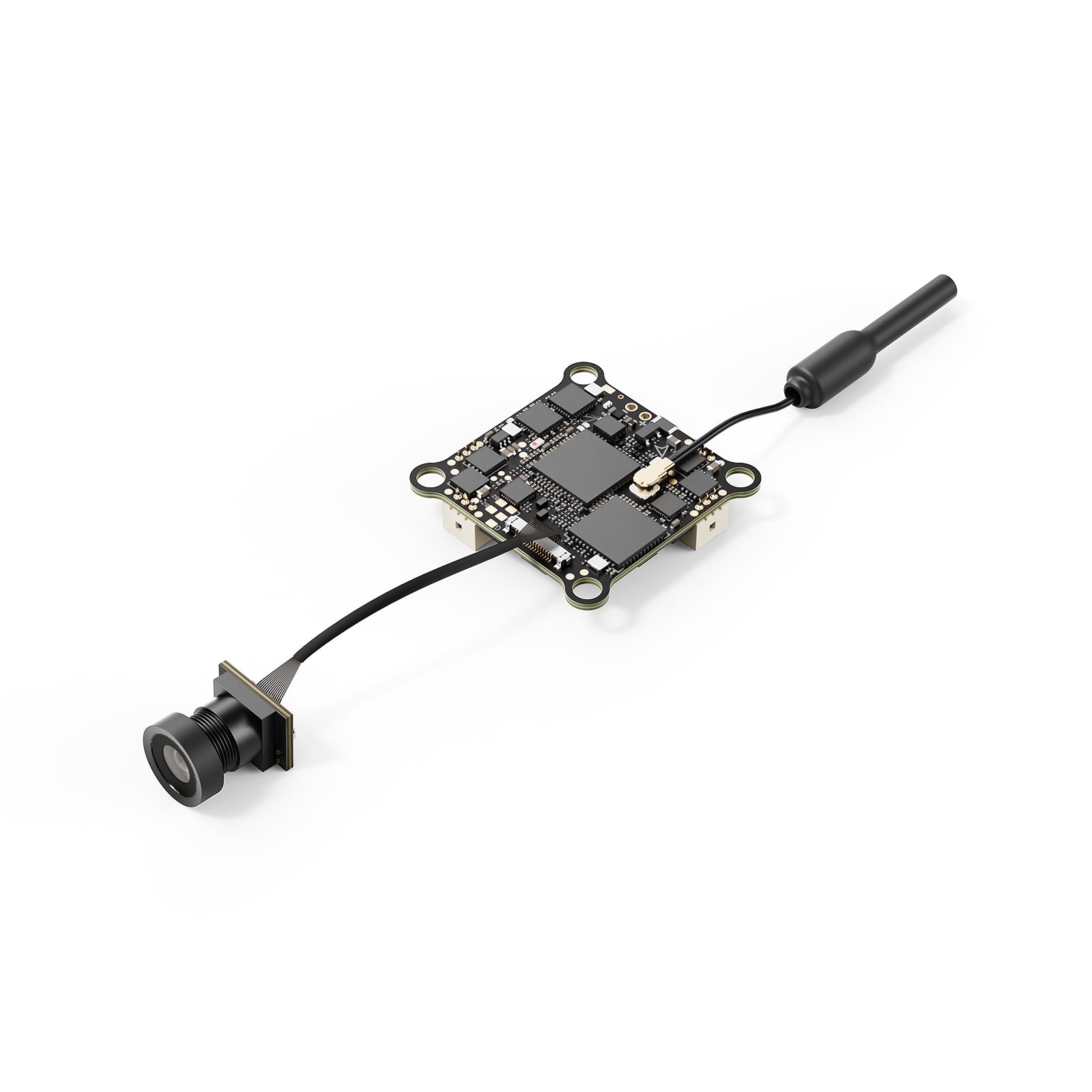
The BETAFPV Matrix 1S AIO P1 HD VTX flight controller combines a 1S STM32G473 flight controller, 12A continuous ESC, onboard serial ELRS 2.4GHz receiver and P1 ArtLynk HD transmitter. That integration is attractive for light whoops, but it also means three independent firmware/software domains should not be confused: Betaflight flight-control firmware, ExpressLRS receiver firmware, and the ArtLynk video system.
BETAFPV previously documented red glare under some lighting in beta-test Air Camera units, but the manufacturer now marks this Matrix P1 AIO as the final release and has removed that beta warning from its current product page. A red halo on a customer’s camera should therefore be investigated through controlled lighting comparisons and the actual shipped hardware revision, not automatically attributed to every final-production board. Firmware releases may improve video characteristics, but no flash should be promised as a guaranteed fix without a specific manufacturer release note.
Safe diagnostic decision tree
- Does the image appear but show red halos? Compare the same stationary scene under two types of light, with lens/canopy reflections controlled, and save the original camera recording. Check protective film, canopy clearance and bright red LEDs or reflective surfaces. Do not presume a camera defect from one red-lit indoor test.
- Is the video blank or unable to bind? Record the firmware in both the P1 and the VR04/ArtLynk receiver. BETAFPV’s current final-product page says the air unit ships with v2.1.2 and asks customers to bring the P1 ground receiver, VR04 HD goggles or monitor to v2.1.3. The firmware download page lists the air-unit image
P1_SKY_AIO_v2.1.2_20260817_1c34cf1and instructs users to update the ground station first, then bind and upgrade the air unit where needed. - Does Betaflight connect but the radio sticks do not move? This board includes serial ELRS 2.4GHz receiver hardware, which is separate from ArtLynk video. BETAFPV explicitly identifies the onboard receiver’s firmware target as BETAFPV AIO RX V2; do not flash an unrelated ExpressLRS target even if it has the same band.
- Does the problem follow an FC firmware flash? Verify the precise PCB and hardware revision. BETAFPV has separate Betaflight image notes for the Matrix P1 platform; a file for Matrix 3IN1 HD or Matrix 5IN1 analog is not a safe substitute.
- Before normal operation: Remove propellers for bench work, use a stable 1S supply and adequate video transmitter cooling, and stop immediately if connectors or components heat abnormally. Save a backup of the original Betaflight configuration before changing settings.
What can be fixed with software—and what needs evidence?
| Symptom | Likely subsystem | Useful next action |
|---|---|---|
| Red flare in specific lighting, video otherwise normal | Camera optics/lighting; documented on beta samples, not established for every final-release unit | Record reproducible original images; compare with BETAFPV release notes and support |
| P1 cannot pair after version update | ArtLynk firmware generation or bind process | Follow official ground-station-first P1 sequence |
| No stick response but P1 video works | Onboard ExpressLRS RX / Betaflight mapping | Confirm BETAFPV AIO RX V2 target, bind state and CRSF receiver configuration |
| Motors not operating after FC firmware flash | Flight controller target/configuration, ESC or safe arming state | Restore supported board firmware/config and inspect electrical faults before flight |
References: BETAFPV current final-product specifications and updated compatibility note, Matrix P1 air-unit and onboard ELRS firmware files, and flight-controller target release notes. Our separate analog-versus-digital video compatibility guide covers matching the separate VR04 and P1 hardware generation.
A misleading shortcut to avoid
BETAFPV’s beta hardware firmware warnings must not be mistaken for release-version upgrade instructions. If the symptom began after a crash, inspect the physical system before flashing firmware or swapping tune profiles. A bent shaft, damaged antenna and loose connector can mimic a software issue. Conversely, software that speaks to a device does not mean that the power wiring and load are safe.
What to order, and what to keep
When buying a replacement, match the manufacturer-approved version and check BETAFPV Matrix 1S AIO P1 HD VTX Flight Controller – ArtLynk Digital (Final Release) at FalconFly. Keep notes on the original symptom and part model; this is essential when different shaft sizes, RF standards or battery voltages share similar product names. For a new build, calculate the component-level voltage and current envelope before paying for a larger pack or more powerful transmitter.
Do not treat a pilot’s range or flight-time video as an assurance for your environment. Antenna placement, interference, wind, payload and software versions affect the outcome. Prepare an accessible arming-disarm procedure and a safe recovery plan for the intended flying site.
FAQ
Can a compatible plug prove two parts are compatible?
No. Confirm polarity, cell count, signal protocol, connector ratings and the documentation for both components.
Should I update firmware as a first troubleshooting step?
Only after identifying the exact target and reading its release notes. An incompatible firmware build can make the original fault harder to diagnose.
Should I fly to test a suspicious setup?
Never use an uncontrolled flight to investigate damaged propulsion, uncertain power distribution or failed failsafe configuration.
Manufacturer information
Read the original manufacturer’s technical material for this product family, then confirm the exact stocked version on BETAFPV Matrix 1S AIO P1 HD VTX Flight Controller – ArtLynk Digital (Final Release).