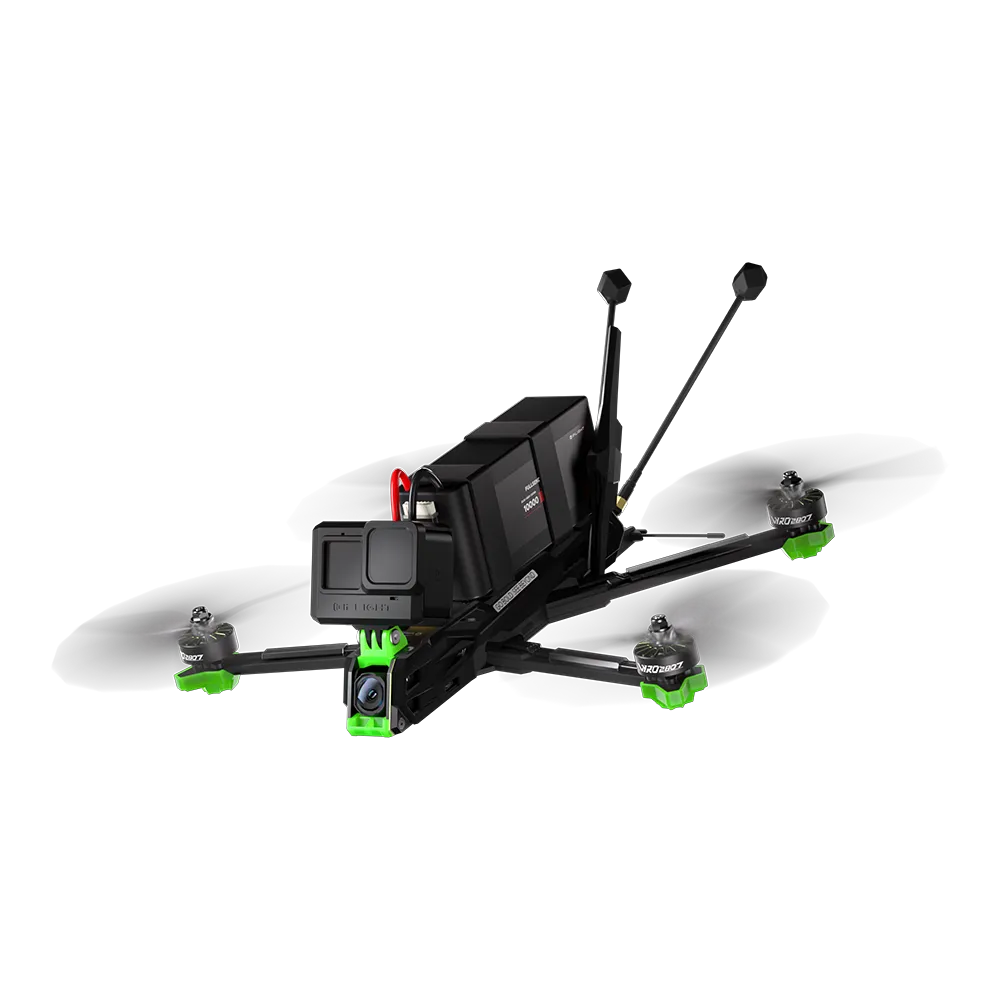
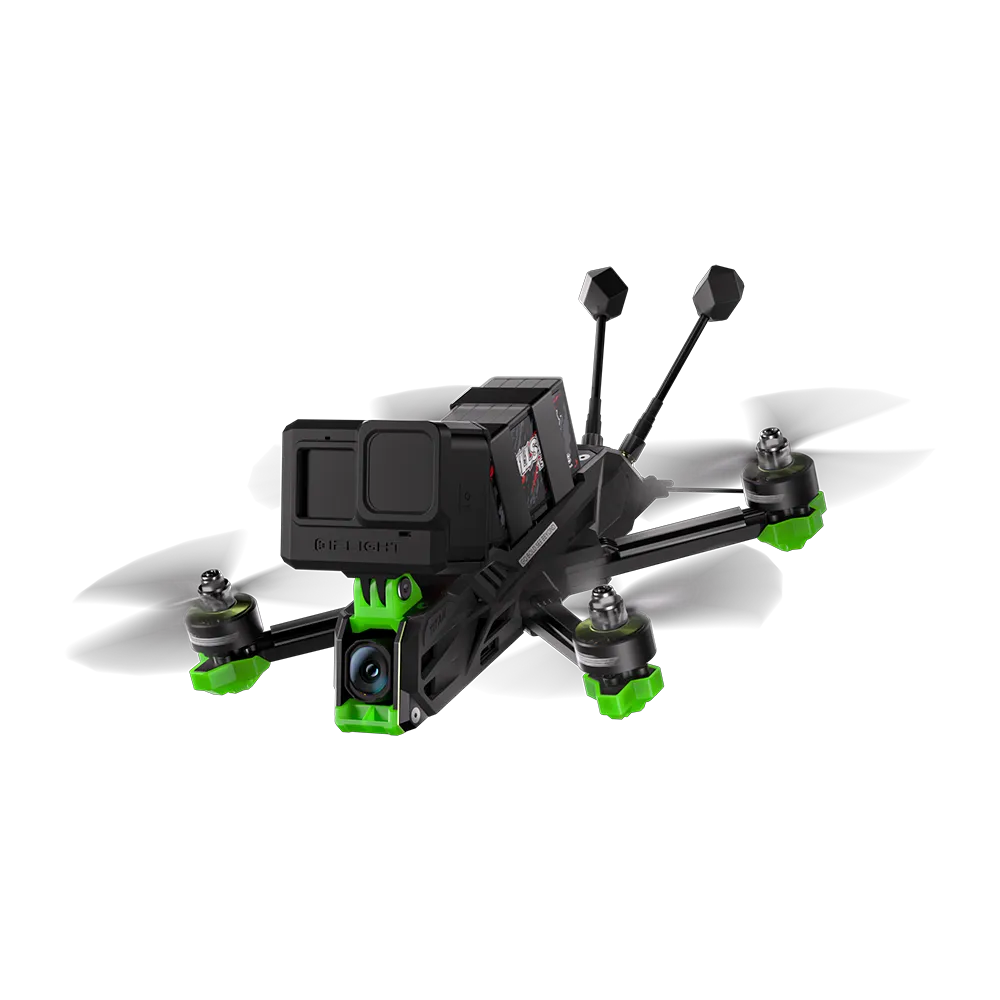
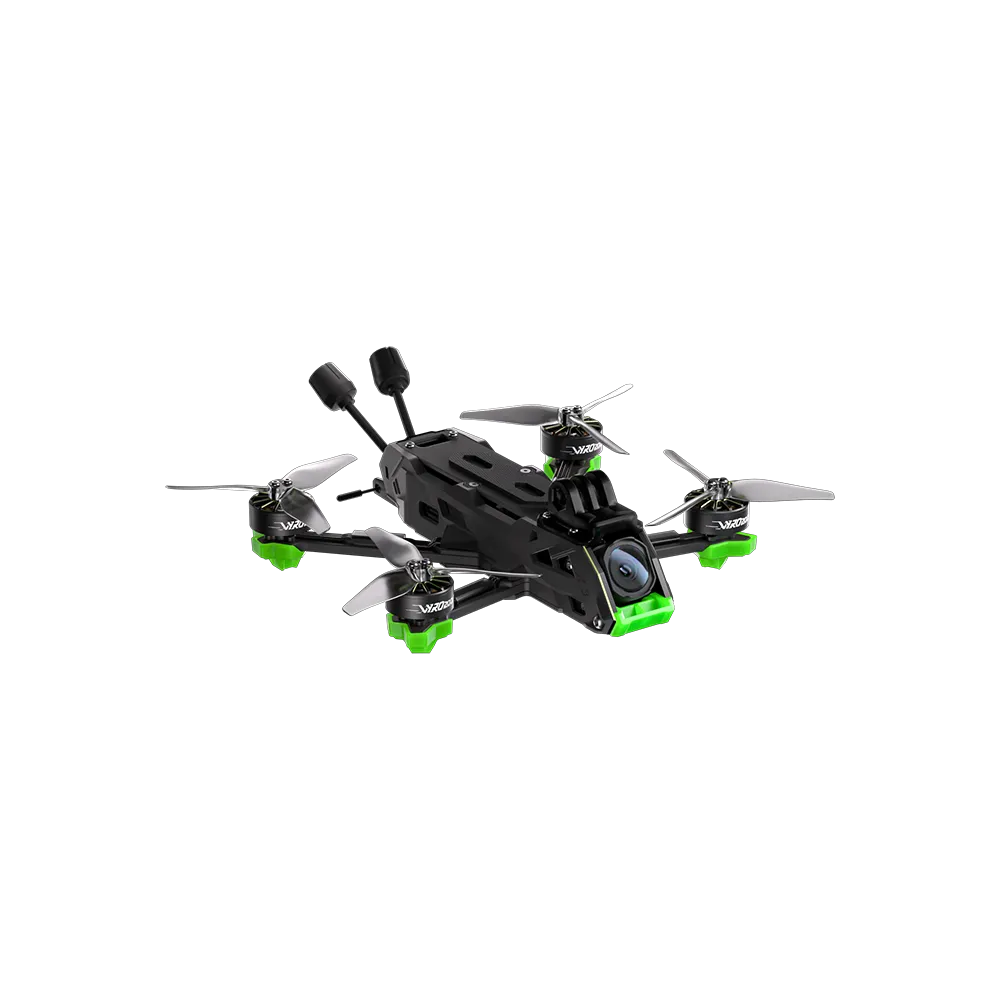
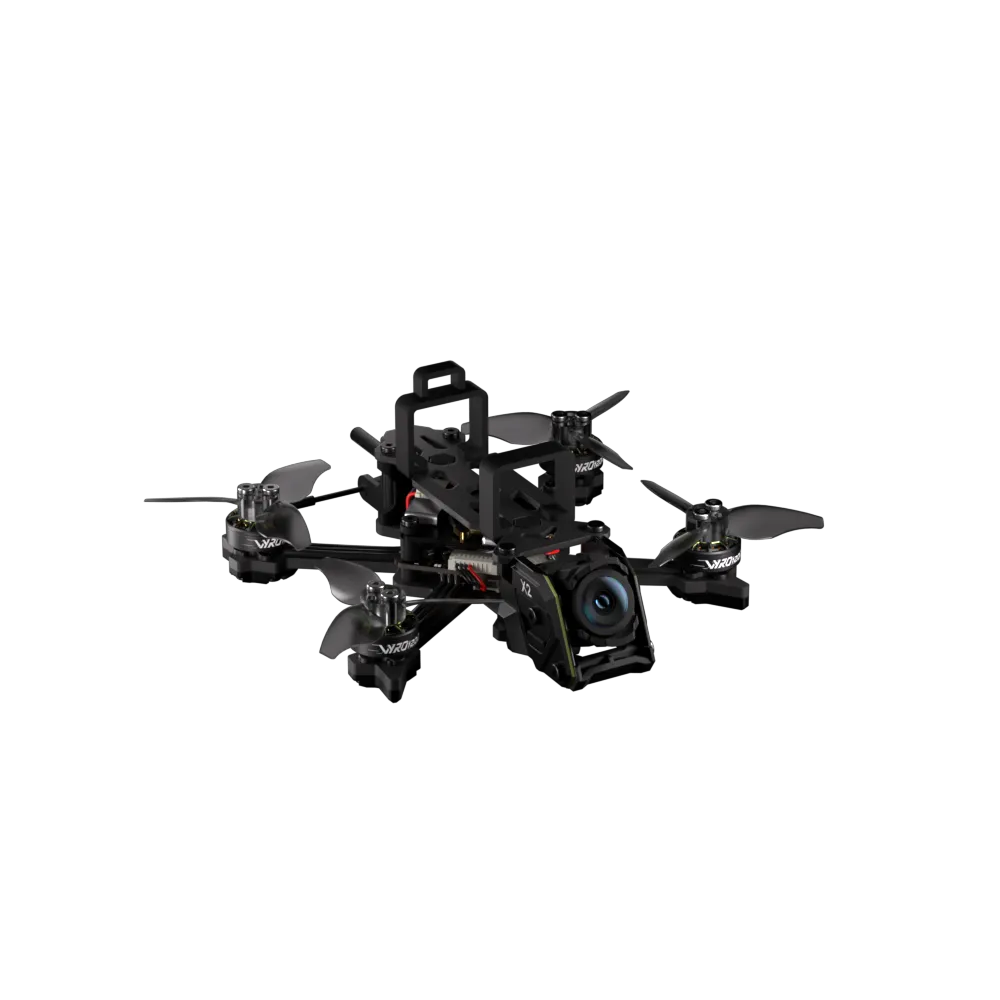
GEPRC DarkStar25 O4 Pro: How to Control Jello in a Protected Cinewhoop

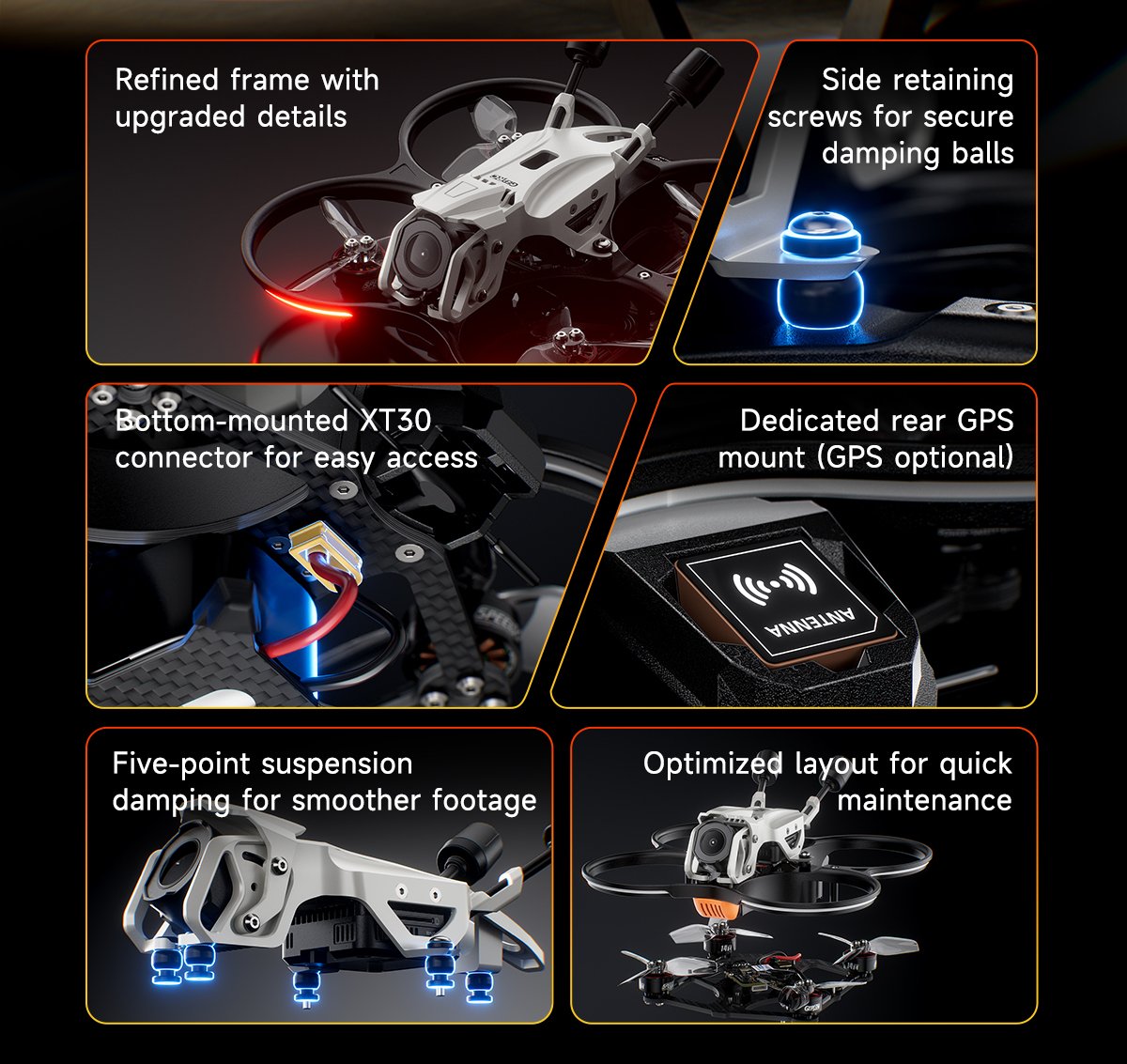
A GEPRC DarkStar25 O4 Pro produces clean DJI goggles video while the saved 4K recording shows fine horizontal waves, especially at certain throttle positions. After swapping propellers, the pilot still sees “jello” and assumes the O4 Pro camera sensor is defective. This is often the wrong order of diagnosis. DarkStar25 uses a five-point suspended damping system to isolate its O4 Pro camera assembly from motor and frame vibration, so the flight-control tuning, propellers, motor bearings, dampers and camera cable routing should be separated before replacing the camera.
The DarkStar25 hardware that actually determines vibration
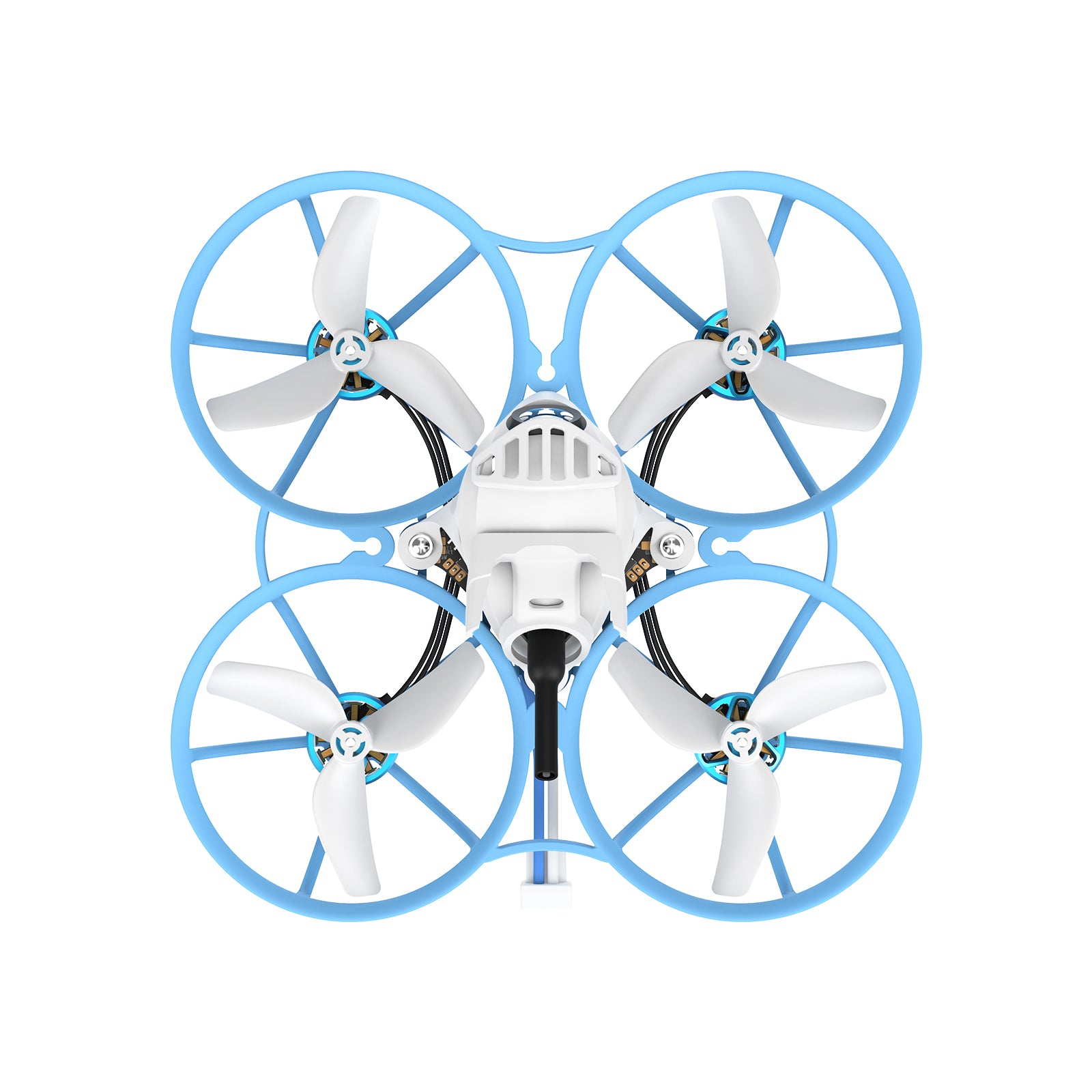
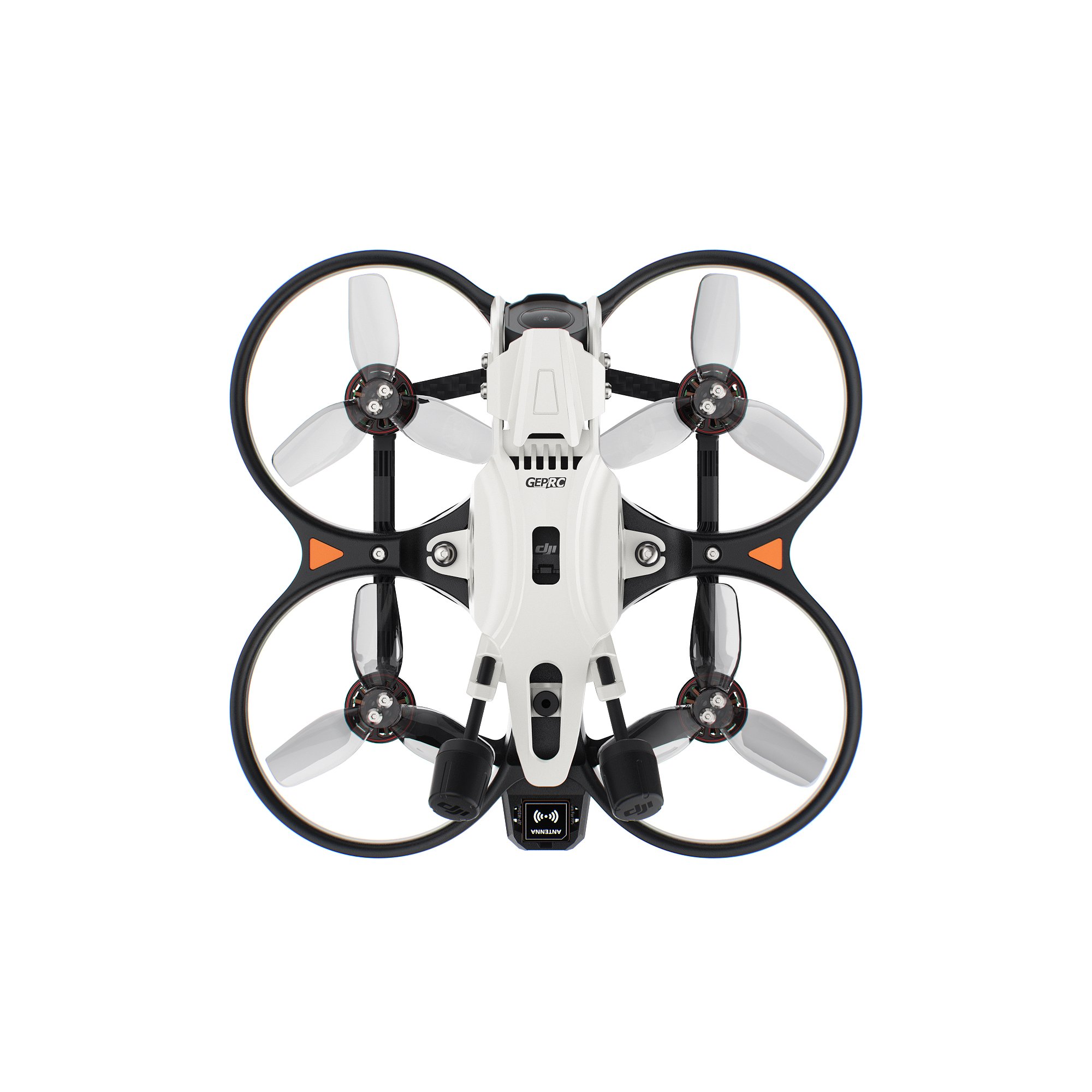
The GEPRC DarkStar25 O4 Pro is a 2.5-inch cinewhoop with 115mm wheelbase. GEPRC lists a TAKER F722 35A AIO, SPEEDX2 1404 4600KV motors, HQProp DT63MMX3 V2 propellers, DJI O4 Air Unit Pro camera/VTX and a 4S LiPo 700–850mAh recommended battery. The manufacturer’s stated ELRS-version aircraft mass is around 180g without a flight battery. Its slow-cruising reference is roughly 6 minutes 20 seconds to 8 minutes 30 seconds, not a guarantee of that endurance during hard indoor manoeuvres.
First distinguish jello, propwash and video transmission faults
| What you observe | Likely fault layer | First useful check |
|---|---|---|
| Wavy lines in the O4 onboard recording | Physical vibration reaching camera or rolling-shutter sampling | Props, motors, damping balls, camera mount and shutter speed |
| Aircraft shakes after a hard turn but image is intact | Propwash, filtering or PID response | Betaflight blackbox and motor temperature |
| Goggles transmission stutters but onboard video is clean | RF interference, antenna, video VTX temperature/power | Compare local recording with live goggles feed |
| Jello appears only after crash or repair | Damaged prop, bearing, camera screw or damper | Detailed mechanical inspection before tuning |
| High-frequency oscillation with hot motors | Mechanical noise or incorrect filter/PID tune | Log gyro and motor outputs with safe flight practices |
| Camera angle shifts or mount rattles | Loose five-point suspension or incorrect screw retention | Compare all damper positions and verify retention hardware |
What is special about the DarkStar25 five-point mount?
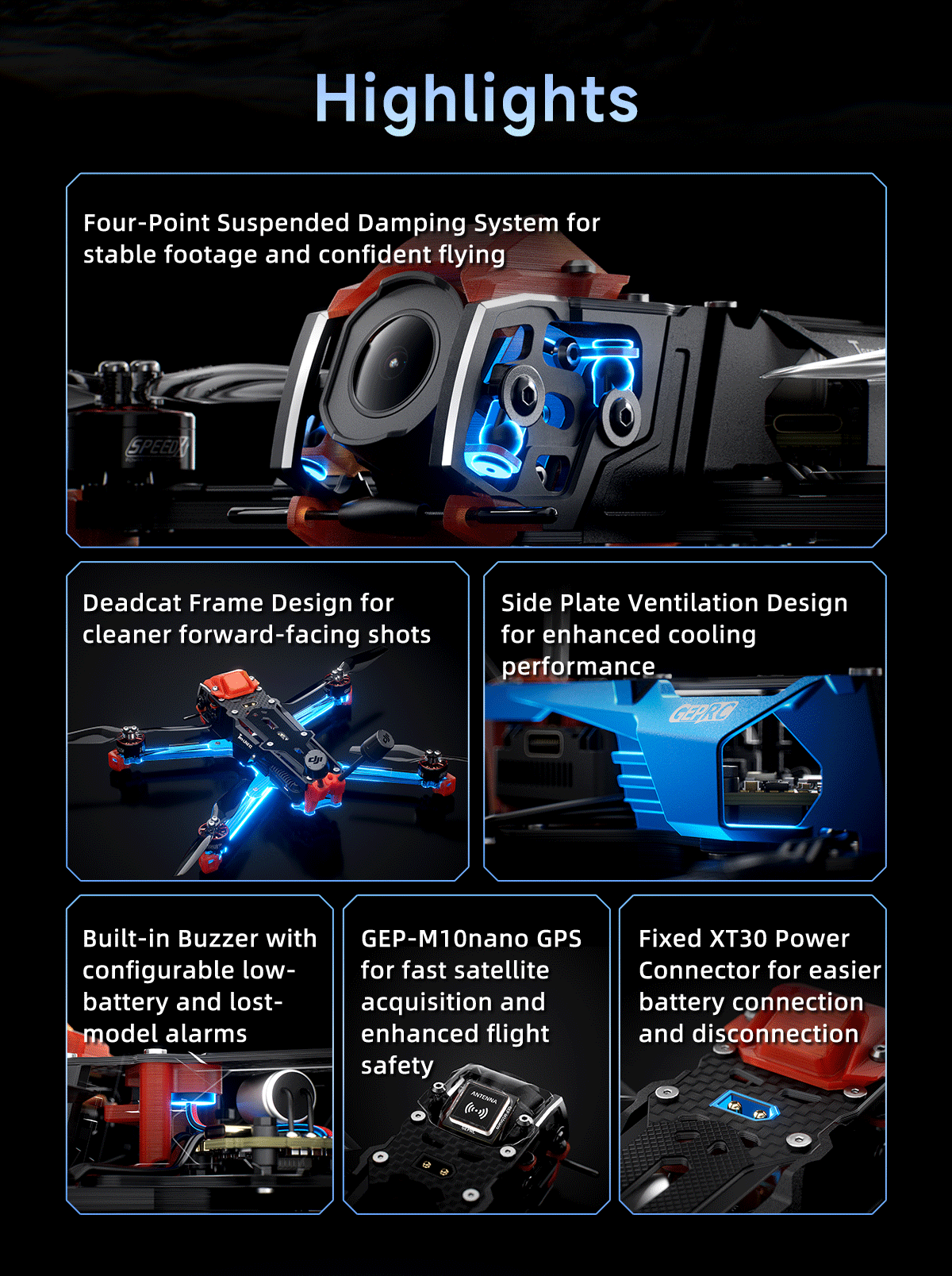
GEPRC’s GEP-DS25 frame uses a five-point suspended damping structure and redesigned silicone dampers with retaining screws to prevent the camera module from separating during a crash. The frame product documentation lists a 2.5mm carbon main plate, 25.5×25.5mm FC/VTX mounting patterns, a 20mm camera mounting width and a protective lens cover. This structure can reduce direct transmission of certain vibrations, but it introduces its own inspection points: compressed silicone, a missing retention screw, incorrect damper durometer, a frame part touching the camera mount or a camera cable that pulls the suspended assembly sideways.
A damper that looks installed from above may be dislodged underneath. If the camera is hard against the protective canopy, its vibration-isolation system has been mechanically bypassed. The O4 camera cable should have enough slack for normal suspension motion without resting against a motor, propeller or sharp carbon edge. Do not glue the camera mount rigidly into place to stop a rattle; that can transmit more vibration and create worse jello.
Six checks before changing PID settings
- Inspect the propellers: compare all four HQProp DT63MMX3 V2 props for missing material, bends, blade-root cracks and debris. Replace damaged sets with approved matches.
- Check motor mechanics: turn each of the SPEEDX2 1404 motors by hand with the battery removed and examine bearing roughness, shaft play, motor-screw intrusion and arm rigidity.
- Check the camera suspension: inspect each of the five damping points, retention screws, canopy and lens-protector clearance. Confirm none of the damper points is over-tightened or missing.
- Inspect cable strain: ensure the O4 Pro camera coax is not taut or pressing against the frame, and that no loose wire can contact the props.
- Review camera shutter conditions: excessive vibration may become visible at particular exposure times; an ND filter or a different shutter may change the appearance without repairing the root mechanical cause.
- Collect representative records: compare the saved onboard video and live feed; where supported, review Betaflight blackbox gyro/PID traces before modifying filters.
Why an ND filter can change jello without fixing it
Jello is a rolling-shutter appearance caused by rapid relative movement between the camera and the scene. A slower shutter can make fine waves less visually obvious by blurring motion, while a faster shutter can freeze them sharply. Neither is a substitute for correcting motor vibration or a faulty damper. For reliable professional footage, first restore the mechanical system, then choose shutter speed and ND filtration to suit the light and motion style. Do not over-tighten or overload the tiny O4 lens mount with a heavy third-party filter.
When a tune can make matters worse
If the camera is mounted correctly and the drone still vibrates in a consistent throttle range, Betaflight filtering and PID tuning may be relevant. However, changing the entire filter stack before inspecting damaged props can mask the true cause and increase motor heat. First confirm the GEPRC baseline configuration, note installed firmware, back up the original dump, inspect the 35A AIO’s motor outputs and use logged data where available. If the motors become unusually hot or the aircraft oscillates violently, stop and investigate rather than conducting longer tests.
Actual payload and battery influence the vibration
GEPRC recommends 4S 700–850mAh for this model. A much heavier 4S pack may change mass distribution and the resonance of the frame; a pack that shifts during throttle changes can produce apparent vibration and camera movement. Secure it with the intended 15×150mm battery strap and anti-slip pads and check frame clearance. A 6S pack does not become acceptable just because its connector fits XT30; the aircraft system is specified for 4S.
If the footage is stable during gentle cruising but unstable during aggressive flips, decide whether the task is a controlled indoor cinematic move or a freestyle mission. GEPRC’s slow-cruising flight-time and video-quality references should be compared with the actual style, not treated as promises for full-throttle racing.
Post-crash rebuild checklist
- Power off and remove the battery. Inspect the duct for cracks or deformation.
- Replace chipped propellers; verify the motor bearings, shafts and fasteners.
- Check all five damping points and retaining screws; use the correct replacement type.
- Inspect the O4 camera lens protector and cable route with frame at rest and under normal designed mount movement.
- Restore the original GEPRC frame/camera configuration before making Betaflight changes.
- Test in a safe authorised environment and compare saved onboard footage against live goggles video.
- Record the exact throttle/flight condition that produces jello and adjust only verified causes.
GEPRC references and matching product
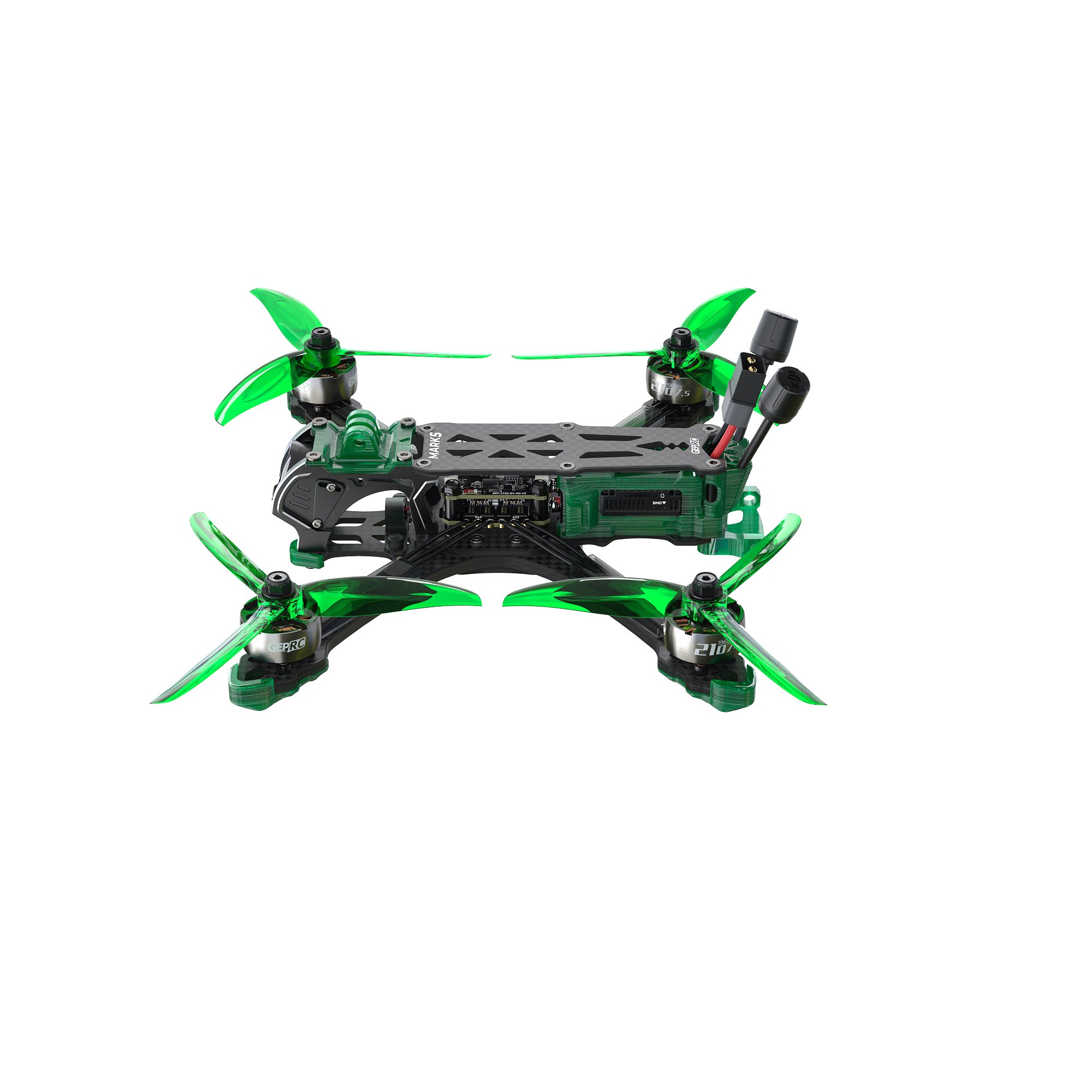
Use GEPRC’s DarkStar25 O4 Pro specifications and GEP-DS25 frame and five-point damping documentation. The matching DarkStar25 O4 Pro at FalconFly is the relevant airframe. For deeper analysis, see our jello and propeller-vibration guide and Betaflight blackbox propwash-versus-oscillation article.