


FPV Drone Vibrates After Changing Propellers? Identify Jello, Bent Shafts and Bad Mounting

FALCONFLY UAV • TECHNICAL FIELD GUIDE • UAE
A drone that flew smoothly yesterday can develop camera jello, oscillations or audible rattling immediately after replacing propellers. It is tempting to edit PID values, but the correct first step is mechanical. Props introduce new mass distribution, pitch, hub fit and rotation direction; a single bent blade or wrong mounting detail can compromise an otherwise healthy build.
Quick-reference decision table
| Signal or factor | Meaning | Recommended response |
|---|---|---|
| High-frequency video jello | Motor/prop vibration or poor camera isolation | Inspect props and motor bearings |
| Drone flips immediately at takeoff | Rotation/order/prop direction mismatch | Disarm and verify mapping |
| Sudden hot motors | High prop load or severe oscillation | Stop testing immediately |
| Wobble after a hard impact | Bent shaft, cracked arm or loose stack | Repair mechanical cause before tuning |
1. Check the simplest error first: prop order and orientation
A propeller designed for clockwise rotation will not perform correctly on the opposite motor when the system expects the original rotation pattern. The correct labels depend on the FC’s motor direction configuration. Verify motor numbers and spinning direction with props removed, then fit each prop according to its actual thrust orientation. Never assume all quads use the same props-in or props-out convention.
2. The hub must match the motor shaft
A 1.0mm press-fit prop on a 1.5mm shaft will not seat properly; a loose fit can slip or wobble. Check whether the design uses press-fit, a center nut or mounting bolts. Wrong screw length can contact motor windings. Examine each hub for cracks, then replace suspect props rather than forcing them into place.
3. Pitch and blade count change the motor load
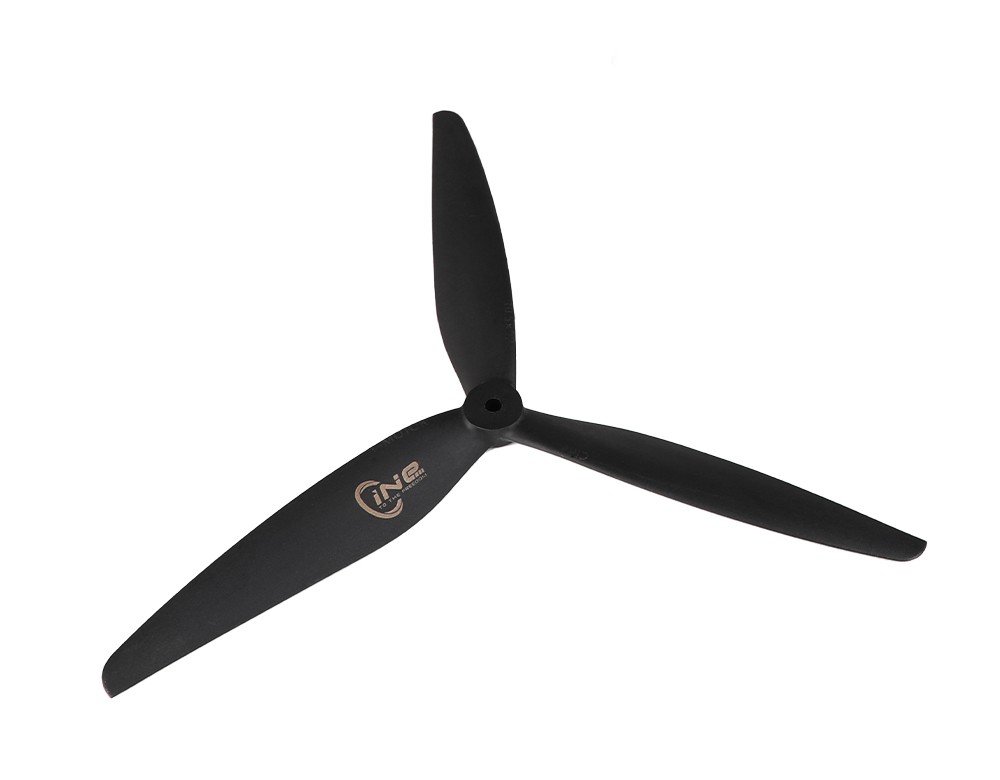
Even with identical diameter, a steeper pitch or extra blade can increase current demand under some operating conditions. If motors become hotter after a prop swap, check the new load against ESC and motor capacity. An aggressive prop may make a small cinematic drone harder to tune and reduce endurance, while a lower-pitch alternative may trade top-end thrust for control.
4. How camera mounting amplifies mechanical problems
Image stabilization systems cannot fully correct high-frequency mechanical vibration. Check camera mounting screws, soft mounts, cable tension and air-unit bracket damage. A rigid coaxial cable can transmit vibration from the frame into an isolated camera. Fix the root vibration first instead of masking it with excessive electronic stabilization.
5. Inspect the craft without energizing motors
With battery unplugged, rotate each bell gently, compare bearing noise and check all arms for cracks. Look for a bent motor shaft by viewing the bell alignment from multiple angles. Inspect FC mounting grommets and loose hardware. Tighten only to manufacturer recommendations; overtightening can distort frames or crush soft mounts.
6. Use Blackbox only after basics pass
Blackbox can reveal gyro oscillation and motor command patterns, but logs should guide a mechanical investigation rather than justify blindly raising filtering. Record an identical low-stress test after each repair so changes can be compared. Never run an obviously wobbling prop at high RPM to capture more data.
7. Buy the right spare props
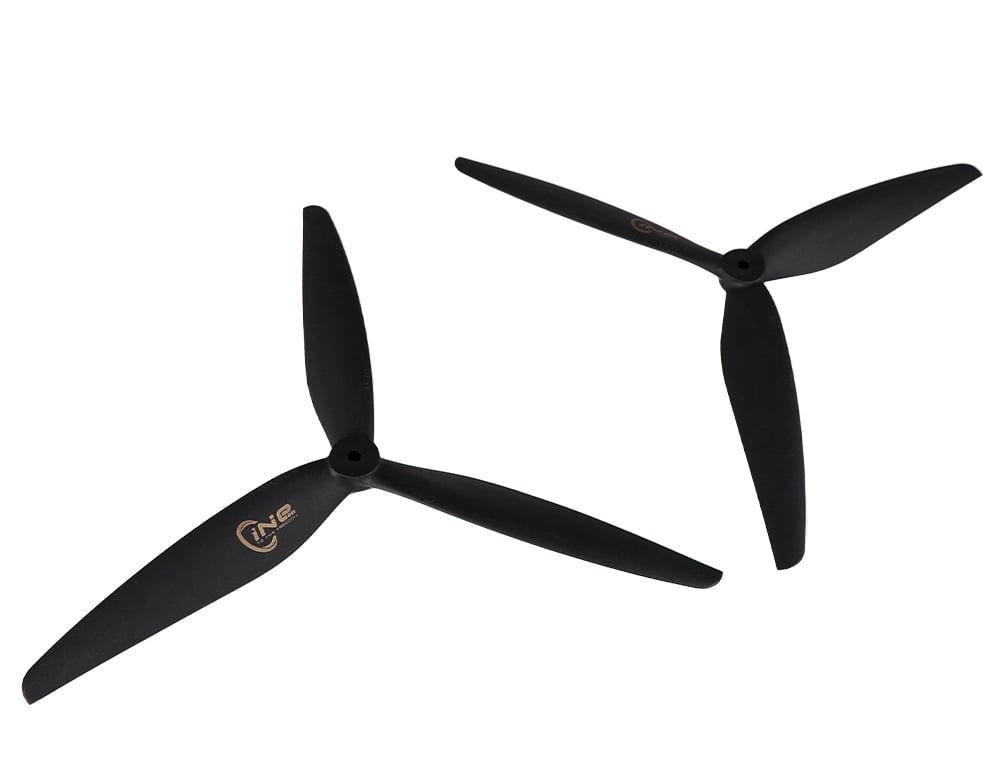
Select diameter, pitch, blade count, hub mounting, rotation set and packaging quantity. A pair marked ‘1CW+1CCW’ is not necessarily a complete four-motor set. Keep a matched spare set in your flight kit, especially when filming on location away from a repair workshop.
Before you order or test
- Confirm the precise hardware model and firmware edition; a similarly named product can use a different component.
- Check manufacturer electrical limits, connection type, physical fit and accessories in the product listing.
- For troubleshooting, work with propellers removed, observe temperature and stop at the first unsafe symptom.
- Make changes one at a time and document your baseline to avoid confusing correlation with the actual fault.
- Perform any flight testing only where permitted, with people and property well clear of the aircraft.
Frequently asked questions
Can a propeller cause video jello even if the drone flies normally?
Yes. Vibration may be visible in the camera before control feels seriously affected.
Should I retune PIDs first?
No. Start by checking prop installation, frame integrity, motors and camera mounting.
Are all five-inch propellers interchangeable?
No. Hub, shaft mounting, pitch, blade count and clearance all matter.
Further technical reference: https://betaflight.com/docs/. Always check the current manufacturer documentation, and do not rely on estimated flight times or charging limits as guarantees.
FIELD NOTES • PRACTICAL APPLICATION
Worked example: a drone develops jello with new props
A pilot replaces four undamaged three-blade props with a model of similar diameter but higher pitch. The aircraft remains controllable, yet recorded footage shows rippling buildings and the motors are warmer after one minute. The sensible diagnosis starts with the new propeller load and its hub fit, then motor-bell condition and camera mounting. Increasing electronic stabilization may hide a portion of the symptom without reducing the harmful vibration or excess current.
A repeatable mechanical inspection route
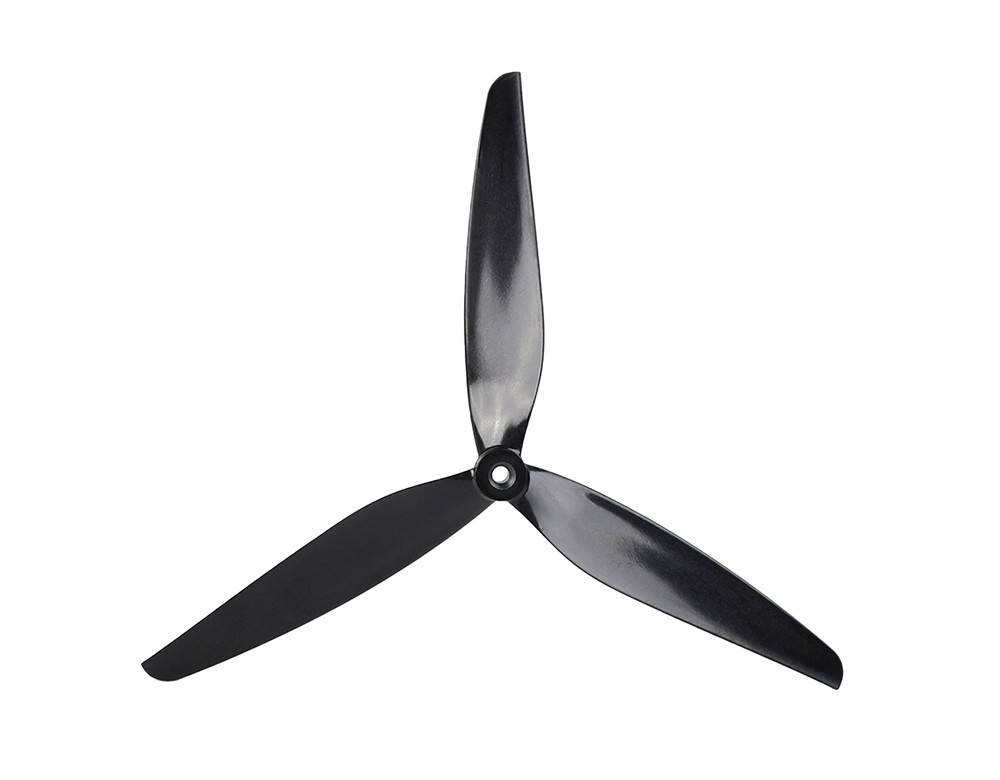
First disconnect the flight battery. Check each blade against the light for cracks and deformations; then verify the correct clockwise/counterclockwise positioning. Inspect hubs and motor mounting screws, and gently compare bearing smoothness between motors. Finally inspect camera isolation mounts, coax routing, and any cable that might transmit frame vibration. Only after these checks should you use a brief prop-free motor test under the Configurator’s safety precautions.
What to record after a propeller purchase
Keep the brand, diameter, pitch, blade count, hub type and package quantity in a small maintenance log. These details help compare products when one set produces better handling or endurance. A replacement 1CW+1CCW pair will not equip an entire four-motor quad, and two visually similar colors may conceal different pitch variants. Order a complete matched set and a few spare pieces for field repair.

















