


Matrice 30 1671 Standard Propellers: How to Spot a Bad Replacement

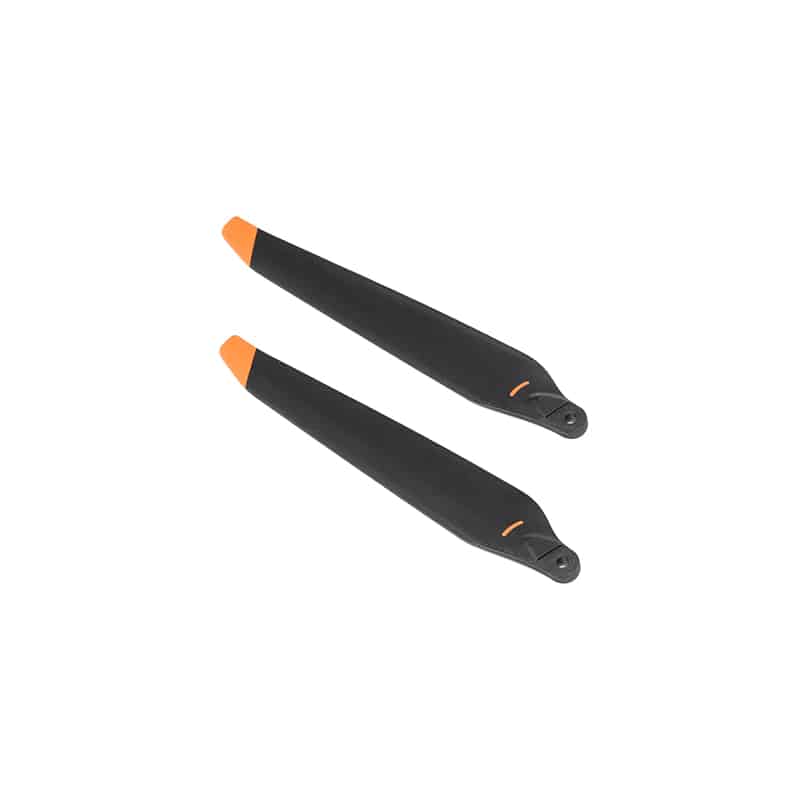
A Matrice 30 pilot replaces a damaged 1671 propeller, but the aircraft now produces unusual vibration even before takeoff. The replacement is labelled “for Matrice 30,” so the crew suspects the motors instead. The first step is to check the exact 1671 standard propeller model, CW/CCW installation, fasteners and the affected motor—not to run a longer test flight and hope the vibration disappears.
Start with the model: 1671 is not a Matrice 350 propeller
The DJI Matrice 30 Series 1671 standard propellers are the normal factory propeller model for the M30/M30T family. DJI specifies optional 1676 high-altitude propellers for a different service-ceiling scenario. This is distinct from 2110s/2112 models used by the Matrice 350. A seller listing “DJI Enterprise” without a precise part number is not sufficient evidence of compatibility.
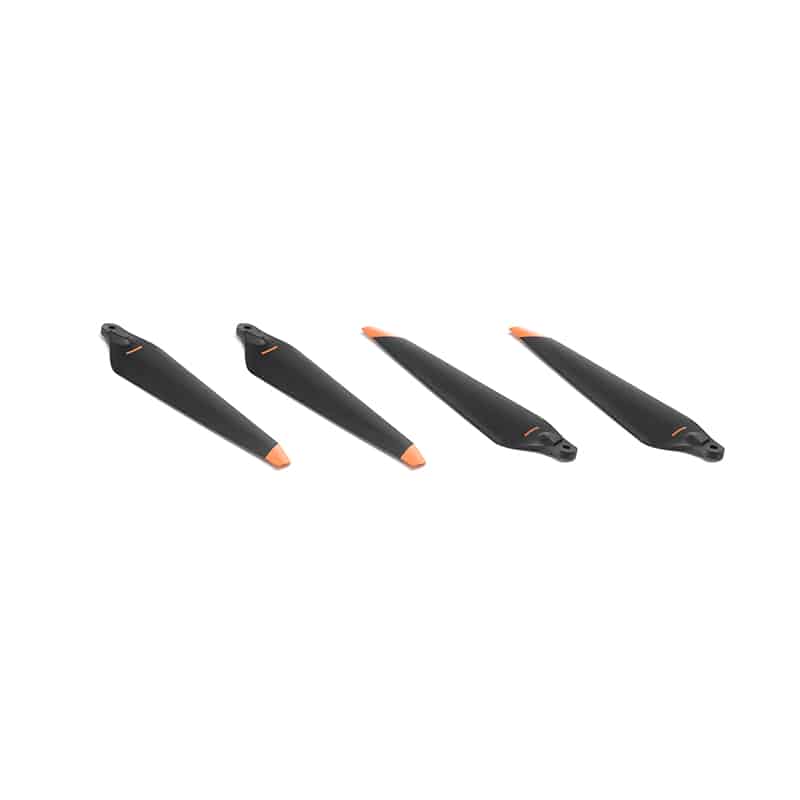
DJI’s M30 aircraft reference lists a maximum service ceiling above sea level of 5,000 m with 1671 under its specified no-extra-payload conditions, compared with 7,000 m with 1676. The higher figure is not a justification to mix standard and high-altitude propellers on an aircraft or to borrow a set from another Matrice platform. This article focuses on identifying and correcting a damaged standard-propeller installation, rather than the separate altitude-planning question.
Is a slight nick enough to stop the flight?
Any visible impact damage on a rotor deserves inspection. Look for cracks or stress marks near the root, chipped leading edges, a bent blade, abrasion from a protective case and loose hub hardware. A propeller may appear normal at rest yet vibrate under load because its shape or mass distribution has changed. Do not sand, heat, glue or bend a composite aircraft propeller to restore the original contour; replace parts according to DJI’s maintenance guidance.
| Finding | Likely implication | Safe decision |
|---|---|---|
| Crack at blade root or mounting hub | Potential structural failure under rotor loading | Ground the aircraft and replace the affected assembly |
| Nick or missing material on one blade | Possible imbalance and loss of efficiency | Replace per manufacturer procedure; inspect adjacent rotor |
| New vibration only after replacement | Wrong CW/CCW location, loose hardware or damaged motor | Recheck the exact part and installation before operation |
| Motor rubs, catches or has unusual play | Possible bearing, rotor or shaft damage after a strike | Stop; obtain qualified service rather than replacing only blades |
| All props look intact but a propulsion warning appears | Could be motor, ESC, firmware or sensor fault | Save the warning and aircraft logs; do not treat a clear blade inspection as proof of safety |
Six-step replacement acceptance procedure
- Document the event: note whether the original propeller contacted vegetation, a cable, a structure or a case component and whether vibration began before or after replacement.
- Shut down fully: power off the aircraft and handle the TB30 batteries according to the manufacturer procedure. Do not work on a live or armed rotor.
- Check exact identity: verify the 1671 marking, legitimate DJI part source and intended motor rotation/position; keep standard and high-altitude propeller sets separate.
- Inspect the motor and arm: look for deformation, looseness, debris and unusual bearing drag. Replace or service any motor hardware that does not pass the visual/mechanical check.
- Follow DJI’s specific mounting method: use correct approved fasteners, replace any component the service procedure designates as single-use and check secure retention. Do not apply arbitrary screw torque or threadlocker copied from an unrelated aircraft model.
- Complete the documented preflight: confirm all props and motors, aircraft warnings, battery condition and the planned flight environment. Stop if a new vibration or power warning remains unexplained.
Where an apparent propeller problem comes from somewhere else
Rotor vibration can also follow a bent motor shaft, damaged motor bearing, loosened motor mount, deformed arm, contact with frame components or foreign debris. A fresh propeller will not correct those faults. The most useful diagnostic question is whether the abnormal condition follows one specific physical rotor, started after a known impact or can be seen with the aircraft completely powered off during mechanical inspection.
If the aircraft suffered a collision severe enough to damage the propeller, do not assume the ESC or motor is healthy just because the DJI Pilot 2 app can arm the aircraft. Record the exact fault and maintenance work. Where the condition cannot be isolated without spinning damaged propulsion, use qualified service rather than performing an uncontrolled powered experiment.
Why propeller selection matters to the flight plan
The 1671 standard setup has the DJI-specified 5,000 m reference service ceiling in the relevant M30 configuration. Mountain work may call for the 1676 option, but changing propellers also triggers a review of site elevation, aircraft mass, wind and reserve. For normal sea-level industrial inspection, ordering a high-altitude part merely because its name sounds more capable can produce unnecessary compatibility and logistical risks.
Related FalconFly guide
For broader practical context, read our DJI replacement propeller inspection fundamentals guide. It complements this product-specific troubleshooting workflow.
Technical sources and genuine replacements
Confirm the correct 1671/1676 options in DJI Matrice 30 Series specifications and use the manufacturer’s current service manuals for rotor installation. The standard 1671 replacement pair is available on FalconFly. Always verify both the part code and the condition of the affected motor before declaring the aircraft safe for further flight.






























