


DJI Matrice 350 2110s Propellers: A Maintenance Decision After Impact

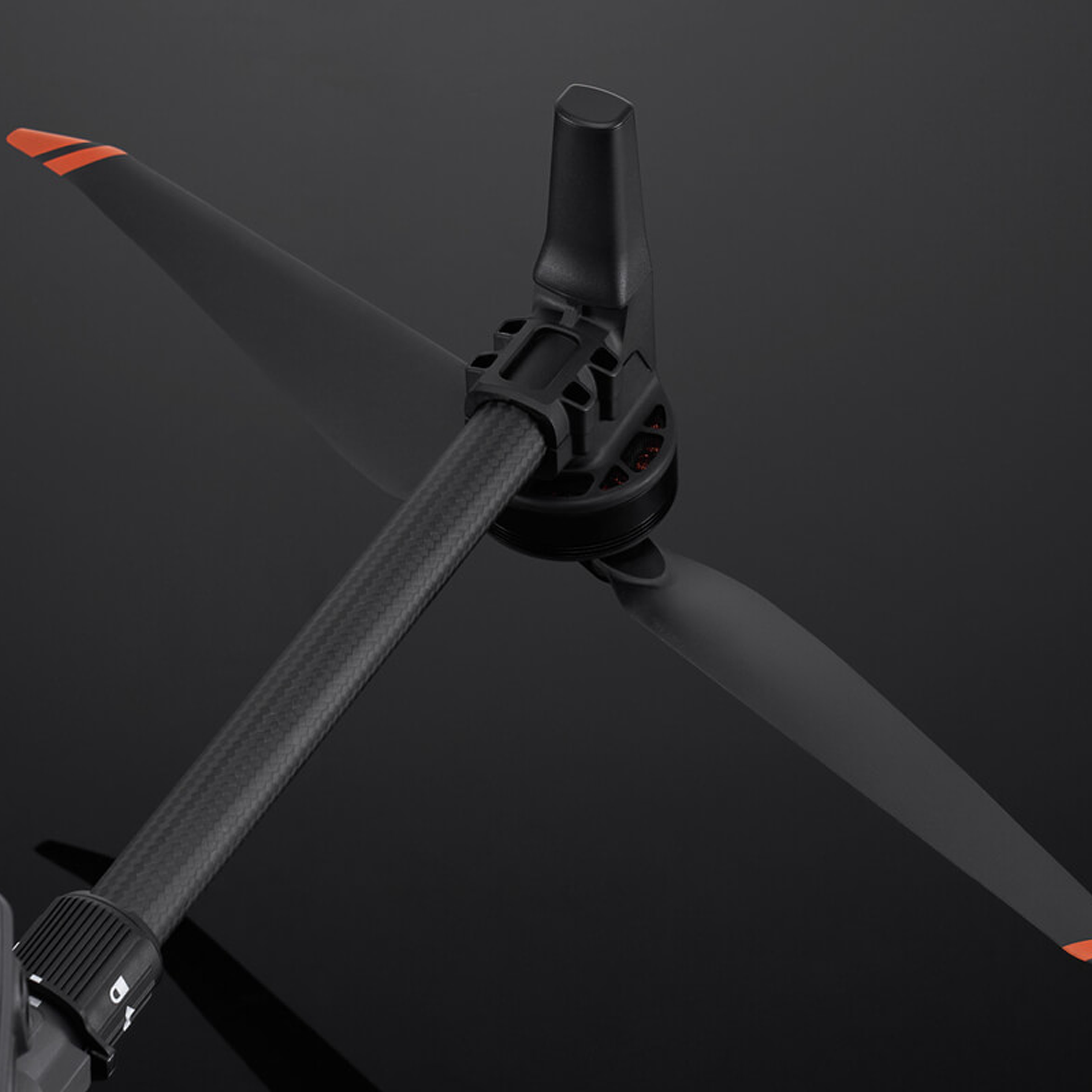
The Matrice 350 RTK touches a branch during an inspection, and its 2110s propeller looks almost undamaged. The team considers flying the next sortie because the rotor still turns. That is the wrong proof of airworthiness. DJI allows owner replacement of M350 propellers but explicitly requires new corresponding screws and threadlocker on the new screws. A serviceable-looking blade does not rule out a bent motor shaft, damaged hub or incorrect fastening after a strike.
2110s standard versus 2112 high-altitude: know which is installed
The DJI Matrice 350 RTK 2110s propeller pair is the factory standard configuration. DJI also supports optional 2112 High-Altitude Low-Noise propellers for different operating conditions. Its FAQ says propellers from the Matrice 300 RTK can be used in the Matrice 350 RTK, but only one propeller type may be used on the aircraft at a time. That is an explicit manufacturer constraint; replacing a single damaged 2110s blade with a 2112 from the workshop does not produce an approved mixed set.
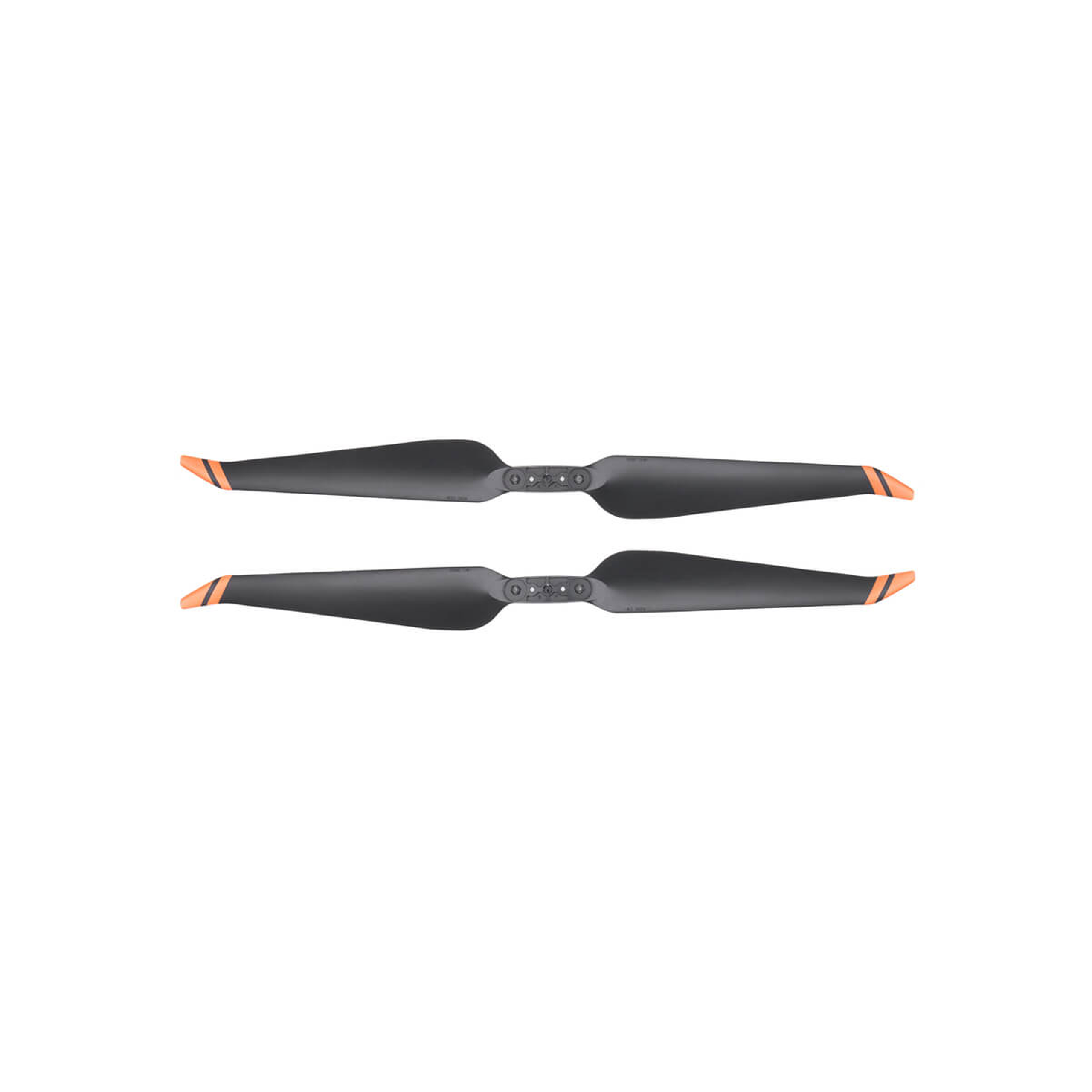
Do not borrow the 1671/1676 designations from the smaller Matrice 30 Series. Different Matrice product names can sound similar while using completely different propeller geometry, mounting hardware and motor load. A precise model number is an essential part of the parts order and maintenance log.
What to inspect after a light blade strike
| Evidence | Possible failure | Decision |
|---|---|---|
| Small nick, crack or trailing-edge chip | Loss of balance, altered thrust or future fatigue cracking | Do not fly; follow approved replacement guidance |
| Scratch around blade root or fastening hub | Hub stress or loose fastening | Inspect hub and screws, then replace damaged components |
| Blade turns but motor feels rough by hand | Motor bearing, shaft or rotor damage | Stop and obtain qualified motor inspection |
| Unexpected vibration after a new pair | Fastener installation, mixed model or hidden motor issue | Recheck full propeller set, screw procedure and motor condition |
| Arm or motor mount shifted after impact | Structural alignment issue beyond the rotor | Do not rely on propeller replacement alone |
DJI’s screw requirement is not optional detail
The Matrice 350 RTK FAQ permits operators to replace propellers themselves. It also states that the corresponding screws should be replaced when changing propellers and recommends applying a proper amount of threadlocker 243 to the new screw surfaces. This means a propeller exchange is more than pressing a blade onto a motor and reusing old hardware indefinitely.
Follow the exact Matrice 350 maintenance procedure for the number and placement of fasteners, approved torque and installation orientation. Do not apply arbitrary threadlocker to the blade material, use adhesives on bearings, or substitute screw lengths from another aircraft family. Where a service manual calls for new parts, reuse is not a harmless shortcut simply because an old screw threads in.
Step-by-step field decision before taking off again
- Record the incident. Note the obstacle, impact direction, affected motor and any unusual sound or DJI Pilot 2 warning during or after the event.
- Power down completely. Remove power per the aircraft manual and handle the TB65 batteries safely. Never perform rotor inspection on an armed aircraft.
- Confirm the model. Identify every installed propeller as 2110s or the approved alternative and ensure the complete set is not mixed.
- Inspect the arm and motor. Check for deformation, play, damage, connector strain and abnormal rotational resistance. A new propeller cannot repair a damaged bearing.
- Replace damaged parts. Use genuine DJI parts, new corresponding screws and manufacturer-directed threadlocker application. Confirm rotation direction and securing method from the service instructions.
- Check mechanical security. Validate the entire rotor set and arm-lock condition. If any fastening method or motor state remains uncertain, stop and refer to qualified service.
- Finish the documented preflight. Check battery condition, propulsion warnings and mission limits. Avoid an uncontrolled flight as the first test of a suspect propeller.
Why a vibration fault may persist after replacing the visible blade
If vibration began after a collision and remains with a genuine correctly installed 2110s, the motor/arm or adjacent components may have sustained damage. If the symptom began only after a replacement, review whether the correct fasteners and threadlocker were used and whether the set contains a different propeller model. Comparing before/after photographs and service records is much more useful than repeated test flights.
For high-elevation missions, evaluate DJI’s optional 2112 set separately. Its different approved altitude-versus-takeoff-weight envelope may improve suitability at certain elevations, but it is not an automatic replacement for standard 2110s during normal low-elevation operations. A maintenance decision is about restoring an approved configuration, not seeking performance changes with mismatched hardware.
Related FalconFly guide
For broader practical context, read our original DJI propeller compatibility and safety checks guide. It complements this product-specific troubleshooting workflow.
Manufacturer references and compatible replacement
DJI’s Matrice 350 RTK FAQ contains the explicit guidance on M300/M350 propeller compatibility, not mixing models, new screws and threadlocker 243. Use the M350 manuals for the current installation procedure. The genuine 2110s replacement pair is listed on FalconFly. Safety decisions should be based on the complete rotor system, not the visible edge condition of one blade.






























