GEPRC DS22 Damping Balls: Fixing a Loose Camera Mount After an Impact

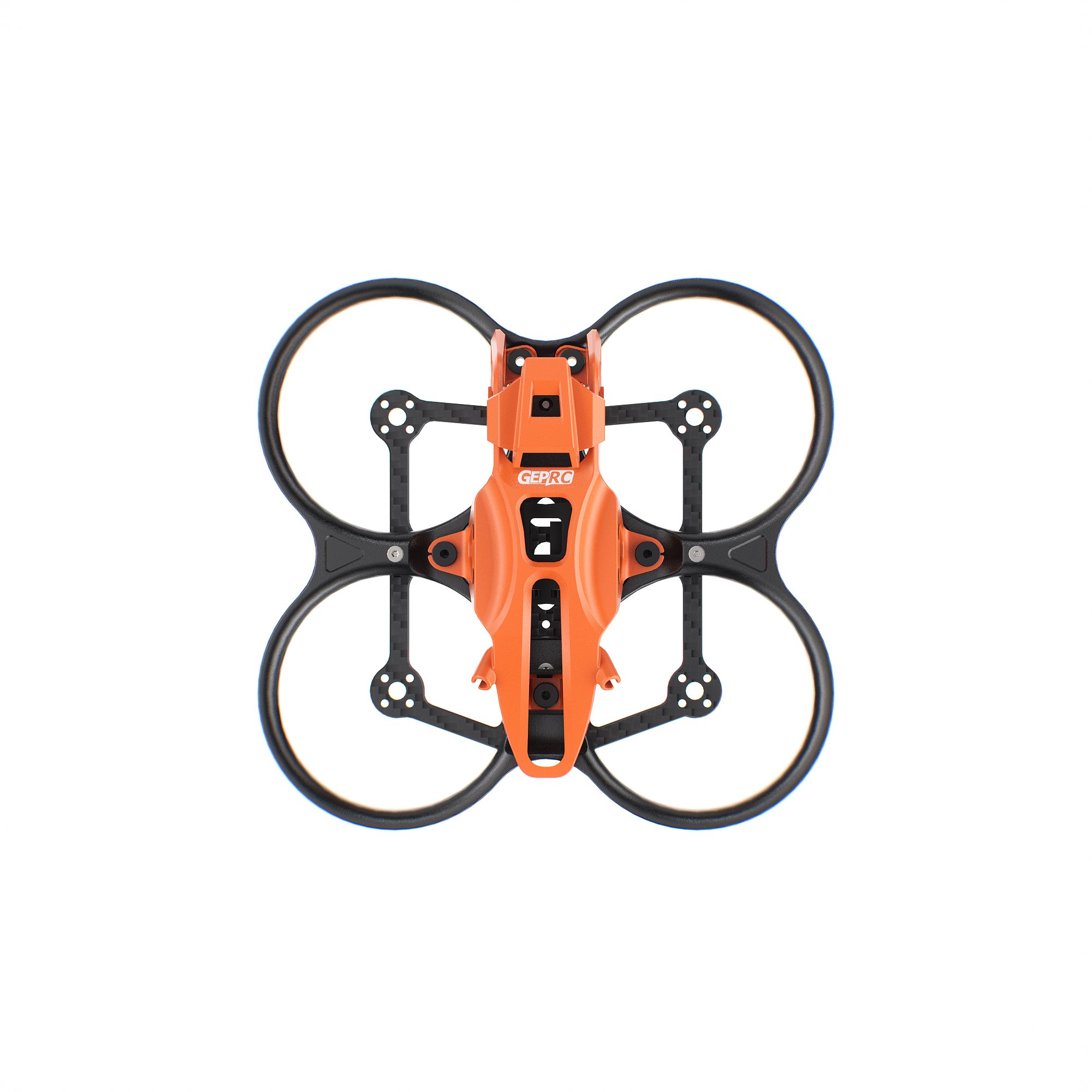
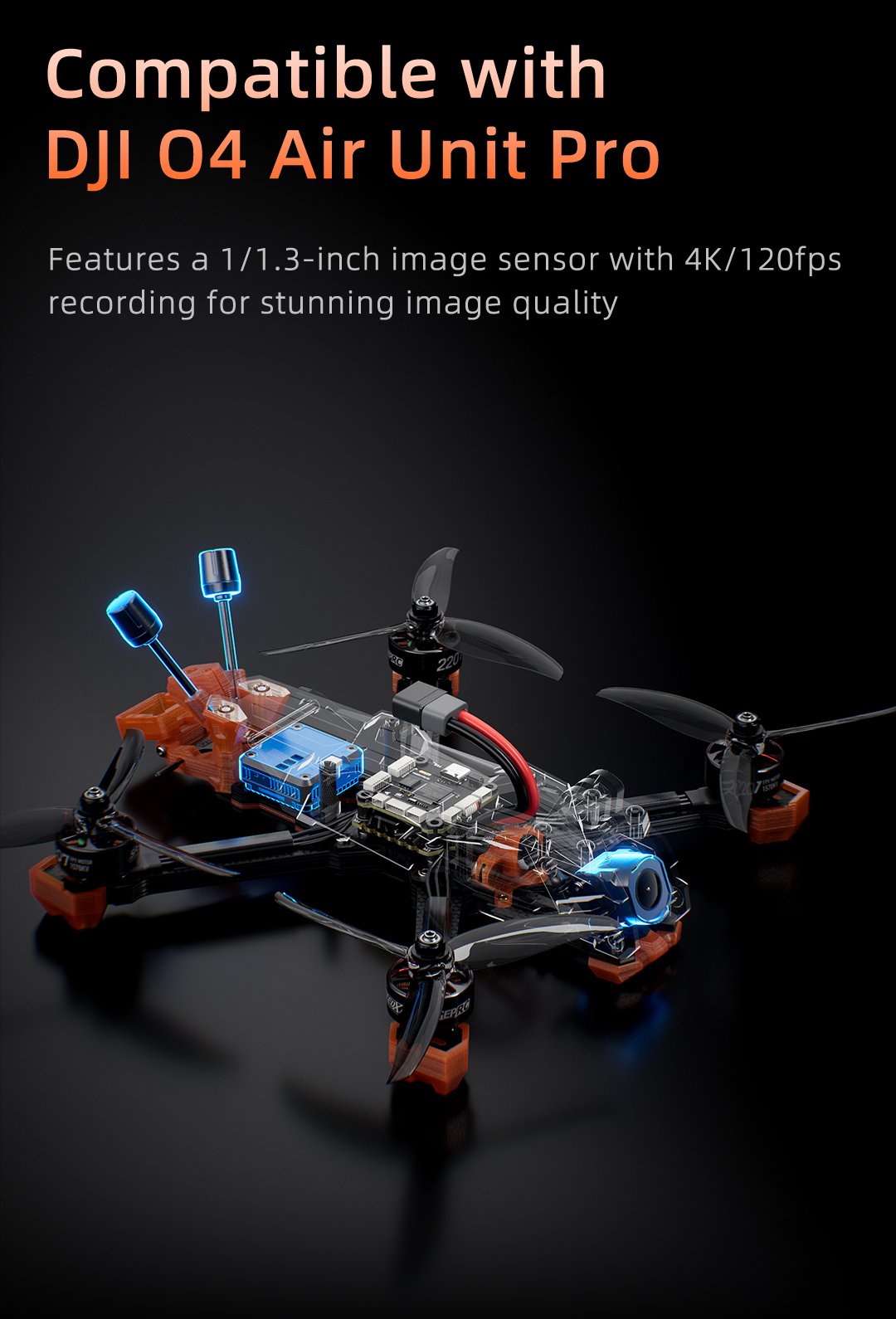
After a small crash, a GEPRC DarkStar22 pilot notices that the DJI O4 Pro camera is sitting slightly lower on one side, while recorded footage has new horizontal waves. The propeller ducts look intact and the drone still arms. It is tempting to tighten every visible screw, but doing so can defeat the camera’s vibration isolation. GEPRC specifies 50° camera damping balls for DarkStar22, sold as a seven-piece spare pack, and uses a five-point floating camera suspension in the GEP-DS22 frame. The repair needs the right silicone elements and retaining arrangement, not a rigid camera mount.
What the GEPRC DS22 damping-ball pack is for
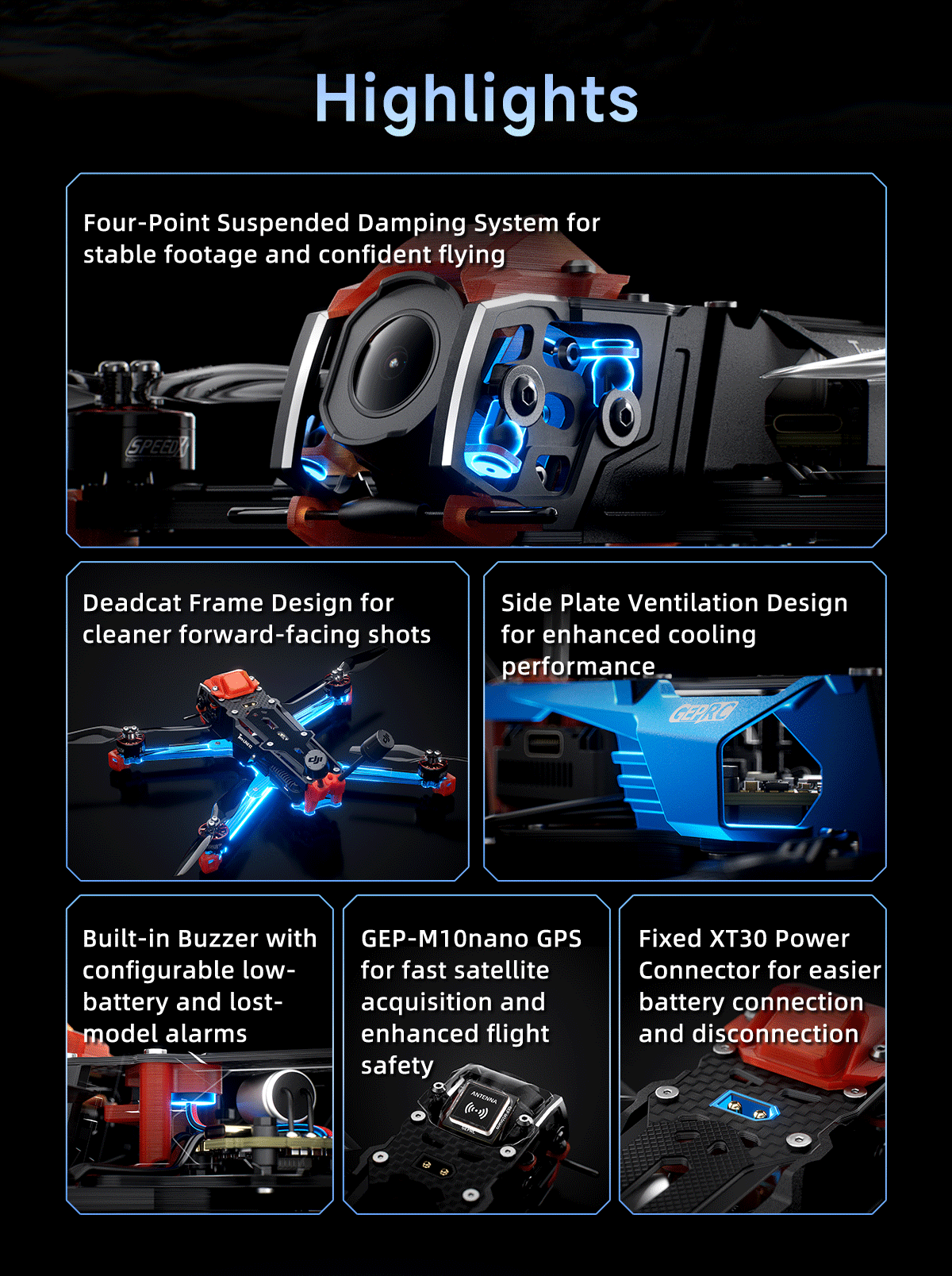
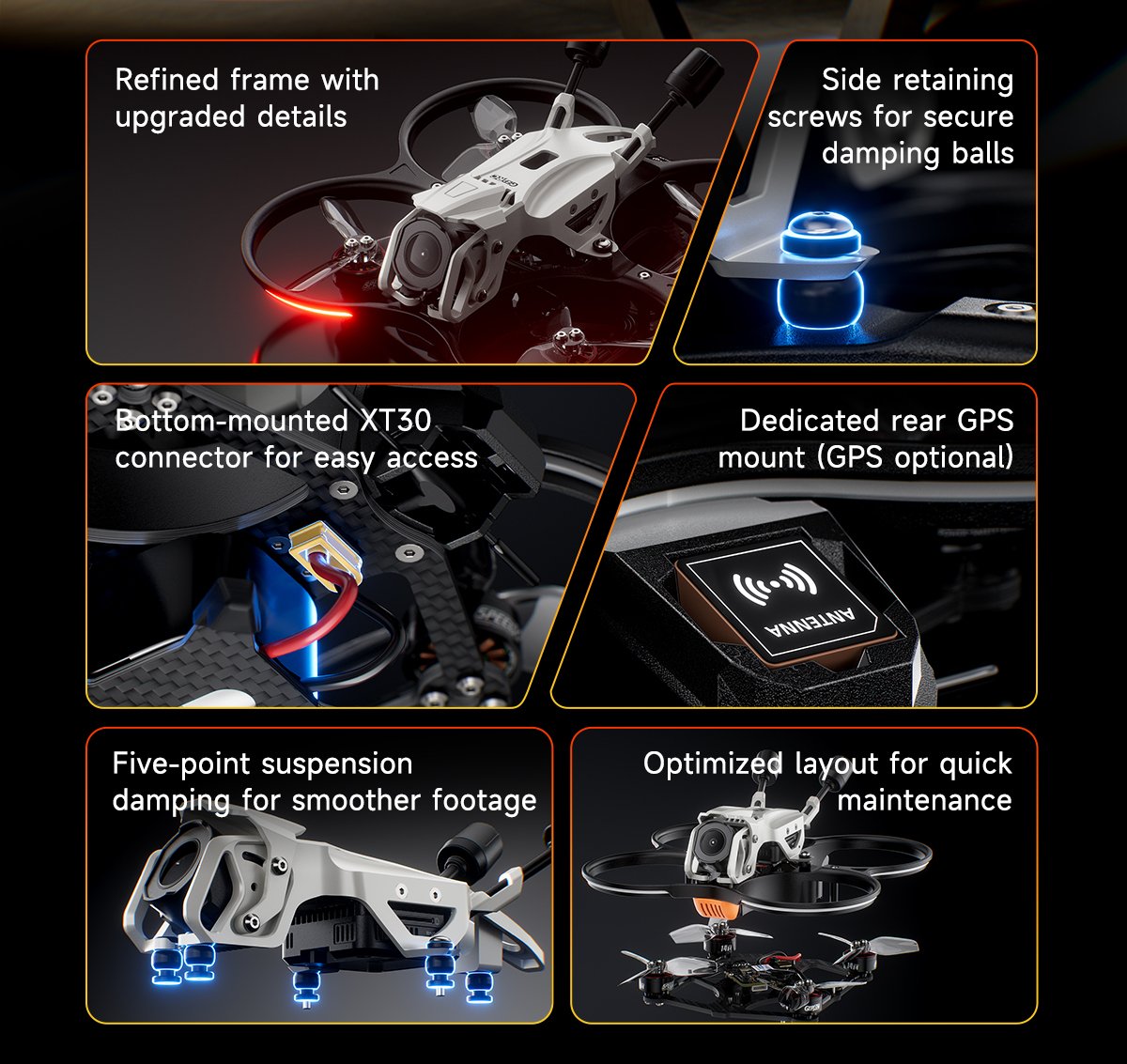
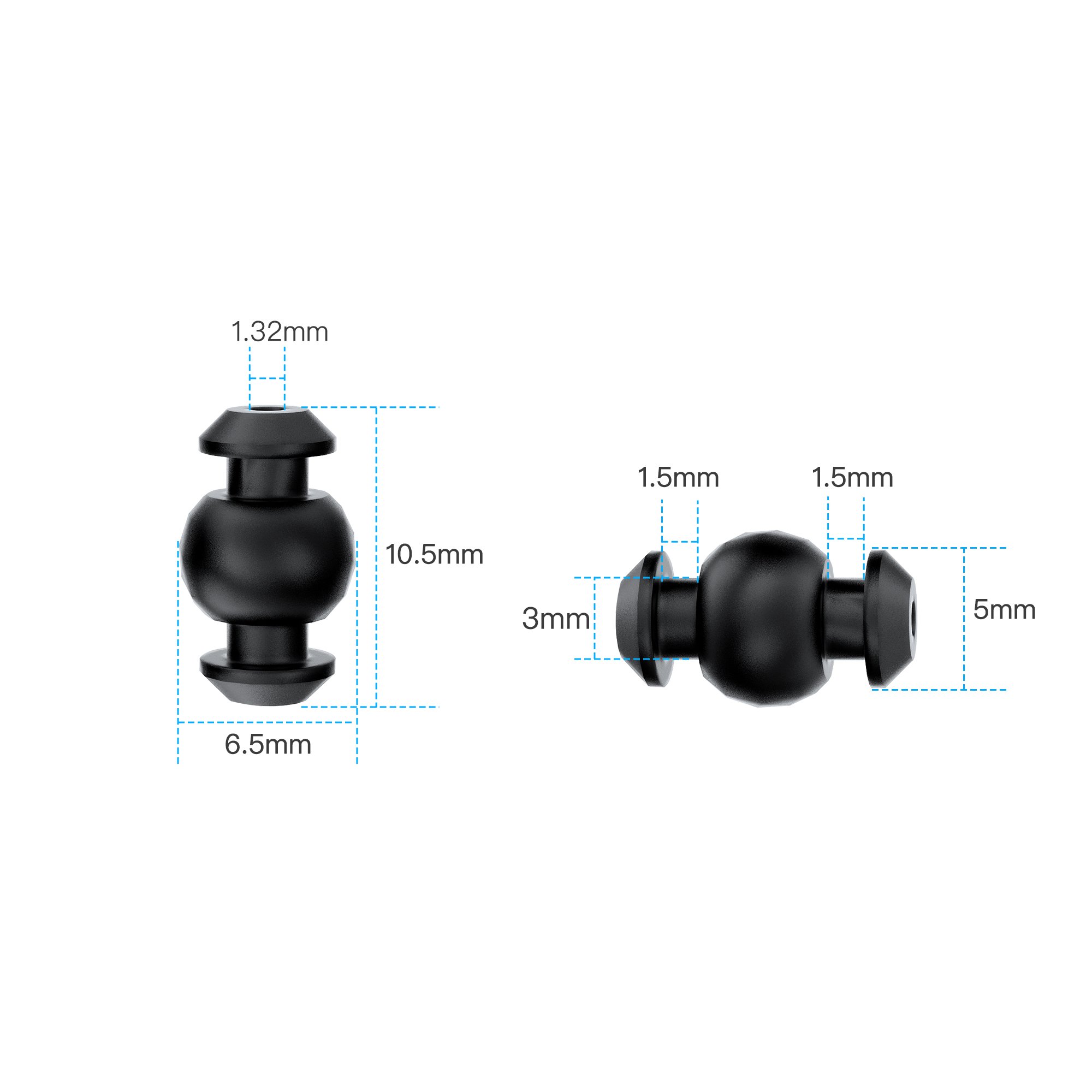
The GEPRC DS22 Damping Balls (7 pieces) are replacement silicone elements for the GEP-DS22 / DarkStar22 camera suspension. GEPRC’s general camera-damper catalogue identifies 50° hardness, seven pieces for the DarkStar22 and DarkStar25 families. Its actual GEP-DS22 frame uses a five-point floating damping architecture to isolate the mounted camera from motor and frame vibration. The two additional balls in a seven-piece replacement package are spares, not an instruction to modify the number of suspension points.
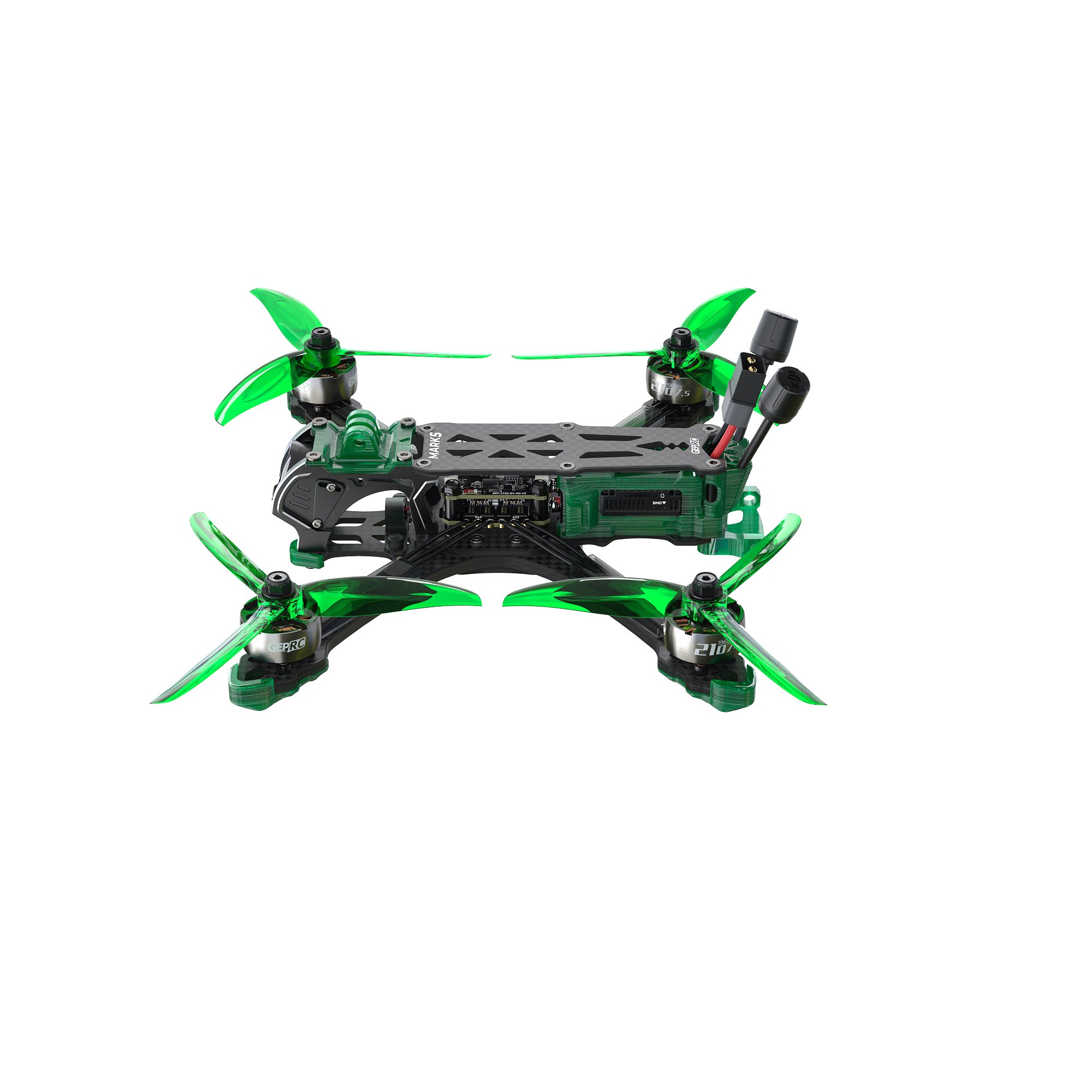
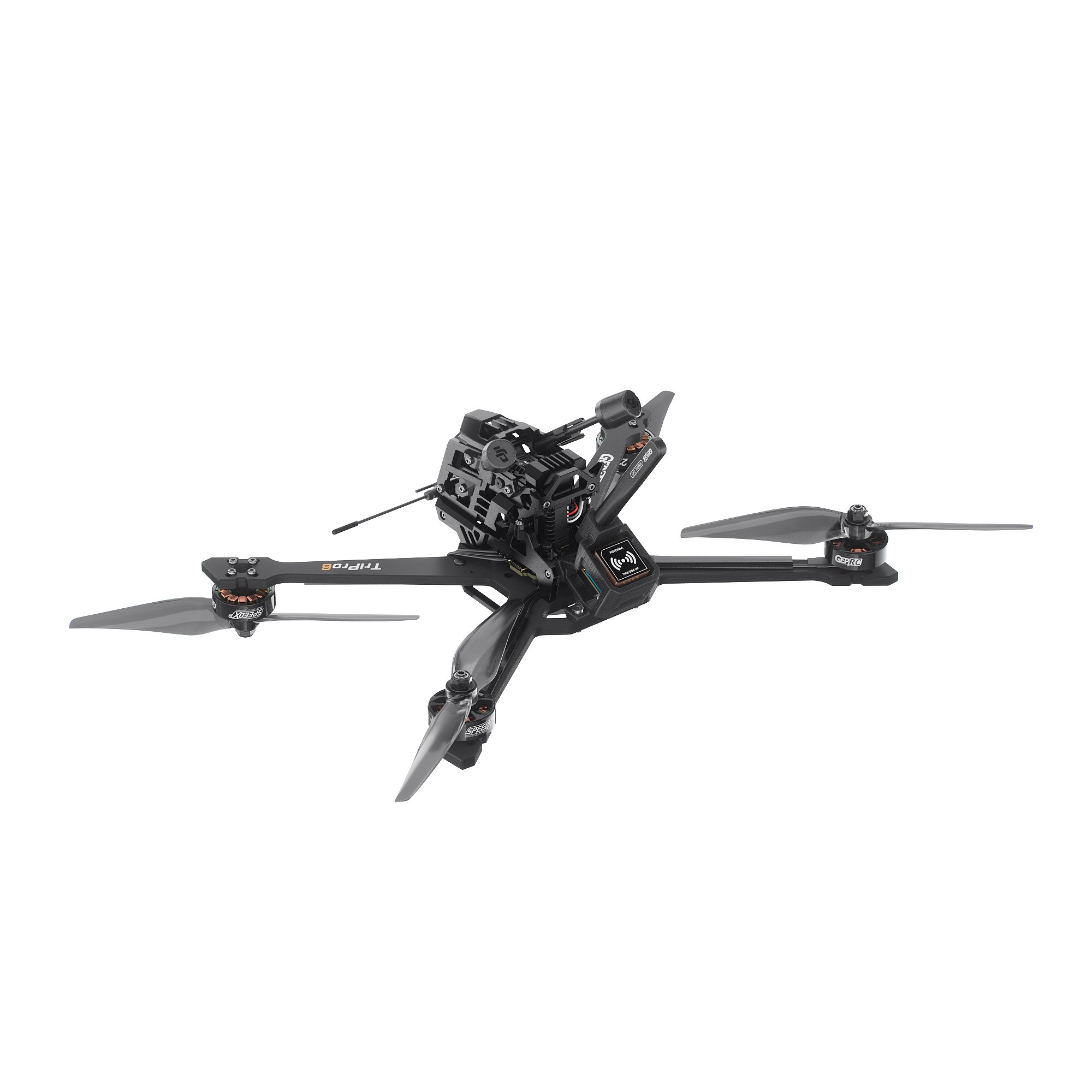
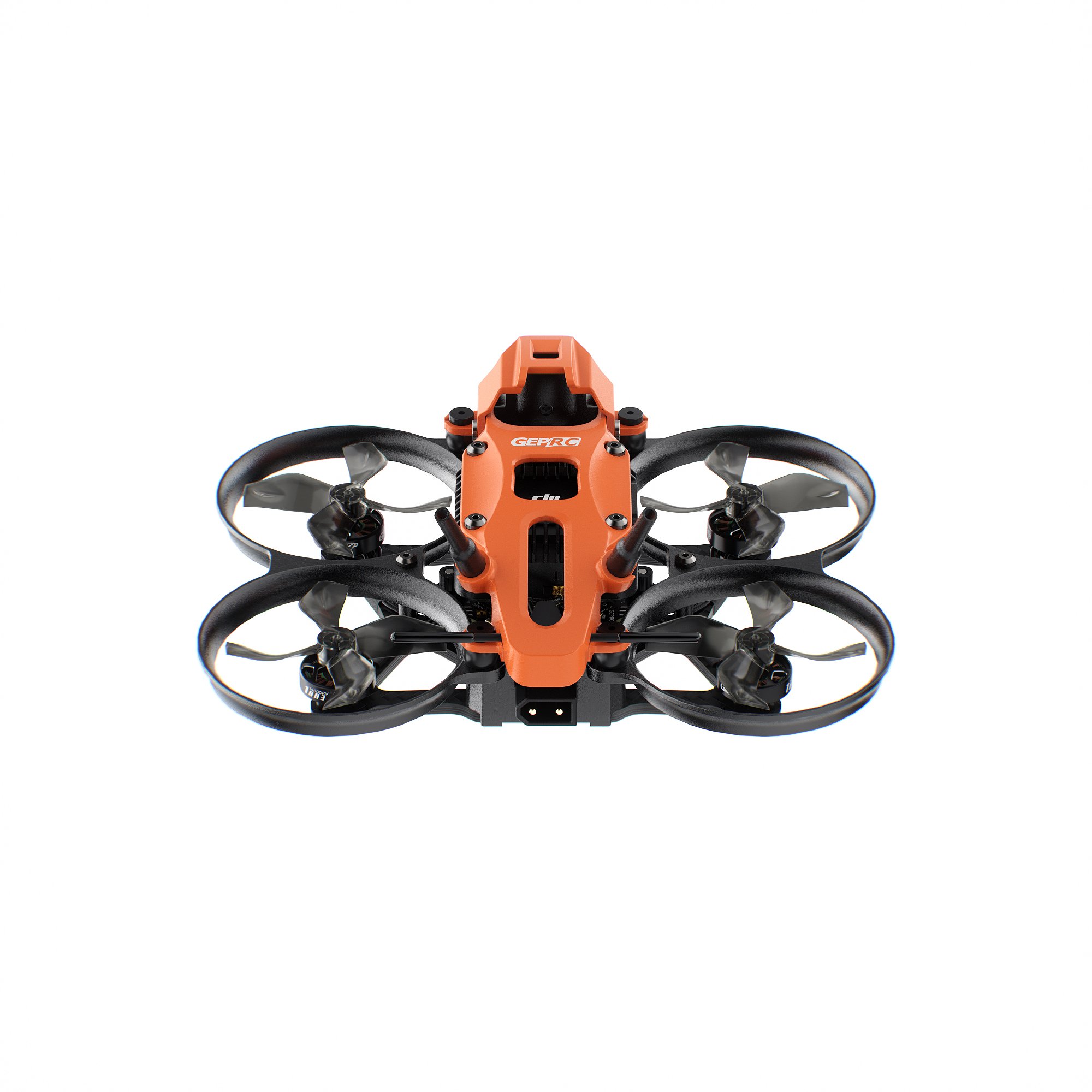
The DarkStar22 O4 Pro airframe is a 2.2-inch cinewhoop with a 100mm wheelbase, a TAKER F405 20A AIO, SPEEDX2 1104 7500KV motors, and GEPRC × Gemfan GP2219-3 propellers. GEPRC recommends a 3S LiHV 720mAh pack. Those parts set the vibration and camera-mass environment; a damper proven on a substantially different camera assembly may behave differently.
Why a loose camera can still record without obvious failure
The camera may remain electrically connected through its coaxial cable even after one damper has torn or popped out. The DJI O4 Pro radio link then works normally, yet the moving camera assembly touches the protective canopy or vibrates asymmetrically. That contact can bypass the intended silicone isolation. The pilot may mistake the resulting image movement for a sensor or firmware problem because the digital video itself never disconnects.
| Symptom | Likely inspection point | Recommended response |
|---|---|---|
| Camera tilts after a crash | Torn or missing DS22 suspension ball; displaced retaining screw | Replace with correct 50° ball and restore approved mount geometry |
| Jello begins after frame rebuild | Incorrect hardness, over-compression or camera-body contact | Compare to GEPRC original five-point arrangement |
| Video blacks out when the camera moves | Coaxial cable/connector damaged by impact or tension | Inspect high-speed camera lead independently from dampers |
| Vibration appears only at particular throttle | Propeller imbalance, motor bearings or tuning noise | Check mechanical source and blackbox before PID changes |
| Camera is rigid and jello is worse | Retaining hardware crushing silicone or hard frame contact | Correct preload and clearance using manufacturer instructions |
| Mount looks normal but one ball is split | Silicone fatigue or hidden crash damage | Replace affected parts and examine all remaining points |
Hardness matters: DarkStar22 is not a 40° CineLog
GEPRC sells 40°, 50° and 60° silicone damping-ball options. Its manufacturer matrix assigns 40° to models such as CineLog20, CineLog25 V2, CineLog30 and CineLog35 V2; 50° to DarkStar22 and DarkStar25; and 60° to DarkStar16 and CineLog35 V3. Choosing a 40° pack because a supplier calls it “extra soft” can create excessive movement on the DS22 suspension; using a harder 60° ball can pass more mechanical vibration through the camera mount. Start with GEPRC’s documented DS22 50° choice.
How to inspect five camera suspension points
- Ground and power down the drone. Remove the LiHV pack and all propellers. Do not handle the O4 camera suspension while the unit is transmitting or hot.
- Inspect the whole frame. Look for damaged 2.2-inch propeller guards, canopy clips, carbon plate, motor mounts and lens protector.
- Locate all five suspension points. Check for a ball partly pulled out of its groove, compressed unevenly or torn across the waist.
- Confirm correct spare hardness. Use the DS22 50° replacement pack and compare the ball’s retaining shape with the originals.
- Inspect retention and clearance. Confirm manufacturer-approved screws and retainers are present without crushing the silicone; leave proper camera and lens-cover clearance.
- Examine the camera cable. Ensure it has enough slack for intended suspended movement but cannot touch motors, props or a sharp frame edge.
- Recheck the props and motors. A damaged GP2219-3 propeller or rough bearing can produce vibration that no correct camera dampers can fully remove.
- Test the result safely. Perform a controlled short flight under approved conditions and compare onboard O4 recording with footage before the impact.
How to distinguish damping from camera shutter effects
Jello can appear more noticeable at certain shutter speeds or with a high-frequency gyro/vibration source. An ND filter changes exposure conditions and may alter how the artefact looks, but that does not correct a torn damping ball. First restore correct suspension and propeller/motor condition, then evaluate DJI O4 camera settings as a separate image-quality step. Be especially cautious with added camera accessories that press against the lens protector or alter the camera mass the five-point suspension is designed to carry.
If the drone begins recording stable footage but the image deteriorates after a few high-throttle turns, look for the mount intermittently touching the frame, a battery strap pressing against the camera cage, or a propeller that deforms at speed. Repeatedly increasing Betaflight filtering is not the first response to a mechanical fault caused by a crash.
When to repair the full GEP-DS22 frame instead
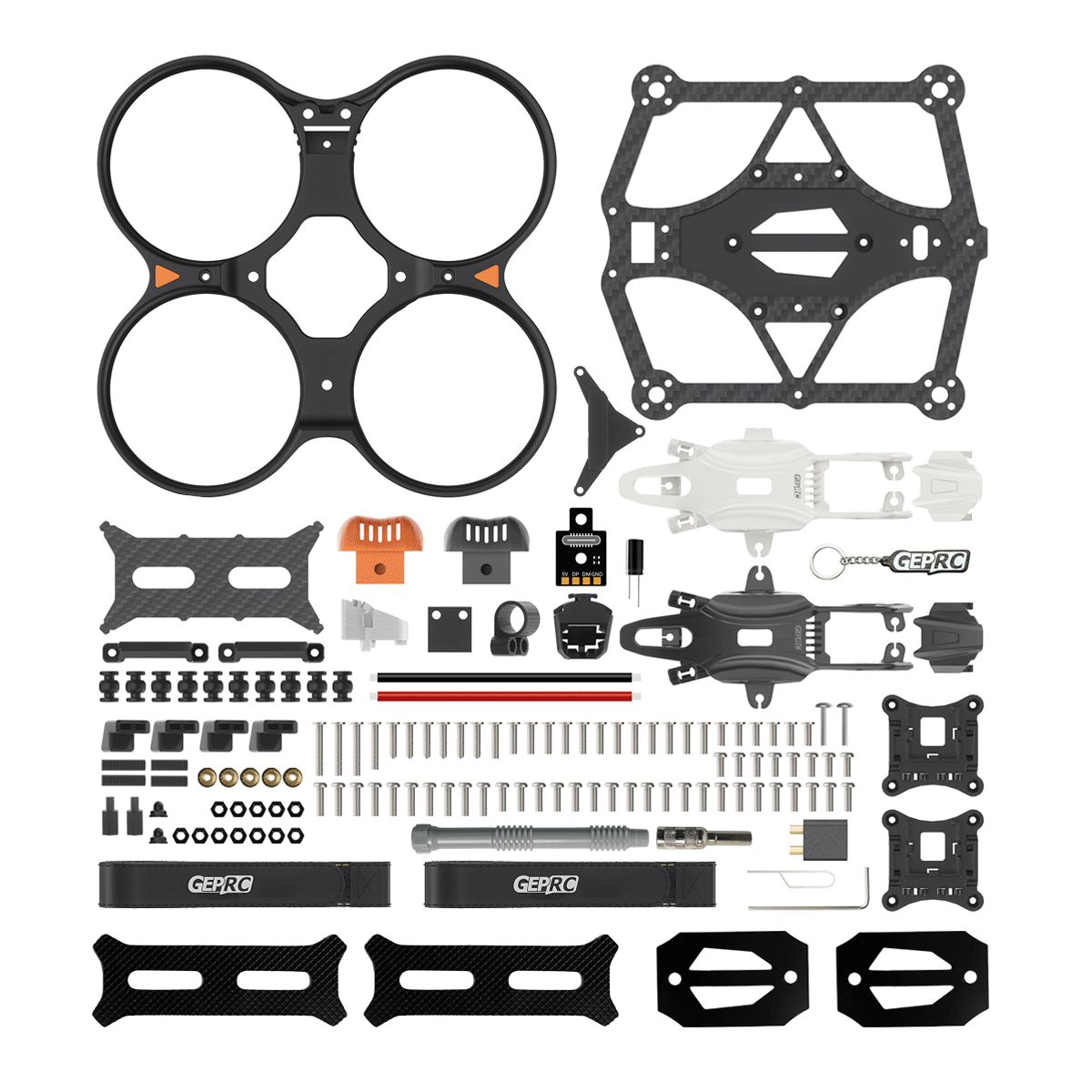
GEPRC sells individual propeller guards, main plate, canopy, camera protective cover, VTX mount and damping balls in its GEP-DS22 frame-parts range. If the frame’s damper retaining hole is broken, the corresponding frame member may need replacement; new silicone cannot compensate for a missing anchor. Also check that the camera protector itself is not bent into the moving camera module. Preserve the intended five-point layout rather than installing an extra screw across the camera to force it still.
Official references and the correct spare kit
GEPRC lists the DS22 five-point floating damping arrangement in its GEP-DS22 frame and parts catalogue. The official damping-ball page confirms the 50°/7PCS DarkStar22 compatibility. The DS22 seven-piece kit at FalconFly is the matching spare. For general camera-vibration symptoms, see our FPV vibration and jello diagnosis guide.