Mavic 3 100W Charging Hub: Why Multi-Battery Charging Feels Slow

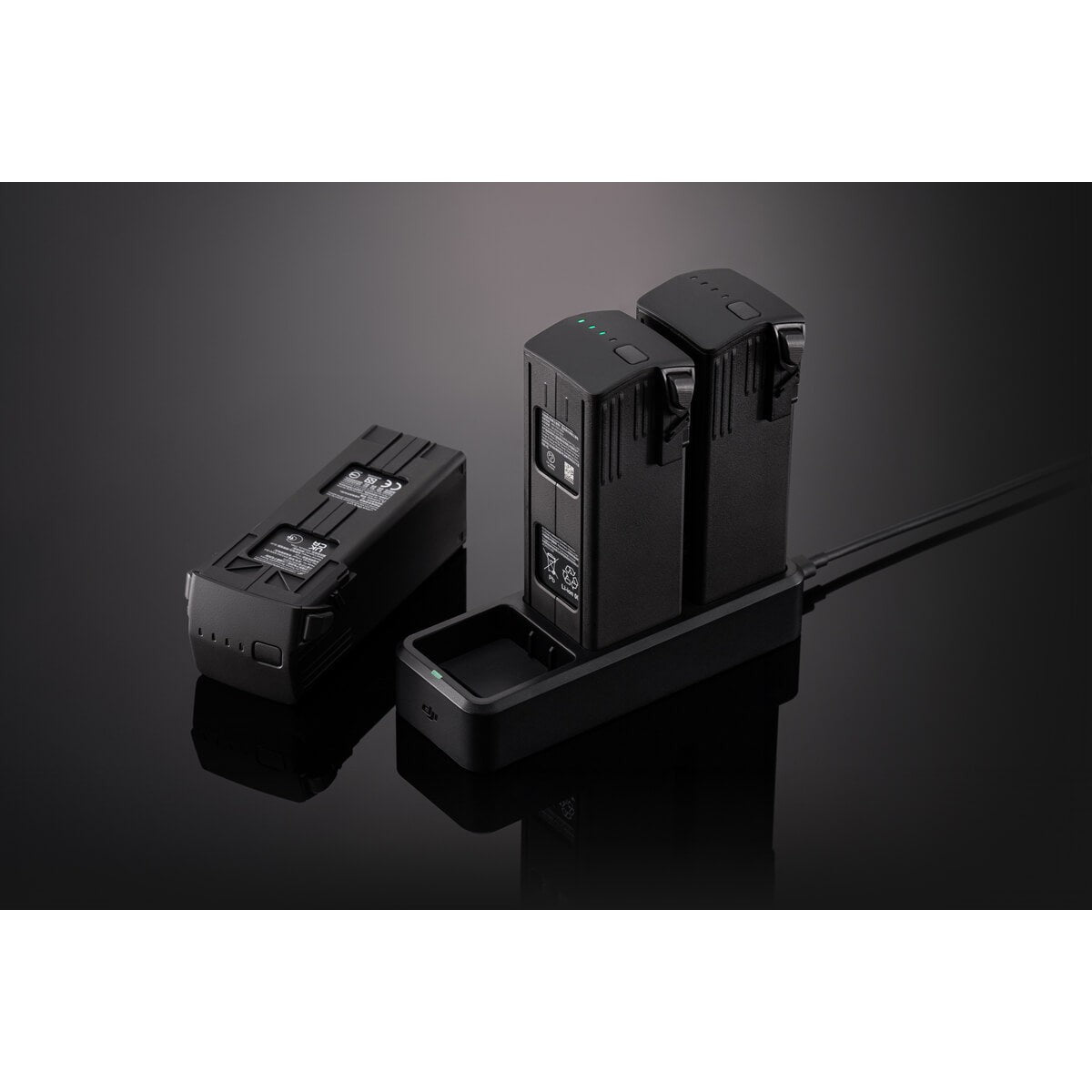
A DJI Mavic 3 Enterprise crew inserts three flight batteries into a 100W charging hub, then wonders why only one charge light is advancing. The batteries and hub may be fine: DJI designed this station to charge the three batteries sequentially, starting with the one that has the highest remaining charge. The “100W” figure describes available charger power, not three independent 100W charging channels.
One hub, three slots and one active charging sequence
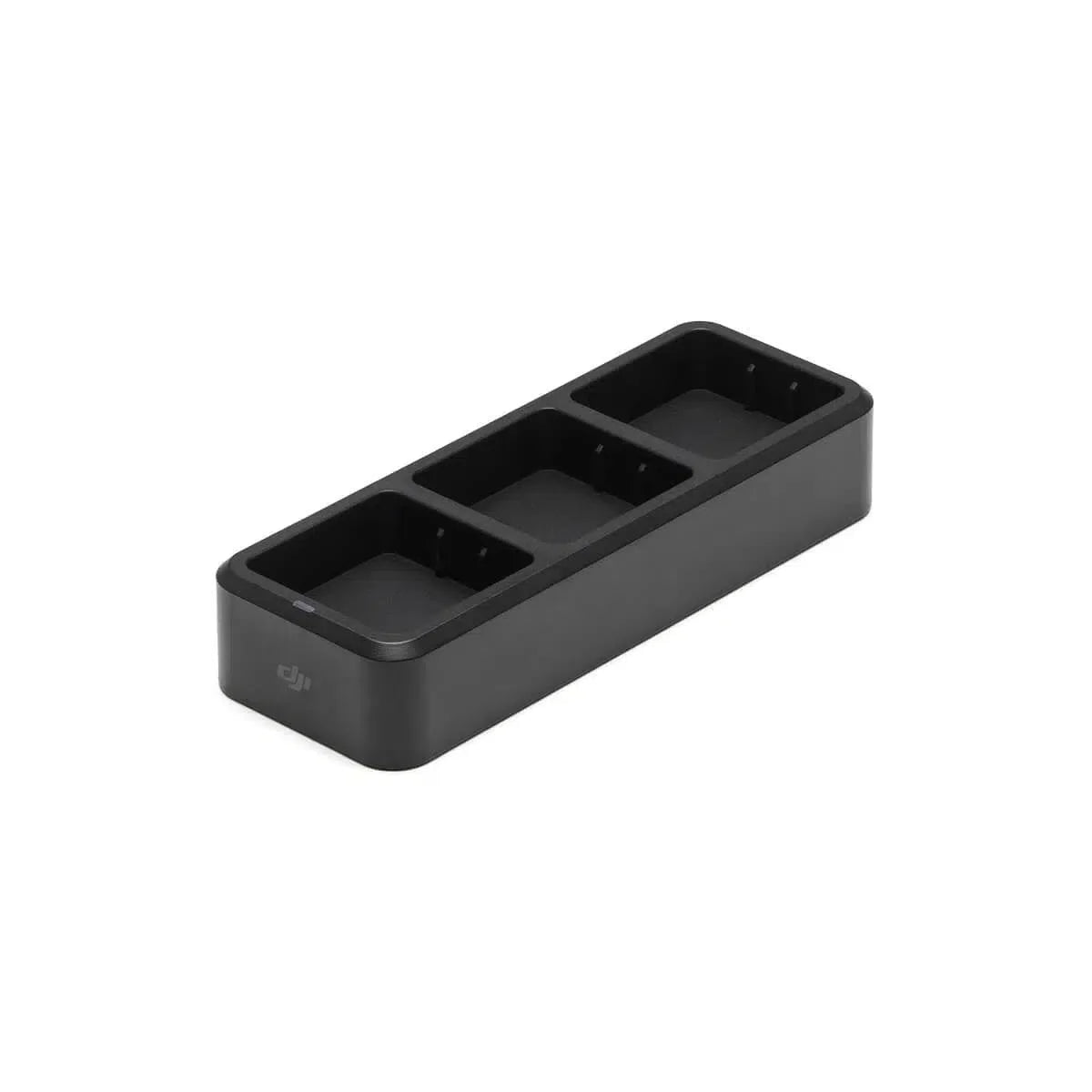
The DJI Mavic 3 Battery Charging Hub (100W) accepts up to three compatible flight batteries. With DJI’s recommended 100W USB-C adapter, the hub starts by charging the battery that is already closest to full and then works through the remaining inserted packs. DJI gives a reference charging time of approximately 70 minutes for one battery under normal test conditions. This is not a claim that all three empty packs reach 100% after 70 minutes.
DJI’s own Mavic 3 Enterprise manuals describe the priority rule as highest remaining charge first. For a field team, that means the most nearly ready battery becomes usable sooner, rather than dividing power between all three. A second pack waiting in the hub while the first receives current is expected behaviour.
Do not confuse the hub with the DJI 100W adapter’s two USB-C outputs
DJI recommends connecting the Mavic 3 hub to the C1 port of its 100W USB-C Power Adapter. When both outputs of the adapter are occupied, DJI specifies a maximum 82W per port, and the total output is dynamically allocated. As a result, connecting the hub to a shared two-device charging setup can reduce the hub’s available input power even if the adapter box says 100W.
| Setup | What happens | Planning consequence |
|---|---|---|
| DJI 100W adapter C1, hub only | Compatible full-input charging subject to battery and temperature conditions | Use the reference ~70 minutes per battery, not all three together |
| DJI 100W adapter powering hub and another device | Adapter distributes power; individual outputs may be capped below 100W | Expect potentially slower hub throughput |
| Generic lower-power USB-C charger | May negotiate an insufficient PD profile or provide less wattage | Inspect actual charger output and cable capability |
| Three batteries at different states of charge | The highest-charge pack is prioritised before the others | Slot order alone does not determine next-ready battery |
| Battery too hot or cold | Battery management can delay the charge process | Respect DJI’s 5–40°C charging-temperature range |
Why a “100W PD” sticker can be misleading
USB Power Delivery supports negotiation between charger and device. The relevant output profile, cable capacity and source behaviour determine actual available power. A 100W adapter’s combined rating is not always the continuous rating on the particular occupied USB-C socket. A damaged, charge-only or under-rated cable can also introduce voltage drop or prevent an appropriate power profile from being negotiated.
For best repeatability, use DJI’s documented 100W adapter and C1 output. If the charging session remains abnormally slow, test with one safe genuine battery, a known-good cable and no competing device connected to the adapter. The status LEDs and the exact source should be recorded before replacing the charging hub.
The actual Mavic 3 Enterprise battery specification matters
DJI publishes 5,000mAh / 77Wh for the normal Mavic 3 Series battery and 4,230mAh / 65.15Wh for the EU C1 version. Both use a nominal 15.4V 4S chemistry and a manufacturer-listed 5–40°C charging range. The smaller energy capacity does not mean every third-party charger will recognise it or that an aircraft automatically changes its EU class when the battery is swapped. Check the correct battery model and full aircraft certification separately.
The reference “70 minutes” charging figure is a DJI test-condition estimate, not a universal guarantee for any starting state or temperature. Cold batteries, newly flown warm packs, power sharing, low-quality connectors and firmware-protection conditions may affect timing. A pack that pauses charging on temperature grounds should not be forced to accept charge with improvised cell-level wiring.
Seven-step field diagnosis
- Identify the equipment: photograph the exact Mavic 3 100W hub model, flight-battery model, charging adapter and cable.
- Read the number of active slots: if one battery charges while two wait, check the documented sequential design before reporting a fault.
- Verify the power source: use the recommended DJI 100W adapter’s C1 port, with no other devices attached during a controlled comparison.
- Check temperature and battery condition: do not charge a swollen, leaking, cracked, contaminated or unusually hot battery. Respect the allowed charging-temperature range.
- Run a known-good comparison: charge one eligible battery in each hub position as appropriate, observing the LEDs and whether the same pack behaves differently in another slot.
- Record the charge timeline: starting and finishing percentages, actual duration, ambient temperature and presence of other loads on the adapter.
- Use DJI diagnostics if needed: if the same slot fails with multiple healthy batteries and the correct power source, consult official support rather than repeatedly disconnecting a damaged port.
How to plan multiple sortie batteries
For a four-flight mapping job, note the expected flight duration and return reserve for each pack rather than assuming all installed batteries are fully ready because the hub is connected. Use the sequential charging order to stage the next aircraft battery, and leave enough ground time for a safe post-flight temperature check. Where rapid turnaround is essential, add appropriate authorised charging capacity rather than expecting a three-slot hub to behave like three simultaneous chargers.
A practical log can list pack ID, starting charge, expected completion and assigned sortie. If one pack is still waiting, do not rush the inspection by treating the low-charge pack as ready. The aircraft’s remaining energy and actual flight reserve—not a charger label—determine whether the next sortie is safe.
Official sources and further guidance
DJI details sequential charging and the ~70-minute reference time in its Mavic 3 Enterprise FAQ and the charger/hub specifications. The original Mavic 3 Enterprise Series user manual describes the highest-charge-first logic. For a broader battery diagnosis, see FalconFly’s DJI battery charging fault guide. The genuine hub is listed on FalconFly’s DJI Mavic 3 100W Charging Hub page.