


Zenmuse H30 at 400× Zoom Still Looks Soft? Optical Zoom and Focus Limits

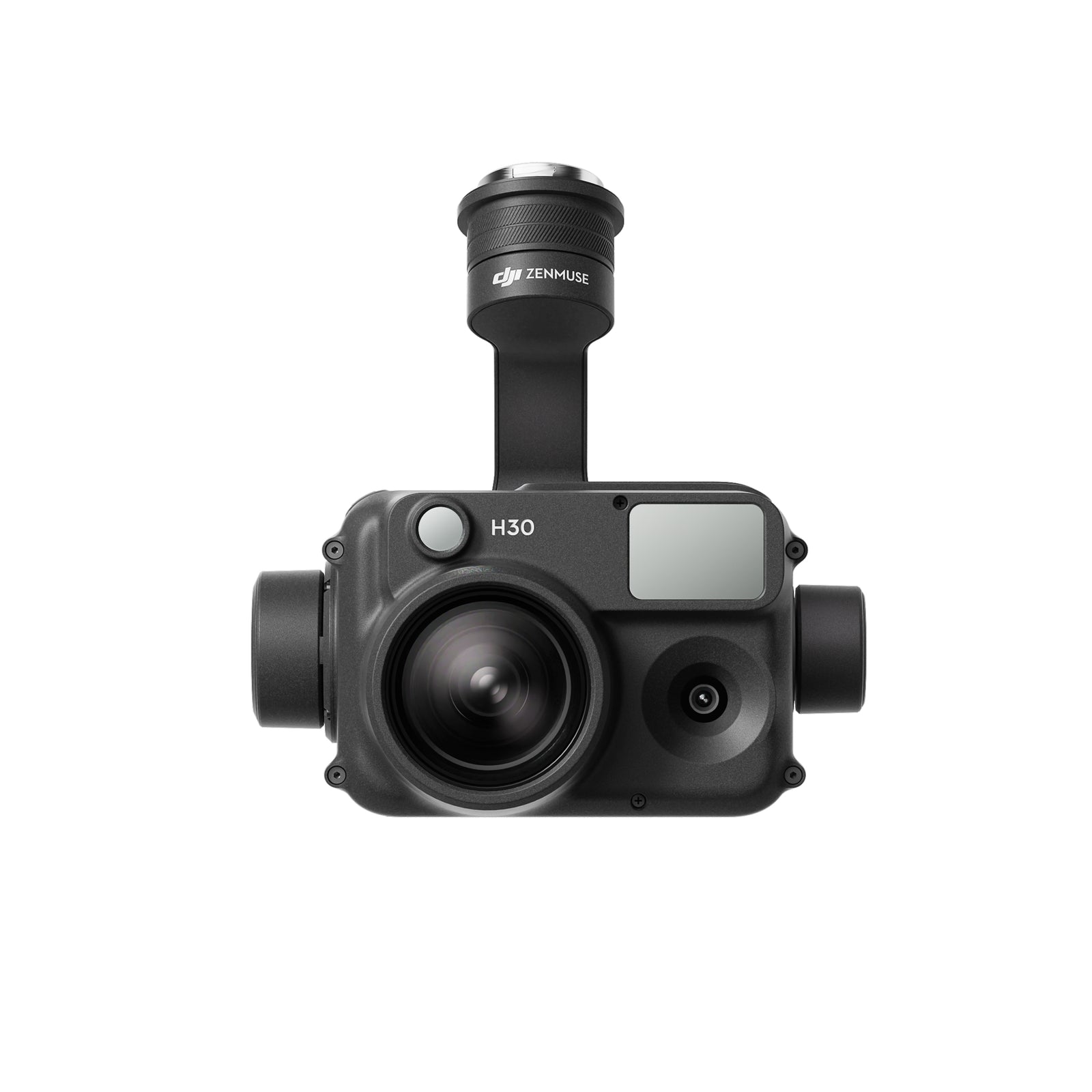
A power-line inspection crew uses the Zenmuse H30 at its advertised 400× magnification, but an insulator that was sharp at moderate zoom turns into a soft, shimmering shape. The headline is not incorrect; it is easily misunderstood. DJI rates the H30 Series at up to 34× optical zoom and 400× maximum magnification using digital enlargement. The two figures describe different image-information limits. For evidence that must support a maintenance decision, the best zoom setting is the one that actually resolves the component, not the largest possible number displayed on the controller.
Why 400× does not mean 400× optical detail
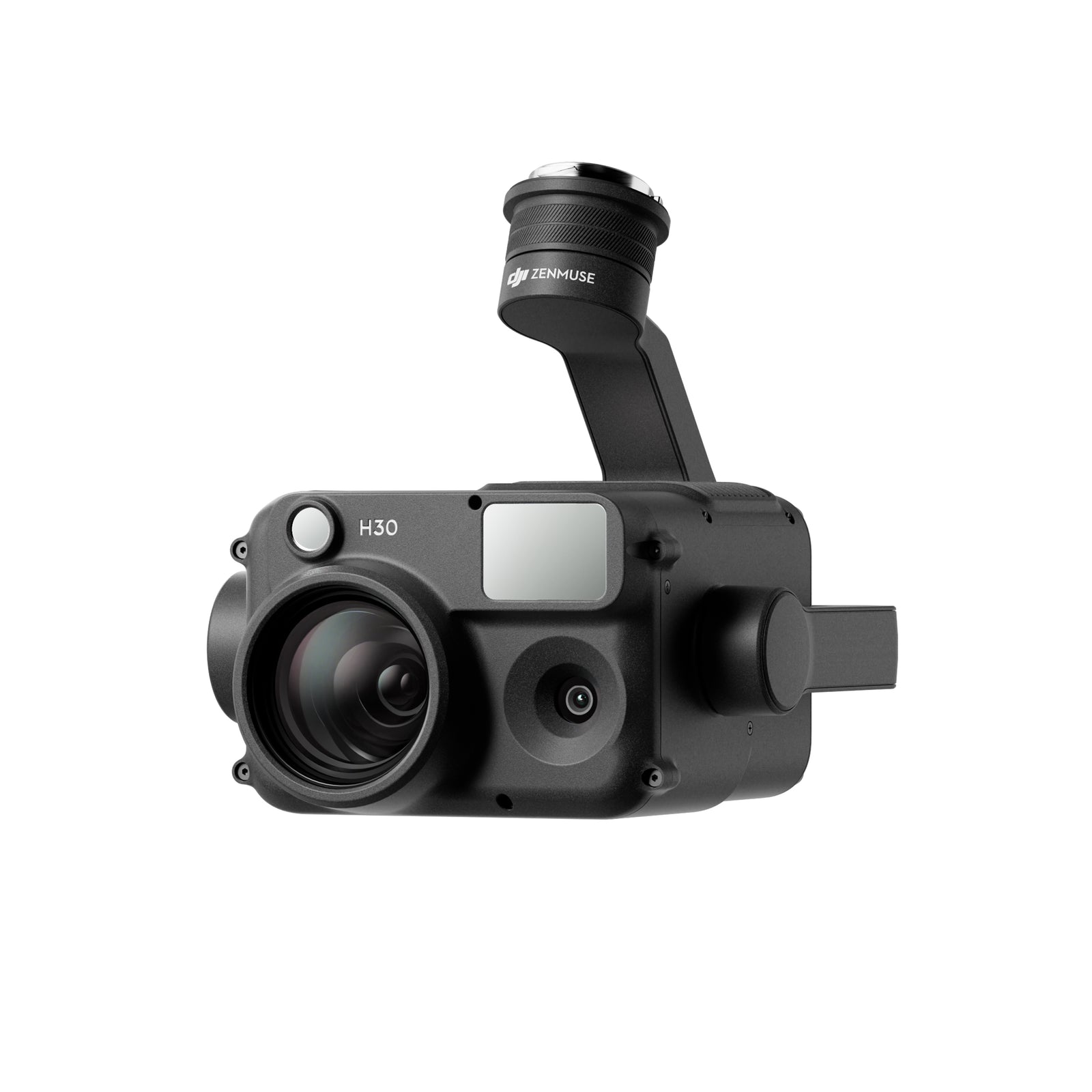
The DJI Zenmuse H30 has a 1/1.8-inch, 40MP zoom sensor and a lens covering approximately 7.1–172mm actual focal length (about 33.4–809.3mm full-frame equivalent). That physical range supports DJI’s stated optical zoom. After the optical limit, further magnification relies on digital cropping and processing. It can make a distant object appear larger on-screen, but cannot recreate details lost to atmospheric turbulence, lens focus or insufficient sensor sampling.
| DJI H30 imaging mode | Manufacturer specification | Practical significance |
|---|---|---|
| Optical zoom camera | Up to 34×; 40MP 1/1.8-inch CMOS | Physical optics supply genuine magnification and detail, subject to focus and conditions |
| Maximum displayed zoom | 400× | Uses digital enhancement beyond optical range; useful for framing, not independent evidence of 400× detail |
| Wide-angle module | 1/1.3-inch 48MP CMOS, 24mm equivalent | Identify the structure and document context before zooming into a small item |
| High-Res Grid Photo | Up to 15× zoom according to DJI FAQ | Do not plan a grid-photo mission expecting 400× in that capture mode |
| Laser rangefinder | 3–3,000m nominal range, material- and weather-dependent | Record stand-off distance and position, not image sharpness |
| H30T thermal module | Additional 1280×1024 radiometric thermal camera | Temperature interpretation is independent from visible zoom-camera resolution |
Minimum focus distance: a hidden reason zoom looks soft
DJI publishes a direct rule for the H30 Series zoom camera:
| Selected zoom | DJI minimum focus distance | Example mistake |
|---|---|---|
| Below 5× | 1.5m | Trying to inspect an object closer than the wide end can focus |
| 5×–20× | 5m | Flying 3m from a panel and requesting 15× zoom |
| Above 20× | 10m | Trying to use 34× or 400× at 5m stand-off |
| Wide-angle camera | 1m | Assuming the zoom lens has the same near-focus limit as the wide lens |
If the target is closer than the specified focusing distance, autofocus cannot overcome the optical limit. Either increase safe stand-off distance or reduce zoom. Manual focus can help when the lens is searching between foreground wires and a background structure, but it still cannot bring a too-close target inside the hardware’s supported focus envelope. DJI provides MF, AFC and AFS focus modes; compare them under controlled conditions.
Atmospheric shimmer can defeat an excellent lens
At long distance, a line of sight over asphalt, rooftops, power cabinets or sunlit stone can pass through layers of different air temperatures. Refractive turbulence produces rippling, unstable edge detail that may be mistaken for poor autofocus or a defective gimbal. Heat shimmer becomes more obvious as magnification increases. Fog, dust, moisture and even light rain additionally scatter light and lower contrast.
DJI’s H30 supports electronic dehazing on the zoom camera. DJI cautions that it is an image-processing method rather than physical removal of atmospheric distortion and that it cannot be used simultaneously with Night Scene. It can help moderate daytime haze, but it is not a way to recover details that were never resolved at the sensor.
For an important inspection, observe the same fixed component at several safe distances and magnifications, ideally when convection is less severe. Compare the recorded files with the live feed before concluding that 400× magnification is a useful reporting setting.
Use High-Res Grid Photo differently from single extreme-zoom framing
DJI limits the H30 Series High-Res Grid Photo mode to a maximum of 15× zoom. A team should use the supported grid mechanism for a repeatable group of contextual and detailed photographs rather than zooming to 400× and assuming the resulting digital crop has the geometric coverage of an engineered mosaic. The grid workflow is especially useful when recording several component positions on a large structure; it is not a replacement for survey control or a certified engineering measurement.
The H30 zoom camera can capture JPEG photographs at 7328×5496 or 3664×2748 pixels according to DJI. The number of stored pixels is not equivalent to the number of independent optical details in a 400× digital crop. Preserve the original files and document any processing or enlargement used in the client report.
Six practical tests before raising a warranty claim
- Establish a moderate-zoom baseline. Identify a stationary high-contrast feature at a safe distance, with good daylight and the aircraft stable. Save a native image.
- Respect focusing distance. Use more than 1.5m at under 5×, 5m at 5–20×, and 10m above 20×; leave additional separation for safety and visibility.
- Compare MF, AFC and AFS. Prevent focus hunting on foreground cables or a high-contrast background while recording exactly which mode was used.
- Step through zoom levels. Compare a shot within 34× optical range with shots magnified beyond it. Look for a plateau in resolved detail rather than simply image size.
- Rule out environmental instability. Repeat during lower heat shimmer, after cleaning the front optics according to DJI’s procedure, and without strong haze or rain.
- Inspect actual stored images. Review unedited card files, camera mode, resolution and gimbal/aircraft logs. A lower-bitrate live transmission is not conclusive evidence of failed onboard imaging.
When a second payload makes sense
DJI’s H30 includes visible wide-angle and zoom cameras, a laser rangefinder and an NIR auxiliary light. The H30T adds an infrared thermal module for appropriate radiometric inspection. Selecting H30T does not turn the visible zoom camera into a higher-resolution 400× optical instrument. It adds a different sensing modality, with its own calibration, emissivity and focusing constraints.
DJI documents compatibility with Matrice 400, Matrice 350 RTK and Matrice 300 RTK; the M300 configuration requires DJI RC Plus and appropriate firmware. Mission quality also depends on installed gimbal, permitted aircraft mass, flight conditions and proper microSD storage. Do not assess image sharpness by comparing another aircraft’s recording at a different stand-off distance or atmospheric condition.
How to report inspection confidence
For client-facing work, distinguish “visible anomaly” from “confirmed failure.” An enlarged but blurred fitting may suggest a need for closer inspection without supporting a conclusion about cracking, corrosion or leakage. Keep wide context images, the magnification used for the decisive observation, focus/recording settings and any safe-distance limitations in the inspection log. If the actual task requires reading a tiny serial or resolving a fine fracture, calculate whether the feature occupies enough genuinely resolved pixels before promising remote verification.
Official sources and safe setup
The DJI Zenmuse H30 Series FAQ confirms 34× optical/400× maximum zoom, minimum focus distances, 15× High-Res Grid limit and dehazing behaviour. The technical specifications document sensor sizes, focal lengths, supported aircraft and resolution. Use these verified limits before buying the H30 optical payload on FalconFly for a precision inspection job.






























