Zenmuse H30T High-Res Looks Clear but Shows No Temperature: Gain Modes and FFC

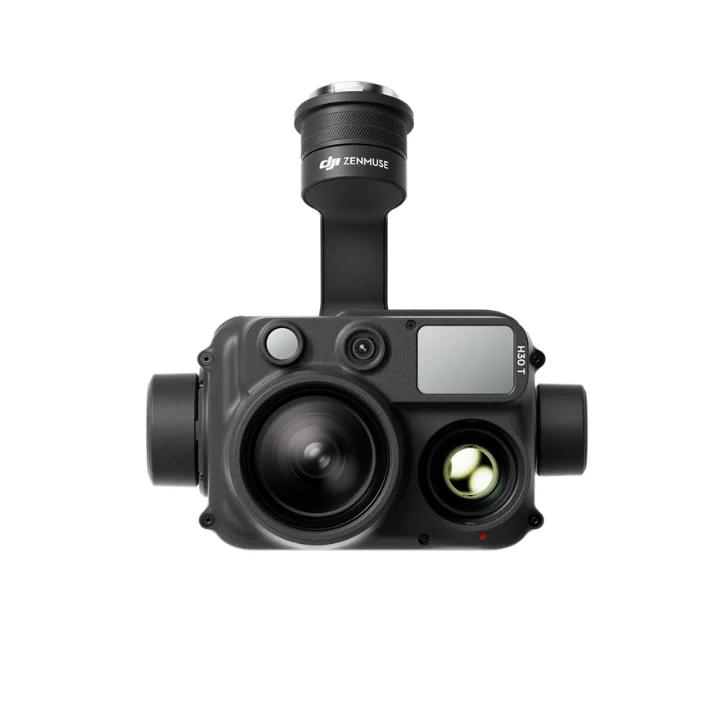
The Zenmuse H30T can display a beautifully detailed thermal scene while refusing to show the temperature you need for an inspection report. This may be expected behaviour rather than a failure: DJI states that High-Res thermal mode is for visual contrast and does not support temperature measurement.
Three gain modes, three different jobs
| Mode | Specified range | Can measure temperature? |
|---|---|---|
| High Gain | −20°C to 150°C | Yes, more precise under supported conditions |
| Low Gain | 0°C to 600°C | Yes, broader hot-target range |
| High-Res | For enhanced visual contrast | No |
DJI also offers a separate infrared density filter that can extend Low Gain up to 1600°C, but installing it sacrifices IR signal and image quality at ordinary temperatures. The filter is not a universal “better thermal” upgrade.
When calibration makes your image look worse
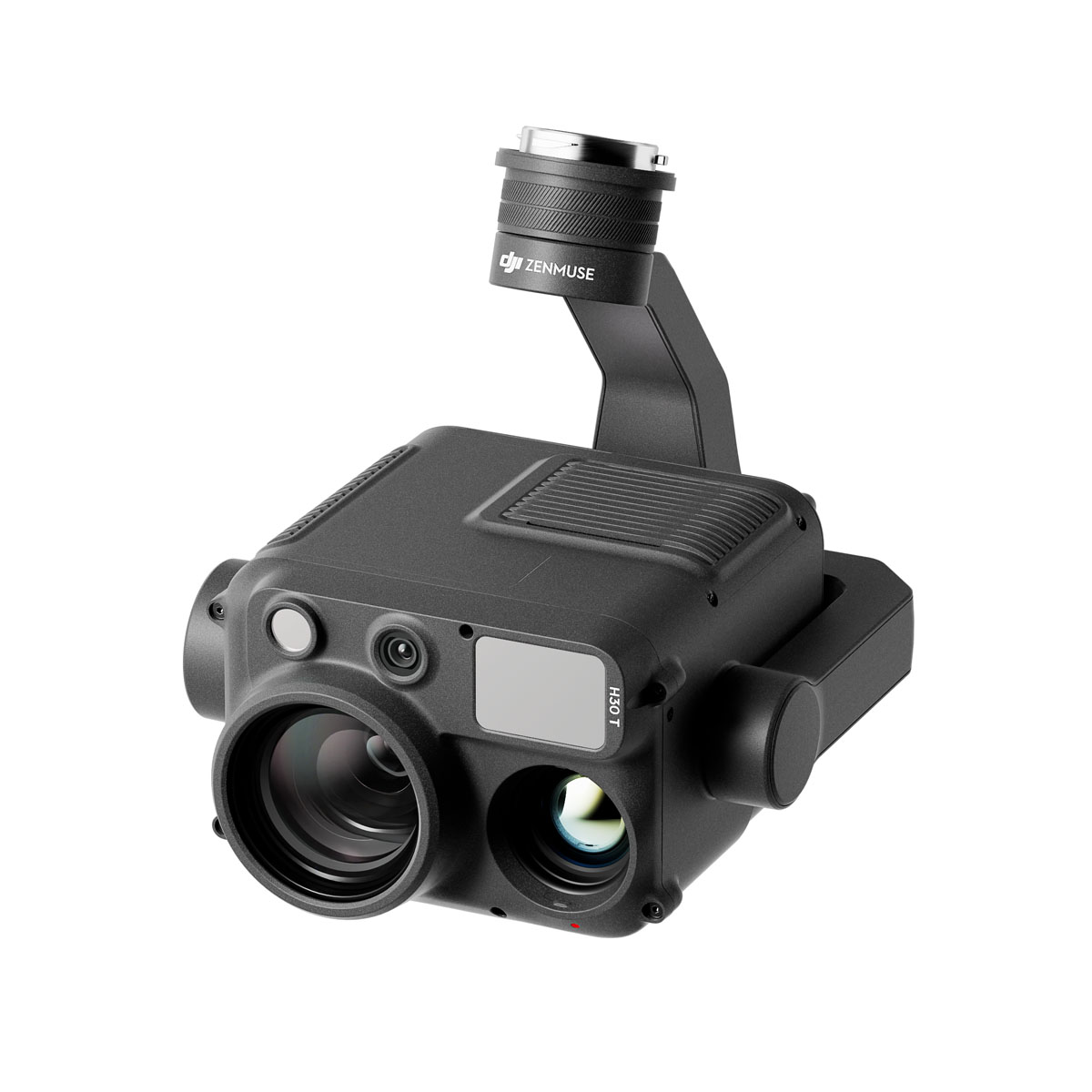
H30T uses flat-field calibration (FFC) to improve infrared image uniformity. DJI advises against repeatedly invoking manual FFC without sufficient delay: heating of the shutter can create uneven bright/dark image areas. When this happens, DJI recommends spacing calibration to about every 30 seconds until the image returns to normal. “More FFC” is not always better.
Step-by-step: restoring a defensible measurement
- Switch out of High-Res into the documented High Gain or Low Gain measurement mode appropriate to the target range.
- Select a measurement type. Pilot 2 provides spot, centre-point or area measurement (with min/max) in supported modes.
- Check emissivity and humidity. DJI says material emissivity, distance, environmental temperature and humidity influence results. The software supports manually adjusting emissivity and humidity; default values are not equally valid for every surface.
- Confirm focus distance. DJI recommends more than 13m for correctly focused H30T infrared imagery, despite the measurement engine retaining functionality at closer range.
- Inspect for reflected heat. Shiny surfaces can reflect heat from elsewhere; change viewing angle and compare with visible-light imagery.
- Limit manual FFC. Return to automatic calibration when appropriate and follow the manufacturer’s timing guidance.
- Export appropriately. Use supported R-JPEG thermal captures and DJI Thermal Analysis Tool 3 (DTAT3) V3.3.0 or later as DJI specifies.
What does 1280×1024 mean?
DJI identifies the H30T detector as a native 1280×1024 infrared sensor. This matters when buying inspection equipment: native detector resolution and AI-enhanced display modes are not interchangeable claims. But resolution alone does not make temperature readings accurate when emissivity or target size is wrong.
Do not damage an expensive detector
DJI warns against pointing the infrared lens toward intense energy sources such as the sun, lava or laser beams. Automatic burn protection can fail. Plan camera orientation and flight path accordingly, especially during work around industrial heat sources.
High-Res is not Ultra-High Resolution (UHR)
DJI uses two similar-sounding terms for different things. High-Res gain mode emphasises small temperature differences for visual interpretation and, according to DJI, does not support radiometric temperature measurement. The separate Ultra-High Resolution (UHR) infrared image feature improves image clarity at roughly 5× thermal zoom or higher. UHR should not be confused with adding native detector pixels: the H30T’s 1280×1024 infrared sensor resolution is already native. Before reporting temperatures, inspect the actual gain mode and measurement controls rather than assuming that a clearer display necessarily yields a more reliable numeric result.
Accuracy, focusing distance and the infrared density filter
DJI rates the H30T’s normal High Gain measurement around ±2°C or ±2% and Low Gain around ±5°C or ±3%, whichever is greater, using a blackbody at 13m distance in a windless 25°C laboratory environment. These are not guaranteed results on shiny metal, distant tiny components or sunlit rooftops. DJI gives 13m minimum infrared focusing distance; nearer objects can appear visibly defocused even if the thermal sensor still yields a numeric reading.
The optional Infrared Density Filter changes the available high-temperature measuring range, allowing Low Gain readings up to about 1600°C in the approved configuration. It also reduces received infrared signal and worsens image quality/temperature accuracy compared with normal measurements. Do not leave the filter fitted for ordinary building or electrical inspections solely because its upper limit sounds more capable.
| Observation | Interpretation | Immediate check |
|---|---|---|
| Clear thermal image but no spot temperature | High-Res gain may be active | Switch to supported High/Low Gain measurement mode |
| Dark/bright pattern after repeated manual calibration | FFC shutter may have heated unevenly | Stop repeated triggering; DJI suggests intervals of roughly 30 seconds |
| Shiny target reports unexpected temperature | Emissivity or reflected radiance may dominate | Review emissivity, distance, ambient temperature and humidity |
| Subject looks soft at very close range | Infrared minimum focus is about 13m | Use a safe authorised geometry and appropriate distance |
Report what the measurement actually supports
Keep the original R-JPEG thermal photo if post-flight analysis is required. DJI supports DJI Thermal Analysis Tool 3 (version 3.3.0 or later for H30T), alongside the camera’s measurement parameters in Pilot 2. Record emissivity, observation distance, environmental conditions, gain mode, filter state and analysis-software version. A colour palette or a single displayed number is not sufficient evidence for a safety-critical maintenance decision.
Authoritative technical guidance
DJI H30T thermal FAQ and H30 series technical specifications. Compare H30T thermal with H30 visible-light before buying.