


DJI Intelligent Flight Battery Won’t Charge After Storage: Safe Checks

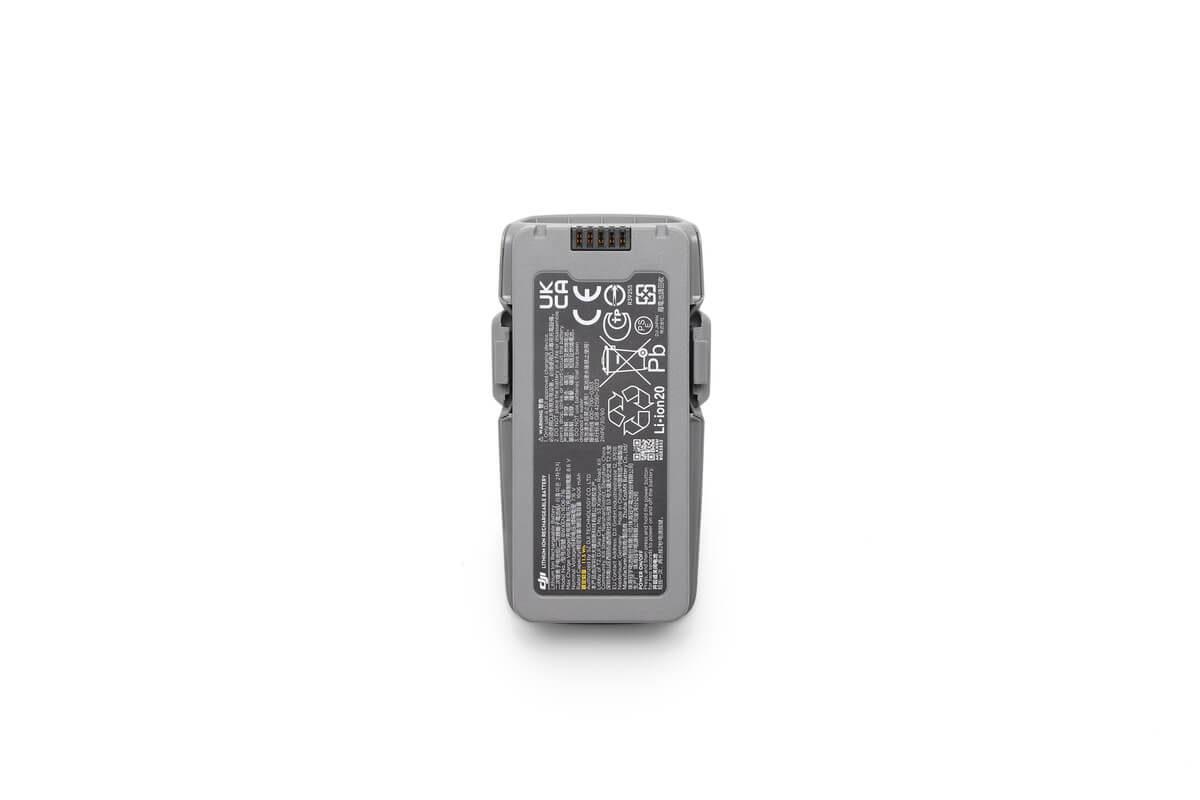
After a long period in a case or cabinet, a DJI intelligent battery may appear unresponsive or refuse to charge normally. The cause could be protective sleep behavior, charger or hub incompatibility, dirty contacts, extreme temperature, or irreversible cell degradation. Avoid assuming that a battery merely needs to be ‘jump started’. Intelligent packs contain protection electronics, and bypassing that protection can be dangerous. This checklist helps decide what is safe to inspect and when the pack must be taken out of service.
Separate normal sleep from an unsafe battery
Some intelligent batteries enter protective or low-power states after storage; wake-up behavior varies by product. The official model-specific manual determines the supported activation method and expected indicators. First inspect for swelling, fluid leakage, damaged pins, cracks, unusual odor and signs of heating. A compromised pack should not be put on a charger, even briefly.
Use the correct original charging path
Confirm that the battery model matches the aircraft and charging hub or adapter. A Neo 2 battery is not made interchangeable with a Mavic or Avata battery by its outward appearance. Use manufacturer-approved charge equipment with the correct input source. If a hub is involved, check whether its indicators show a charging error or whether the input supply is underpowered.
Never bridge battery terminals to ‘wake’ a pack or use an incompatible hobby balance charger on a DJI intelligent battery.
Temperature can block charging
Charging systems may inhibit charging outside an allowable pack temperature range. A battery left in a hot vehicle in Dubai or in a very cold environment should be allowed to return naturally to a permitted ambient temperature. Do not apply a hair dryer, heat gun, direct sunlight or other accelerated heating. A battery that becomes hot without being used is suspect and should be isolated safely.
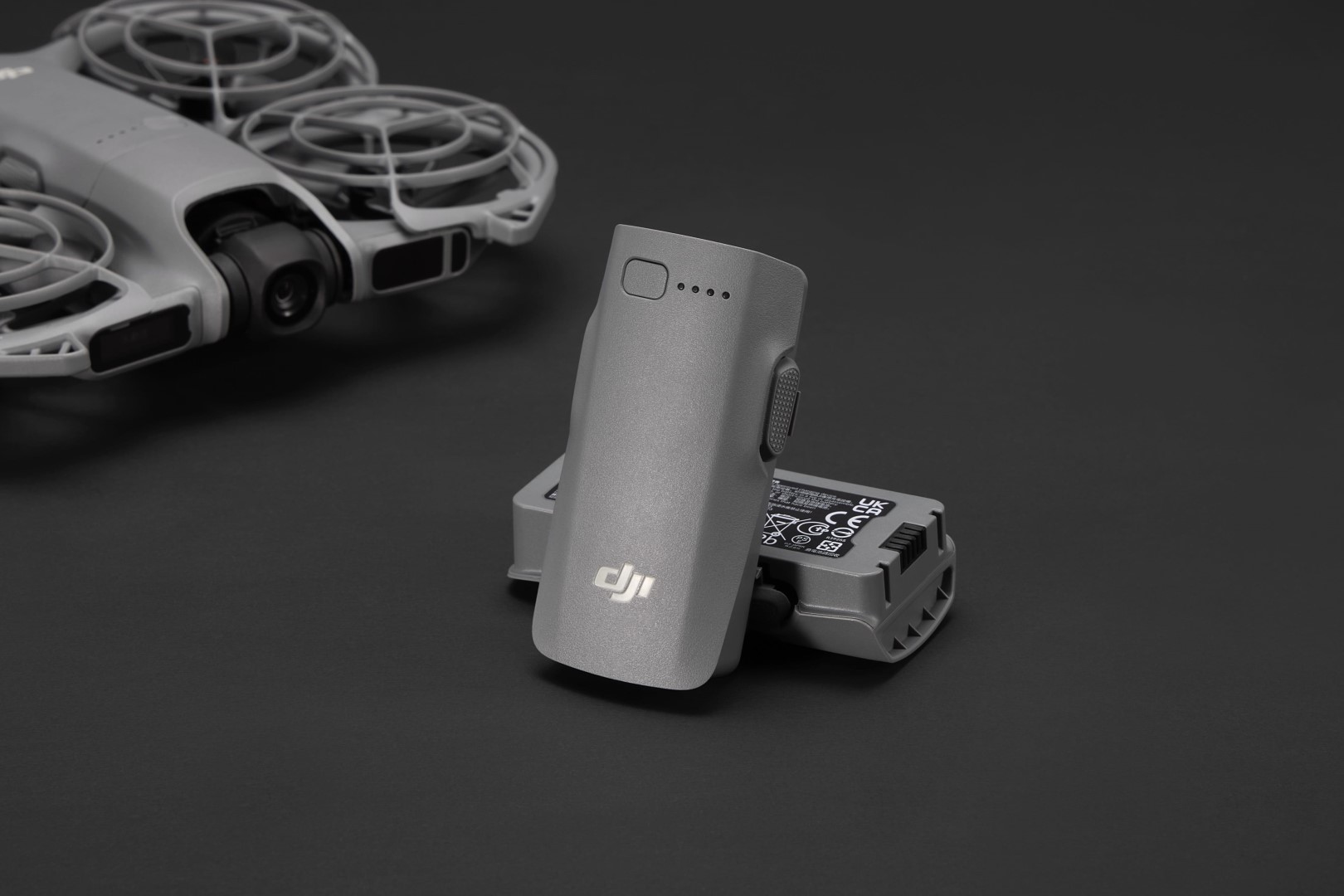
Contact and connector inspection
| Observation | Action |
|---|---|
| Dust on external contacts | Follow approved cleaning guidance while disconnected |
| Bent or recessed pins | Stop; professional inspection |
| Hub works with other healthy battery | Suspect individual pack, verify with manufacturer support |
| All packs refuse to charge | Inspect hub, input charger and cable compatibility |
When recovery is not appropriate
A pack showing swelling, repeated protective faults, water damage, significant self-heating, or documented deep-discharge damage should not be experimentally revived. Record the model, serial number and indicator behavior and contact official service. Follow local hazardous-battery transport and disposal requirements; damaged lithium packs should not be shipped as ordinary parcels.
Prevent the next storage problem
Follow the specific model’s storage-charge, inspection and periodic maintenance instructions. Avoid leaving batteries fully depleted and do not assume that idle intelligent packs require the same manual storage schedule as ordinary hobby LiPos. Keep contacts dry and protected. Before important work, confirm normal charge behavior and review battery compatibility and field charging logistics.
Checklist before purchase or repair
- Confirm the exact hardware model, revision and manufacturer instructions.
- Check rated operating voltage, physical fit and connection compatibility.
- Inspect equipment for damage; do not bypass protective charging or safety systems.
- Record symptoms and configuration changes rather than guessing.
- Use an authorised flying area and a conservative field test only after successful inspection.
A practical decision tree for an apparently dead pack
Start by observing the pack externally while it is disconnected. If there is deformation, leakage, excessive heat or damaged contact pins, stop and follow the manufacturer’s disposal or service advice. If the pack looks healthy, confirm its exact model and locate the official charging instructions. Next inspect the charger and cable with no pack attached; if the input equipment is known-good and officially compatible, follow the manufacturer’s wake or connection procedure once. If the battery remains unresponsive, document the light pattern and seek authorised support rather than improvising an electrical reset.
A battery that accepts charge but reports persistent abnormal status is not cleared for flight by reaching four LEDs. Flight readiness also depends on proper lock-in, firmware status and normal behavior in the aircraft.
Storage mistakes that shorten useful service life
Leaving an intelligent battery depleted for a long period, storing it in extreme heat or exposing terminals to moisture can degrade performance. For Dubai users, the inside of a parked vehicle can be far hotter than the shaded outdoor air. Intelligent charge-management systems reduce certain risks but cannot prevent every type of chemical aging. Store the packs according to the exact product manual, allow temperature to stabilize and inspect before each trip.
Do not send a visibly damaged or swollen battery through ordinary parcel delivery. Lithium battery transport and recycling require special handling. If buying a used DJI pack, request the model and battery-health information where available, but still inspect the physical unit and charging behavior.
Frequently asked questions
Can a deeply discharged DJI pack always be revived?
No. Deep discharge can cause irreversible damage and the protection circuit may correctly prevent charging.
Will a higher-wattage charger fix a no-charge error?
Not by itself. Model compatibility, battery health, hub behavior and temperature come first.
Is it safe to open an intelligent flight battery?
No. Do not open or rewire it as a casual troubleshooting step; use the manufacturer’s authorised service process.

















