


DJI Avata 360 Charging Hub: Plan a Multi-Battery FPV Shooting Day

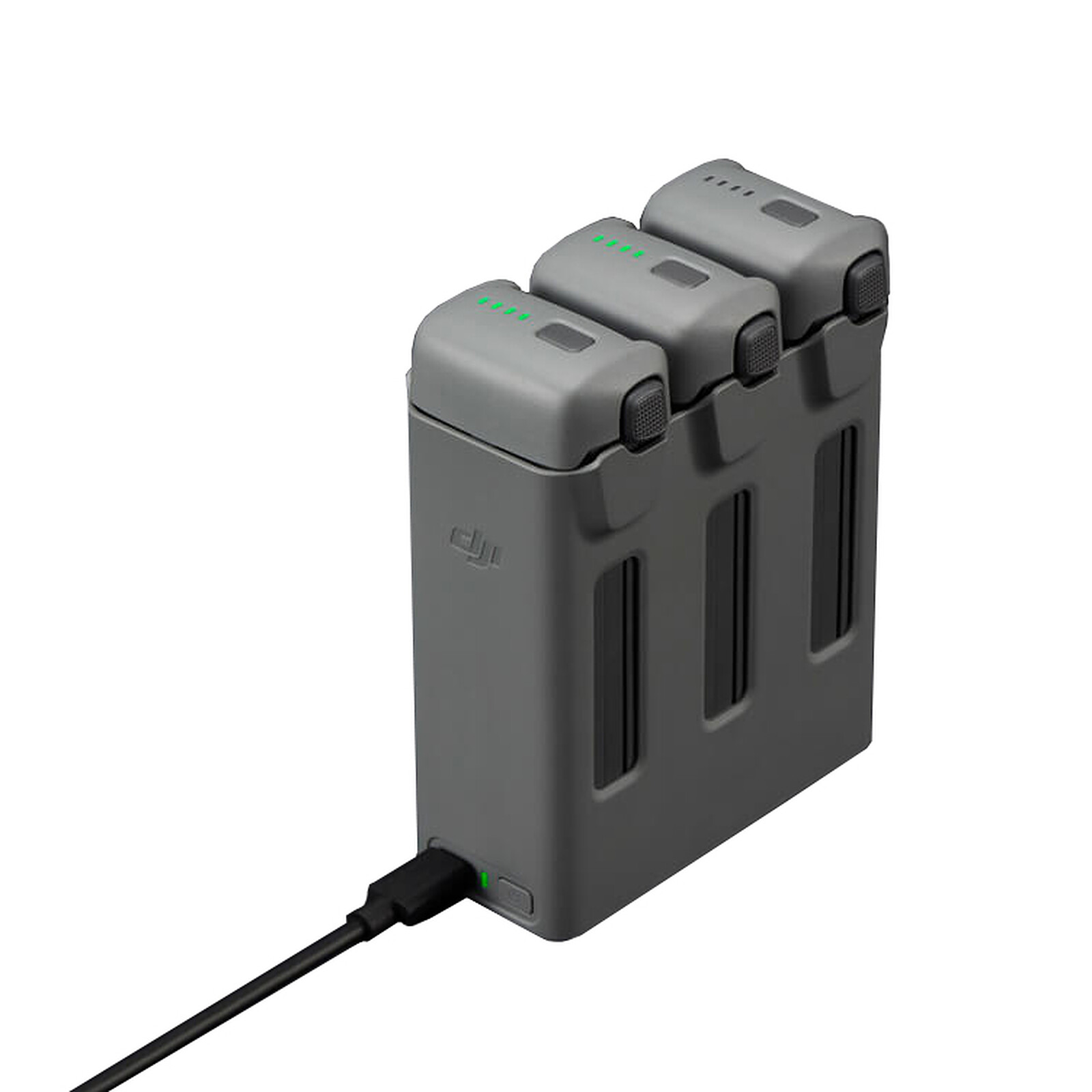
A charging hub can reduce handling and organize multiple packs, but it does not make battery turnaround instantaneous. For a shoot involving repeated FPV takes, plan the number of batteries, compatible power input, time between sorties and pack cooling period. The Avata 360 hub’s supported charging sequence and power features must be verified on its current official specification sheet. This workflow focuses on decisions the camera crew can control, without inventing minutes or wattages for a particular setup.
Build a simple flight-and-charge schedule
Estimate the number of usable short takes per pack from previous safe flights at a comparable payload and operating condition. Reserve energy for a normal landing and unexpected retakes. Instead of using all packs simultaneously, label each battery and rotate through ‘ready’, ‘flying’, ‘cooling’ and ‘charging’ stages. A charger that is still processing the first depleted battery should not be treated as a spare battery itself.
Understand hub behavior before buying
The words two-way, sequential and parallel do not mean the same thing. Some smart hubs support multiple charge-management modes depending on power source and pack state. Verify what the exact Avata 360 hub does with one, two and three packs in its current firmware, and whether any power-accumulation feature is available or limited by battery state. Do not transpose details from another DJI model’s hub.
Input power is part of the system
| Variable | What crew should verify |
|---|---|
| Charging adapter | Supported voltage, power and protocol |
| USB-C cable | Current capability and build quality |
| Power station | Usable stored energy and compatible output |
| Ambient temperature | Pack charging temperature range |
| Pack age | Health differences and abnormal heat |
Field logistics in UAE conditions
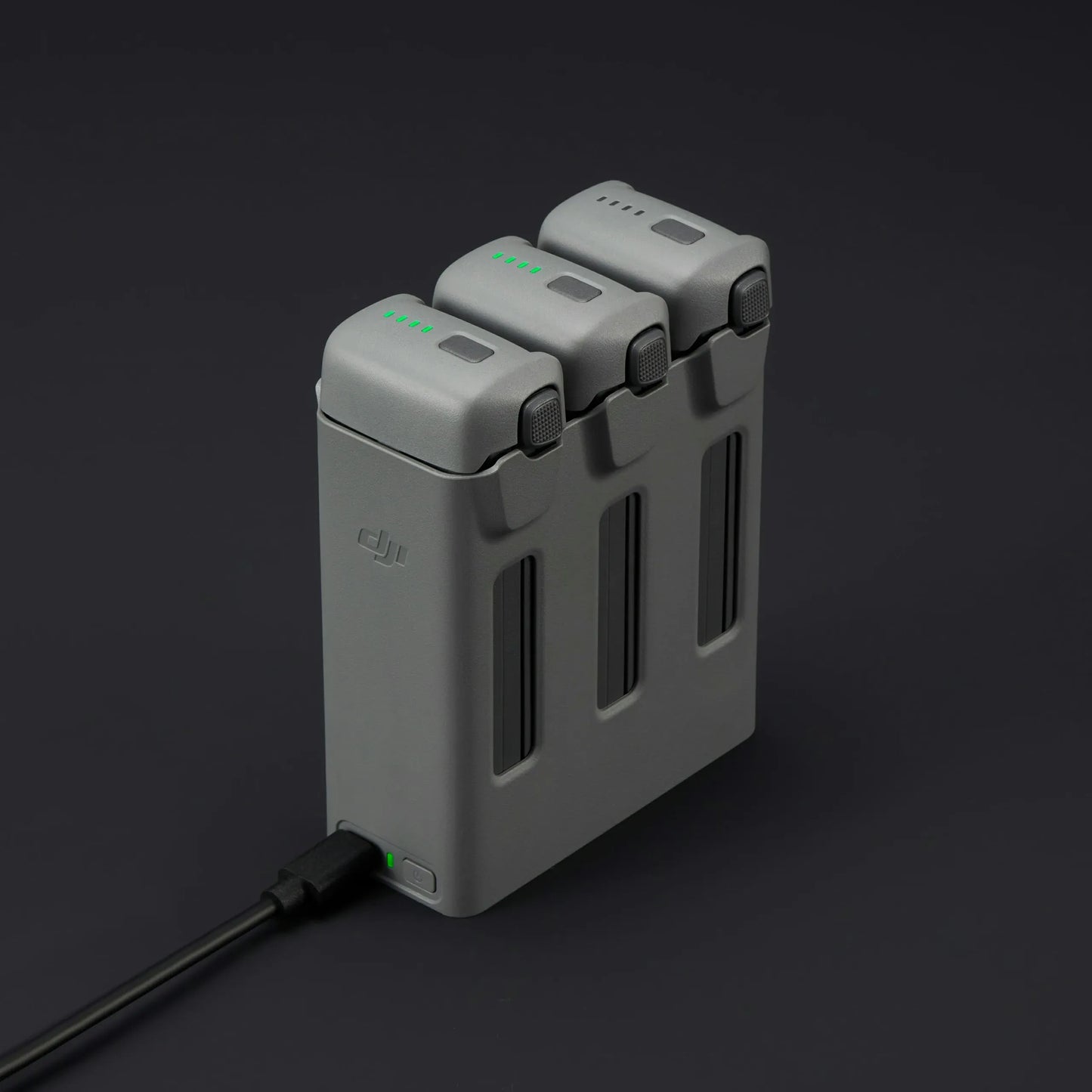
Keep charging equipment shaded, dry and ventilated. Do not leave batteries in a closed car in midday heat; pack and charger thermal limits apply even if an adapter has unused electrical capacity. Protect hubs from sand and dust, and inspect battery pins after travel. Schedule filming around safe rest periods rather than forcing immediate charge at elevated temperatures.
Avoid misleading runtime math
Divide usable power-station watt-hours by the estimated energy returned to batteries, then account for conversion losses and power reserved for other devices. Battery energy used during an FPV shoot depends on flight style and wind. Nominal pack energy and total rated power-station energy do not translate directly into guaranteed numbers of full charges.
What to order together
Verify the exact hub, matching Avata 360 batteries, compliant power adapter and cable, carrying cases and protective contact covers where available. Consider crew workflow before adding expensive extra packs. Read the field power-station guide and the Avata system compatibility overview if your kit mixes DJI product generations.
Checklist before purchase or repair
- Confirm the exact hardware model, revision and manufacturer instructions.
- Check rated operating voltage, physical fit and connection compatibility.
- Inspect equipment for damage; do not bypass protective charging or safety systems.
- Record symptoms and configuration changes rather than guessing.
- Use an authorised flying area and a conservative field test only after successful inspection.
Example: planning a half-day filming session
Suppose your crew expects twelve brief takes and an average of three acceptable takes per healthy, sufficiently charged battery under comparable conditions. That suggests four battery-use slots before adding a reserve for retakes, unforeseen wind or battery behavior. This is an operational planning illustration, not a promised Avata 360 flight-time figure. Some takes may consume more energy than others, so plan in terms of measured usable sortie capacity instead of official maximum endurance.
Label batteries A, B and C, record start and finish state for each flight, and assign one crew member to track cooling and charging. Avoid charging at the center of the flying work area where dust, moving props or hot equipment could damage the packs. A repeatable rotation reduces the temptation to push the last battery beyond a conservative reserve.
Using a power station without overestimating charges
If a field power station advertises 1,000 Wh, that is a nominal energy figure; the usable energy delivered to batteries through AC or DC outlets is lower once conversion losses and the power station’s own consumption are included. Divide a realistic usable energy budget by measured energy returned per pack, not the marketed maximum flight-time calculation. Keep separate margin for monitors, radios and other production equipment.
When a charging hub supports several battery slots, verify whether input conditions enable parallel or sequential behavior. Do not rely on battery LEDs alone to estimate finish times. A cooler, lower-current charging plan may be more predictable on a hot day than pursuing the fastest possible turnaround.
Frequently asked questions
Does a three-slot hub always charge three batteries at once?
No. It depends on the supported hub mode and power supply; verify the exact charging behavior.
Can I charge a hot battery immediately after landing?
Respect manufacturer temperature limits. Let the pack reach an appropriate temperature naturally.
Does a hub replace a spare battery?
No. It is a charge-management accessory, not additional stored flight energy.

















