


Mavic 4 Pro Parallel Charging Hub: Avoid the Wrong Adapter

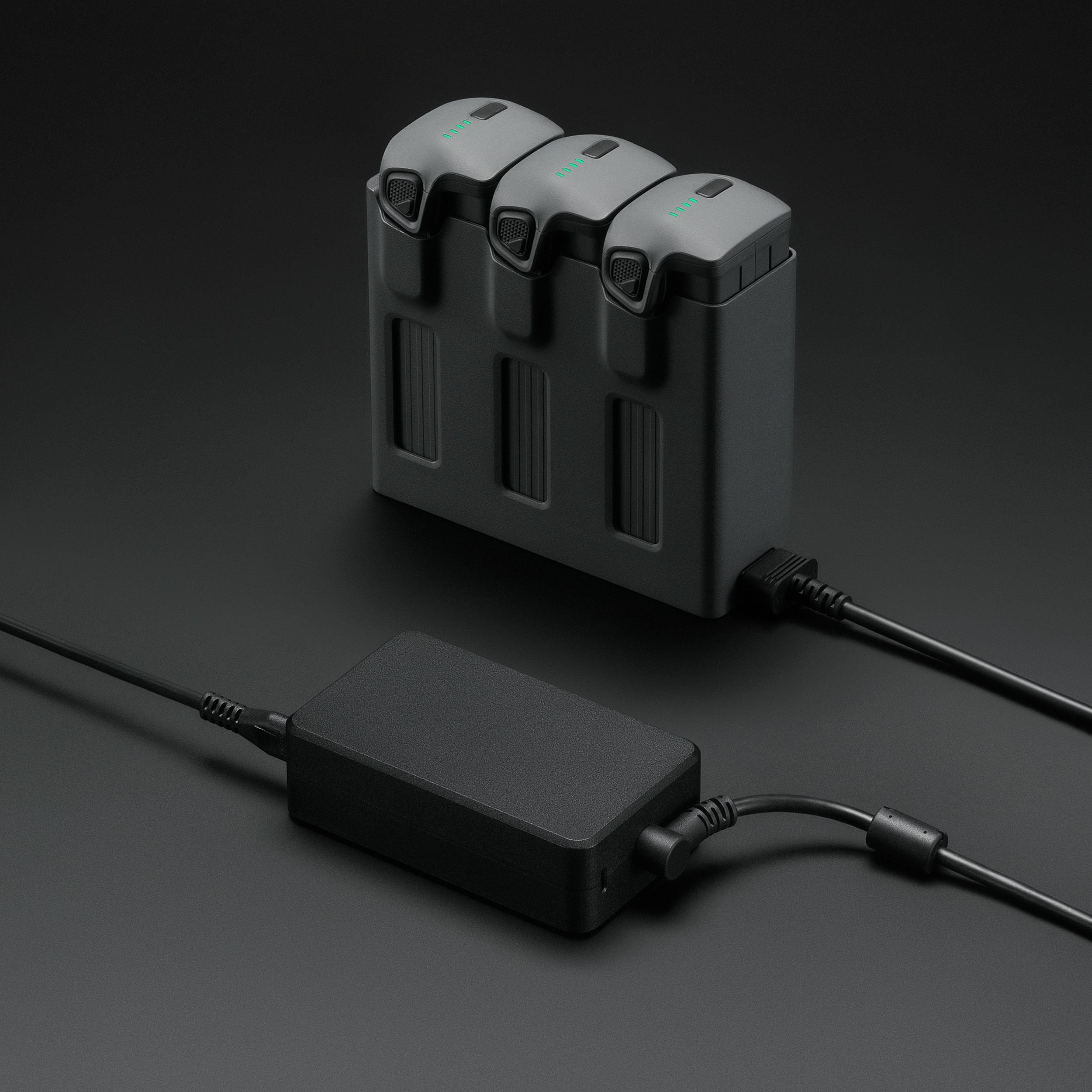
The word ‘parallel’ on a battery hub is not a promise that any USB-C charger delivers maximum output, or that every group of batteries charges identically. Mavic 4 Pro charging performance depends on the supported adapter and cable, hub firmware, battery temperature and number of connected packs. The cost-effective purchase often comes from matching the correct accessories rather than buying the largest wall charger available. This guide explains the setup checks that protect both schedule and hardware.
Start with the supported system, not a generic wattage
Use the exact Mavic 4 Pro battery and hub documentation to identify approved power inputs, charging modes and required accessory combinations. Power Delivery support alone does not guarantee that a charger can provide the profile the hub requests. Read the adapter output profile and rated cable current. Do not rely on connector appearance to establish protocol support.
Parallel, sequential and priority charging
Some battery hubs allocate power based on battery state or available input capability. The hub’s actual behavior can change with battery count, battery temperature and compatible higher-power charging modes. A shorter published test result may refer to a particular adapter and pack starting state. Avoid applying that number to a different wall charger or power station.
A purchase compatibility table
| Part | Required verification |
|---|---|
| Mavic 4 Pro battery | Exact original model and health |
| Parallel hub | Official input modes and compatible pack list |
| Wall adapter | Approved output power and protocol |
| Cable | Supported high-current rating and USB-C compatibility |
| Power station | Actual USB-C or AC output limit after losses |
Charging at the office versus the field
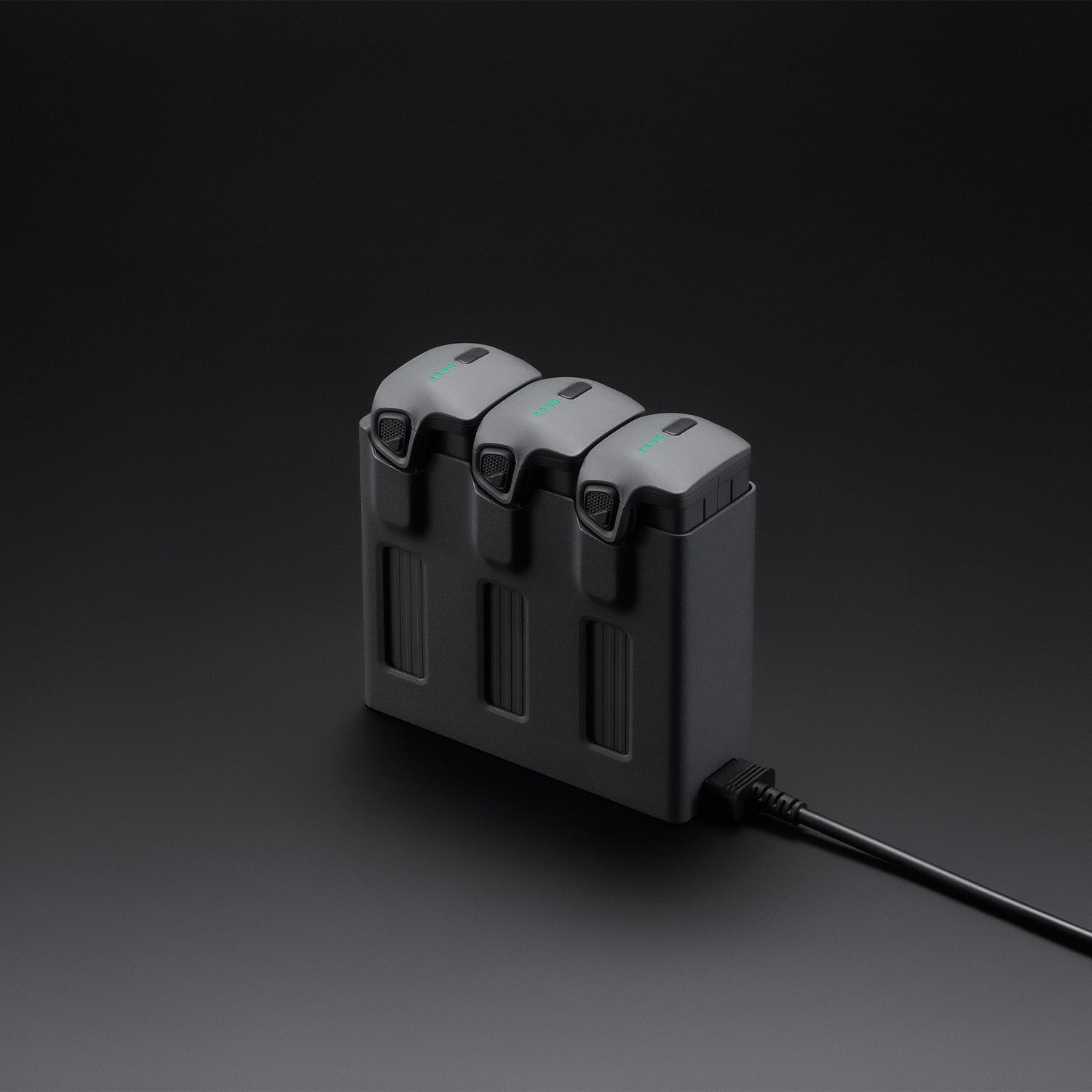
At the office, a dedicated approved adapter may offer simpler repeatable charging. In the field, a power station introduces conversion losses, shared outlets and the need to keep equipment cooled. Plan against the usable energy of the station rather than its marketing capacity alone. Avoid stacking charging hubs in a hot equipment case.
When the hub appears to be slow
Inspect the battery charge level and temperature, confirm the adapter specification and try one approved input configuration at a time. A battery close to full may accept less current as charging tapers. A pack outside the recommended temperature range may charge slowly or temporarily refuse charging. Do not defeat these protections.
Buying advice for working crews
For one aircraft and a small number of flights, a correctly specified charger and modest battery rotation may suffice. For daily production, spare batteries and a compatible high-power adapter can reduce scheduling friction. Confirm the exact hub SKU, cable and adapter before checkout. Read portable-station charging considerations and the camera-drone selection guide if you are still choosing an aircraft platform.
Checklist before purchase or repair
- Confirm the exact hardware model, revision and manufacturer instructions.
- Check rated operating voltage, physical fit and connection compatibility.
- Inspect equipment for damage; do not bypass protective charging or safety systems.
- Record symptoms and configuration changes rather than guessing.
- Use an authorised flying area and a conservative field test only after successful inspection.
Power planning calculation: how much input is enough?
A hub receiving power from a USB-C adapter can use only the voltage/current profiles that the charger, cable and hub negotiate. A wall charger with a large total advertised output may divide that budget among multiple ports. The rated output of one port in the exact configuration is therefore more informative than the biggest wattage printed on the charger. When several devices share a charger, check whether the available profile changes.
For field work, test the intended charger, hub and battery combination before leaving for a production day. Measure real time to the required charge level under reasonable temperatures, and document which cable was used. Do not infer parallel charge performance from one marketing image.
Three questions before ordering spare equipment
First, how many full batteries must be ready at the start of the shoot? Second, what charging turnaround is actually possible with your approved power source? Third, how many flights are planned before you can return to mains power? These answers distinguish a need for more batteries from a need for a faster compatible adapter. Buying both without calculating the energy workflow may add cost without reducing downtime.
Check the adapter’s region-specific plug and warranty, current cable rating, hub model and any firmware prerequisites. Avoid using generic car inverters or power stations beyond their continuous rating. When a battery is still hot after landing, the appropriate cooling period comes before a charging-speed target.
Frequently asked questions
Will a 240 W charger always give maximum Mavic 4 Pro hub speed?
Not automatically. The actual output profiles and officially supported hub combination govern charging.
Does parallel charging shorten the life of the battery?
Battery longevity depends on temperature, chemistry, charge management and use. Follow DJI’s approved system limits.
Can I use my laptop charger?
Only when its output profiles and the hub’s supported input specification match.

















