


Matrice 4 Intelligent Battery: When a Pack Refuses to Charge in the Field

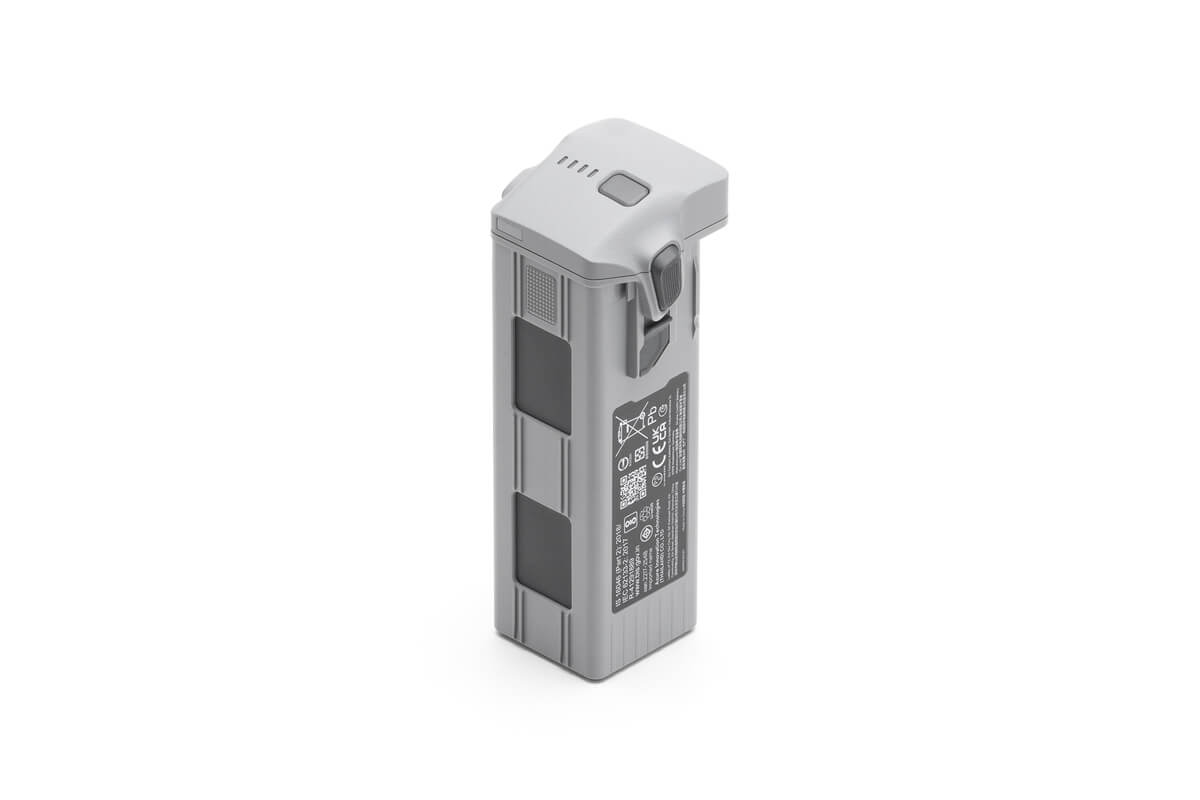
A Matrice 4 battery refuses to start charging after a cold journey or a hot inspection sortie. The team assumes the battery is faulty because a Matrice 350 pack at their previous job site warmed itself before charging. That comparison is misleading. DJI expressly states that the Matrice 4 Series Intelligent Flight Battery has no self-heating function. The charging hub, battery temperature and correct power input need to be checked before diagnosing a failed pack.
Know this particular battery before using a generic DJI procedure
The DJI Matrice 4 Series Intelligent Flight Battery is a 4S lithium-ion pack rated at 6,741 mAh, 14.76 V nominal and 99.5 Wh, with a stated weight of approximately 401 g. DJI specifies a battery recharge temperature of 5°C to 40°C. That charging range is different from the aircraft’s permitted operating ambient-temperature range of -10°C to 40°C.
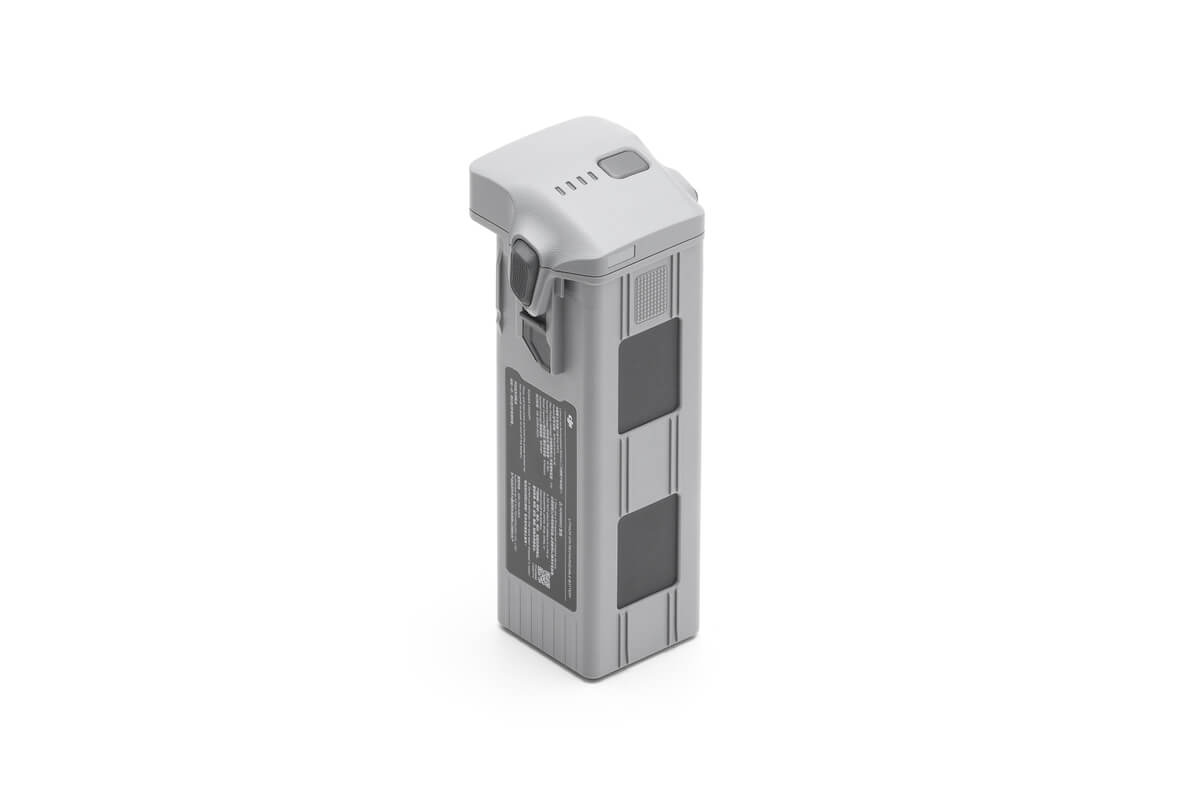
Unlike the TB65 battery system used with the Matrice 350, the Matrice 4 battery cannot initiate its own heating sequence. A cold pack that waits instead of starting normal charging therefore needs a temperature-controlled recovery plan, not an attempt to activate a non-existent self-heating switch. Never warm a lithium aircraft pack with a heat gun, direct flame, radiator contact or an improvised charging rig.
The most common charging mistakes
| What you see | What to verify | Do not assume |
|---|---|---|
| Pack came from a cold vehicle and charging does not start | Battery temperature relative to DJI’s 5°C minimum charging requirement | That the battery has a Matrice 350-style self-heating mode |
| Pack just completed a demanding flight | Battery temperature, state of charge and hub indications | That a hot battery must immediately accept full-rate charging |
| 200W hub connected to a USB-C wall adapter | Whether the 200W hub has its dedicated DJI supported power source | That its USB-C socket is a charging input |
| 100W hub charges more slowly than expected | PD power profile, charger output and C1 port on the DJI charger | That any cable or multiport charger can continuously deliver full 100W |
| Several batteries are inserted but only one charges | Hub’s sequential charging design and selected mode | That all installed packs must charge simultaneously |
| Controller shows 90%, not 100%, after rapid preparation | Ready-to-Fly charging mode | That the battery stopped at 90% because it is defective |
100W and 200W charging hubs have different inputs
DJI says the Matrice 4 batteries are charged through the dedicated Matrice 4 Series charging hub, not by simply plugging a USB-C cable into the aircraft. The 100W hub supports USB-C PD charging; DJI recommends a compatible 100W PD source, with the C1 port on the manufacturer’s 100W Portable Charger. Its stated timings are approximately 78 minutes to 100% in Standard Mode and 60 minutes to 90% in Ready-to-Fly Mode, under DJI’s tested conditions.
The 200W hub is different hardware. DJI specifies the 240W Portable Charger (CDX230-240) or DJI Power 1000 with the dedicated SDC cable as its supported inputs. The 200W hub’s visible USB-C port is for configuration and firmware updates only; it cannot charge batteries from an arbitrary USB-C charger. With the approved 240W supply, DJI lists around 55 minutes to 100% or 40 minutes to 90% for one battery. These figures should not be transferred to the 100W hub or to a portable power bank without checking its actual output.
Normal 90% charge can be intentional
Both hub configurations provide Standard Mode, charging batteries sequentially to 100%, and Ready-to-Fly Mode, charging each one sequentially to 90% and maintaining that level for faster deployment. A technician should check the charging-mode switch and read the hub status before reporting a battery that “never reaches full.” If the mission calls for immediate multiple sorties, calculate available energy from the packs’ actual state of charge and required safe return reserve rather than treating a 90% display as either a fault or a full 100% pack.
Field diagnosis in seven controlled steps
- Identify the complete hardware chain: Matrice 4E/4T, battery, 100W or 200W hub, exact charger model and cable. Photograph nameplates or product identifiers rather than guessing from connector shape.
- Check the temperature history: Was the pack exposed to cold storage or high loads immediately before charging? Let it return to an appropriate safe charging environment without forced heating.
- Inspect the pack externally: Look for cracks, swollen casing, damaged contacts, liquid ingress, unusual odour or heat. Do not charge a compromised pack.
- Use the approved hub and input: 100W PD via an appropriate compatible source; 200W only via the manufacturer-approved power supply arrangement. Do not attempt to power the 200W hub through its update-only USB-C port.
- Confirm the selected mode: Observe whether the station is set to 90% Ready-to-Fly or 100% Standard and remember that the packs charge one after another.
- Run a known-good comparison: With matching battery generation and safe operating conditions, compare a verified good pack in the same hub slot. This separates a possible battery-specific fault from a power or charging-station issue.
- Record evidence and escalate: Save the charge indications, input source, ambient/battery conditions and any DJI Pilot 2 warnings. Stop trying repeated power cycles if the pack remains unrecognized or behaves abnormally.
Cold-site operational planning
A Matrice 4 may be within DJI’s -10°C aircraft operating envelope but still use its battery faster at low temperature. That is not permission to charge the same cold pack immediately at -10°C. Keep spare packs inside the manufacturer’s storage and handling limits, plan a safe warm charging environment, allow for genuine temperature stabilization, and preserve additional return-to-home reserve. A “20-minute job” that starts with cold batteries and an unpowered charging station can become a delayed job even if no product has failed.
Related FalconFly guide
For broader practical context, read our why DJI intelligent batteries sometimes refuse to charge guide. It complements this product-specific troubleshooting workflow.
Sources and FalconFly product
The baseline figures and charging distinctions above are from DJI’s official Matrice 4 charging, cold-temperature and hub FAQ and the manufacturer’s 99.5Wh flight-battery specifications. For the matching replacement pack, see FalconFly’s Matrice 4 battery listing. Verify the current firmware and supported hub version before replacing a pack purely on the basis of a delayed charging start.






























