Mavic 4 Pro Low-Noise Propellers: When a Small Nick Is a Big Problem

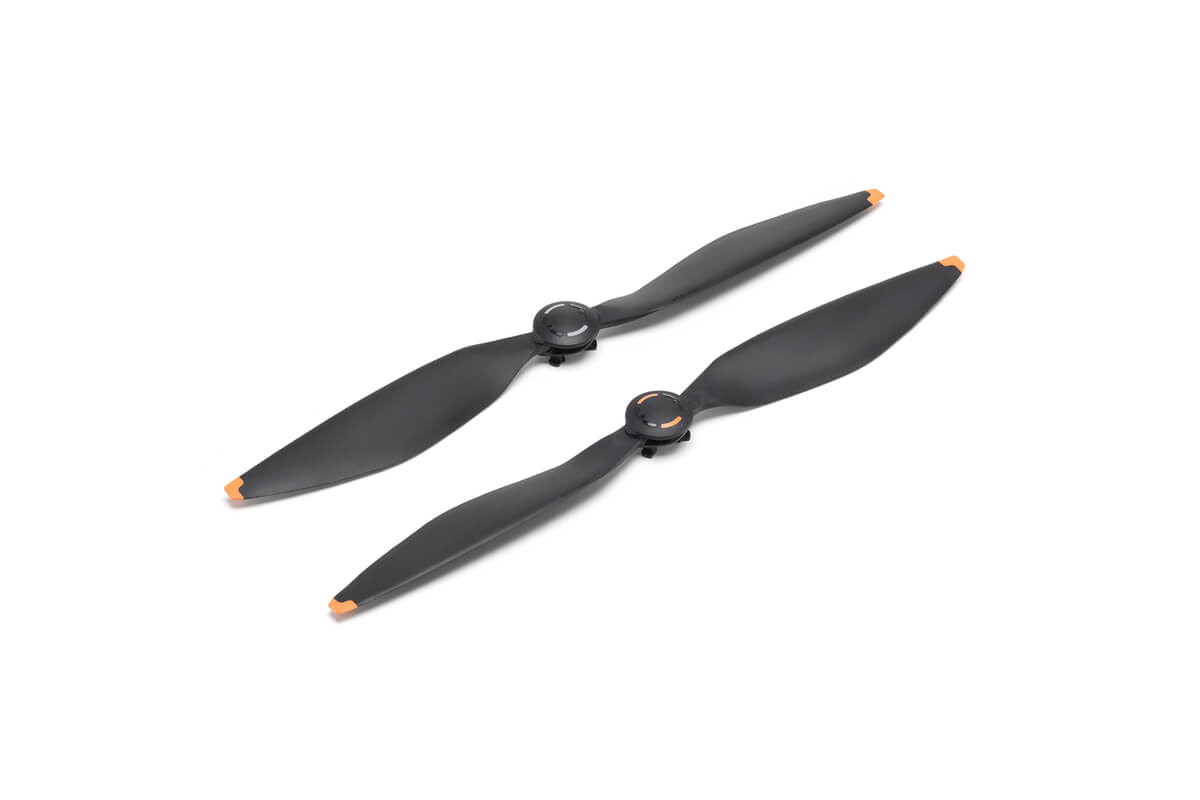
A Mavic 4 Pro pilot discovers a tiny notch on one low-noise propeller after packing the drone near loose equipment. The aircraft still arms and the blades appear to spin, so flying one last job seems tempting. But a chip near the blade root, a bent tip or a damaged retaining hub can change balance and load the motor even without an immediate app warning. Ground the drone and inspect the genuine Mavic 4 Pro propeller pair rather than smoothing a damaged blade, mixing used and new parts or substituting another Mavic-family model by appearance.
Inspect Mavic 4 Pro blade roots, hubs and motor clearance
Inspect blade edges and roots in directional light instead of relying on a quick glance. On Mavic 4 Pro, a chipped or bent low-noise blade can unbalance the rotor or stress a motor even without an immediate flight warning, so inspect the complete approved propeller and hub after every strike. Photograph the model marking and look up the matching support entry before applying a solution from a different drone.
What to do before the next flight
- Verify the part and model: Read the full product identifier, model support and software version shown by the aircraft.
- Test the suspected cause: Confirm the official Mavic 4 Pro propeller part number and screw or locking requirements.
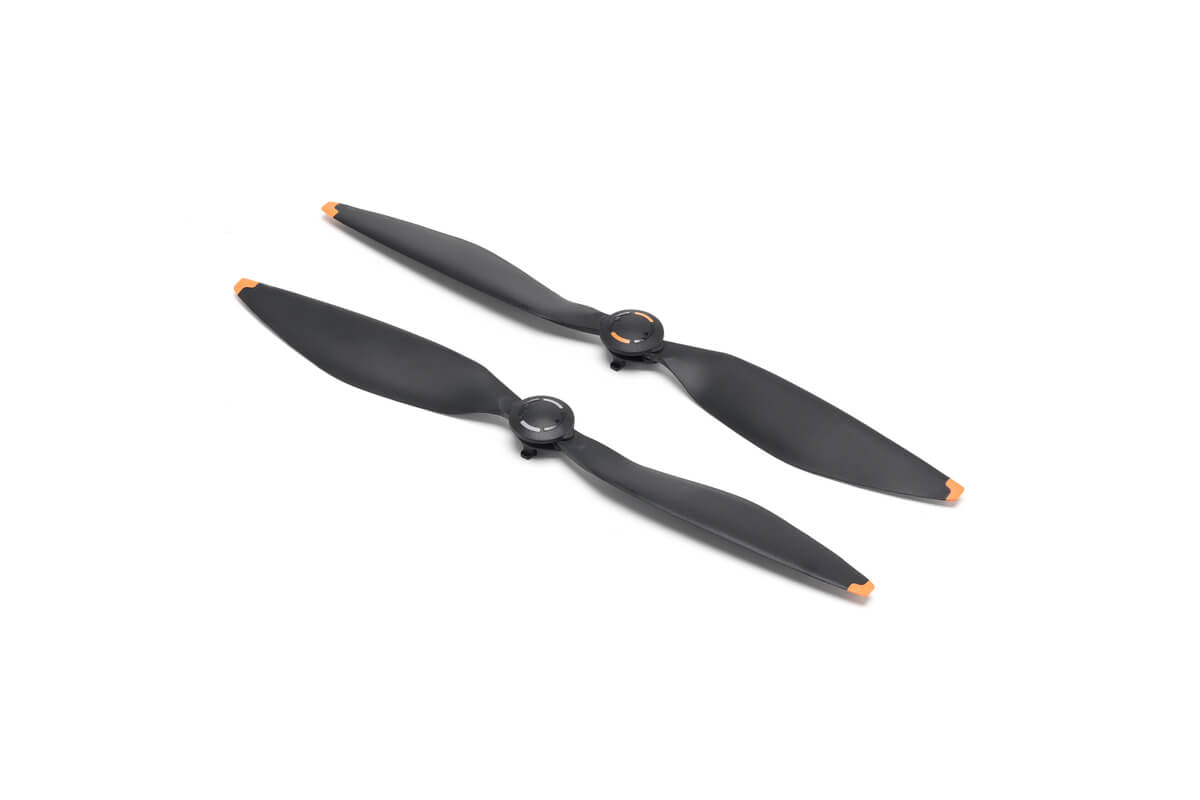
- Recheck the workflow: Replace damaged components as the approved pair and check the motor area after impact.
- Keep a trace: Record the conditions, warning messages and any relevant media from a controlled test; isolate one change at a time.
Battery and propulsion problems deserve particular care: do not fly with damaged blades, swollen packs, uncertain latches or unexplained power warnings. When the problem can be reproduced on the ground, that is the appropriate place to diagnose it rather than using a normal flight as an experiment.
The trade-off hidden in the specification
Lower blade noise is not proof of identical operating characteristics across other Mavic generations. Performance figures in product literature normally use controlled temperatures, winds, flight profiles or combinations. When choosing a spare or planning a shoot, the more important measure is the usable outcome with a safe return margin and the supported configuration for your region.
| Before buying | What to verify |
|---|---|
| Compatibility | Exact aircraft model, generation and approved part number |
| Setup | Required screws, charger, firmware or pairing process |
| Practical use | Weather, actual flight mode, reserve, local rules and intended deliverable |
Replace the damaged Mavic 4 Pro propeller or inspect the motor?
A small notch on a Mavic 4 Pro low-noise blade can alter balance, increase vibration and stress the corresponding motor. Do not sand or trim a damaged propeller to make it look symmetrical; that changes its intended blade profile. With power disconnected, examine the blade root, hub, motor mounting and retention mechanism for cracks, looseness or rough rotation. After an impact, a qualified service check may be necessary before the aircraft is cleared to fly, even if DJI Fly shows no fault.
Choose the original Mavic 4 Pro low-noise propeller pair and follow DJI’s model-specific replacement procedure. A different Mavic generation or visually similar third-party blade is not a manufacturer-approved substitute.
Mavic 4 Pro propeller-damage FAQ
Can I smooth a small chip with sandpaper?
No. Grinding changes the carefully designed propeller profile and can affect balance. Replace the damaged original part according to DJI’s model-specific instructions.
Will the aircraft always warn me about a slightly bent blade?
No. A drone may arm and hover without a specific propeller fault message despite vibration or unusual load. A visual and mechanical inspection after impact is still necessary.
What if a new genuine propeller still vibrates?
Inspect the mounting hub, motor rotation and frame condition; stop operating if a motor shaft, bearing or arm appears damaged. Propeller replacement does not correct a structural fault.
Official technical source
Before ordering or changing your operating procedure, consult DJI’s official product guidance. FalconFly’s relevant product: DJI Mavic 4 Pro Low-Noise Propellers (Pair).