


DJI CSM Radar for Matrice 300/350: Why Some Obstacles Are Still Hard to Detect

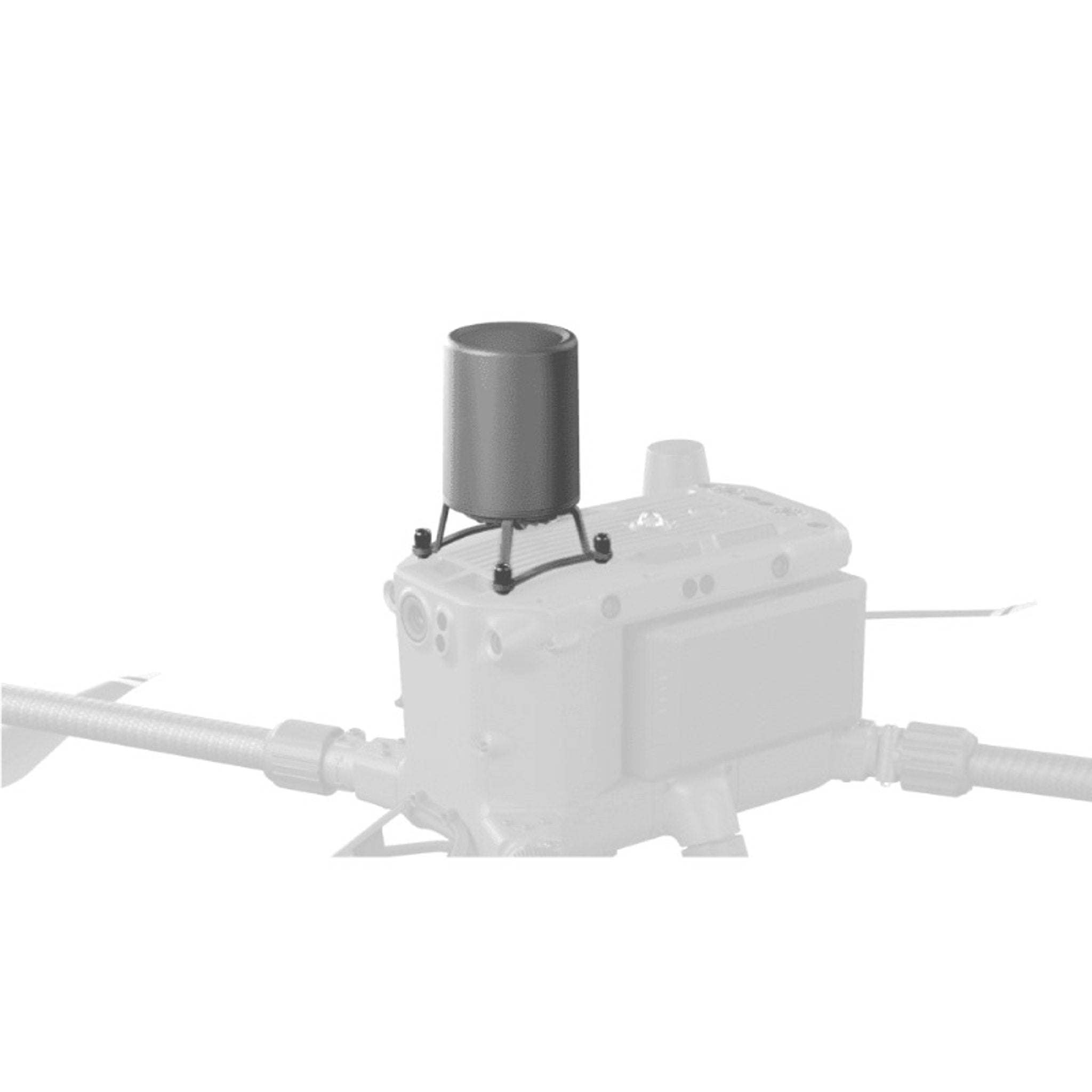
A Matrice 350 RTK crew adds DJI’s CSM Radar before inspecting a transmission tower. The controller shows the radar as connected, yet a cable or narrow tree branch is detected later than expected. This does not necessarily mean the radar has failed. DJI’s headline 30-meter detection range is defined for a target with radar cross-section of at least 0.4 m². A thin wire, slanted surface or low-reflectivity object is not automatically covered by that test condition.
What CSM radar actually extends
The DJI CSM (Circular Scanning Millimeter-Wave) Radar is an optional accessory mounted on the top of compatible Matrice 300 RTK or Matrice 350 RTK aircraft. DJI describes sensing for horizontal 360° and upward areas to complement the aircraft’s built-in vision/infrared system. This is useful for certain complex inspection sites, especially where a visible-light camera’s sensing performance may be degraded, but it does not provide a spherical, infallible obstacle shield.
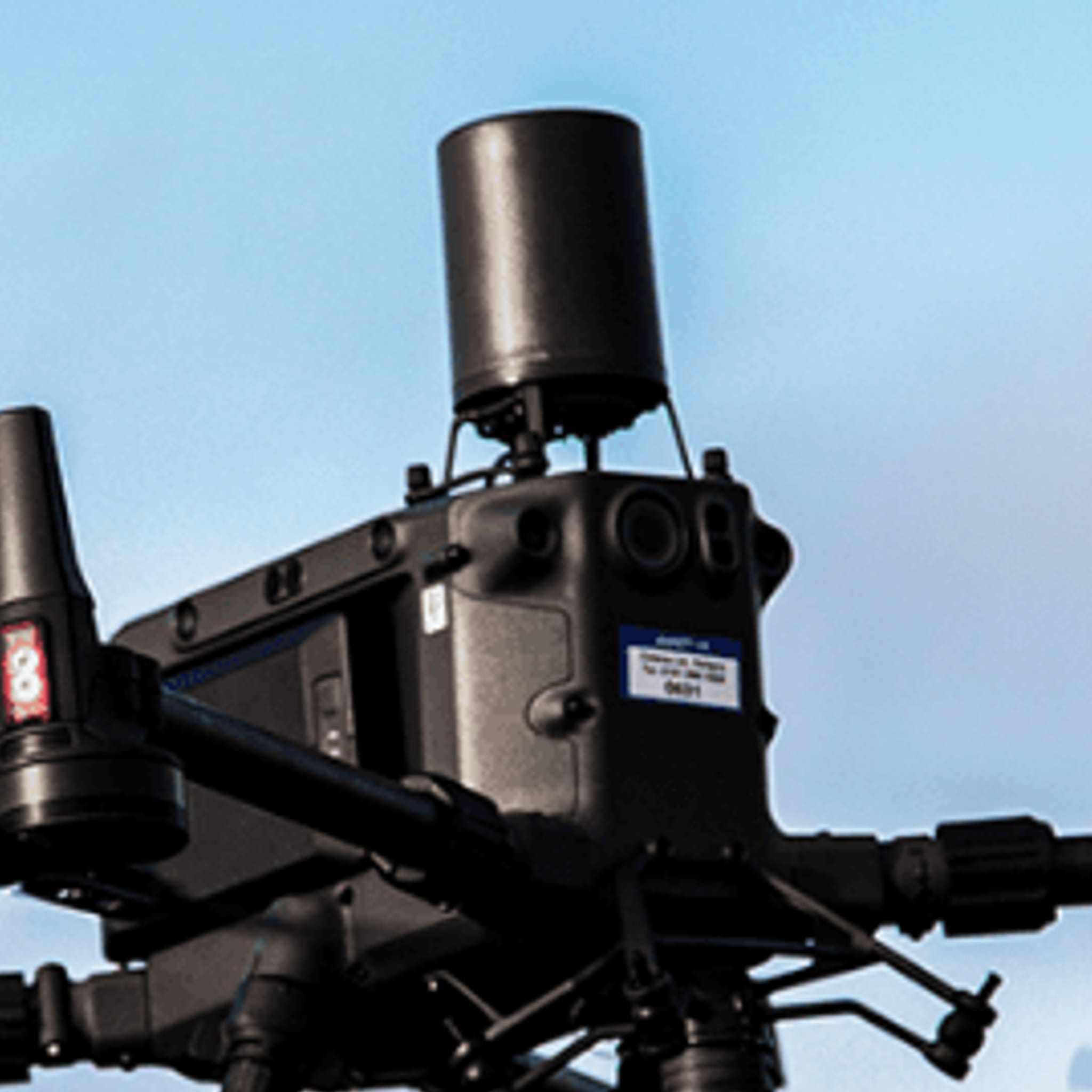
DJI’s Matrice 350 product notes specifically recommend enabling Radar Obstacle Avoidance inside DJI Pilot 2, setting an aircraft safety distance greater than 2.5 m, and using flight speeds below 10 m/s for the referenced avoidance capability. A mounted module with radar avoidance disabled in Pilot 2 is not equivalent to an operational avoidance system. Even with these settings, the reference conditions do not guarantee detection of every wire or moving obstacle.
Why the 30-meter claim can be misleading
| Question | DJI’s condition or practical limitation | What the crew should do |
|---|---|---|
| Will CSM see an object at 30 m? | Up to 30 m for the published reference target (RCS ≥0.4 m²) | Keep margin; do not expect the same response from all materials and shapes |
| Will it detect a thin conductor? | A wire can have a smaller or angle-dependent radar signature | Identify cable locations before flight; maintain a planned exclusion corridor |
| Can the aircraft fly toward obstacles at any speed? | DJI’s recommended avoidance reference is below 10 m/s | Slow down and give room for command, braking and gust response |
| Is obstacle avoidance active after mounting? | The Pilot 2 radar-avoidance mode must be enabled | Inspect actual app settings and status on the ground |
| Does the system detect every direction? | CSM focuses on horizontal and upward coverage | Do not assume identical performance below the airframe |
How target geometry changes radar performance
Radar cross-section (RCS) is a measure of how strongly an object reflects radar energy back toward the sensor. It is not simply the object’s physical silhouette area. The same metal cable may behave differently when seen end-on, broadside or diagonally; nonmetallic tree branches may respond differently from a metallic sign. Nearby metal structures can also produce multiple reflections. DJI gives the reference cross-section explicitly because a headline range has to be tied to a test target.
For power-line inspection, treat the conductor network as a known hazard and plan around it rather than using the drone as a live obstacle-discovery probe. A 30 m reference range does not imply a safe minimum clearance of 2.5 m from any conductor. Check electric-field hazards, electromagnetic interference, tower geometry and local authorisations separately from the radar manufacturer’s sensing specification.
Before takeoff: seven checks that distinguish settings from faults
- Identify the exact aircraft: M300 RTK or M350 RTK, controller, firmware release and CSM radar version. Review the DJI accessory compatibility guidance before moving hardware between fleets.
- Inspect mechanical installation: with the aircraft powered down, verify the radar and cables are firmly mounted in the specified position. Check for cracks, water contamination, loose fasteners and strain on the connector.
- Review DJI Pilot 2: verify the radar is recognised and that the specific Radar Obstacle Avoidance setting is on, rather than inferring readiness from the accessory’s presence.
- Set the operational envelope: review DJI’s greater-than-2.5-m safety-distance recommendation and the less-than-10-m/s speed reference in the context of the site, obstacle sizes, winds and stopping distance.
- Account for other sensing modes: confirm the onboard visual and infrared sensors are not being relied on outside their light or surface requirements.
- Run nonhazardous status checks: in an open, controlled area, confirm telemetry and sensor status. Never deliberately fly at a person, cable or tower to “test” the radar range.
- Document failure evidence: if the display indicates an error, save the Pilot 2 message, aircraft and radar firmware, environmental conditions, and the fault’s repeatability. Escalate genuine hardware faults for qualified service.
Three common inspection scenarios
Transmission-line work: CSM can be a valuable supplementary sensor when navigating large tower components. It cannot replace a survey of insulators, small conductors, stay cables and adjacent branches. Establish an observer position and a clearly marked exclusion corridor before any close pass.
Substation or industrial plant: Large reflective walls, steel beams and varying approach angles can produce complex returns. Do not infer that every hazard has been accounted for because the radar has detected the largest nearby structure. Maintain a manual flight path with approved clearance.
Low-light emergency inspection: CSM extends certain detection capabilities beyond a visible-light camera, but neither the radar nor the drone is certified to actively evade fast-moving cranes, birds or other dynamic hazards in every direction. Keep the site operational risk assessment intact even when the radar self-test passes.
Is the CSM radar worth purchasing?
It depends on the obstacle geometry and whether the crew’s mission benefits from its horizontal/upward supplementary detection. The most defensible purchase case is a documented operational need that fits DJI’s published limits and is supported by appropriate procedures and training. Do not buy it solely because the brochure says “360°” or “30 m”; those figures do not remove the operator’s collision-avoidance responsibility.
Related FalconFly guide
For broader practical context, read our DJI sensor limitations with glass and thin wires guide. It complements this product-specific troubleshooting workflow.
Primary manufacturer references
See DJI Matrice 350 RTK product notes and CSM radar footnotes, the official Matrice 350 RTK FAQ and the official aircraft and accessory guides. Confirm the genuine option on FalconFly’s CSM Radar page. These manufacturer sources, rather than an arbitrary video demo, should determine what can be promised to an inspection client.






























