


Matrice 350 RTK 4G Dongle Kit: Is a SIM Card Enough for Enhanced Transmission?

The Matrice 350 RTK shows a 4G icon, and the SIM card can browse the internet, yet the operator still cannot enable Enhanced Transmission. A second crew installs the aircraft dongle but does not connect the remote controller to the internet and gets the same symptom. These are two different faults. DJI’s 4G Enhanced Transmission requires an aircraft-side cellular connection and a properly connected ground side; merely inserting any active SIM card into the drone is not enough.
What the Matrice 350 4G Dongle Kit actually adds
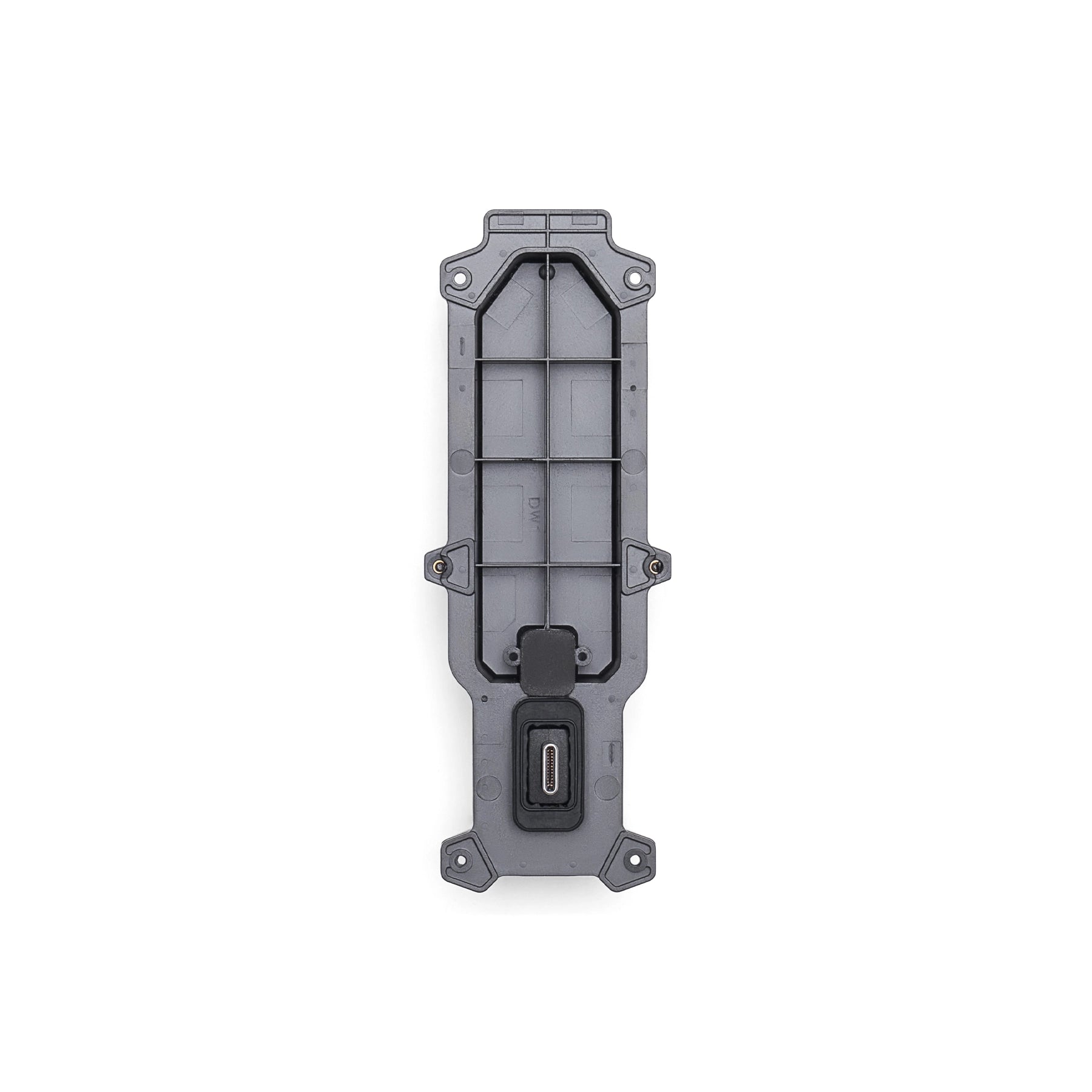
The DJI Matrice 350 RTK 4G Dongle Kit adds a DJI Cellular Dongle and mounting hardware to the aircraft. Its job is to support DJI’s optional Enhanced Transmission in conjunction with the Matrice 350’s O3 Enterprise radio link. When normal O3 transmission is degraded, a supported 4G mobile network can provide an additional route for compatible video/control data. This is not a replacement for safe radio-link planning, visual line-of-sight obligations or regional approvals.
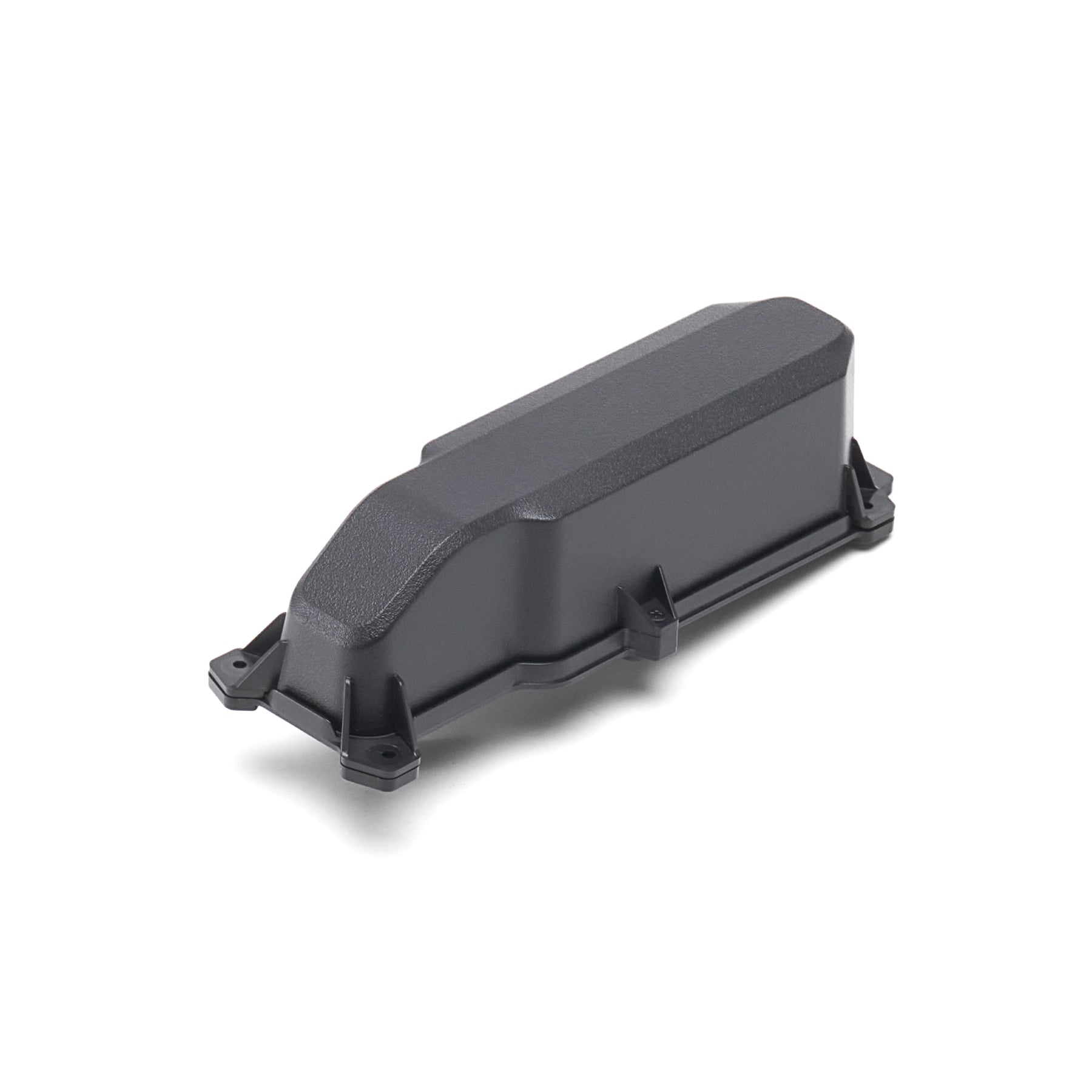
DJI states that the aircraft must have the Matrice 350 4G Dongle Kit. The RC Plus controller must also have internet access, either via its own supported DJI Cellular Dongle or through a suitable Wi-Fi hotspot. If the aircraft has working 4G but the ground controller is offline, the Enhanced Transmission service cannot be assumed operational.
Four separate connections to verify
| Part of the chain | What must be working | Misleading assumption |
|---|---|---|
| Aircraft hardware | Supported cellular dongle, mounting, connected antenna and firmware | “Any USB cellular modem will work.” |
| Aircraft mobile data | Valid nano-SIM, permitted local operator and actual 4G service | “A SIM that works in a phone must work airborne.” |
| Controller internet | RC Plus DJI dongle or stable Wi-Fi internet connection | “The aircraft’s 4G is sufficient.” |
| DJI Pilot 2 configuration | Compatible versions, available service and Enhanced Transmission enabled | “Seeing a 4G icon means the flight link is already using 4G.” |
What to check if the dongle icon is visible but Enhanced Transmission is unavailable
- Confirm exact hardware and firmware. Identify the Matrice 350 RTK, DJI RC Plus and genuine dongle generation. Record current aircraft, controller and DJI Pilot 2 versions before updating anything.
- Check the aircraft SIM and cellular state. Confirm a properly sized, supported nano-SIM from an approved mobile operator, with an active data plan, mobile-service coverage and no unresolved PIN prompt or APN configuration issue.
- Check the ground side separately. If using the RC Plus dongle, verify it has its own SIM and cellular service. If using Wi-Fi, verify the controller really has internet access through the connected hotspot.
- Inspect DJI Pilot 2. Open the video transmission signal/status panel or the appropriate settings screen and find the Enhanced Transmission function. Confirm that it is enabled and that the service is supported in the aircraft’s current region and firmware.
- Check signal on both sides. Mobile coverage at the pilot’s location says little about the coverage at the aircraft’s location. Account for nearby buildings, cellular sector orientation and possible altitude-related service restrictions.
- Recheck after a supported update. Where DJI reports inability to retrieve dongle data, its official troubleshooting advises bringing the aircraft, controller and app to matching supported firmware versions. Preserve current settings first.
- Log error text, not just the icon. Save the exact Pilot 2 warning, SIM/operator identity, aircraft/controller connection states and the conditions in which normal O3 transmission degrades.
Why 4G can make a bad link feel different rather than immediately better
DJI uses the cellular data path to supplement the normal direct O3 Enterprise transmission. That path depends on a mobile network, so latency and video stutter may differ from a clean direct link. Urban signal interference, building shadowing and inconsistent mobile coverage still matter. If the airframe has only weak mobile-network service, enabling 4G does not create additional connectivity out of nowhere; the system may simply lose its alternative at the same point that the regular radio link is obstructed.
Cellular Enhanced Transmission can also consume meaningful amounts of mobile data. DJI’s cellular-dongle guidance describes usage that varies with video and link conditions. A crew using shared or roaming plans should verify allowance and billing before running repeated long sorties, particularly if the remote and aircraft use separate SIMs.
Legal and regional limits are part of the setup
Do not assume that a consumer SIM used in a phone is automatically approved for airborne communication in every country. DJI’s Matrice 350 FAQ explicitly identifies special UK Ofcom UAS licensing and network SIM authorisation requirements, and says a normal consumer mobile SIM is not sufficient for lawful UK UAS dongle use. Requirements in the UAE, EU and other jurisdictions must be assessed separately using applicable aviation and telecommunications regulations. A connection that technically works does not prove that the use is authorised.
The kit may also differ in compatibility between aircraft and firmware releases. DJI documents the Matrice 350 RTK specifically, and also gives limited compatibility notes for Matrice 300 RTK equipped with RC Plus. Always follow the exact aircraft/controller supported combination; never treat a similar aircraft USB-C port as proof of modem compatibility.
How to decide whether a kit needs replacement
If the DJI dongle is not recognised, inspect physical insertion, antenna connections, permitted SIM type and software support. If the dongle connects to the mobile network but Pilot 2 cannot enable Enhanced Transmission, prioritise app version, controller connectivity and service availability before buying another dongle. If 4G works at one site but not another, preserve coverage and network details and investigate the operator’s service footprint before concluding the hardware is unreliable.
Manufacturer documentation and FalconFly part
The required two-sided connectivity and regulatory notes appear in DJI’s Matrice 350 RTK Enhanced Transmission overview and the official Matrice 350 RTK FAQ. For DJI’s connection-diagnostics decision tree, see its Cellular Dongle Enhanced Transmission help page. The exact aircraft-side hardware is listed on FalconFly’s 4G Dongle Kit page.






























