DJI AS1 Speaker: When Text-to-Speech or Real-Time Broadcast Fails

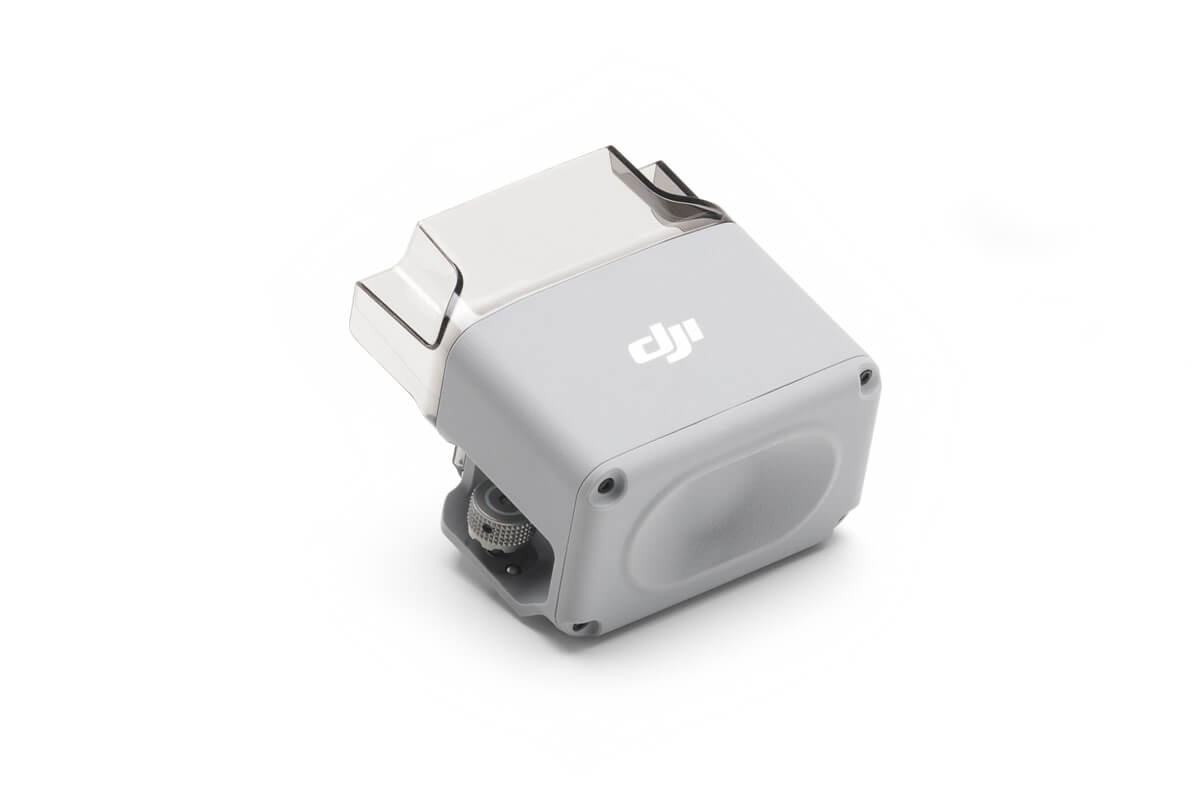
The AS1 speaker is visible on a Matrice 4, yet the pilot hears no live announcement. Another team reports that imported audio works but text-to-speech stays silent. Both faults sound like a failed loudspeaker, but DJI’s documented audio modes use different inputs, language support and activation steps. A five-minute diagnosis can often isolate the real problem before anyone orders another accessory.
First identify which AS1 audio mode has actually failed
The DJI AS1 Speaker works with the Matrice 4 Series and supports real-time broadcast, locally recorded messages, imported media and text-to-speech. These are not identical tests. For example, imported audio playing successfully proves that the physical speaker and its playback path work, but it does not prove the controller microphone, live-broadcast control, or the text-to-speech language is configured correctly.
AS1 troubleshooting table: identify the symptom first
| Symptom | First DJI-specific check | What the result tells you |
|---|---|---|
| No playback in any mode | Mechanical mounting, activation, aircraft/payload firmware and DJI Pilot 2 device recognition | Start with the shared power/control path, not microphone settings |
| Recorded audio works; live broadcast is silent | Real-time mode selection, controller microphone location and custom-button mapping | The physical output path is likely functioning |
| Imported media works; text-to-speech fails | Selected language and text-to-speech generation within DJI Pilot 2 | TTS support is a separate software issue |
| Voice is distorted or echoes | Firmware consistency, microphone technique and loudspeaker operating conditions | Do not attribute acoustic feedback to an airframe-link failure |
| Fault begins after attaching AL1 spotlight | Combined mounting arrangement: AS1’s lower adapter bracket must be removed | Check the combined assembly before suspecting the audio board |
The language restriction that catches multilingual teams
DJI’s AS1 FAQ specifies that text-to-speech currently supports English and Mandarin Chinese only. For example, entering an Arabic or Hindi announcement and expecting the controller to pronounce it correctly is not a hardware fault. For another language, prepare a reviewed voice recording or supported imported audio file instead; test intelligibility at the intended listening conditions with the aircraft on the ground.
There is a second subtlety: even among supported languages, a fluent prerecorded instruction may be safer and clearer than a hurried live translation. Where a mission needs evacuation or public-safety messaging, have the wording reviewed and approved by the responsible team before the flight. Do not improvise commands or promise intelligibility at every distance in wind and ambient traffic noise.
Check the real-time microphone and the controller controls
- Confirm AS1 is selected. Open DJI Pilot 2’s supported audio/broadcast interface and verify the speaker is recognized. If not, check activation and firmware before manipulating microphone volume.
- Play a stored test clip first. If it plays, distinguish an input problem from an output problem.
- Use the correct microphone. DJI advises speaking close to the top of the remote controller at a steady pace for real-time broadcasting. Do not assume the pilot’s headphones or a third-party phone microphone are the recognized input.
- Check start/stop actions. DJI allows custom buttons to be assigned to live broadcast start and stop. Confirm the button mapping in the app before repeating a silent test.
- Test echo suppression with current firmware. DJI ties the improved echo-cancellation feature to a current firmware release. Firmware inconsistency can matter here even if prerecorded audio still works.
- Record the outcome. Save the software version, AS1 activation status, mode attempted and whether the same short phrase works as an imported clip but fails when broadcast live.
AS1 and AL1 together: the adapter bracket matters
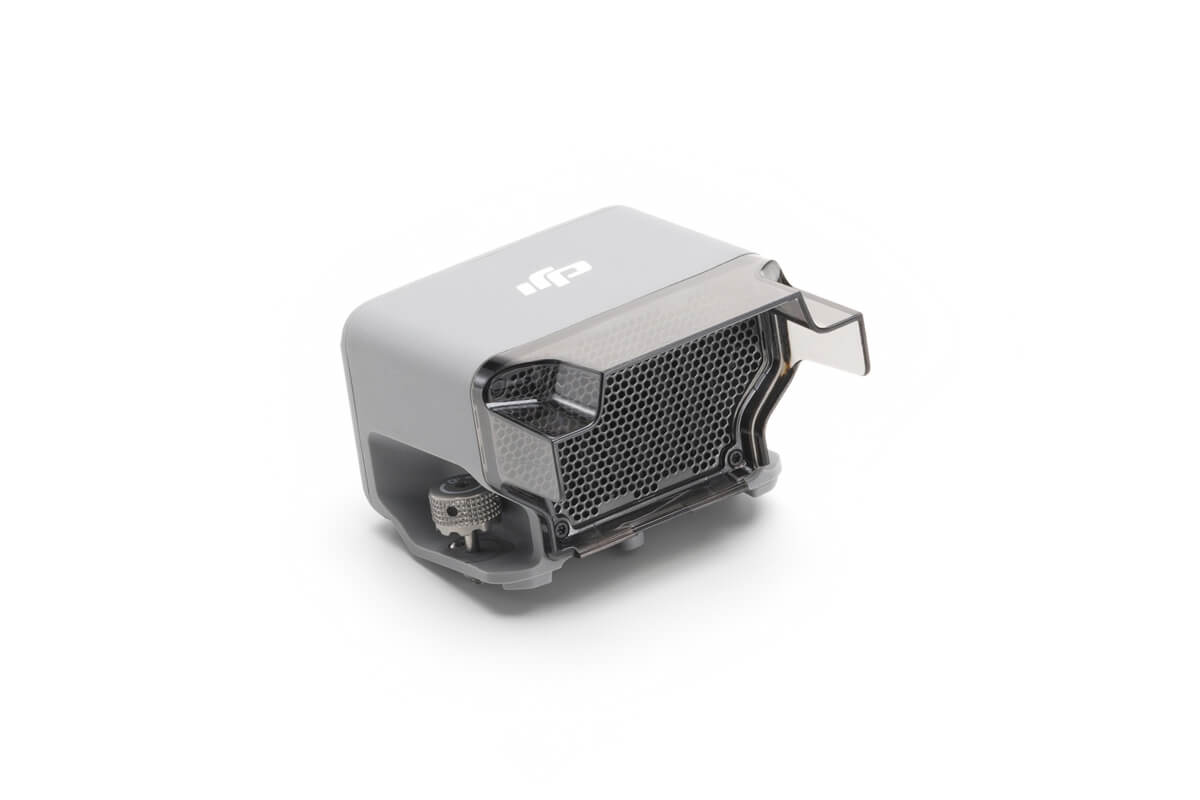
DJI allows the AS1 speaker and AL1 Spotlight to operate independently or together on the Matrice 4. In combined use, DJI specifically instructs operators to remove the adapter bracket under the speaker, mount it correctly on the spotlight and tighten the connection. A mechanically incorrect stacked arrangement should not be dismissed as a software fault. Follow the official combined-assembly instructions rather than forcing the individual mount configuration.
After fitting either accessory, DJI instructs users to update the relevant device firmware, activate the payload as prompted and perform the compass calibration requested by DJI Pilot 2. Avoid skipping activation merely because the hardware physically locks in place.
How loud is AS1 in practice?
DJI rates AS1 at up to 15 W maximum power, 114 dB at one meter and an effective broadcast distance of 300 meters under defined laboratory conditions. These are not guaranteed speech-intelligibility figures for a windy roadside, crowded industrial facility or helicopter-like propeller environment. Test the message under controlled conditions and confirm that it can actually be understood from the intended location. Never test the speaker close to a person’s ears; DJI warns against deployment near people or noise-sensitive urban locations. Avoid long single-frequency tones, which DJI says may permanently damage the speaker.
An attached payload also affects aircraft energy consumption and operational margins. AS1 is a communications aid, not a reason to disregard the Matrice 4’s safe-distance, airspace, or pedestrian separation requirements.
A reliable five-minute bench acceptance test
With the aircraft safely grounded and the propellers unable to operate, document the aircraft and AS1 firmware versions and open the AS1 control interface. Play a prerecorded English sentence, then a stored imported audio clip; compare with a live spoken sentence recorded through the controller’s top microphone. Finally, test text-to-speech using a short English sentence. If only one mode fails, preserve that result instead of performing a full factory reset. If the payload is not recognized at all, stop and review the hardware seating, activation and DJI’s supported firmware before attempting any flight test.
Official references and product selection
For authoritative details use DJI’s Matrice 4 FAQ (AS1 speaker installation, supported languages and real-time broadcast) and AS1 specifications. For hardware selection and genuine replacement components, view the FalconFly AS1 product listing. When buying a replacement, verify the actual symptom and all active firmware versions before assuming the speaker needs service.