DJI Air 3S Battery: Off-State QuickTransfer Uses Battery Power

You turn off a DJI Air 3S after a shoot, leave it in your bag, and find the battery percentage slightly lower when you need it again. Is the aircraft secretly staying on? In one supported mode, yes: DJI Air 3S uses an Off-State QuickTransfer sleep window of up to 12 hours so a phone can retrieve files while the main aircraft is powered down. DJI reports roughly 2% of battery capacity used over six hours in this standby state. That small, controlled drain is different from an abnormal battery discharge or a long-term storage self-discharge routine.
Why the Air 3S battery matters
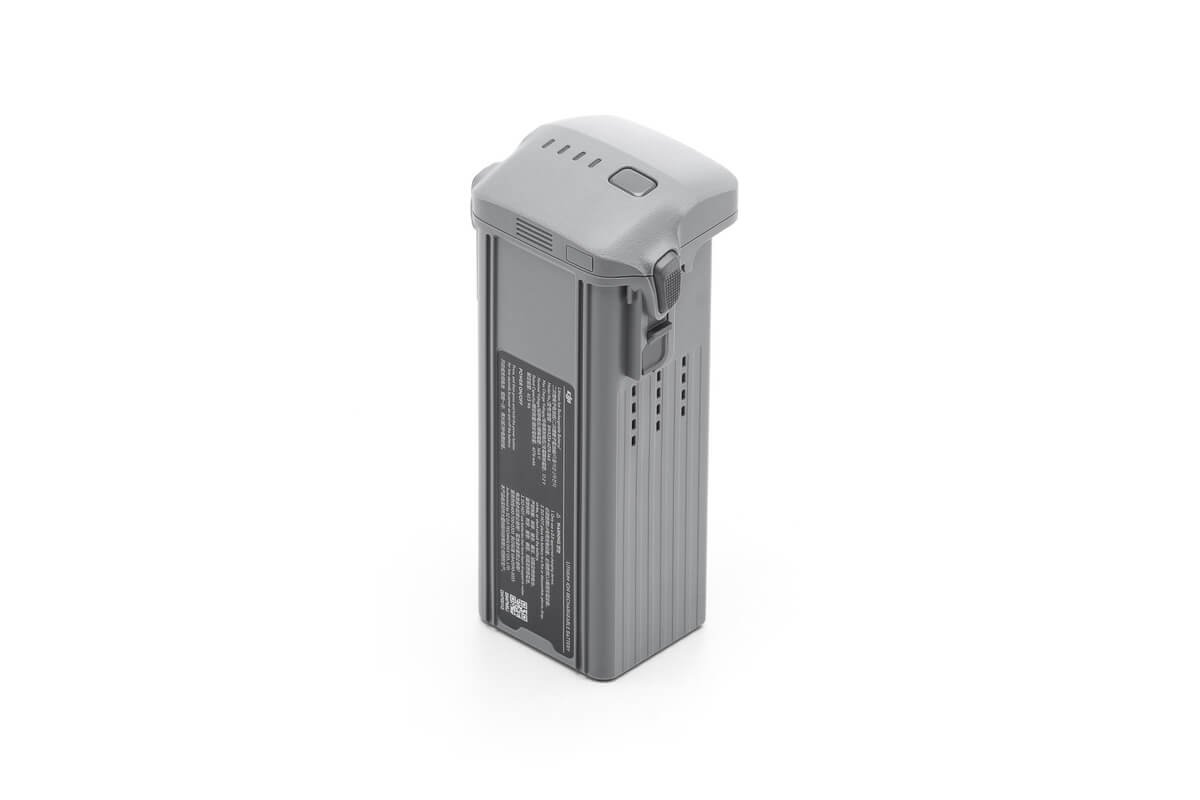
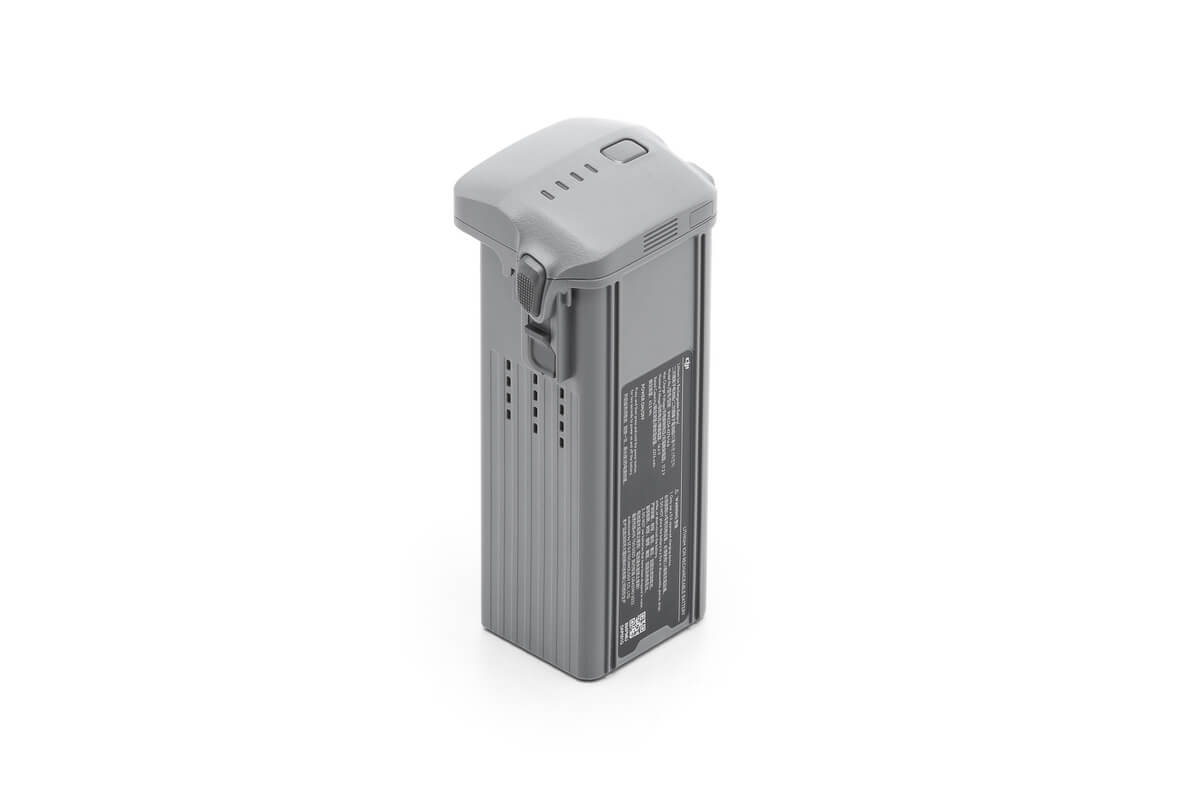
The genuine DJI Air 3S Intelligent Flight Battery is a 4,276mAh, 62.5Wh, 14.6V nominal lithium-ion 4S pack weighing approximately 247g. DJI’s original battery SKU is BWX234-4276-14.6. The Air 3S-specific pack is designed for the aircraft’s standby transfer workflow. The older Air 3 battery is flight-compatible with Air 3S but lacks this particular function according to DJI’s official FAQ.
Off-State QuickTransfer versus an ordinary power-off
DJI says the Air 3S enters a sleep state after power-off and can keep Off-State QuickTransfer available for up to 12 hours with the supported battery. If that window ends, the feature stops until reactivated, which DJI says can be done with a short press of the aircraft power button. The phone then uses the supported DJI Fly and short-range wireless connection to access media. The status of the propellers, camera and normal flight control must not be confused with this low-power data service.
Off-State QuickTransfer is an optional convenience for retrieving files. It is not a full-time remote camera server, battery charger or normal storage mode. If you finish a job late in the evening and rely on the feature the next day, the 12-hour reference helps explain why the same connection procedure may no longer work without a deliberate wake action.
Normal drain, suspicious drain and a transfer feature that never activates
| Observed behaviour | Likely explanation | Recommended verification |
|---|---|---|
| Battery loses roughly 2% over six hours shortly after shutdown | DJI’s published Off-State QuickTransfer sleep-mode consumption | Check timing, installed Air 3S pack and transfer state |
| Off-State QuickTransfer not available with Air 3 battery installed | DJI-documented compatibility exception | Use Air 3S pack if off-state transfer is required |
| Phone transfer no longer works after more than 12 hours | Supported sleep interval may have expired | Use DJI’s short power-button wake procedure and check DJI Fly |
| Multiple batteries lose a large amount with no transfer in use | Possible storage/self-discharge management or another fault | Record exact idle duration, DJI Fly battery warnings and pack condition |
| Battery or aircraft becomes abnormally hot while idle | Not explained solely by the reference 2% standby consumption | Stop use and contact authorised service after safe inspection |
| All batteries fail to connect to DJI Fly | Phone/aircraft wireless link, permissions or software issue | Test supported DJI Fly and wireless permissions before replacing packs |
Do not confuse standby drain with long-term battery storage
DJI intelligent batteries can reduce charge deliberately over days of storage to help protect their cells. Off-State QuickTransfer is a short, hours-long post-shutdown feature. When comparing a pack that loses 2% in six hours against one that slowly drops during several weeks of storage, record the complete period and the actual aircraft state. An idle battery may be warm during manufacturer-controlled self-discharge, but persistent excessive heat or critical warnings warrant stopping use.
Do not judge battery health by comparing unrelated battery models, temperatures and storage times. The Air 3 pack and Air 3S pack differ in electronics and specified functionality. A single percentage screenshot does not explain whether the camera, Wi-Fi, sleep circuit or battery-management system was active.
How to isolate an unusually large percentage drop
- Identify the pack: confirm original Air 3S 4,276mAh battery rather than the older Air 3 4,241mAh pack, whose Off-State QuickTransfer support is different.
- Record the baseline: note DJI Fly battery percentage, battery warnings, pack temperature and exact time of normal aircraft shutdown.
- Observe the intended window: distinguish the first few hours after shutdown from an idle period longer than DJI’s published 12-hour sleep window.
- Compare with the reference: DJI quotes approximately 2% capacity used over six hours; variation can occur, but large abnormal drops deserve further testing.
- Check connection conditions: if the problem is missing file transfer rather than lost charge, verify phone Wi-Fi/Bluetooth permissions and the supported DJI Fly workflow.
- Test another safe pack if available: use one known-good genuine Air 3S battery for a controlled comparison; do not short terminals or connect a diagnostic load to individual cell contacts.
- Ground any damaged battery: swelling, leakage, unusual heat, cell warnings or physically compromised contacts require professional assessment instead of further flights.
Battery charging and mission planning
DJI specifies a 5–40°C charging range for the Air 3S 62.5Wh pack and reference charge times of approximately 80 minutes with DJI’s 65W portable charger or 60 minutes using the 100W USB-C adapter and charging hub, under supported conditions. The presence of standby transfer capability is not permission to leave a battery charging unattended or to use a damaged connector.
Before a time-sensitive filming day, confirm actual charge shortly before launch. A small standby drain can matter if the team was already planning to use nearly all of its available reserve, but the solution is better staging and return-to-land margins—not bypassing intelligent-battery protection. The aircraft’s reference 45-minute flight figure is a controlled manufacturer test, not a reliable end-of-day departure reserve.
Which battery should the customer purchase?
Choose the Air 3S Intelligent Flight Battery when off-state media transfers are important, or when stocking spares specifically for the Air 3S. Keep the older Air 3 battery if your mixed fleet uses it for approved flight operations and you can accept the missing off-state feature. Cross-compatible hardware is not always feature-identical hardware. For the reverse comparison, read the original Air 3 battery product listing alongside the genuine Air 3S pack.
Manufacturer guidance and further help
DJI’s Air 3S FAQ identifies the Air 3-battery feature exception, while its Air 3S specifications document capacity, energy and charging. The manufacturer’s original battery listing explains the 12-hour sleep behaviour and 2%/six-hour reference. If the only fault is connecting your phone to retrieve footage, follow FalconFly’s DJI QuickTransfer troubleshooting guide before treating a normal standby mode as a battery defect.