DJI Air 3 Battery in Air 3S: The Off-State QuickTransfer Exception

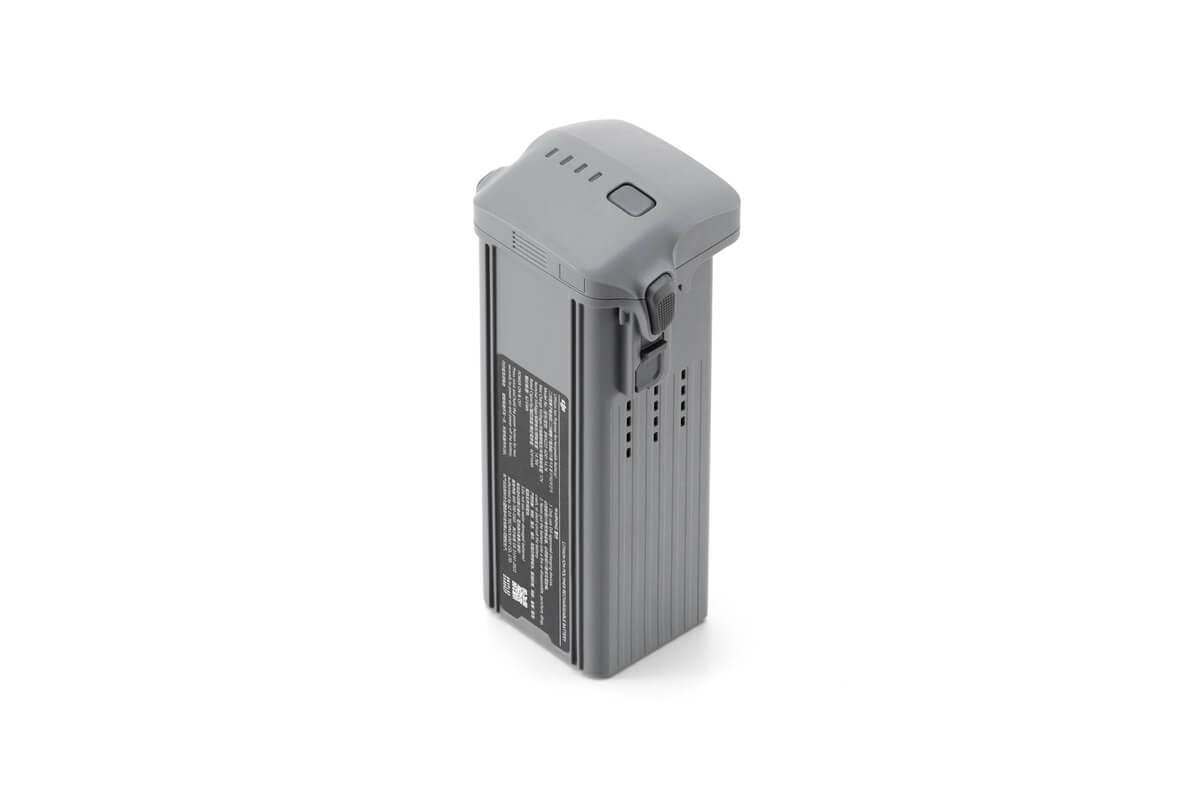
A pilot moves a DJI Air 3 flight battery into an Air 3S. The aircraft powers up, the camera records normally and the drone flies—but Off-State QuickTransfer stops working after shutdown. Is there a radio fault? DJI’s own FAQ says no: the original Air 3 Intelligent Flight Battery is flight-compatible with Air 3S, but does not support Air 3S’s Off-State QuickTransfer feature. The correct purchase depends on whether you only need a spare flight pack or also need file transfers after the main aircraft is switched off.
Physical compatibility is real, but functions are not identical
The DJI Air 3 Intelligent Flight Battery is approved by DJI for use in both Air 3 and Air 3S. That means the older pack is not automatically unsafe or defective because a newer aircraft is in the case. The exception is specific: the Air 3S cannot enter its supported Off-State QuickTransfer workflow with the Air 3 battery. Ordinary DJI Fly linking, powered-on flight recording and QuickTransfer are different functions; do not replace a controller or reinstall DJI Fly simply because the aircraft lacks an off-state feature with the old pack.
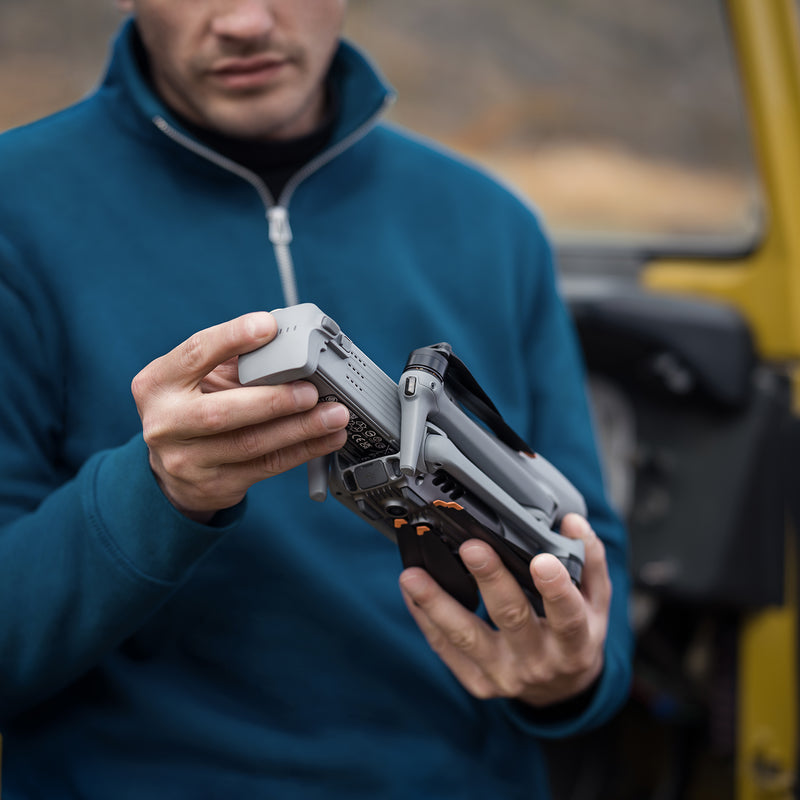
Air 3 vs Air 3S batteries: check the correct model
| DJI specification | Air 3 Intelligent Flight Battery | Air 3S Intelligent Flight Battery |
|---|---|---|
| Battery capacity | 4,241mAh | 4,276mAh |
| Nominal voltage | 14.76V | 14.6V |
| Nominal energy | 62.6Wh | 62.5Wh |
| Approximate battery mass | 267g | 247g |
| Cell configuration | 4-cell DJI intelligent flight pack | 4S lithium-ion |
| Air 3S flight compatibility | Yes, per DJI official FAQ | Yes, designed for Air 3S |
| Off-State QuickTransfer on Air 3S | No | Yes |
| DJI charging-temperature range | 5–40°C | 5–40°C |
The battery models differ in mass and electrical details. A near-equal watt-hour figure does not make every feature equivalent, and it does not prove both packs have precisely the same reference flight endurance in every aircraft. Check the correct model label and app information instead of relying on the shared physical mounting style.
What Off-State QuickTransfer is actually doing
With the Air 3S battery, DJI says that after the drone is powered off it can enter a sleep state for up to 12 hours, permitting the compatible phone to retrieve camera files without returning the entire aircraft to normal powered flight mode. DJI reports roughly 2% battery use over six hours in that sleep state. If the sleep interval expires, a short press of the aircraft power button can reactivate it under the supported workflow.
The original Air 3 pack doesn’t provide this on the Air 3S. You can still manage files through the normal supported powered-on aircraft/remote workflow or copy the original footage from the microSD card. A failed transfer after shutting off an Air 3S with an Air 3 battery should therefore first be treated as an expected feature restriction, not proof of a faulty camera, Wi-Fi chip or SD card.
How to diagnose the same symptom with two different batteries
- Identify the installed battery: check the actual model and rated capacity, not only the appearance. Air 3 is 4,241mAh; Air 3S is 4,276mAh.
- Confirm normal powered-on connection: with all propulsion controls safely disabled, verify the aircraft, remote and DJI Fly are communicating and the original media is present.
- Test the intended off-state procedure: shut down using DJI’s instructions. If the installed battery is an Air 3 pack, the absent Off-State QuickTransfer is the documented exception.
- If an Air 3S pack is installed: check whether the 12-hour sleep period has elapsed, then use DJI’s supported wake method rather than resetting every device.
- Rule out the phone link: verify DJI Fly, local Wi-Fi/Bluetooth permissions, aircraft status and media settings if normal QuickTransfer also fails.
- Do not force a battery conversion: no jumper, third-party app or cell-level modification should be used to make a battery pretend to be the newer model.
- Keep the workflow practical: for a large client shoot, copy the original files from the approved storage device if the off-state shortcut is unavailable.
Which spare should an Air 3S owner buy?
Buy the original Air 3 battery if you already own an Air 3 fleet, DJI confirms compatibility with your Air 3S and you do not need the newer off-state transfer behaviour. Keep model labels visible so a crew can predict the limitation before sending a client to collect footage.
Buy the Air 3S battery when Off-State QuickTransfer is a regular part of your deliverables, and when you want the actual DJI-designed pack for the newer aircraft. The DJI Air 3S Intelligent Flight Battery on FalconFly is the appropriate reference. A spare-pack decision should also include battery health, charge state and actual mission reserve, not simply the ability to transfer files with the aircraft asleep.
Charging hub and USB-C compatibility
DJI also lists the Air 3 Battery Charging Hub and original Air 3 Low-Noise Propellers as compatible with Air 3S under its accessory FAQ. The hub’s Power Accumulation mode moves energy from lower-charged packs toward a higher-charged pack, while its external USB-C output can provide up to 82W in supported conditions. These are charging-hub functions, not aircraft Off-State QuickTransfer. Follow DJI’s explicit instruction not to connect a charger, attach an external device or insert/remove batteries while power accumulation is underway.
For routine charging, DJI recommends suitable USB-C PD hardware and states a 5–40°C battery charging range. Never try to wake a swollen or damaged battery by repeatedly forcing current through an unapproved adapter.
Original DJI sources and the correct packs
DJI’s Air 3S FAQ explicitly identifies the Air 3 battery’s Off-State QuickTransfer restriction. Its Air 3 battery specifications and Air 3S battery specifications give exact capacity, energy and mass. Compare the genuine Air 3 pack with the genuine Air 3S pack at FalconFly before deciding whether a transfer feature belongs in the purchasing requirements.