


DJI AP100 Parachute on Matrice 400: The Radar Trade-Off and C5/C6 Trap

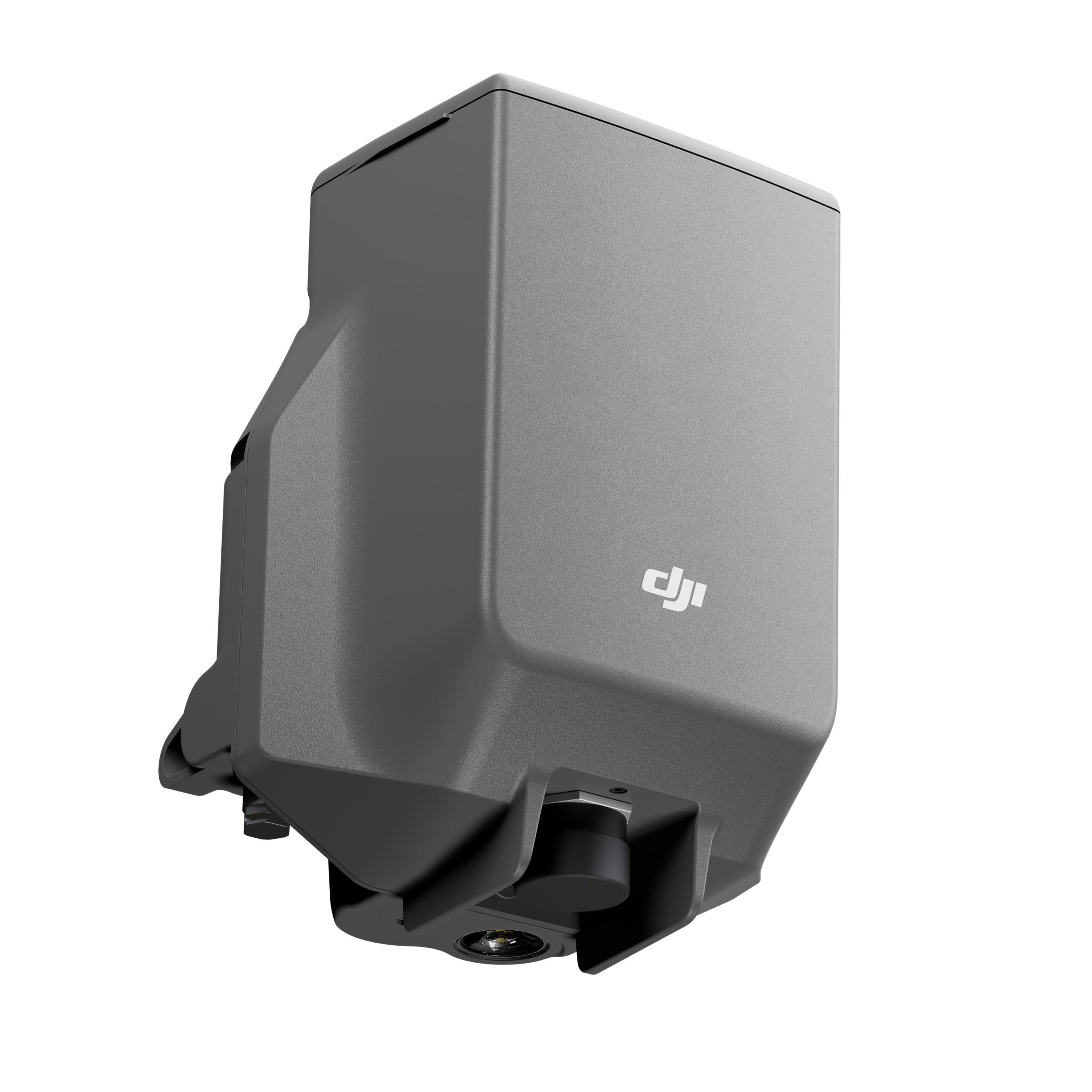
Installing a parachute sounds like an unqualified safety upgrade. On the DJI Matrice 400, however, the AP100 parachute changes the aircraft’s sensing configuration. It also matters which certified aircraft bundle an operator has purchased. A parachute purchased separately must never be used as shorthand for complete C6 approval.
What changes when AP100 is installed?
DJI explains that fitting AP100 automatically disables the Matrice 400’s downward and backward millimetre-wave radars to prevent interference with parachute deployment and false obstacle triggers. The aircraft consequently loses some ability to detect smaller obstacles in those directions. This is not a software error that a pilot should try to override. Update route planning, observer briefings and site hazard assessment instead.
Why C5 and C6 are not the same purchase decision
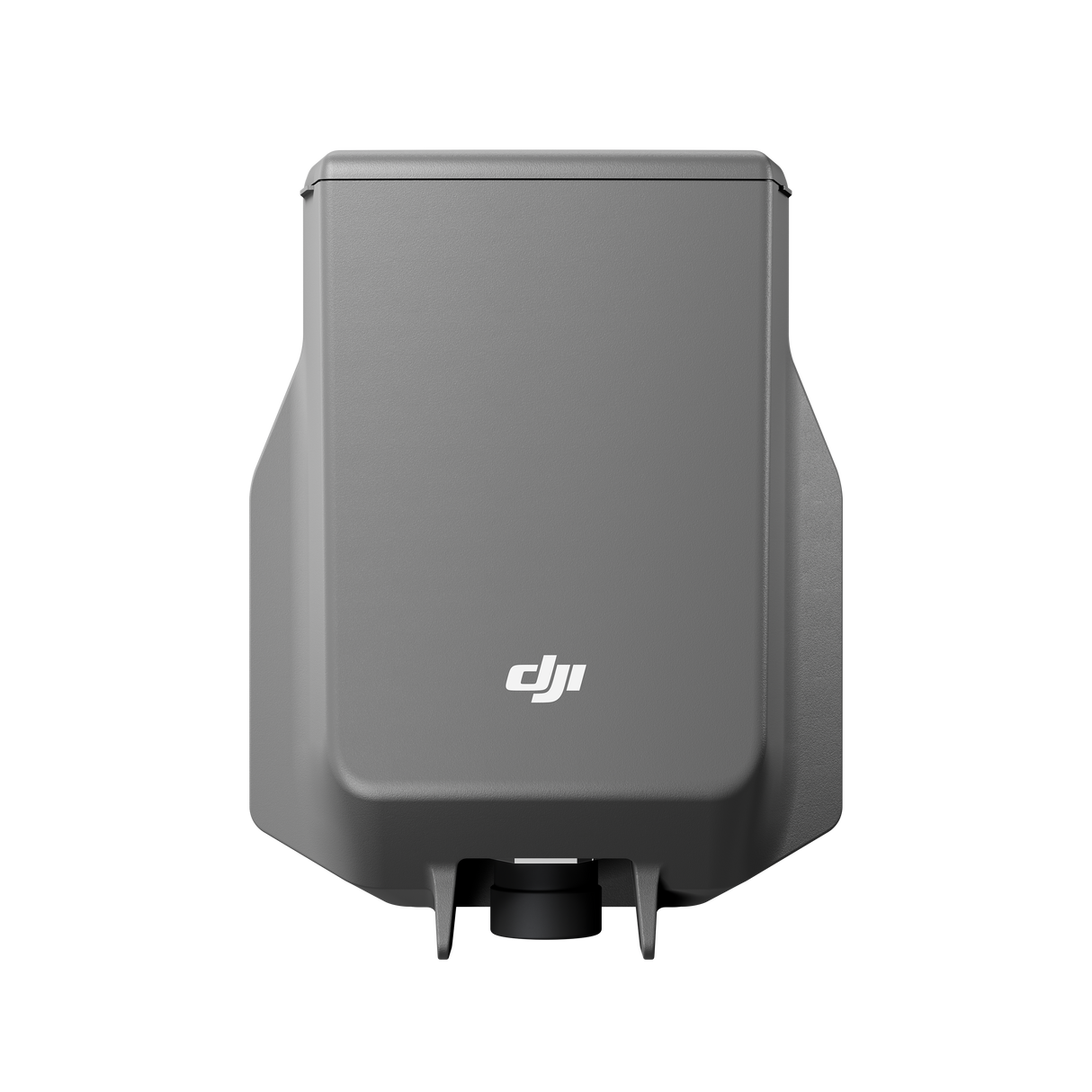
According to DJI, mounting the AP100 on an existing Matrice 400 meets the documented C5/UK5 configuration requirements applicable to the stated standard scenario. For C6/UK6, DJI requires the specific Matrice 400 (C6) Worry-Free Plus Combo. The installed parachute alone does not convert an arbitrary M400 package into that C6 configuration. Regulatory declarations are configuration- and jurisdiction-specific, not a blanket permission to fly BVLOS.
| Question | What to verify |
|---|---|
| Existing Matrice 400 + AP100 | DJI’s specified C5/UK5 configuration and current documents |
| Claimed C6/UK6 operation | Exact DJI C6 Worry-Free Plus Combo and associated documentation |
| Obstacle sensing | Reduced downward/rear mmWave detection after installation |
| Takeoff weight | AP100 supports a maximum stated load of 15.8kg; assess complete takeoff mass |
Field checklist before relying on a recovery system
- Confirm the aircraft is the DJI Matrice 400 and that the parachute is the genuine DJI AP100, not the smaller AP1.
- Read the latest official installation, maintenance and limitations document for the specific aircraft firmware.
- Calculate complete takeoff mass, including batteries, sensor payloads, mounts and the parachute; keep within all relevant aircraft and parachute limits.
- Amend preflight risk assessment for disabled radar coverage and the potential for small rear/downward obstacles.
- Confirm the permitted operational category and whether the specific C5/C6 declaration applies to the configuration.
- Test indications and perform inspection only as specified by DJI; never trial-deploy the device in an ordinary operational area.
Two misconceptions that can lead to unsafe planning
“The parachute means obstacle avoidance is better overall.”
No. Emergency descent mitigation and active obstacle sensing handle different risks; fitting AP100 actually restricts part of the sensing envelope.
“Our M400 + AP100 is automatically C6, so BVLOS is approved.”
No. DJI identifies a specific C6 package, and regulatory authorisation depends on the operation and jurisdiction. Use the current documents and obtain the required approvals.
DJI’s actual C3, C5 and C6 distinction
The base Matrice 400 is C3-certified in the EU. DJI says that fitting AP100 to an existing Matrice 400 meets the relevant C5/UK5 equipment requirements for STS-01; this does not automatically confer an operating authorisation or unrestricted permission to fly. The manufacturer is equally explicit about C6: operators targeting C6/UK6 for STS-02 need DJI’s factory-certified Matrice 400 (C6) Worry-Free Plus Combo. A field-installed parachute cannot create that manufacturer’s C6 class label. In procurement documents, record the exact aircraft SKU and class marking, not just the line item “M400 + AP100”.
| DJI configuration | Manufacturer’s class statement | What still needs validation |
|---|---|---|
| Standard Matrice 400 | C3 | Approved operational category and mission authorisation |
| Existing Matrice 400 + correctly fitted AP100 | Meets C5/UK5 equipment requirements for STS-01 | Current declaration, correct installation, operator competence and legal flight procedure |
| Factory Matrice 400 (C6) Worry-Free Plus Combo | C6/UK6 class for the approved certified system | Actual factory marking, declaration and STS-02 operating authorisation |
Descent performance is conditional, not a guaranteed impact speed
DJI specifies stabilised descent speed ≤5 m/s when AP100 deploys from an altitude of at least 30 m, in its reference test at 25°C and no wind with an aircraft up to 15.8 kg takeoff weight. DJI also quotes automatic deployment response within about 600 milliseconds in specified tests. The parachute still requires physical deployment distance and sufficient height to stabilise; these numbers must not be applied to an emergency at just a few metres above the ground.
Check the actual ready-to-fly aircraft mass and do not exceed the AP100’s 15.8 kg maximum load capacity. A parachute adds mitigation, not immunity from injury or property damage. DJI identifies the canopy and gas generator as single-use: a deployment requires replacement of the parachute system. DJI also recommends retirement after three years from activation even when daily self-tests appear normal.
Four AP100-specific preflight decisions
- Recheck rear and downward avoidance. The aircraft automatically disables its backward and downward mmWave radar when AP100 is installed. Update low-altitude approaches, landing geometry, observer positioning and clearance from small obstacles rather than attempting to override this protection.
- Inspect mechanical attachment and gimbal retention. DJI warns that the gimbal safety tether must be properly secured to the Gimbal Connector when operating M400 with AP100. Never use the parachute cable as a carrying handle or force the pack into a conflicting mount.
- Verify the arm/deployment status in DJI Pilot 2. Review the prescribed self-check, geocaging status and any current warning; do not attempt a live emergency release as a casual ground test. DJI documents an automatic deployment exclusion zone near the Home Point at certain very low relative altitudes, another reason to avoid assuming every failure leads to immediate deployment.
- Document the class and flight scenario. Keep the certificate/declaration for the exact aircraft version and the applicable STS procedure. A C5/UK5 statement is not interchangeable with a factory C6/UK6 marking or permission for any BVLOS flight.
For the authoritative conditions, see DJI’s Matrice 400 class and obstacle-sensing FAQ and DJI’s AP100 deployment and maintenance FAQ. These supersede generic sales descriptions and should be checked against the actual firmware and aircraft certificate.
Primary sources
DJI Matrice 400 FAQ – AP100, radar and C5/C6 and DJI AP100 accessory FAQ. Verify the official declarations in the documents accompanying the specific configuration.






























