


SkyPort V3 Adapter Set: Which Matrice 400 Port and Mount Does It Need?

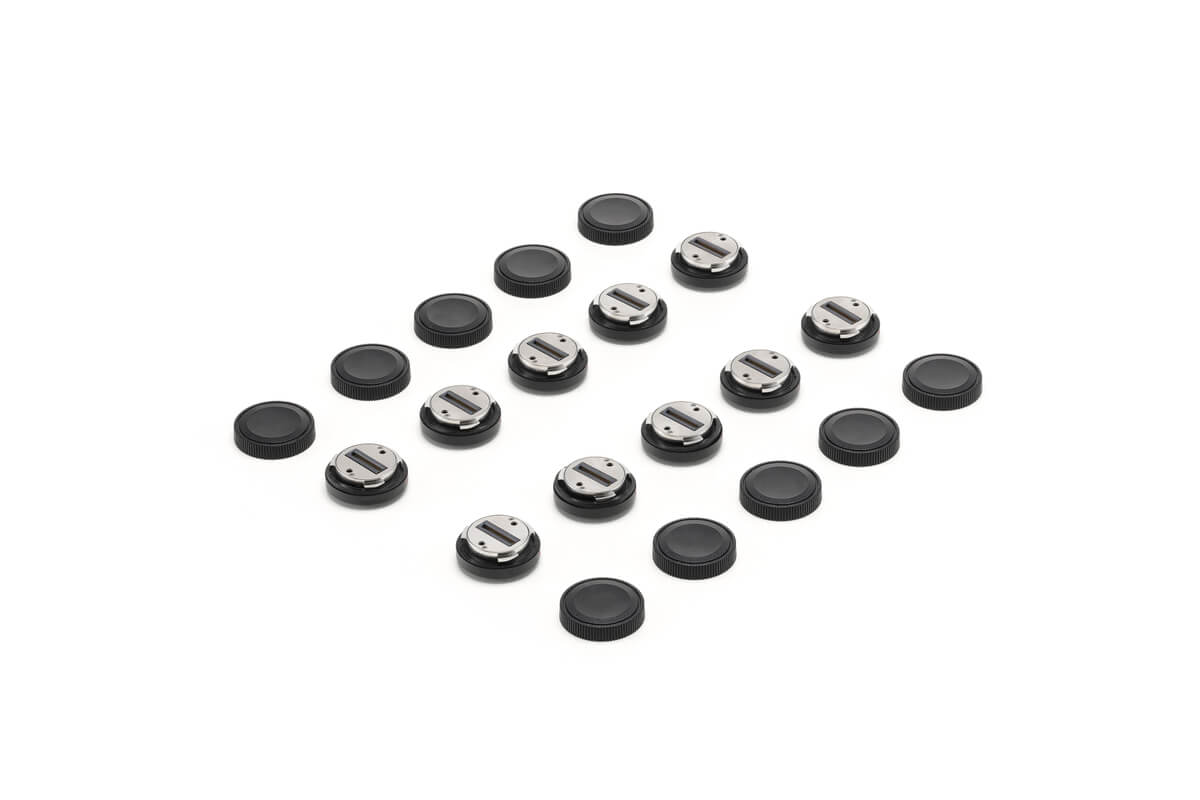
A payload integrator has a SkyPort adapter in the workshop and wants to reuse it on a Matrice 400. The accessory looks familiar, and a supplier lists it simply as “DJI SkyPort,” but the integration fails before the development software is even opened. DJI states SkyPort V3 is designed for the Matrice 400 and is not compatible with Matrice 300 or Matrice 350. Reusing a SkyPort V2 component because the name is similar is not a supported shortcut.
What the SkyPort V3 Adapter Set actually does
The DJI SkyPort V3 Adapter Set provides an approved mechanical/electrical adaptation route for custom payloads on the Matrice 400 E-Port V2 ecosystem. DJI describes the SkyPort V3 adapter ring as containing a DJI SDK certification chip. Its purposes include enabling quick-release gimbal mounting and converting the aircraft E-Port V2 connection into the compatible round ribbon/coaxial connection used in the relevant PSDK development hardware path.
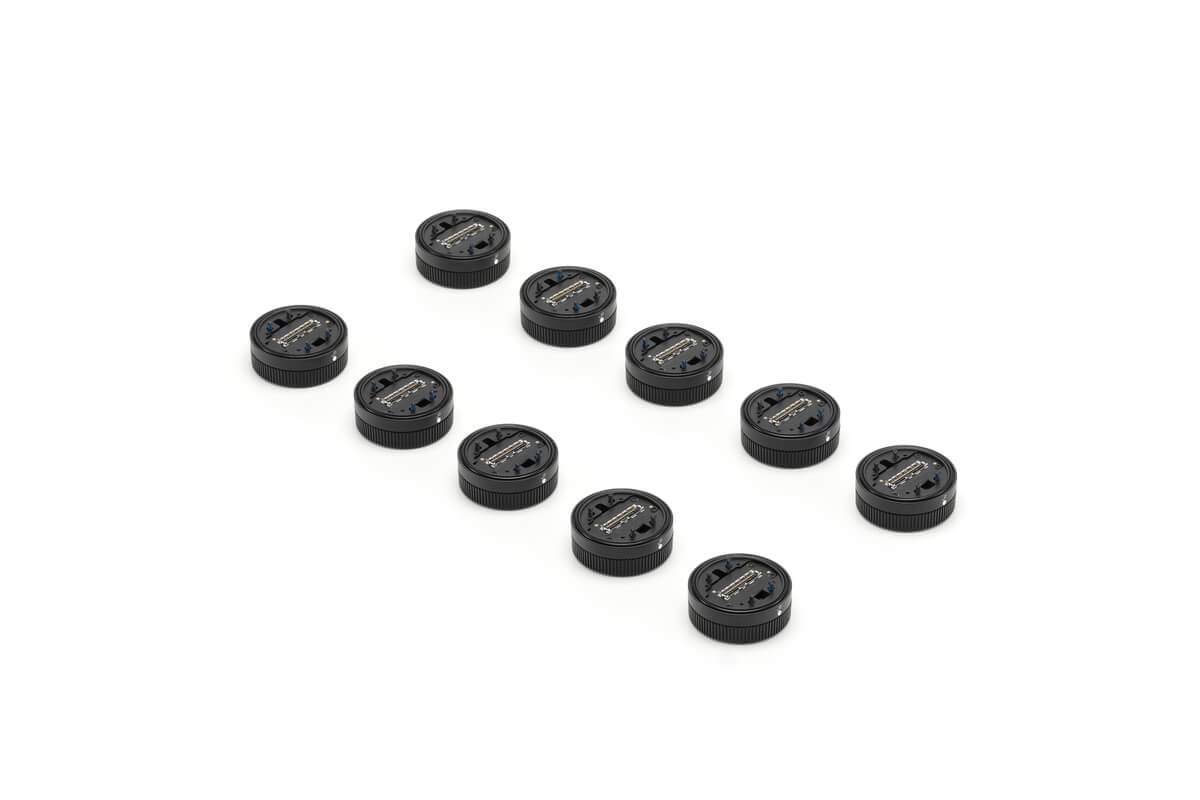
This is not an adapter that automatically activates a third-party payload on the aircraft. The payload still needs supported electrical power, mechanical integration, correct SDK software and application registration. A gimbal that physically latches and draws power can remain unavailable in DJI Pilot 2 if its device identity or Payload SDK implementation is incomplete.
Compatibility: look at the exact port generation
| Platform or accessory | DJI’s relevant interface | SkyPort V3 purchasing decision |
|---|---|---|
| Matrice 400 | E-Port V2, four native bottom interfaces | Supported host with approved adaptation hardware |
| Matrice 350 RTK | Earlier E-Port and gimbal interfaces | DJI says SkyPort V3 is not compatible |
| Matrice 300 RTK | Older SDK/OSDK payload architecture | DJI says SkyPort V3 is not compatible |
| SkyPort V2 or older adapter | Older development ecosystem | Do not assume it can substitute for V3 on Matrice 400 |
| E-Port V2 Development Kit | Prototype board for Matrice 400 PSDK integration | May complement the project, but it is not itself a SkyPort V3 mounting ring |
Which Matrice 400 port should be used?
DJI numbers four E-Port V2 interfaces on the aircraft’s underside. The specific one chosen should follow the payload’s approved position, mounting geometry, SDK capabilities and aircraft configuration. Do not select a port by its visual proximity to an old SkyPort V2 mounting location or by assuming that a generic USB-style socket has a universal pinout. Read DJI’s Matrice 400 port-numbering illustration and note the intended E1, E2, E3 or E4 connection in the engineering drawing.
The fourth E-Port V2 interface (E4) can support a HUB expansion design, but that does not turn a SkyPort adapter into a seven-payload power distributor. A HUB design is a separate engineered product with its own limitations; it is not a feature of every V3 adapter. If the project requires multiple payloads, evaluate their mechanical positions and combined current draw before specifying adapters and cables.
Do you also need the SkyPort V3 coaxial cable?
In DJI’s PSDK connection overview, the SkyPort V3 adapter ring works with a corresponding SkyPort V3 coaxial cable to connect to the aircraft E-Port V2 route. The exact needed pieces depend on whether you are building an existing gimbal adaptation, a new development payload or an X-Port-based gimbal. An adapter ring by itself may not complete the electrical signal path between the Matrice 400 and third-party computer.
DJI also documents an alternative direct E-Port V2 coaxial cable route and an X-Port Standard Gimbal route. These serve different payload architectures. Do not order all three simply because the project contains the word “E-Port”; map the expected power, data and mechanical interfaces, then choose the documented path.
Why a mechanically installed adapter may still not communicate
- Confirm the host aircraft. Verify it is Matrice 400 and that the payload connection is intended for E-Port V2 rather than the earlier E-Port generation.
- Check all hardware revisions. Identify the genuine SkyPort V3 adapter ring, supported coaxial cable and development/host board. Inspect connector surfaces and strain relief with the aircraft powered off.
- Confirm mechanical retention. Use the manufacturer-approved quick-release and bracket arrangement. Do not modify a mount to bypass keyed alignment or retention features.
- Test the electrical chain separately. With propulsion disabled, establish whether the payload is receiving its documented supply and whether the host enumerates the expected USB device.
- Check Payload SDK support. Verify a compatible SDK release, device identity, application registration and logs. A power indicator is not proof that the DJI payload software has recognised the device.
- Isolate movement-related faults. If communication drops as the gimbal rotates, inspect cable routing, connector strain, moving-part clearance and signal integrity. Do not repeatedly move a damaged cable through a powered flight-test environment.
How to avoid an expensive compatibility return
Before purchase, send the integrator’s parts list through a simple compatibility checklist: aircraft model, intended E-Port number, gimbal or static mount, SkyPort ring model, cable model, host microcontroller or SoC, Payload SDK version, power budget and maximum mass. If any item is recorded only as “SkyPort adapter” or “DJI payload connector,” the specification is incomplete. Match the exact generation to the manufacturer’s port architecture.
Official engineering documentation
DJI explicitly describes SkyPort V3 compatibility and adapter-ring function in its E-Port V2 quick-start guide and shows the Matrice 400 connection methods. Use the FalconFly SkyPort V3 Adapter Set listing to identify the genuine component. Avoid extrapolating compatibility from a SkyPort V2 photo or another DJI Enterprise airframe.






























