


DJI RC Plus 2 Enterprise: USB-C Charging, Pairing and Real Field Runtime

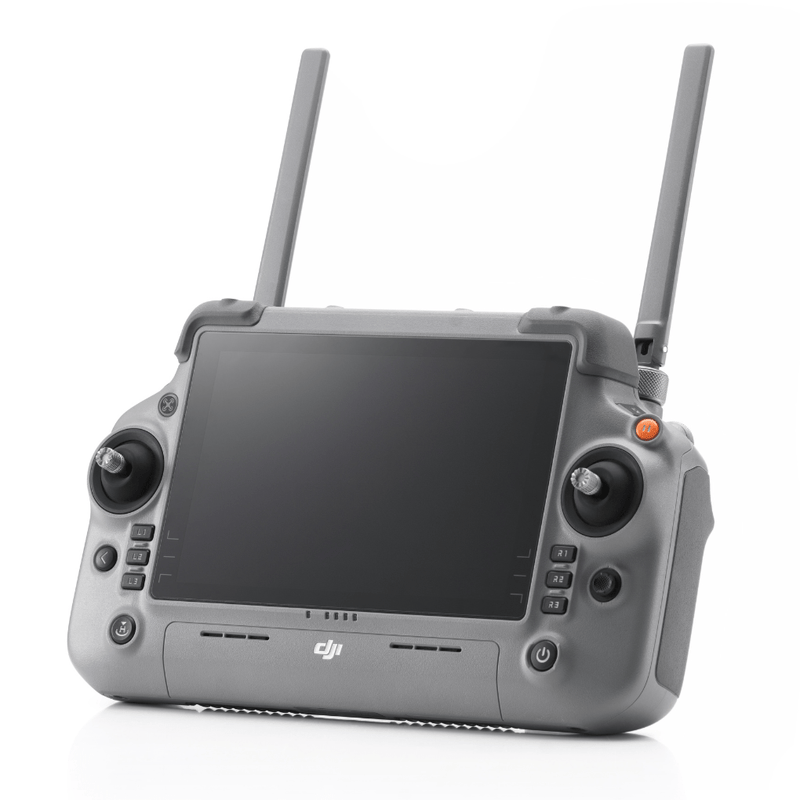
A controller appears unresponsive after transport or a long survey shift. With DJI RC Plus 2 Enterprise, the sensible starting point is to isolate the operational question before spending money on a replacement part. These checks focus on the specific unit, its compatible aircraft or power system, and evidence you can collect safely in the field.
Why the model number matters here
The name printed on the equipment, the installed firmware and the compatible drone family tell a more reliable story than the external shape. For DJI RC Plus 2 Enterprise, even small changes to the surrounding system—battery type, radio mode, attached payload or charging source—can change what constitutes normal operation. Always compare what the app actually reports with the corresponding manufacturer’s reference; a light, beep or percentage by itself rarely establishes a root cause.
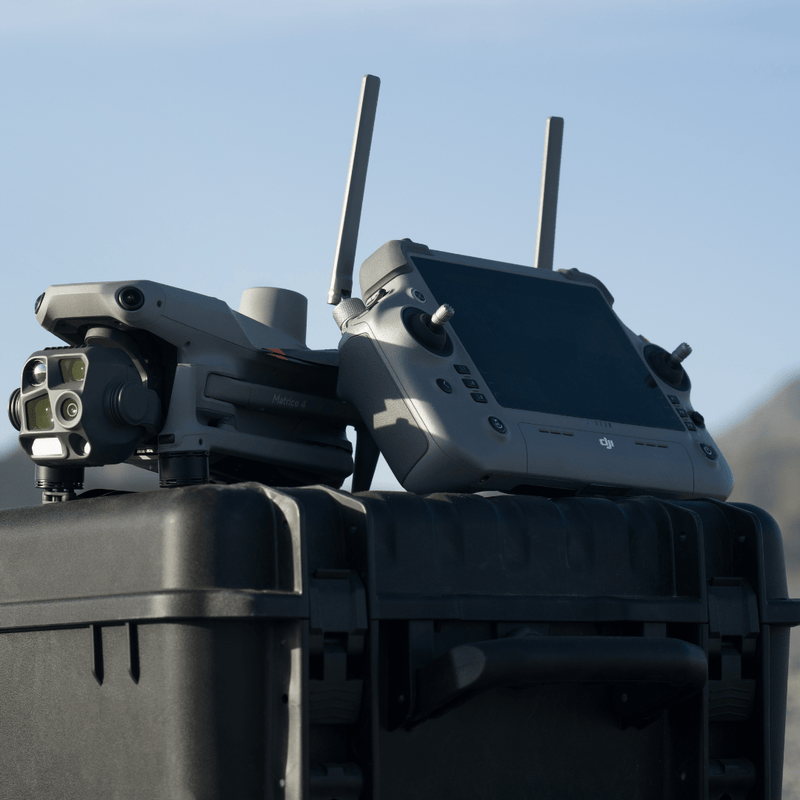
Field diagnosis: follow the evidence in order
- Identify the exact configuration. Charge with a supported USB-C PD source; DJI recommends at least 65W for optimal charging.
- Test the documented connection. Check the controller’s own battery state independently of an optional WB37 external pack.
- Review operating conditions. Verify app, controller and aircraft firmware compatibility before initiating a pairing reset.
- Decide when to stop. Test brightness, radio and data conditions in the field; screen runtime is workload-dependent.
Record which combination was tested, the firmware revisions and the exact warning text, if any. If a symptom changes after exchanging more than one component at once, the result is not a reliable diagnosis. Revert to the last known-good configuration and change one variable per test. Perform all power-on checks that could affect propulsion with the aircraft safely secured, following the manufacturer’s servicing guidance.
Quick interpretation table
| What you notice | What to verify next | Buying implication |
|---|---|---|
| Unexpected status or warning | Exact model, firmware and documented setup | Do not order hardware until the configuration is confirmed. |
| Intermittent operation | Connection integrity, environment and whether the failure follows one component | Replace only an identified damaged or incompatible item. |
| Everything appears normal after a reset | Repeatability over a controlled ground check and recorded operating conditions | A temporary recovery is not proof that the fault has been cured. |
What not to assume
A controller can turn on and show maps while still lacking a valid aircraft command link. That distinction becomes particularly important on commercial operations: an unsupported workaround can create a new fault, invalidate the test, or conceal a genuine safety issue. Use the source documents for version-specific thresholds and never extrapolate a specification from another aircraft generation just because its accessory looks similar.
Before buying or returning this item
Check the exact listing for DJI RC Plus 2 Enterprise and compare the part number, firmware support and every component already in your kit. Write down the symptom, the combinations that have been tried and the measured conditions. A well-documented fault report helps the supplier distinguish an unsuitable accessory from one that genuinely needs service. For operational teams, it also prevents unnecessary downtime caused by ordering a similar-looking but incompatible variant.
Plan one conservative ground test after installation, followed by the manufacturer’s recommended functional checks. If the item directly affects aircraft handling, propulsion, power or emergency equipment, resolve any uncertainty before takeoff rather than treating the next mission as a troubleshooting flight.
Frequently asked questions
Does a successful power-on mean the item is compatible?
Not necessarily. Electrical power and a recognised status are different from complete mechanical, software and operational compatibility. Check the documented supported combination.
Should I update every device immediately?
Use a version-controlled approach: read the specific release notes, ensure compatible aircraft and accessory revisions, and record the previous known-good setup. Avoid changing firmware during a live mission.
When should I stop testing?
Stop on unexplained heating, physical damage, repeated critical alerts or unreliable flight-control behaviour, and seek qualified service.
Original manufacturer reference
Specifications and compatibility checks should be cross-checked against DJI’s official technical guidance. For stock, the exact variant and appropriate accessory selection, see DJI RC Plus 2 Enterprise at FalconFly UAV.






























