


DJI TB100 Cold Battery Not Charging? Understand Self-Heating Before Replacing It

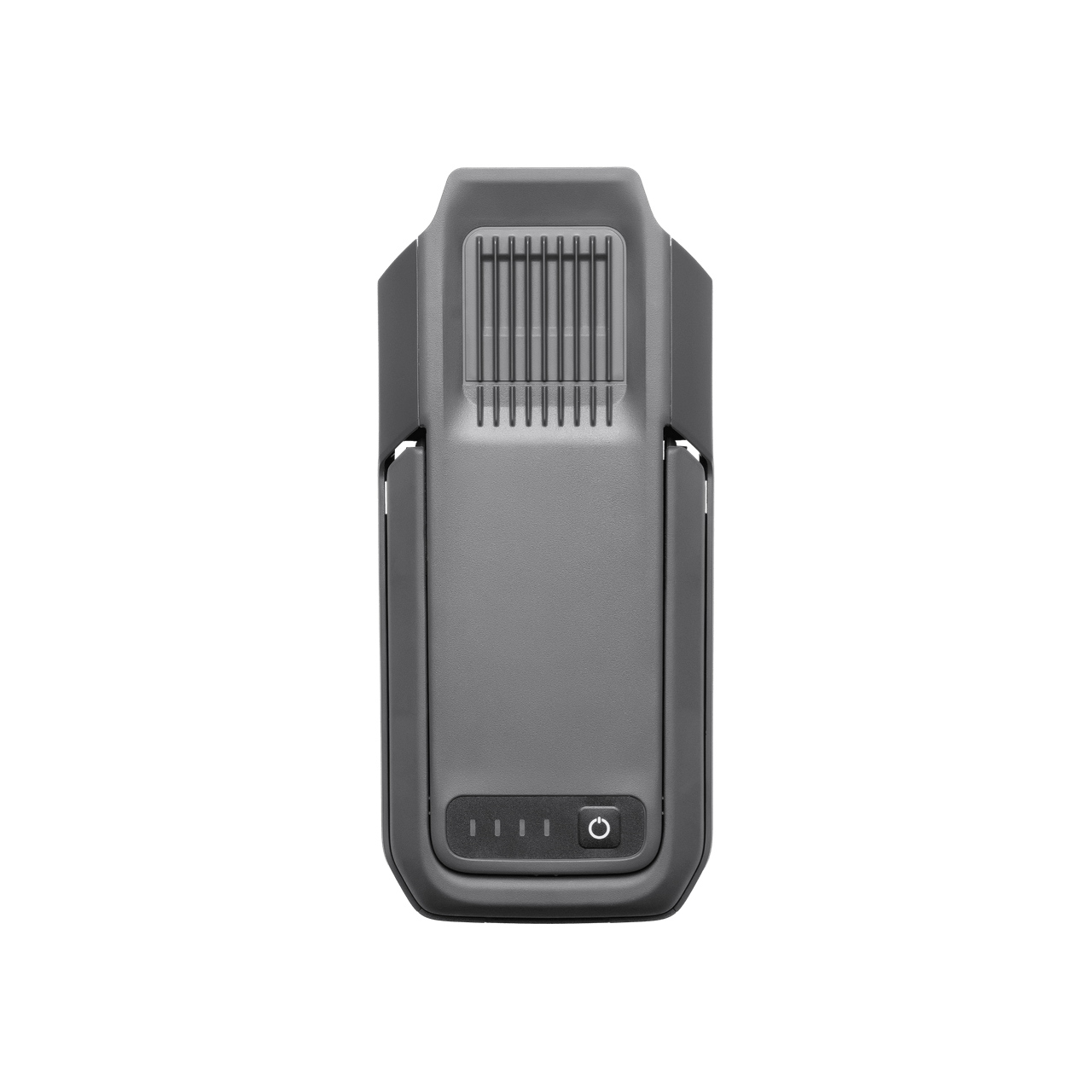
After a cold-weather deployment, the DJI TB100 Intelligent Flight Battery may appear to be doing nothing inside the charging station. Before assuming the TB100 has failed, check whether it has entered its designed temperature-management sequence. DJI has defined different heating thresholds for a pack in the BS100 station and a pack installed in the aircraft.
Two different self-heating scenarios
| Location | DJI’s stated behaviour | Operator implication |
|---|---|---|
| BS100 charging station | Below 5°C: battery self-heats; above 20°C: heating stops and charging starts | Do not confuse heating delay with failure to charge |
| Matrice 400 | Below 20°C: installed battery warms to 20°C, then holds temperature | Battery management may occur even before ordinary operating readiness |
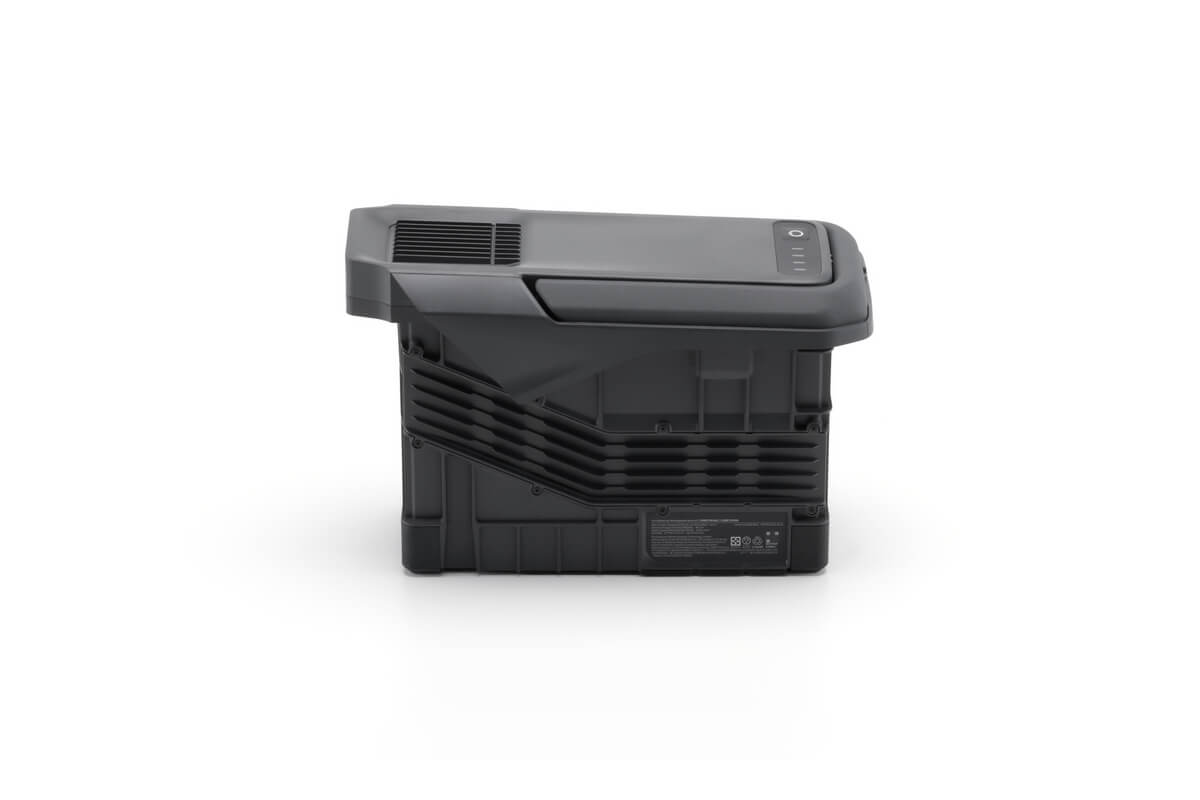
What TB100 is designed to do
DJI lists TB100 at 20,254mAh, 48.23V nominal, 977Wh, 13S lithium-ion. The specified charging temperature range is 5–45°C, while the aircraft’s battery system supports managed self-heating. None of that means the pack should be heated directly by a blow dryer, electric blanket, car heater or any improvised device.
A safe troubleshooting path
- Check the environment. Record the approximate ambient temperature and whether the pack has just returned from a cold flight or cold storage.
- Inspect before charging. Reject swollen, punctured, water-damaged or excessively hot packs. Do not try to revive a visibly damaged battery.
- Install correctly. DJI requires the battery handle to click securely; incorrect insertion may interfere with the pivot or break the handle.
- Use the approved station. Insert the TB100 into BS100, power the station as directed, and allow the defined heating interval.
- Confirm the mode. Ready-to-Fly intentionally ends around 90%; Standard targets 100%. Fast mode is not a guarantee of immediate charging during the warm-up stage.
- Escalate persistent alerts. If a healthy-temperature pack remains unrecognized, stop swapping improvised adapters and document the error for DJI support.
What is a realistic cold-site workflow?
Store batteries in an environment consistent with DJI’s storage guidance and transport rules, inspect them before missions, schedule heating time, and do not rely on nominal flight endurance to predict cold-weather performance. When planning a full battery rotation, compare the BS100 charge-rate limitations on 110V versus 220V.
Frequently asked questions
Is heating below 5°C automatic in BS100?
DJI specifies that when the battery is below 5°C, inserting it into a powered BS100 initiates heating, which stops after the pack exceeds 20°C before charging begins.
Can I heat the battery manually to speed up launch?
Do not use uncontrolled external heat. Follow the specified equipment procedure and inspect the pack’s condition first.
When checking TB100 self-heating, separate a normal cold-weather delay from a persistent fault after storage. The wider DJI intelligent-flight-battery wake-up guide covers those general diagnostic boundaries without replacing the Matrice 400’s own procedure.
What the TB100 numbers mean for cold-site planning
DJI specifies the Matrice 400’s TB100 battery at 20,254mAh, 48.23V nominal, 977Wh and approximately 4,720g, using a 13S lithium-ion architecture. Its published discharging range is −20°C to 75°C, but the ordinary charging range is 5°C to 45°C. Those temperature windows describe different activities. A battery being able to discharge in cold air does not mean that high-current charging should begin immediately at the same low cell temperature. DJI’s thermal-management logic exists to bridge that gap.
| Situation | DJI-supported behaviour | What the operator should do |
|---|---|---|
| Cold TB100 below 5°C placed in BS100 | Heating begins automatically; normal charging starts after the pack warms above approximately 20°C | Allow the designed heating cycle and verify actual station status before diagnosing a faulty charger |
| TB100 below 20°C installed in Matrice 400 | Onboard heating raises battery temperature toward 20°C and then maintains it | Follow aircraft start-up and preflight instructions; heating is not permission to ignore cold-weather power margins |
| Warm but damaged or swollen pack | A temperature within the nominal window does not establish battery safety | Ground the battery and seek qualified inspection; never force it to charge |
| Station underpowered at 110V | BS100 fast charging has lower input-power capability and different reference charge time | Check AC input and fast/silent mode independently of battery temperature |
| Battery not detected after normal warm-up | May require investigation of the contacts, latch, pack electronics or station | Record status/warnings, try a known-good approved comparison and contact qualified support |
Do not confuse heat-up delay with AC power limits
At DJI’s reference 25°C test conditions, BS100 takes approximately 45 minutes to charge one TB100 from 0 to 100% at 220V in Fast Mode, or 70 minutes at 110V in Fast Mode. Silent Mode is about 110 minutes in either input condition. A pack that has just been inserted at below 5°C first needs time to heat; that additional delay is outside the headline reference comparison. Do not plan a winter deployment by treating the fastest quoted time as an unconditional ready-to-fly guarantee.
Cold-weather diagnostic workflow without cell-level intervention
- Inspect before applying power. Check the case, connectors, abnormal swelling, leakage, impact history and any physical latch fault; do not charge a damaged battery.
- Record the temperature. Distinguish ambient air from actual pack temperature. A battery moved from a cold vehicle may remain below 5°C after the work area has warmed.
- Use the correct station and source. Place TB100 in BS100, verify the station recognises it and note whether Fast or Silent Mode is selected and whether the AC supply is appropriate.
- Allow automatic heating. DJI’s heating process is a manufacturer-controlled protection mode. Do not accelerate it with an open flame, hot air directed at the casing or any charger override.
- Observe the transition. Once pack temperature exceeds about 20°C, DJI says the battery stops heating and begins normal charging. Compare the station indicator with that sequence.
- Isolate the actual failure. If a known-good TB100 charges correctly in the same slot/source, record the suspect battery’s fault message. If several packs fail in one charging port, investigate station and power-source faults.
- Plan a conservative first sortie. Battery warmth and displayed charge are not a substitute for checking aircraft errors, expected payload energy use, headwind and landing reserve.
DJI’s Matrice 400 battery FAQ details the 5°C/20°C self-heating thresholds, while the official specification lists the battery chemistry, temperature windows and BS100 charge times. For the genuine pack, see TB100 at FalconFly.






























