


DJI BS100 Charging Slowly on 110V? Matrice 400 Fast vs Silent Modes Explained

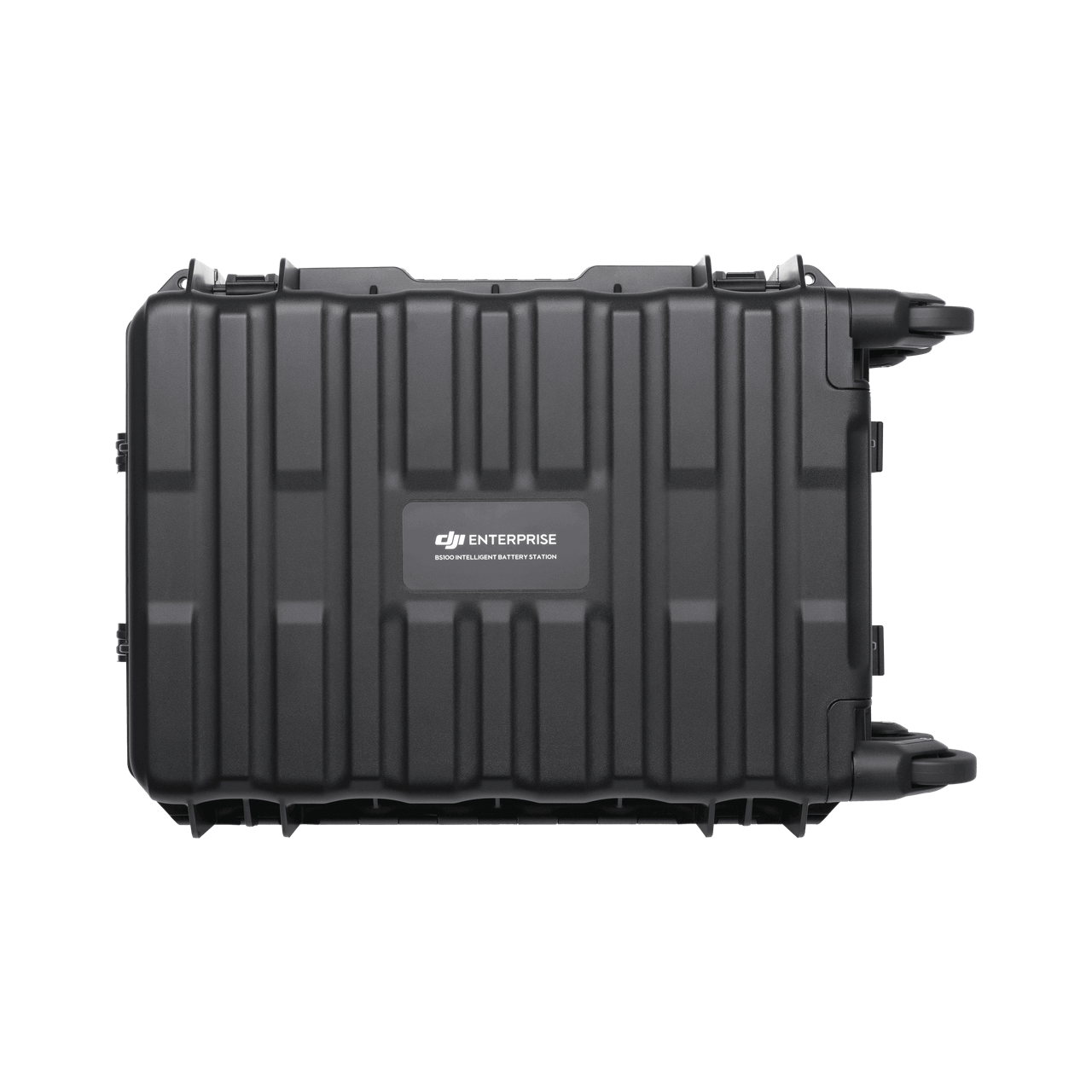
You return to base with a DJI Matrice 400 battery, load it into the BS100, and notice that its charging time is nowhere near the number you expected. The station may be working perfectly. DJI explicitly reports different fast-charge times for 110V and 220V mains power, and its Silent mode takes substantially longer than Fast mode.
The three numbers crews should plan around
DJI lists the following approximate 0–100% charge times for a TB100 or TB100C on the BS100 station, tested at 25°C. These are per-battery laboratory conditions, not throughput promises for a full station in a hot vehicle.
| AC supply | Fast charging | Silent charging |
|---|---|---|
| 220V | About 45 minutes | About 110 minutes |
| 110V | About 70 minutes | About 110 minutes |
Why a “fast” power station isn’t fast on every wall outlet
DJI states up to 1185W output on 100–110V, around 1474W on 110–180V, and up to 2184W on 180–240V at the TB100 interface. Its AC input is specified at 100–240V, 50–60Hz, 10A. Those ranges explain why a lower-voltage installation cannot always achieve the same charging throughput as a higher-voltage site. Do not substitute adapters or defeat protective earth to force a higher rate.
First identify the charging mode
Ready-to-Fly mode targets 90%, while Standard mode targets 100%. Fast and Silent are distinct behaviours. If a battery stabilizes around 90%, that may be intentional. If the station charges slowly but quietly, check the configured mode before buying another charging cable.
Six-step diagnosis for unexpected charge times
- Confirm exact hardware. Use the DJI BS100 and a supported TB100 or TB100C; the station also supports WB37 controller batteries through their own ports.
- Measure only at an approved mains supply. Read the input voltage from a certified facility meter or electrician rather than probing live contacts yourself.
- Read the mode indicators. Check Fast/Silent and Ready-to-Fly/Standard settings in the station’s supported interface.
- Allow temperature stabilization. A hot or cold battery can behave differently from DJI’s 25°C laboratory condition. Do not place batteries in a cooler or direct sun to rush charging.
- Test one known-good battery. A repeatable failure confined to one pack suggests a battery issue; a failure across slots demands station-side inspection.
- Inspect contacts and error messages. Stop for wet, scorched, loose or mechanically damaged connectors. Consult the official manual or service channel rather than opening a high-power station.
How many TB100 packs can BS100 hold?
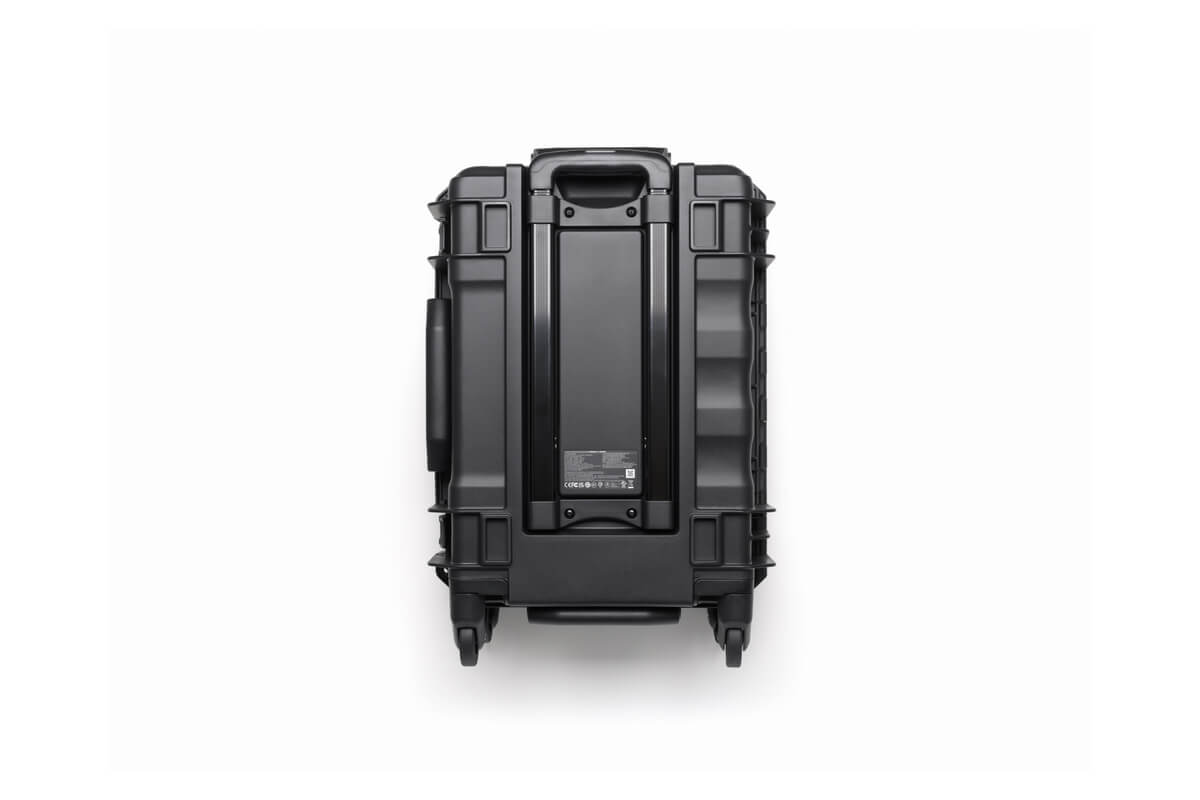
The station has three battery charging positions for the TB100/TB100C family and two for WB37. A count of slots does not itself describe the charging order, power sharing or guaranteed total batch duration. Calculate turnaround around the documented mode and real-world supply limitations.
A BS100 station that pauses charging after a cold flight should first be assessed using the actual battery and charger status. Our DJI smart-battery charging guide covers pack protection symptoms that are distinct from the BS100’s 110V and 220V power-input limitations.
Diagnose charging performance without confusing voltage, mode and battery state
Record the starting battery percentage before comparing the station with a published 0–100% test. A pack arriving at 60% cannot be compared directly with a fully depleted pack, and the final percentage points may charge at a different rate from the middle of the cycle. The useful comparison is a repeatable test with the same battery type, similar starting state, similar temperature, the same station mode and a known supply-voltage range. Keep the station on a level, dry surface with unobstructed ventilation, and follow the clearances in its own product information.
In a multi-crew deployment, label each pack and note its last landing time. The pack that landed most recently may still be warmer than the one that has been resting in shade. If a battery refuses to start or slows dramatically, wait for the manufacturer-permitted charging temperature rather than using improvised external heating or refrigeration. A difference between two packs is useful diagnostic evidence only after their temperature, condition and starting charge have been accounted for.
Field checklist for power-limited locations
| Observation | First variable to verify | Safer next action |
|---|---|---|
| Charging is consistently slower at a 110V site | Actual rated AC supply and Fast/Silent selection | Plan around DJI’s 110V reference rather than changing plugs |
| One pack charges slowly while others behave normally | Pack temperature, state of charge and battery warnings | Isolate and retest the pack only under approved conditions |
| Every pack stops or shows the same warning | Station indicators, ventilation and power-source stability | Stop the session and consult the BS100 documentation |
| Pack reaches about 90% and stops | Ready-to-Fly versus Standard target | Confirm the selected charge target before treating it as a fault |
For generator-powered field operations, confirm the generator and distribution equipment are approved for the station’s AC requirements, including protective grounding and total concurrent load. An extension lead, inverter or generator advertised with a high headline wattage does not automatically deliver stable power under the BS100’s real operating conditions. Have the site electrician assess the installation rather than attempting live electrical measurements or modifying the station.
Turnaround planning: do not multiply a single-battery benchmark blindly
Build a schedule using a conservative charge window, a battery cool-down allowance and at least one mission reserve. The BS100’s three TB100-family positions are convenient for staging batteries, but slot count alone is not evidence of three full-speed simultaneous charging channels. For inspection and mapping work, record the actual time from battery insertion to ready indication over several sessions. That measured throughput is more useful than a best-case lab number when deciding how many spare packs to bring.
Keep a short service log containing the BS100 firmware or software version where available, battery identifiers, displayed warnings and the site’s supply-voltage category. If repeated controlled tests deviate substantially from the applicable DJI reference, provide that log to an authorized DJI service channel. Avoid opening the station or bypassing thermal and electrical protections.
Source documents
DJI Matrice 400 station specifications, official battery charging FAQ, and DJI BS100 product information document.






























