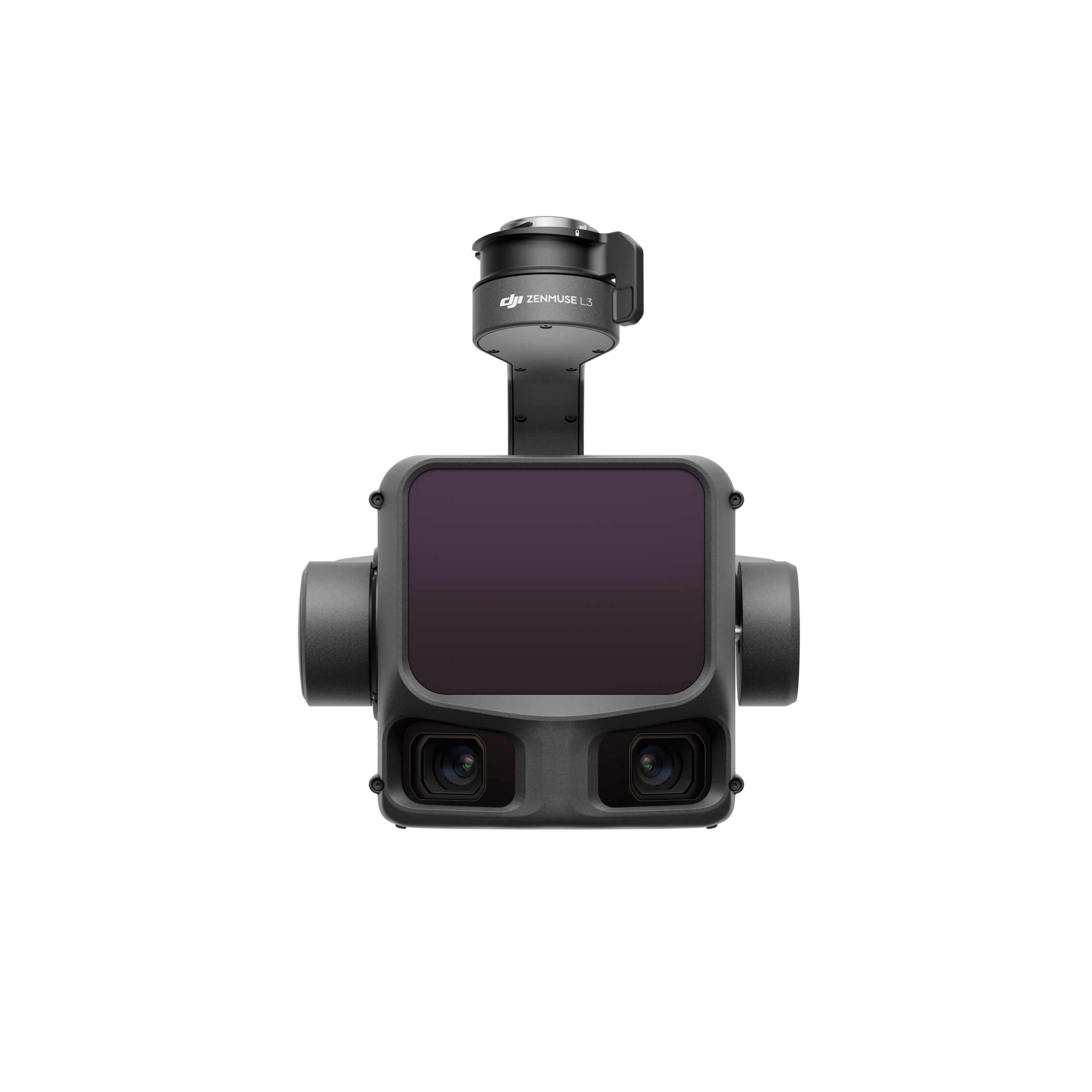
Matrice 4T Thermal Readings Look Wrong? Emissivity, Reflections and the Camera Limits

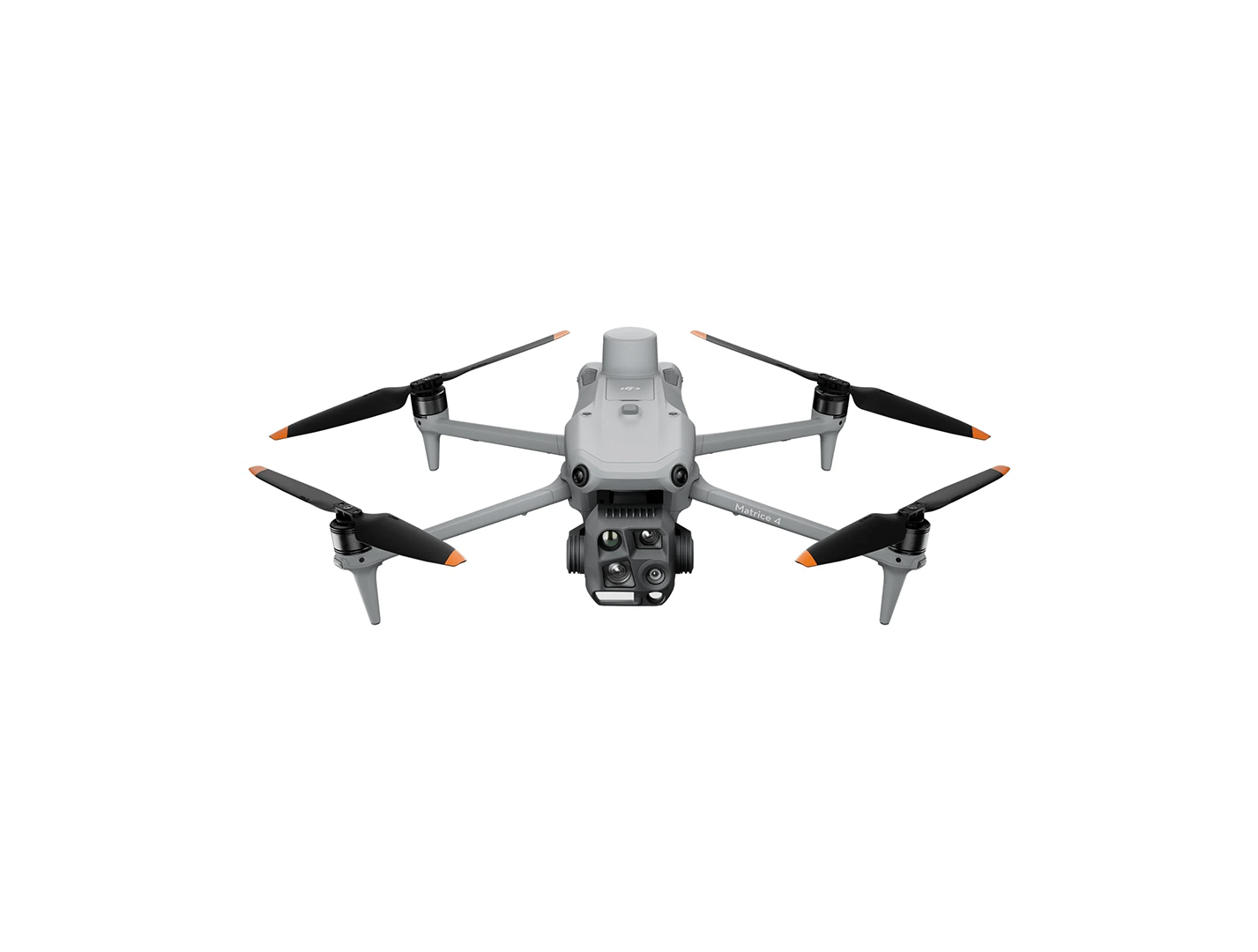
A bright thermal spot is not automatically the hottest object in the scene. A shiny metal panel can reflect hot sky or machinery, while matte surfaces behave differently. On the DJI Matrice 4T, reliable inspection begins by distinguishing a radiometric measurement from an attractive-looking thermal palette.
What Matrice 4T actually measures
DJI specifies a 640×512 thermal sensor, with High Gain measuring approximately −20°C to 150°C and Low Gain 0°C to 550°C. Its quoted infrared temperature accuracy is ±2°C or ±2%, whichever is greater, in High Gain, and ±5°C or ±3%, whichever is greater, in Low Gain—under applicable conditions. These are sensor specifications, not assurances that every material will read correctly without scene setup.
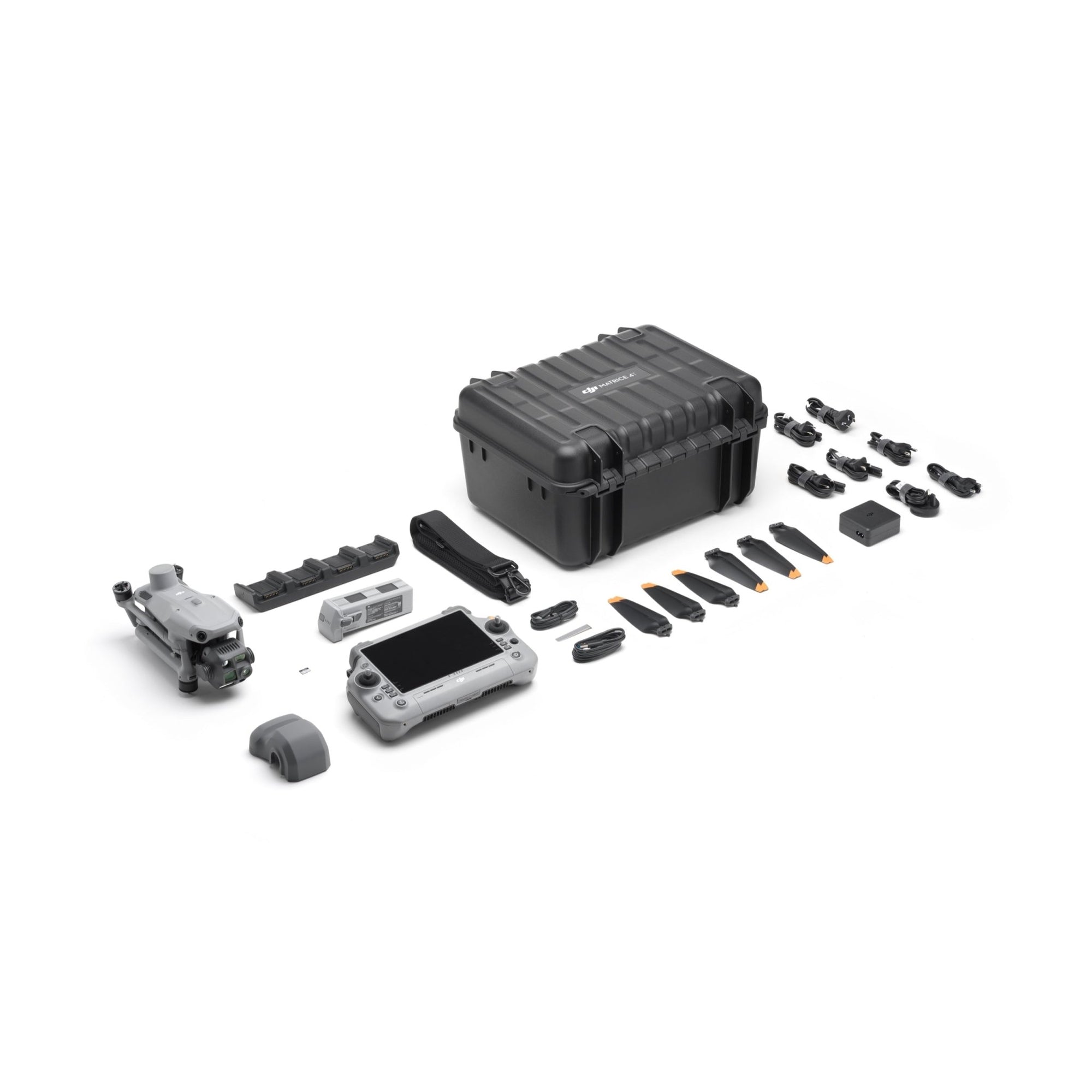
Five reasons a temperature reading may be misleading
- Emissivity mismatch. Polished aluminium, painted steel and rough roofing have different radiative properties. Check the material and set the appropriate measurement parameters where supported.
- Reflected apparent temperature. Shiny surfaces can reflect hot machinery or the sky; moving the viewing angle can change the apparent hotspot without any physical temperature change.
- Distance and target size. If a target covers too few sensor pixels, its measured value mixes with surrounding background. Move only as close as the operation safely permits and capture corroborating views.
- Atmosphere and weather. Haze, humidity, smoke and rain can reduce contrast or alter apparent radiance.
- Gain, focus and palette assumptions. Changing palette changes display colours, not physical temperature; High/Low Gain settings matter for measurement range. Review the radiometric data, not just a screenshot.
A useful inspection workflow
| Stage | Action | Reason |
|---|---|---|
| Before takeoff | Define target material, temperature range and reference conditions | Avoid changing interpretation after viewing imagery |
| At capture | Record visible + thermal views; maintain target fill and safe standoff | Identify reflected and mixed-pixel artefacts |
| During review | Compare multiple viewing angles and adjacent similar surfaces | Test whether a hotspot follows a reflection |
| In report | Label indicated surface temperature and uncertainty, not core temperature | Prevent unsupported fault claims |
Is a 4T the right drone for mapping too?
Thermal inspection and precision photogrammetry have different priorities. DJI explicitly distinguishes the mapping-optimized Matrice 4E, with its mechanical shutter and mapping workflow, from 4T. Do not buy 4T for a thermography mission and then assume its imagery has the exact survey performance of 4E.
Frequently asked questions
Does a 1280×1024 thermal image mean the sensor is 1280×1024?
No. DJI specifies 640×512 native resolution; its higher-resolution modes involve processing. Do not market them as a native detector upgrade.
Can a thermal photo diagnose electrical failure alone?
No. Compare normal operating loads, ambient conditions, reference components and—where safe—independent ground measurements before concluding that equipment is defective.
Choose gain mode before interpreting the hotspot
High Gain and Low Gain are not interchangeable colour filters. DJI rates the Matrice 4T at −20°C to 150°C in High Gain and 0°C to 550°C in Low Gain. The stated temperature accuracy is ±2°C or ±2%, whichever is greater, for High Gain; Low Gain is ±5°C or ±3%, whichever is greater. These figures describe the camera’s specified measurement performance under its test conditions, not a guarantee for a reflective target, a tiny distant object or a steam-filled scene. If the surface may exceed the High Gain range, choose the appropriate Low Gain setting before reporting a numeric result, and document the mode used.
Field test: reflection or a real temperature difference?
- Choose a stationary target and confirm the aircraft can inspect it without entering a hazardous area. Keep people clear of energized or moving equipment.
- Record an RGB image and a radiometric R-JPEG of the same region. Note distance, viewing direction, ambient conditions and the gain mode.
- Where the flight plan permits, acquire a second oblique view without changing the equipment load. A hotspot that moves or disappears with viewing angle can indicate reflected radiation rather than a localized defect.
- Compare surfaces with similar finish, geometry and operating load. Do not compare shiny aluminium against matte painted steel as though their indicated temperatures were directly equivalent.
- If an anomaly remains, request a qualified on-site inspection with an appropriate contact or calibrated reference method where safe and permitted. The drone image is evidence for triage, not proof of an internal component fault.
What to preserve for a defensible inspection report
Save the original R-JPEG rather than only a colourized screenshot. DJI lists 8-bit JPEG and 16-bit R-JPEG as supported thermal photo formats. A palette screenshot may communicate the location of an anomaly but does not preserve the same radiometric analysis workflow. DJI’s official Matrice 4 downloads provide DJI Thermal Analysis Tool 3 documentation for examining thermal images. Record the aircraft model, firmware/software versions, capture time, measurement mode, target description, and any emissivity or reflected-temperature assumptions applied in analysis.
Separate indicated surface temperature from component condition. A warm electrical connection under high load may be normal relative to its operating specification, while a smaller difference under matched loads may merit investigation. Include the reference surface and operating context alongside the temperature numbers. For rooftop work, sun exposure, wind, moisture and roof-layer construction can all change the thermal signature; a thermal contrast alone does not identify the exact source of water ingress or insulation loss.
Resolution, distance and the mixed-pixel problem
The native thermal detector is 640×512 pixels, even when Super Resolution outputs a 1280×1024 image. At a fixed field of view, a small target occupies fewer independent detector samples as distance increases. The indicated temperature may then combine the target with its surroundings. For example, a narrow cable connector seen from far away can appear cooler than it is because the measurement spot includes a large background area. Do not treat digital zoom or Super Resolution as equivalent to moving the detector safely closer. For quantitative reporting, document the target’s apparent size and standoff distance, and use repeated views or suitable ground confirmation when the target is only a few native pixels wide.
Technical references
DJI Matrice 4 thermal specifications and official platform FAQ. For procurement review, see Matrice 4T at FalconFly.