


DJI ActiveTrack Loses the Subject Behind Trees? What You Can Fix and What You Can’t

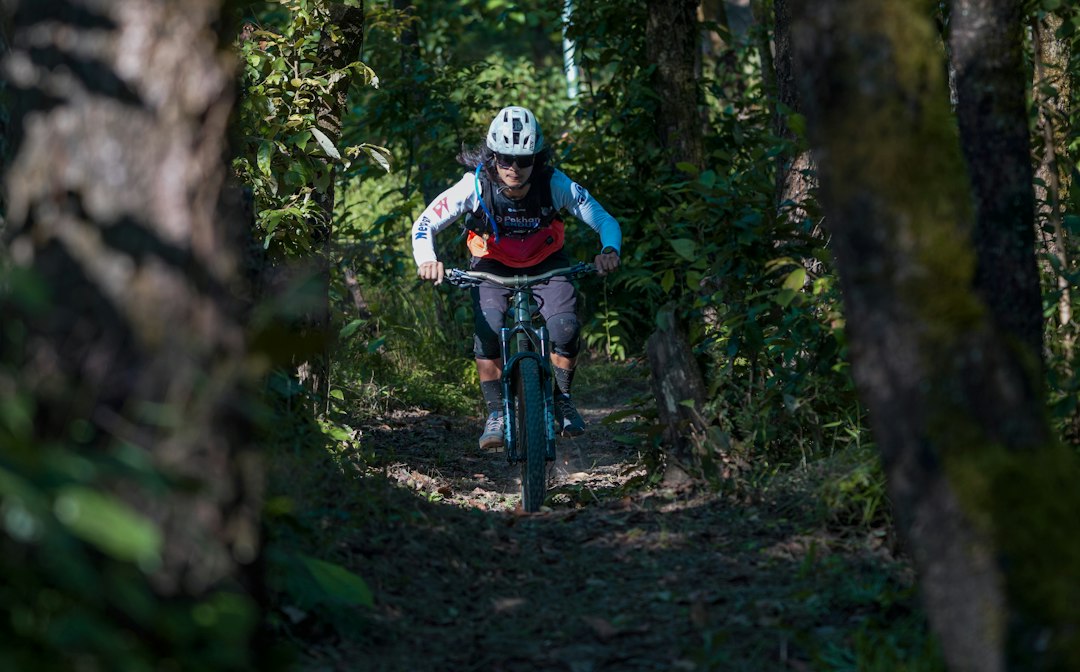
A tracking shot works beautifully for ten seconds, then the subject passes a tree and the drone stops, changes target or loses the tracking box. The problem may be visibility and recognition rather than signal quality. Learn what an automated tracking system can reasonably infer.
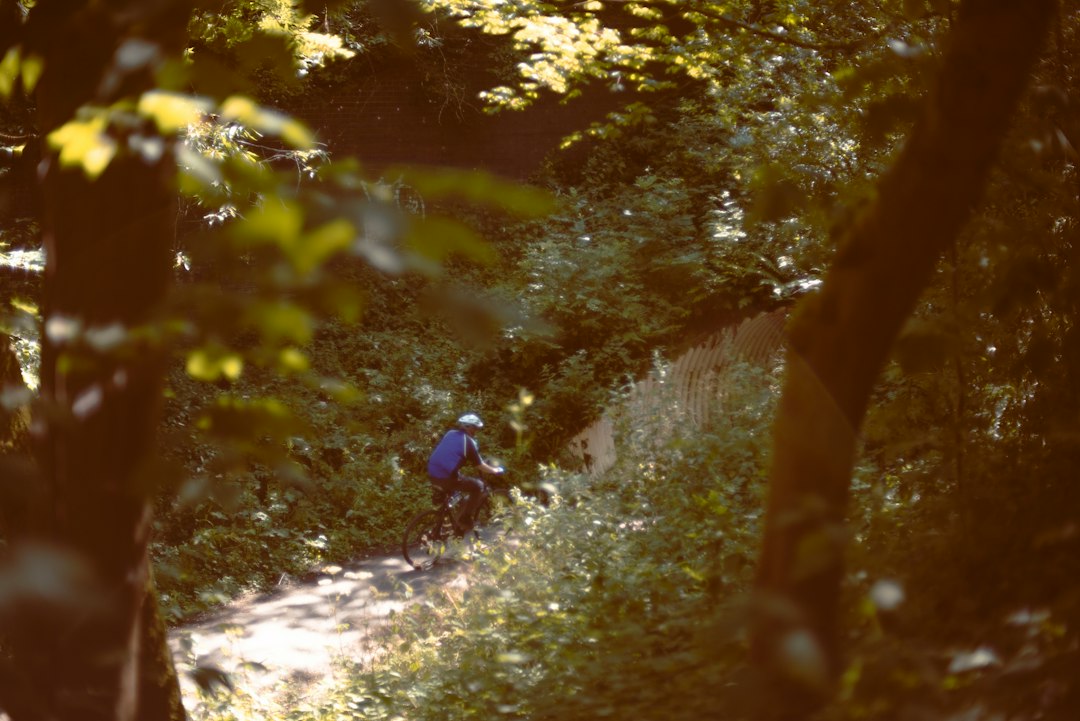
Choose the right response to the symptom
| Observed symptom | What it may indicate | Safe first check |
|---|---|---|
| Tracking lost behind a tree | Subject temporarily hidden from the camera | Plan safe path with no required blind pursuit |
| Drone switches to nearby lookalike | Target recognition ambiguity | Choose a distinct subject in uncluttered light |
| Tracking fails even with clear view | Unsupported target or mode / possible software issue | Verify supported subject class and model firmware |
1. Check whether the target is supported
Not every tracking mode accepts every subject type. Some firmware and models prioritize recognized people and vehicles. If the aircraft refuses the box entirely, verify the supported subject classes and available FocusTrack mode rather than assuming the lens or gimbal needs repair.
2. Improve recognition conditions
Backlighting, very dark subjects, low contrast and similar-looking objects nearby can confuse detection. Start where the subject is clearly separated from the background and occupies a meaningful part of the frame. A person in black passing behind a black car is much harder to reacquire than one on a plain path.
3. Understand what happens at occlusion
When foliage or a building blocks the camera’s view, the aircraft may slow, hover, lose the box or stop tracking depending on model and mode. The system should not be treated as capable of predicting the subject’s position through every obstacle. Plan a safe flight path that does not require blind pursuit.
4. Keep safety separate from composition
Obstacle sensing and subject recognition are different functions and each has limitations. Thin wires, glass, low light and rapidly changing scenery can be difficult. Set a safe altitude and keep manual line-of-sight control. Do not use automatic tracking as an excuse to fly too close to people or trees.
5. Create a repeatable test sequence
Start with a slow, visible walking subject in open light, then introduce a brief shallow occlusion and compare behavior. Test only the supported mode and firmware on your aircraft. If tracking fails in simple unobstructed conditions, review firmware and camera cleanliness before contacting support.
Example: the tracked cyclist passes behind foliage
Start with an unobstructed, slowly moving subject in good daylight in a mode that officially supports tracking that target type. When the subject passes behind trees, the drone may brake or lose the tracking box; a different, similar-looking target may confuse reacquisition. Plan an unobstructed flight corridor and a manual abort route rather than trying to force automated tracking through a tree line.
Purchasing and workflow implications
Before spending money on replacement hardware or a more expensive drone, decide whether the limitation is optical, computational, regulatory or simply an editing workflow issue. Check exact model specifications and firmware compatibility, especially where subject tracking, camera profiles or navigation modes are model-specific. Explore DJI and FPV equipment available from FalconFly (related equipment: DJI Mavic 4 Pro), but choose parts only when the diagnosis indicates they solve the actual problem.
Related FalconFly articles
- DJI Obstacle Avoidance Missed Glass or Thin Wires? Know the Sensor Limits
- DJI Mini Drone Warns of Strong Wind: Return-Trip Planning That Saves Batteries
Build a tracking plan that can survive target loss
A subject behind dense foliage is not visible to a recognition system, even when the transmitter remains linked. The drone may stop tracking, hover or change behavior depending on its model and mode. A reliable shot is designed with a safe corridor that does not require the craft to predict a hidden subject’s path. Make the first test in a clear, well-lit setting.

If tracking works in open light but fails when the person blends with cars, clothing or shadow, target recognition is the likely limitation. If it fails even when the target is obvious and supported by the selected mode, inspect firmware and follow official support diagnostics. Do not equate obstacle avoidance with reliable subject recognition.
Frequently asked questions
Will ActiveTrack keep following when a person passes behind a tree?
Not reliably. Depending on the DJI model and tracking mode, the aircraft may stop, hover, lose the target or select another subject when visual recognition fails.
Why does tracking fail even in daylight?
Verify the subject type is supported, increase its visual separation from the background and avoid abrupt subject movement or nearby lookalikes. Then check firmware and camera cleanliness.
Does obstacle avoidance guarantee safe automatic tracking?
No. Obstacle sensing and target recognition are separate systems, and both can struggle with thin wires, glass, darkness or fast-changing scenes. Keep a safe route and manual control.
Manufacturer reference
DJI’s official ActiveTrack troubleshooting provides the official model-specific reference for this guide.

















