


DJI Vision Sensor Error or Calibration Warning: Dirty Lens, Lighting or Hardware?

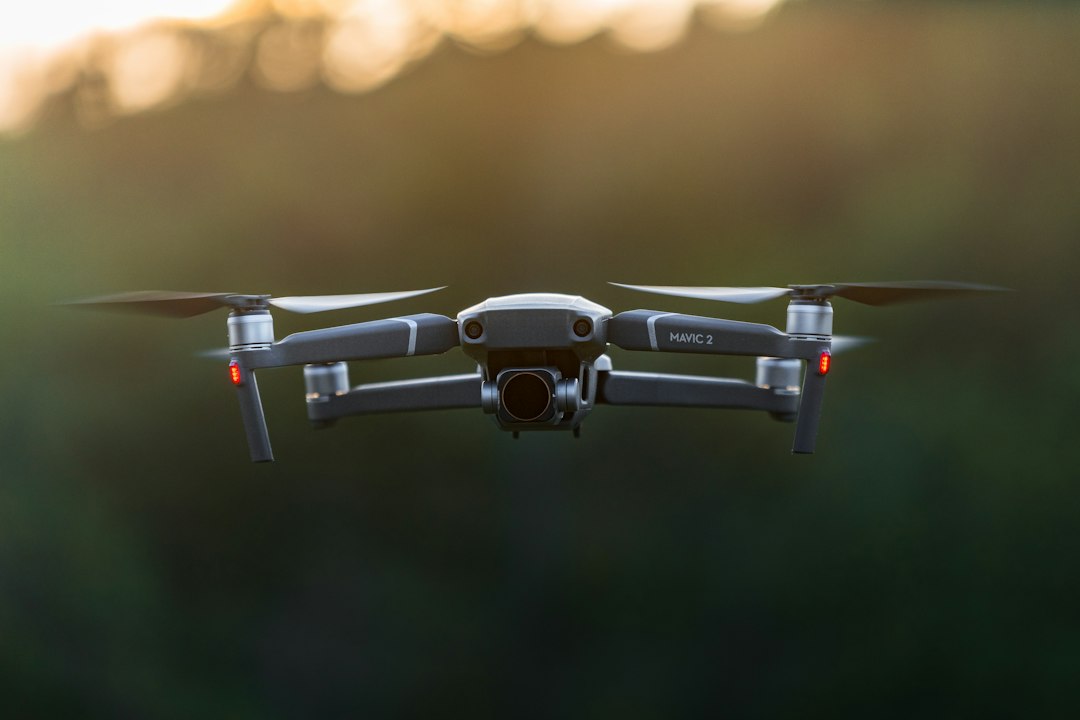
The DJI app announces a vision-system fault, and a previously available safety feature becomes unavailable. A dirty sensor cover, low-texture surface, bad lighting or hardware fault can have very different implications. Treat the warning as a flight-safety limitation until it is diagnosed.
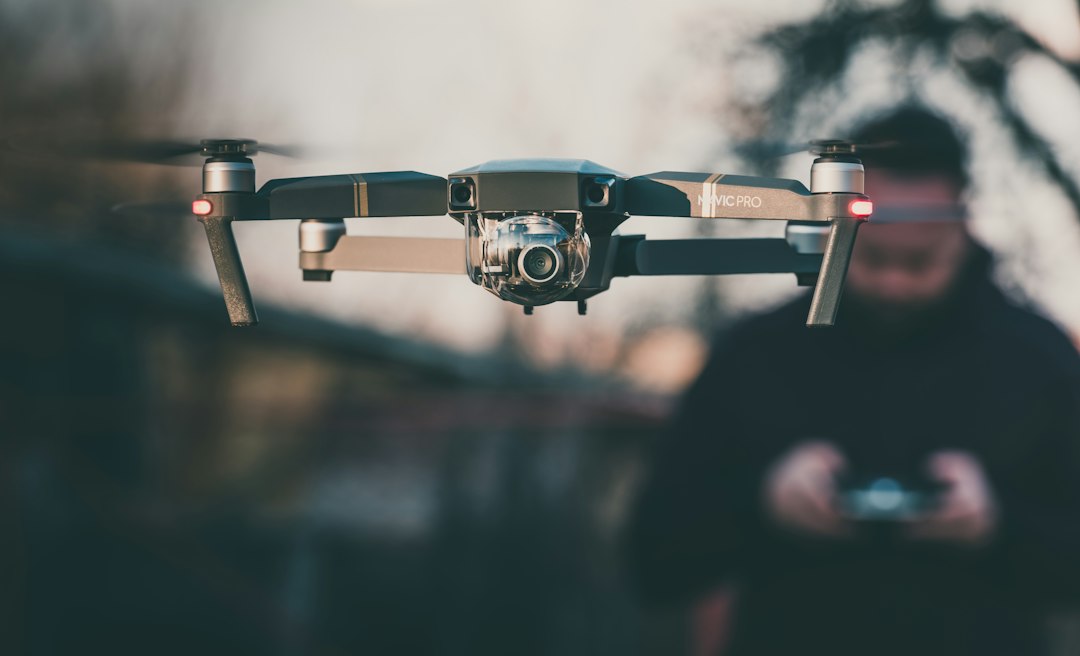
Choose the right response to the symptom
| Observed symptom | What it may indicate | Safe first check |
|---|---|---|
| Warning only over reflective or dark ground | Optical positioning environment limitation | Test in well-lit textured setting |
| Persistent vision-system error in normal light | Possible obstruction, damage or calibration issue | Inspect windows, note code and seek model-specific procedure |
| Assistant 2 calibration not available | Newer DJI model may not support it | Use approved DJI Fly or support workflow |
1. Read the exact warning message
Write down the text and error code instead of relying on a vague recollection of ‘sensor error.’ A calibration-required prompt, obstacle sensing unavailable notice and downward positioning warning can refer to different subsystems. Read which functions are disabled and whether a firmware update or service action is explicitly recommended.
2. Inspect every relevant optical surface
On the powered-off aircraft, look for fingerprints, dust, protective film, scratches and condensation on the vision sensor windows. Clean only according to the manufacturer instructions using appropriate materials. Do not scratch a small sensor window with abrasive wipes or use aggressive solvents.
3. Recognize environmental limitations
Featureless surfaces, extremely low light, strong reflections, glass, water or high-speed motion can reduce optical positioning reliability even when the hardware is healthy. Reproducing the warning only over a reflective floor is different from receiving the same fault while stationary in good light over textured ground.
4. Use calibration only where supported
Some older DJI models, such as DJI Air 2S and DJI Mini 3 Pro, support vision sensor calibration using the correct DJI Assistant 2 software. Do not attempt that procedure on unsupported newer aircraft: DJI lists Mini 5 Pro, Mavic 4 Pro, Air 3S, Mini 4 Pro, Avata 2 and Neo 2 among models that do not support user-run vision calibration via Assistant 2; these use the supported in-app or service workflow instead. Follow your model’s manual and service support instructions exactly. An unrelated calibration utility or firmware file should not be tried experimentally.
5. Retest only in a benign environment
After addressing a simple obstruction, verify the warning is gone and flight features recover under safe conditions. If persistent, document serial/model, firmware version and error details for authorized service. Do not rely on obstacle avoidance or precision landing while the relevant sensor subsystem reports an error.
Example: warning appears only above reflective water
Compare the reported vision warning in a stationary, permitted operating condition over well-lit textured terrain. Temporary optical limitations can differ from a persistent hardware or calibration fault. Capture the exact warning and aircraft model; follow DJI’s explicit calibration support list. Do not run an Assistant 2 calibration on newer models DJI says do not support that procedure.
Purchasing and workflow implications
Before spending money on replacement hardware or a more expensive drone, decide whether the limitation is optical, computational, regulatory or simply an editing workflow issue. Check exact model specifications and firmware compatibility, especially where subject tracking, camera profiles or navigation modes are model-specific. Explore DJI and FPV equipment available from FalconFly (related equipment: DJI Mini 5 Pro), but choose parts only when the diagnosis indicates they solve the actual problem.
Related FalconFly articles
- DJI Obstacle Avoidance Missed Glass or Thin Wires? Know the Sensor Limits
- DJI Compass Interference Before Takeoff: Metal Roofs, Cars and Concrete
Do not confuse a feature limitation with a permanent failure
Vision sensors may lose useful optical contrast over smooth glass, reflective water, dark flooring or dim surfaces without the camera module being defective. A persistent calibration warning in normal daylight over textured terrain is different. Document the exact code and environmental conditions, then clean only according to DJI’s instructions and use approved model-specific diagnosis.
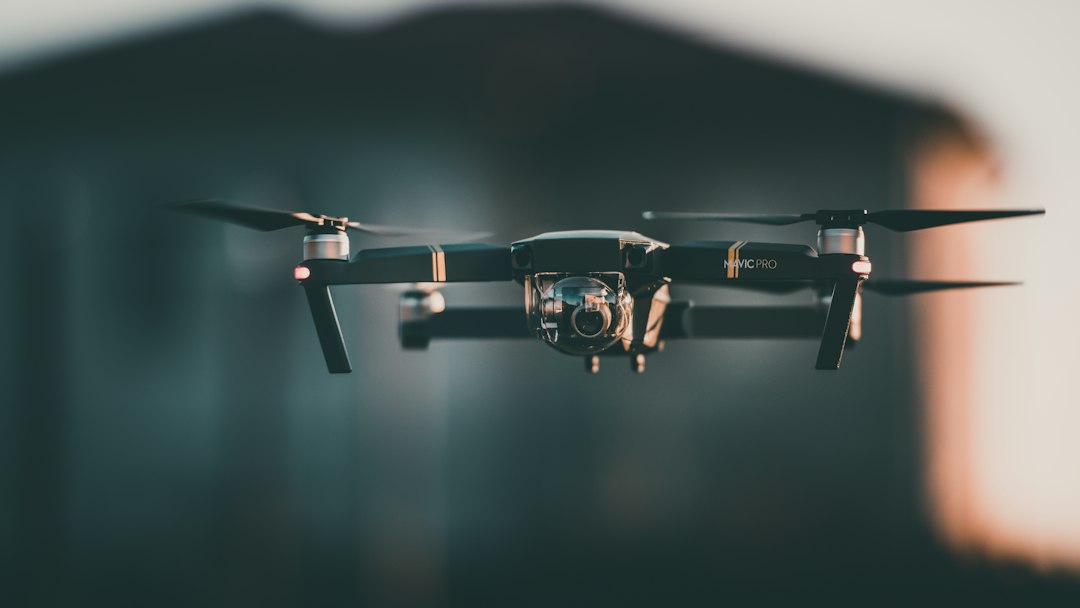
A firmware update cannot repair a physically scratched sensor window. An improvised calibration program can introduce more problems than it solves. Until the warning disappears and supported functions are verified, avoid flights that depend on precision positioning or obstacle detection.
Frequently asked questions
Can DJI Mini 5 Pro vision sensors be calibrated in DJI Assistant 2?
No. DJI lists Mini 5 Pro among aircraft without user-accessible Assistant 2 vision calibration. Follow the supported DJI Fly in-app or service procedure rather than forcing an older tool.
Is a vision warning always a hardware failure?
No. Poor texture, dark or reflective surfaces can limit optical positioning even when sensors are clean. A warning persisting over well-lit textured ground is more concerning.
Can I continue an ActiveTrack flight with a vision-system error?
Do not rely on automated obstacle avoidance or precision positioning while the relevant vision subsystem reports a fault. Land safely and resolve the condition first.
Manufacturer reference
DJI vision sensor calibration guidance by model provides the official model-specific reference for this guide.

















