


DJI Hyperlapse Drifts or Jumps Between Frames? Stabilize the Route Before Editing

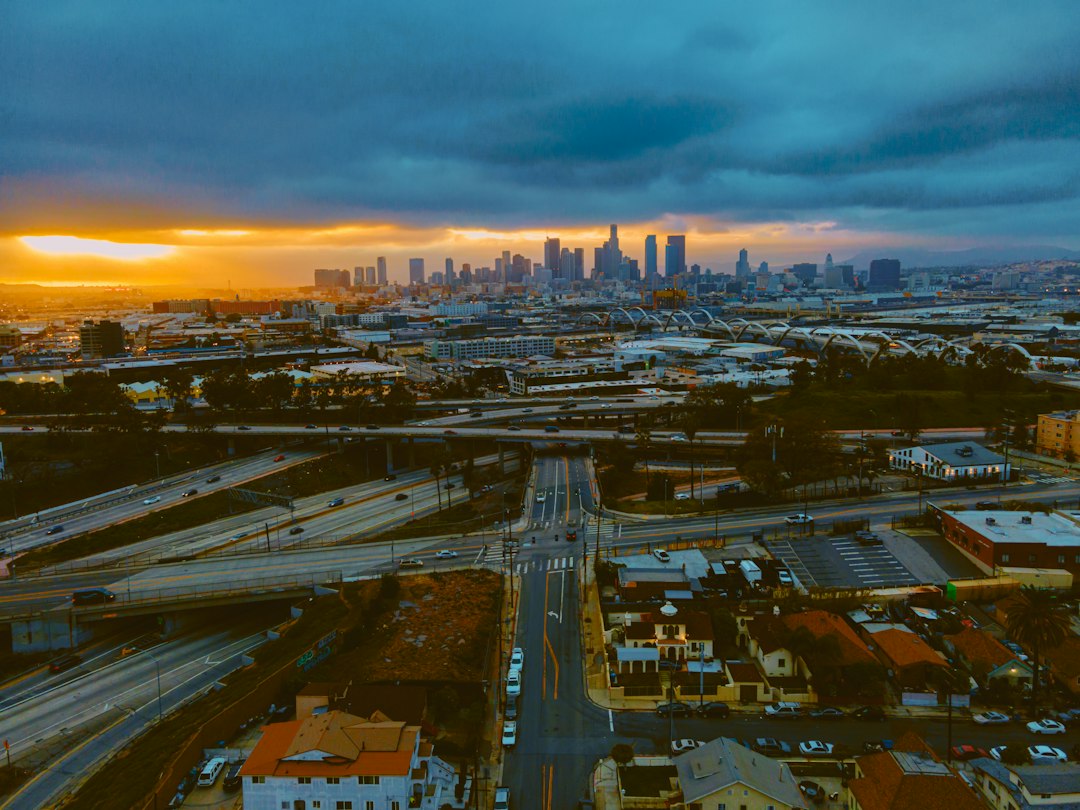
A hyperlapse that looked smooth on the controller plays back with a drifting skyline or irregular speed. The problem can begin long before editing: wind, poor subject framing, too few frames and an inconsistent movement path can all exaggerate shake once the sequence is accelerated.
Choose the right response to the symptom
| Observed symptom | What it may indicate | Safe first check |
|---|---|---|
| Skyline jumps between frames | Wind, route drift or gimbal movement | Use stable route and distant composition reference |
| Exposure visibly flickers | Automatic exposure or white-balance shifts | Use supported stable settings with highlight protection |
| Finished video is shorter than expected | Too few frames at selected output fps | Calculate frame count, interval and battery reserve |
1. Choose a scene that rewards motion
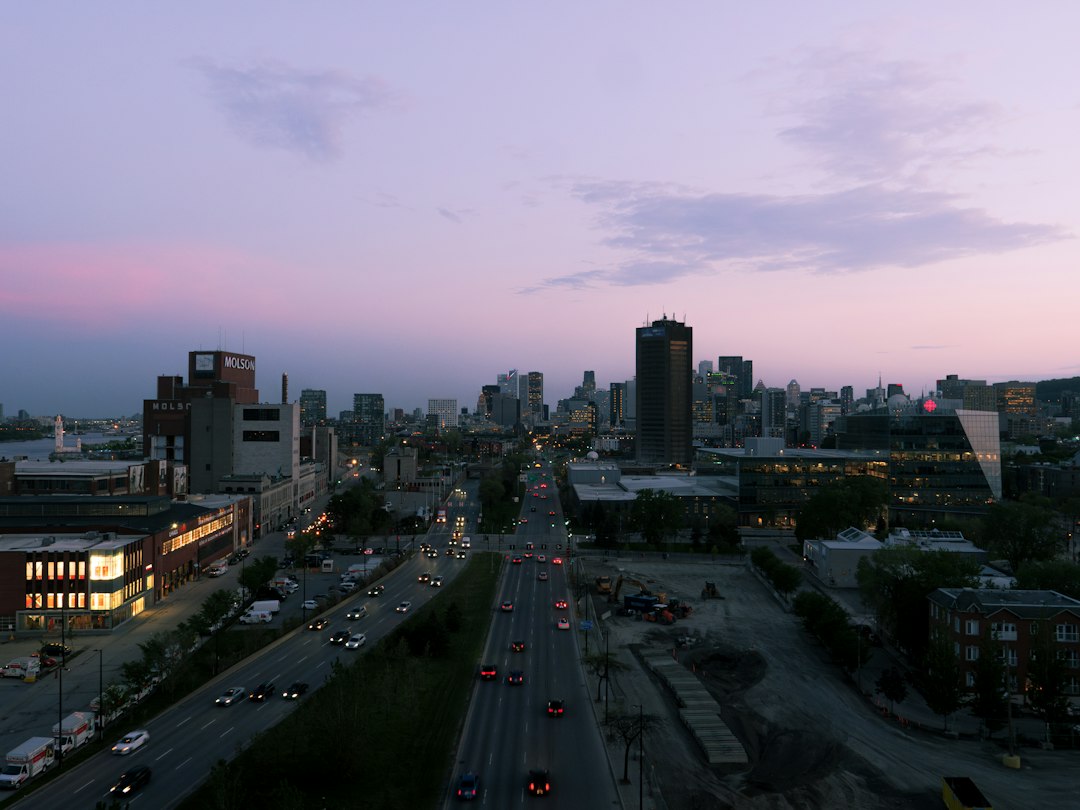
A stable building or distinctive skyline provides a visual anchor while clouds, traffic or light changes show time passing. A repetitive empty desert surface is harder to judge for drift. Define the intended composition and final frame before flying rather than starting a long sequence without an endpoint.
2. Separate route smoothness from image stabilization
An aircraft can keep a reasonably steady course while individual frames still shift due to gusts or gimbal micro-movements. No post-production stabilization can always reconstruct missing corners or eliminate parallax changes. Fly in appropriate wind conditions and avoid abrupt yaw or changing elevation during a long sequence.
3. Calculate the image count before takeoff
At a 25fps delivery rate, ten seconds of finished video require 250 frames. Actual capture intervals and maximum sequence length vary by mode and aircraft. A longer interval can make traffic movement more dramatic but also produces a greater visible jump between frames if the camera path is inconsistent.
4. Inspect exposure and white balance
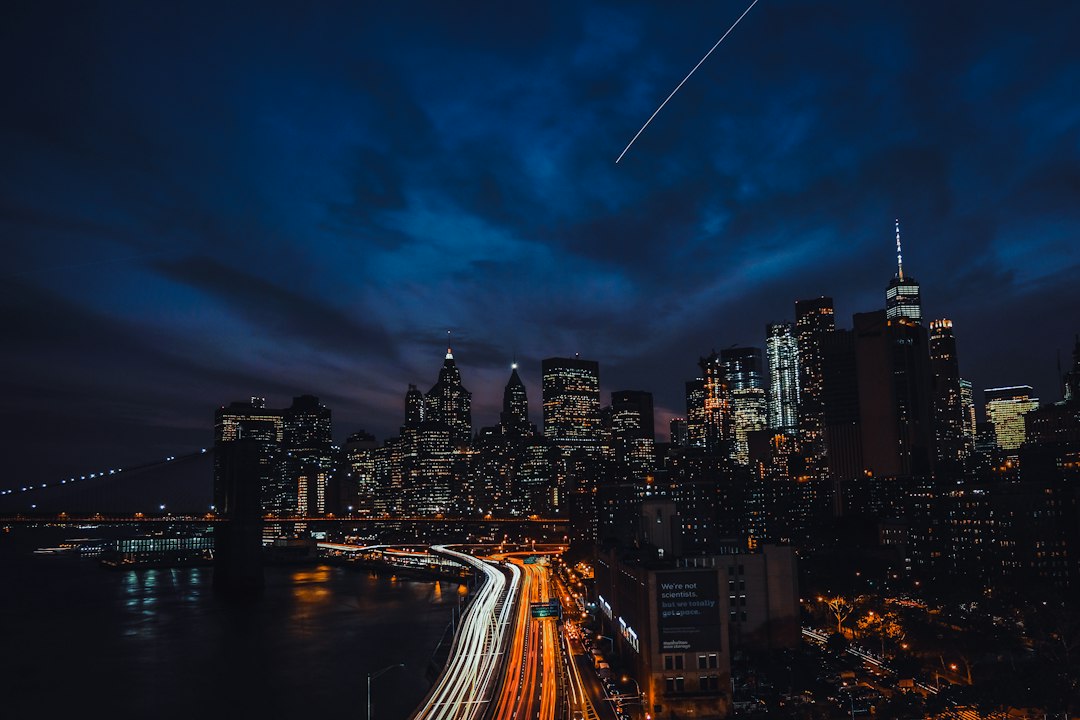
Automatic exposure may change noticeably when bright areas enter or leave the frame; automatic white balance can shift color across sunrise and sunset. Where supported and practical, use carefully chosen manual settings to limit flicker. Do not confuse the variable-light behavior of a sunset with sensor malfunction.
5. Correct conservatively in post
First align or stabilize the sequence, then crop modestly and evaluate whether optical artifacts remain. Excessive stabilization can warp architecture and throw away too much of the image. For repeat client work, save the flight path and camera setup notes so the next shoot can be compared rather than guessed.
Example: planning ten seconds of finished Hyperlapse
For a 25fps result, plan roughly 250 source frames. At a three-second interval, capture takes about 12.5 minutes, before the flight to the start position, return reserve and landing. Select an appropriate distant scene anchor and a smooth supported flight mode. Review a short preview for framing drift and exposure changes before committing the rest of the battery.
Purchasing and workflow implications
Before spending money on replacement hardware or a more expensive drone, decide whether the limitation is optical, computational, regulatory or simply an editing workflow issue. Check exact model specifications and firmware compatibility, especially where subject tracking, camera profiles or navigation modes are model-specific. Explore DJI and FPV equipment available from FalconFly (related equipment: DJI Mavic 4 Pro), but choose parts only when the diagnosis indicates they solve the actual problem.
Related FalconFly articles
- DJI Drone Video Flickers Under LED Lights? Fix 50Hz and 60Hz Banding
- DJI Mini Drone Warns of Strong Wind: Return-Trip Planning That Saves Batteries
Calculate the shot before committing the battery
A ten-second sequence delivered at 25 fps requires 250 frames. At an illustrative three-second interval, gathering those frames takes approximately twelve and a half minutes, before return and landing. Check the actual interval settings, maximum shot duration and flight battery for the selected drone; these values are examples, not promised feature specifications.
For smooth composition, choose an identifiable skyline anchor and keep height, yaw and lateral movement consistent. Strong wind, nearby objects and parallax can create frame-to-frame jumps that post-production stabilization cannot fully hide. Evaluate both the amount of crop required and the remaining scene detail before declaring a hyperlapse successfully stabilized.
Frequently asked questions
How many still frames make a ten-second Hyperlapse?
At a 25fps output frame rate, approximately 250 images are required. At a three-second shooting interval that is roughly 12.5 minutes of capture, before battery reserve for return.
Why does the skyline seem to jump between frames?
Wind, changes in altitude or yaw, camera movement and parallax can shift framing between exposures. Post stabilization has limited ability to fix large variations.
Should I lock exposure for a sunset Hyperlapse?
Where the selected mode allows it, stable settings help prevent flicker, but a long sunset changes illumination. Balance consistency against clipping and avoid assuming every DJI model has the same controls.
Manufacturer reference
DJI Hyperlapse modes and capture settings provides the official model-specific reference for this guide.

















