


Tiny Whoop Flight Time Suddenly Shorter? Diagnose Sag, Hair and Drag

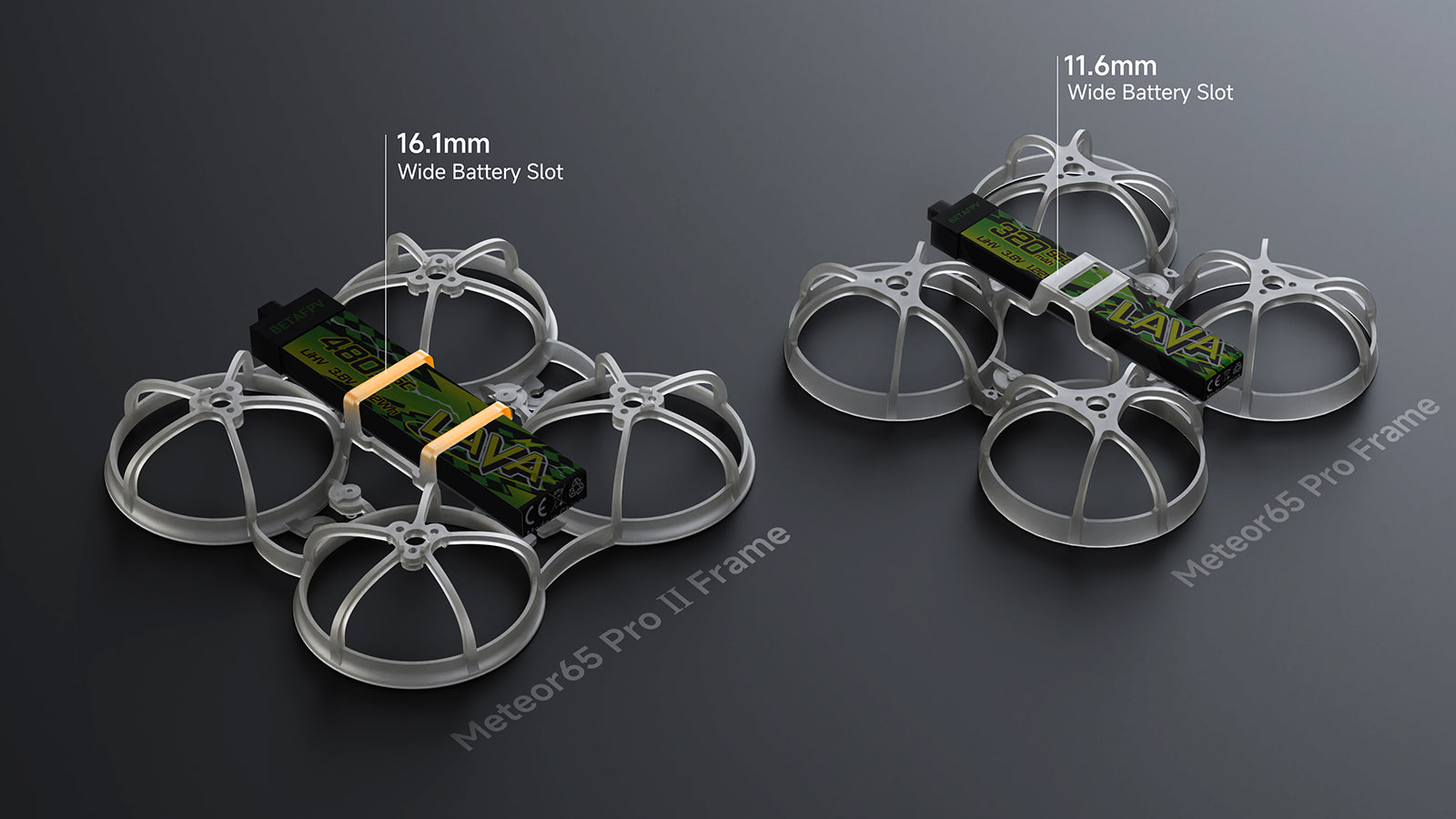
A tiny whoop that once flew for several minutes may suddenly land early even when the charger says the battery is full. On small 1S aircraft, minor losses matter: a strand of hair around a motor shaft, a pinched propeller, high connector resistance or an older battery can change flight behavior dramatically. Swapping every motor is rarely the best first step. Isolate the mechanical load and pack condition before replacing parts.
Look closely for hidden mechanical drag
Unplug the battery, remove propellers where practical and inspect motor shafts for hair, thread, dust or damaged bearings. One slightly obstructed motor can force the others to compensate and increase overall current draw. Spin the bell carefully by hand and compare it with other motors; roughness or rubbing deserves attention. Check that ducts have not bent inward after a crash and that propellers are not touching the frame.
Battery voltage sag can masquerade as low capacity
A pack may reach its normal full-charge voltage but still have high internal resistance after many cycles or heat exposure. During throttle increases its voltage can drop much faster than a fresh pack. Compare with a known-good pack of the same chemistry, connector and suitable capacity. Land with a reserve rather than running down to cutoff repeatedly. A swollen, hot, damaged or leaking 1S pack should be retired safely.
Inspect the small power connector
BT2.0, PH2.0 and other micro connectors have different contact characteristics and are not directly interchangeable. An oxidized or loose connector adds resistance and can create unreliable power under load. Inspect the matching plug without forcing it, and replace damaged parts with the correct type. Poor contacts may show up as rapid voltage drops even when motors and propellers are clean.
Weight and setup changes count
A new canopy, action camera accessory, oversized pack, different propeller or added LED system can noticeably alter endurance. Confirm that the flight controller and firmware settings did not change motor output or filters unexpectedly. Hover throttle and flight style influence draw: constant fast turns and repeated punch-outs consume more than a gentle indoor circuit. Keep your comparison consistent.
Make a useful before-and-after test
Use the same short course and a healthy battery at an appropriate temperature. Record approximate flight time, resting pack condition, signs of motor heat and whether voltage collapses under throttle. After replacing a damaged prop or clearing debris, repeat the test. If one motor remains noticeably different, inspect its connector and motor electronics before buying a full replacement set.
Comparison at a glance
| One motor feels gritty | Hair, damaged bearing or motor rub |
| Voltage drops on punch-out | Battery sag or connector resistance |
| Recent larger battery/added weight | Extra motor load |
| Flight time falls after crash | Prop/duct deformation or motor damage |
Practical buyer or repair checklist
- Power down and inspect every propeller and duct
- Remove debris safely and check motor freedom
- Compare with a healthy compatible battery
- Inspect BT2.0/PH2.0 contacts and pack fit
- Repeat a consistent short test away from hazards
Frequently asked questions
Does a larger-mAh 1S pack always improve duration?
Not when added mass or tray incompatibility makes the motor work harder.
Can I fly a battery that is swollen but holds charge?
No. Remove a swollen pack from service.

















