


LiPo Charger Says Cell Error or Connection Break: What to Check

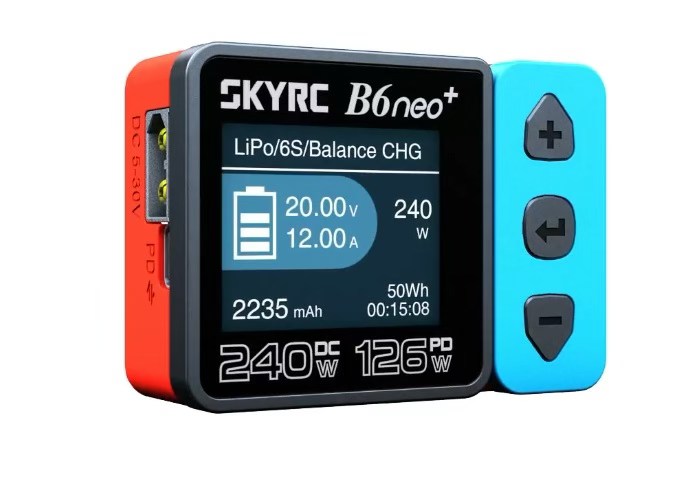
A charger refusing to start is often protecting the battery or itself. Messages such as ‘connection break’, ‘cell voltage error’, ‘balance port fault’ or ‘incorrect cell count’ can indicate a loose main lead, miswired balance connector, damaged cell, inappropriate chemistry mode or incompatible charging accessory. Do not force a charge cycle by changing to a different chemistry mode or bypassing the balance port. The correct approach is to identify the cause while the pack remains cool, disconnected and under supervision.
Using the HOTA D6 Pro dual-channel charger? Check the main lead and balance plug are connected to the same channel, and stop if the detected cell count disagrees with the pack label.
Understand what the charger is comparing
Modern hobby chargers measure total pack voltage and individual cell voltages through separate paths. A normal six-cell pack has six cells in series, and a balance connector lets the charger compare the voltages one cell at a time. If the main lead voltage does not agree with the sum of detected cells, a connector fault or damaged pack may exist. An error does not tell you which component has failed; it tells you to stop and check.
Different chargers use different wording for similar conditions. Read the manual for the exact error code instead of assuming all brands share the same interpretation.
A symptom-to-cause table
| Message or observation | Check first |
|---|---|
| Connection break immediately | Main plug seating, adapter continuity, unplugged leads |
| Wrong cell count | Selected chemistry/cell mode, balance lead, actual pack markings |
| Cell voltage error | Potential imbalance or damaged cell; do not override |
| Excessive pack temperature | Stop charging, isolate in an appropriate fire-safe location |
| Error only on one channel | That port/adapter, after verifying pack safety |
Make an electrical inspection without trying to revive the pack
Disconnect the charger from the pack before inspecting connectors. Check for swelling, punctures, corrosion, exposed conductors, crushed balance wires or heat discoloration. A swollen or physically damaged LiPo should not be charged or reused. If you have the appropriate training, a properly rated multimeter may help verify contact integrity on disconnected accessories; avoid bridging adjacent balance pins.
Never attempt a ‘jump start’, connect another battery to raise a dead cell, or switch a LiPo to an unrelated battery chemistry mode to defeat a low-voltage lockout. Those shortcuts can create fire risk.
How to distinguish a pack from an adapter problem
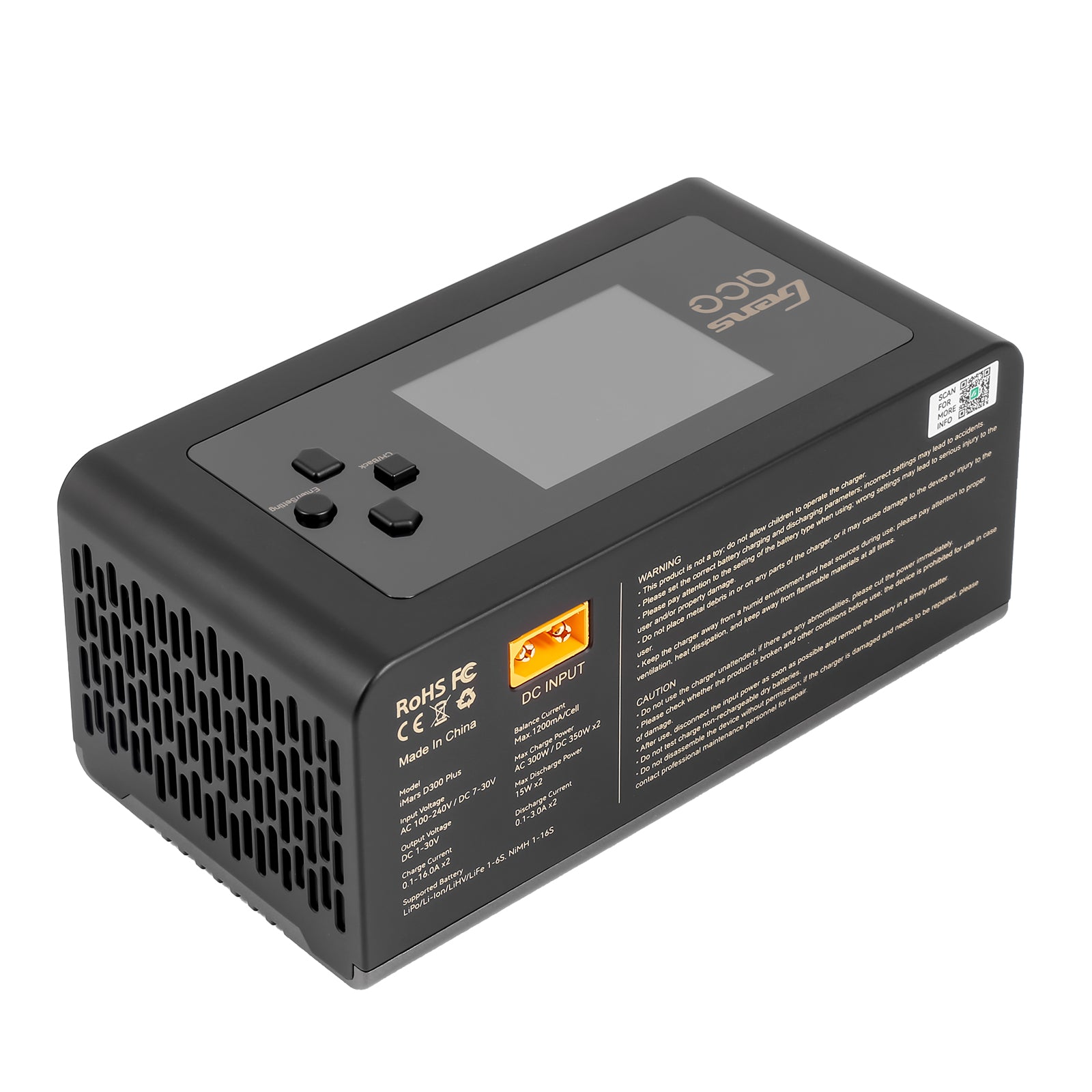
A damaged XT60 adapter, balance board or charger socket may mimic a battery error. Check plugs for mechanical wear with everything unplugged. If the charger manufacturer allows it, verify correct function using a separate known-good, undamaged battery with the appropriate configuration; do not use suspect equipment that is hot, sparking or visibly damaged. Replacement cables must match pinout and current ratings.
Balance charging and cell differences
Cells in a used pack may drift slightly apart; balancing addresses small normal differences. A cell that repeatedly diverges, heats or sags severely may be aging or damaged. Do not regard a charger completing a cycle as proof that the pack is safe for high-current flight. Record recurring abnormal behavior and retire unsafe packs through appropriate local disposal routes.
Prevent future errors
Remove packs by their plastic connector shells, not by pulling wires. Protect balance leads from propeller arcs and strap abrasion. Store batteries at manufacturer-recommended storage charge in a suitable fire-resistant environment. Keep all charge leads labeled by connector and cell count. For charger selection, read our detailed charger guide and 1S whoop-specific guidance.
Checklist before purchase or repair
- Confirm the exact hardware model, revision and manufacturer instructions.
- Check rated operating voltage, physical fit and connection compatibility.
- Inspect equipment for damage; do not bypass protective charging or safety systems.
- Record symptoms and configuration changes rather than guessing.
- Use an authorised flying area and a conservative field test only after successful inspection.
Why a balance error can show up only after the pack warms
A poor connector may behave normally when cool but become intermittent as current, contact resistance and temperature change. An aging cell may also show abnormal voltage behavior that was not obvious at rest. This is not a reason to keep charging for ‘one more minute’ to reproduce the error. Stop the cycle, allow equipment to cool in a suitable fire-safe area, and inspect disconnected leads for wear or overheating.
Keep records for any pack that repeatedly develops imbalance or charger errors. Include pack age, approximate cycle history, physical condition and the displayed error. If one battery causes the fault across multiple compatible, healthy charging setups, the pack deserves professional assessment rather than being forced through a charge.
Parallel charging boards need additional caution
Parallel charging is not a workaround for an unhealthy pack. It can allow large equalization currents between batteries at different voltages and requires proper equipment, matching configuration and safe procedures. Do not connect packs with unequal cell counts or markedly different charge states to a parallel board. Never use parallel charging to hide a low cell or a connection-break alarm.
For everyday operations, one verified battery per dedicated charger channel may be simpler than a complex parallel setup. Confirm charger type, balance connector orientation and compatible leads before pressing start. A charger refusing a cycle is valuable diagnostic information, not a software annoyance to disable.
Frequently asked questions
Can I charge only through the balance lead?
Only when the charger and battery system explicitly support that method. Do not improvise a charge path.
Is a single low cell worth trying to recover?
Do not defeat low-voltage protections. A significantly depleted or damaged LiPo needs professional assessment or safe disposal.
Why does the error appear only with one adapter?
A faulty adapter, incorrect pinout or worn connector is possible. Stop using the suspect part until verified.

















