


Lost an FPV Drone in Tall Grass? Buzzer, GPS Coordinates and Find-Model Checklist

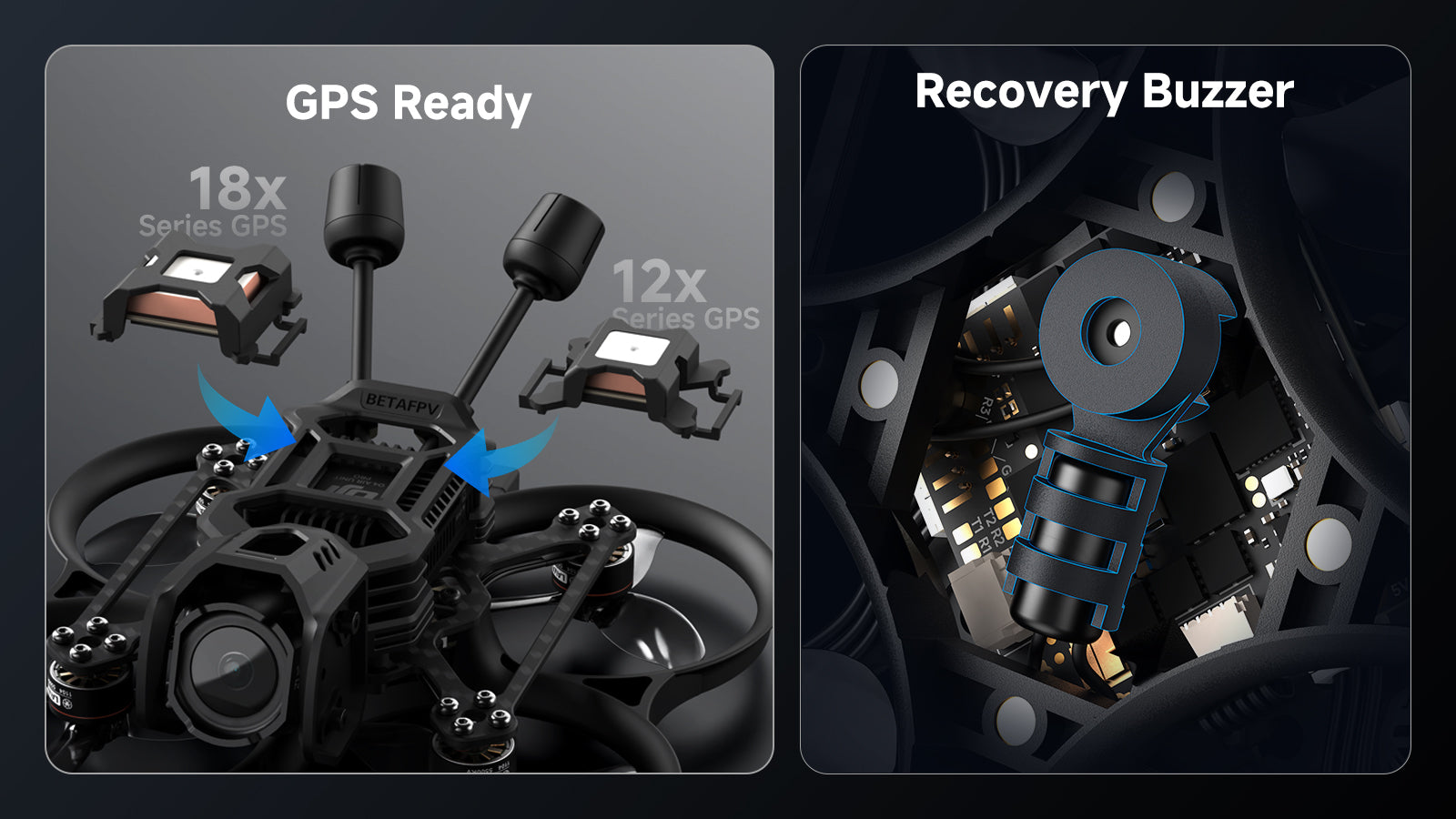
The video went grey after a crash, but the quad may only be forty meters away in thick vegetation. Searching randomly wastes the remaining beeper battery and your daylight. A structured recovery plan starts with the last known position and the equipment still functioning.
Fast symptom matrix
| Observed symptom | What it may indicate | Safe first check |
|---|---|---|
| Last video frame shows a landmark | Useful recovery clue despite GPS uncertainty | Pin landmark and search along travel direction |
| Main battery detached during crash | Motor beacon cannot function without power | Listen for independent self-powered buzzer |
| GPS marker differs from physical crash point | Stale last valid GNSS position | Use overlapping search lanes around probable area |
1. Mark the last reliable location
Before walking, save the final DVR frame, last visible landmark, flight direction and GPS coordinates if the OSD supplied them. Remember that GPS position can lag during rapid movement and may represent the last valid fix rather than the crash point. Use a map pin only as a search center, not a guaranteed impact location.
2. Choose the right beeper strategy
A self-powered buzzer with its own battery can keep sounding after the main LiPo disconnects; a motor DShot beacon cannot. On a quad that has power and a working receiver, a configured beeper switch may help. Do not keep arming or spinning motors while the craft is trapped in grass.
3. Search systematically
Divide the likely area into overlapping lanes and work from the last confirmed video location along the travel vector. Listen from stationary positions; wind and road noise can make a nearby buzzer difficult to localize. Use a torch at a low angle to detect reflectors and exposed props in vegetation.
4. Avoid trusting RSSI alone as a direction finder
A receiver’s signal strength can be influenced by antenna orientation, carbon and terrain. Close-range RSSI fluctuations do not provide reliable bearing on their own. If the aircraft remains powered, use legitimate find-model systems or compatible GPS location tools that you configured before the flight.
5. Inspect before attempting another takeoff
A recovered quad may contain trapped plant fibers, moisture, damaged props or torn antenna coax. Disconnect power and perform the full crash inspection before flying. A missing LiPo should be treated as a separate recovery and fire-safety concern.
Example: the last DVR frame shows a tree and a dirt path
Rather than walking in circles, mark the visible tree and the aircraft’s direction of travel at the moment the feed ended. Plot the last valid GPS coordinate if available, but allow for telemetry latency and drift. Search in overlapping lanes outward from that evidence, pausing to listen for a configured self-powered buzzer. Do not arm motors while the quad is buried in grass.
What to check before purchasing equipment
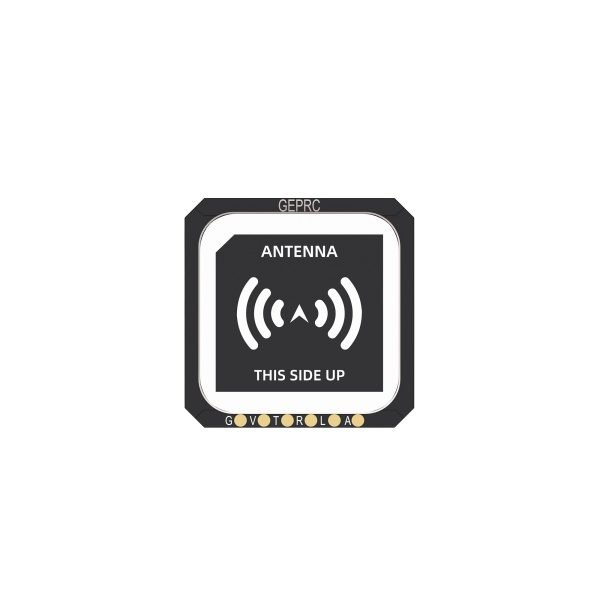
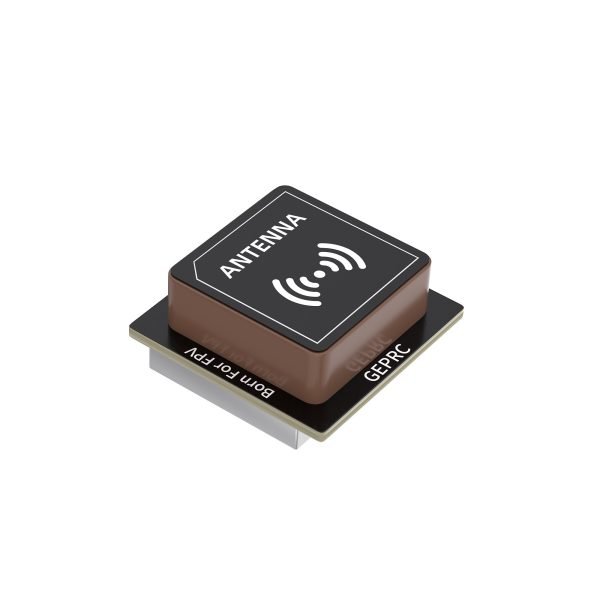
Compare electrical specifications, physical connector dimensions, firmware support and exact model variants. Similar product names can hide incompatible wiring or controller requirements. Browse the FalconFly catalogue (related equipment: GEPRC GEP-M1025 GPS module) for supported parts, but use the checks above to justify replacement rather than guessing from appearance alone. If you need help confirming fit, give the support team the full component labels and a photograph of the connection.
Related FalconFly troubleshooting
- Betaflight GPS Not Getting a Fix? GEPRC M10 Wiring and Interference Guide
- FPV Drone Crash Inspection: Replace Propellers, Motors, Arms or FC?
Use the last DVR frame as a search tool
Imagine the final video shows a dirt path, a tree and the quad passing left before the picture breaks. Mark that landmark and the travel direction before walking away. Last displayed coordinates may lag the real impact, so search around—not only at—the location shown. A grid pattern is better than repeatedly crossing the same open ground.
A motor beacon depends on the main battery and a healthy ESC, whereas an appropriately configured self-powered buzzer can continue after disconnection. Neither removes the need to inspect a recovered pack, propeller and antenna. Do not arm a quad trapped in dry vegetation to make it easier to hear.
Frequently asked questions
Will a motor beacon still work if the crash disconnects the main LiPo?
No. A motor DShot beacon needs the main electrical system powered. A properly configured self-powered buzzer with its own battery can continue to sound after main-pack separation.
Are the last OSD GPS coordinates the exact crash point?
Not necessarily. They can reflect the last valid fix or an earlier instant during fast movement. Use them as the centre of a systematic search, along with the last DVR frame and travel direction.
Should I arm the lost quad so its motors make noise?
No, especially in grass or dry vegetation. Use the configured buzzer or find-model feature; spinning trapped props can injure someone or start a fire.

















