


Betaflight Blackbox Recorded Nothing? Fix Full Dataflash, SD Cards and Logging Switches


The flight was perfect for collecting a log of a mid-throttle oscillation—except the Blackbox file is empty or absent. Before repeating a risky flight, establish whether the controller has storage, whether the selected device works and whether logging was actually enabled.

Scope: This guide fixes the recording stage—dataflash, SD cards and logging activation. If your log file already contains data but the updated viewer does not display it, see our Betaflight 2026.6 Blackbox Viewer guide for import, format and analysis troubleshooting.
Fast symptom matrix
| Observed symptom | What it may indicate | Safe first check |
|---|---|---|
| No new log after many flights | Dataflash full or storage device unavailable | Save needed logs, then inspect capacity |
| SD card recording fails | Unsupported card or unsafe removal | Confirm format and wait five seconds after disarm |
| Header only or very short file | BLACKBOX switch inactive or logging paused | Check mode assignment and sample rate |
1. Confirm the FC has a storage device
Not every flight controller has onboard dataflash or a microSD slot. Betaflight’s Blackbox settings must match actual installed hardware. Selecting SDCARD does not create a slot on a board that lacks one, and adding an SD card to the goggles does not automatically record flight-controller telemetry.
2. Identify a full dataflash chip
Small onboard flash storage can fill quickly. When full, Betaflight may not record further flights. Save any logs you still need before erasing dataflash. A missing file after several flights may be an expected capacity limit rather than a firmware bug.
3. Check SD card format and timing
For boards with a card socket, use supported card sizes and formatting specified for the installed Betaflight version. Insert the card before powering on, and allow writes to finish after disarming. Betaflight’s Blackbox documentation specifies waiting at least five seconds after disarming before removing an SD card from an onboard slot. Removing it too quickly can corrupt the filesystem and leave incomplete logs.
4. Inspect feature and switch settings
Enable Blackbox logging in configuration and make sure a dedicated logging switch, if assigned, was actually active during the flight. A switch can leave only an empty log header. Verify sample rate and storage device rather than assuming the OSD recording indicator means the FC is logging.
5. Make a small controlled test
Carry out a safe props-off arming/logging check only where the platform supports that workflow and confirm the output before flying. Save the new file and verify that it opens in a compatible Blackbox reader. Check timestamps and log contents instead of simply trusting the file extension.
Example: the log you need was never recorded
Suppose a mid-throttle oscillation appeared on the third flight but the FC has a small dataflash chip filled during flights one and two. Increasing logging rate after the fact cannot recover the missing data. Back up existing files, confirm device capacity, clear space only when appropriate, then verify one short controlled recording before repeating the diagnostic flight. Wait at least five seconds after disarming before removing an onboard microSD card.
What to check before purchasing equipment
Compare electrical specifications, physical connector dimensions, firmware support and exact model variants. Similar product names can hide incompatible wiring or controller requirements. Browse the FalconFly catalogue (related equipment: GEPRC TAKER F722 45A AIO) for supported parts, but use the checks above to justify replacement rather than guessing from appearance alone. If you need help confirming fit, give the support team the full component labels and a photograph of the connection.
Related FalconFly troubleshooting
- FPV Propwash or High-Frequency Oscillation? Read Blackbox Symptoms
- DJI O4 Onboard Recording vs Goggles DVR: Where Did the Video Go?
Avoid collecting a log that cannot answer your question
A dataflash chip may have space for only a few minutes of recording at the selected sample rate. If the flight you want to diagnose comes after the storage has filled, the Blackbox will silently fail to capture useful evidence. Clear space only after saving anything needed, then perform a brief controlled logging check before the next flight.
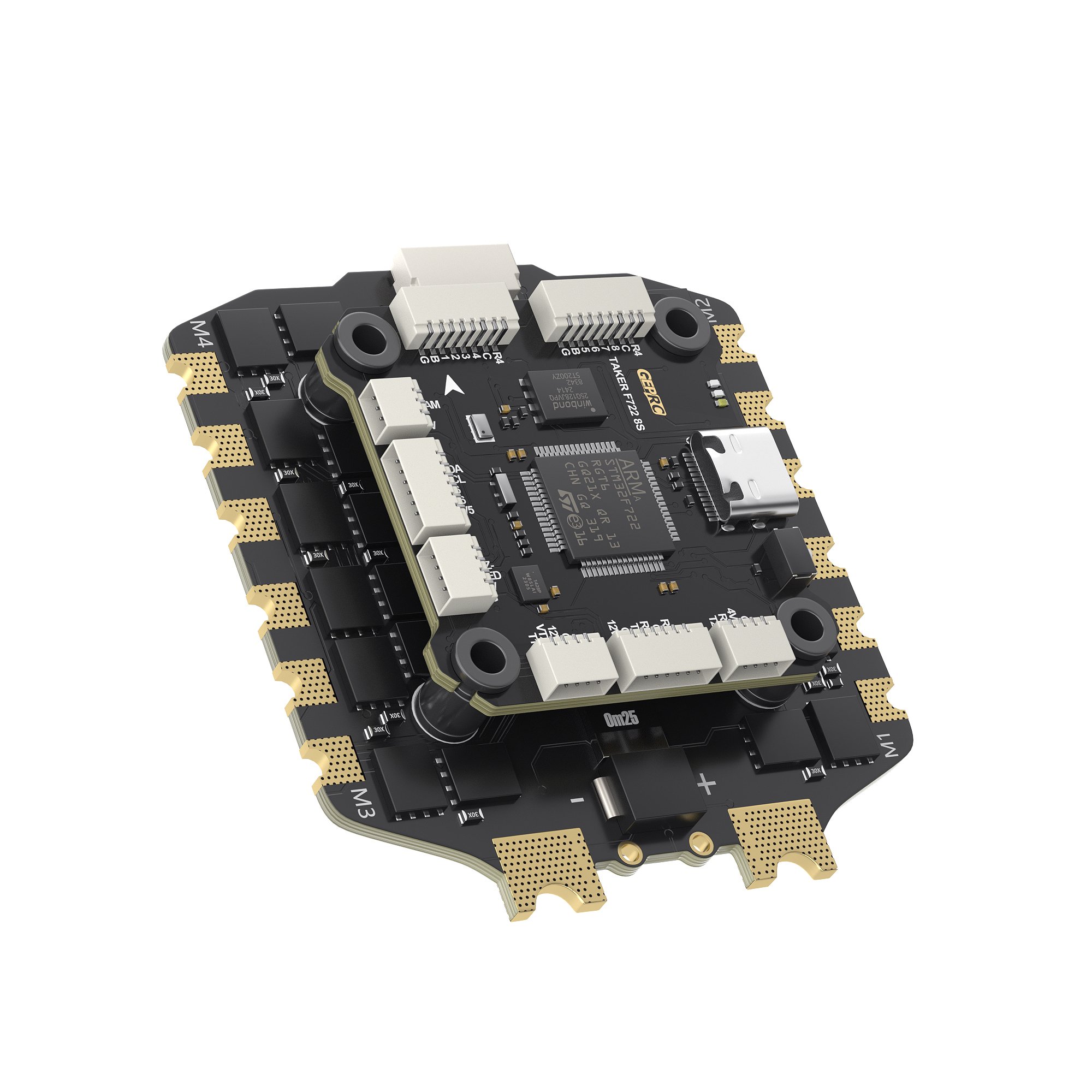
If you are investigating rapid motor oscillation, a very low log rate may hide important detail. But an excessive rate may overload slow media. Choose a setting appropriate to the board and analysis goal. Label each file with battery, firmware and tune so the comparison reflects the configuration actually flown.
Frequently asked questions
Why did a flight create no Blackbox file?
Confirm a real logging device is installed and selected, that flash is not full, and that any BLACKBOX mode switch was active while the quad was armed.
Why does my microSD log look empty?
A paused BLACKBOX mode can leave a header-only log, while SD logging may remove an empty file when disarming. Wait at least five seconds after disarming before extracting an onboard SD card.
Can goggles DVR replace Blackbox logs?
No. Goggles DVR is video; Betaflight Blackbox records control-loop signals and sensor telemetry needed for tuning or failure analysis.

















