


DJI O4 Onboard Recording vs Goggles DVR: Where Did the Video Go?

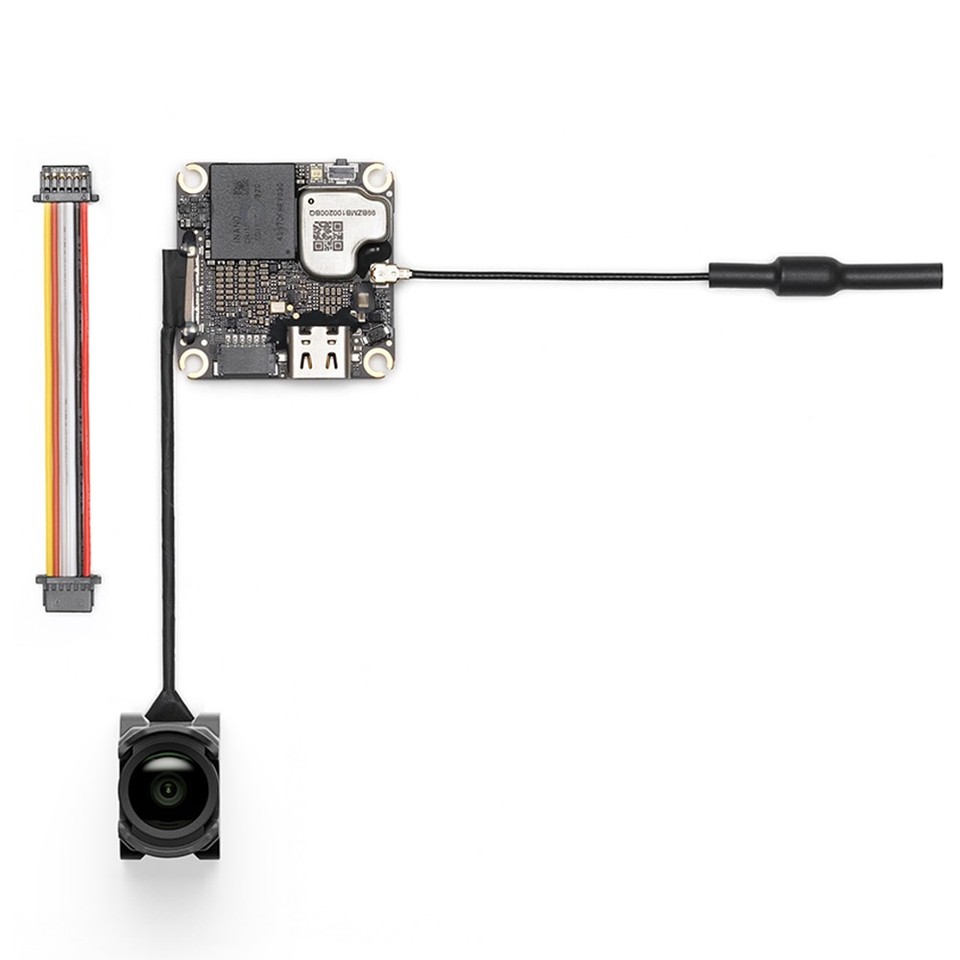
A pilot may return from a successful FPV flight, remove the microSD card from the goggles and discover that the crisp onboard camera file is missing. This is often a storage-location or recording-mode misunderstanding rather than lost footage. The air unit and goggles can record different streams, at different quality settings, to different destinations. The exact behavior also changes between O4 Air Unit and O4 Air Unit Pro hardware.
Onboard video and goggles DVR are not the same file
Onboard recording comes from the camera-side system and is the version normally preferred for editing when available. A goggles DVR captures the transmitted live view and may include characteristics of the video link or interface. The two can differ in resolution, compression, completeness and sound support. Always identify which device recorded the clip before assuming that a lower-quality goggles file means the onboard camera failed.
Know the O4 storage differences
DJI’s standard O4 Air Unit lists 23 GB of built-in storage and does not accept a microSD card, while O4 Air Unit Pro lists 4 GB built-in storage and supports compatible microSD cards. This difference alone can explain why transferring cards between systems produces surprising results. Verify the exact variant rather than following an ‘O4’ tutorial that assumes the Pro’s removable storage exists on all versions.
Check the Record With setting
DJI documents that setting Record With to Both, with a suitable microSD card installed in the goggles, can record the aircraft-side video and the goggle live-view simultaneously. Inspect goggles recording preferences and aircraft recording status before takeoff. Some systems do not start recording while stationary in a thermal-protection low-power mode, and recording may stop when motors stop. A red record indicator or verified short test file is more trustworthy than memory.
Heat, full storage and power can stop recording
DJI notes that recording can stop if storage fills or errors, the unit overheats, or operating conditions trigger low-power behavior. On the goggles side, loss of signal or switching live-view modes can also terminate recording. If a file disappears after a crash, inspect the media carefully rather than formatting it immediately. Record the warning that appeared and make a backup of accessible files before further troubleshooting.
Build a dependable pre-shoot workflow
Before any paid shoot, check free space on the correct recording device, supported card type, firmware and the intended color mode. Capture a 10-second test with props off only if supported and not thermally limited; otherwise verify using a short authorized flight. After landing, check that a file exists on each intended device and copy the original files before clearing media. Store the card in a protective case away from UAE heat.
Symptom and decision table
| Standard DJI O4 Air Unit | 23 GB internal storage; no microSD expansion |
| DJI O4 Air Unit Pro | 4 GB internal plus compatible microSD expansion |
| Goggles DVR | Records transmitted view to goggles media when enabled |
| Recording ends early | Inspect full storage, heat, link loss and mode changes |
Step-by-step field checklist
- Verify exact air-unit variant
- Choose Record With setting and compatible recording media
- Check available space before flying
- Confirm capture after a short safe test
- Back up originals before formatting
Frequently asked questions
Can I recover 4K onboard footage from the goggles DVR?
Not if only the transmitted view was saved; the onboard original must exist on the aircraft-side storage.
Does every DJI O4 camera accept a microSD card?
No. Storage options differ substantially between standard and Pro variants.
Further reading and relevant products
Technical reference: DJI O4 specifications · DJI O4 user manual recording section

















