


DJI Drone Says Slow SD Card or Cannot Record? Fix Media Problems

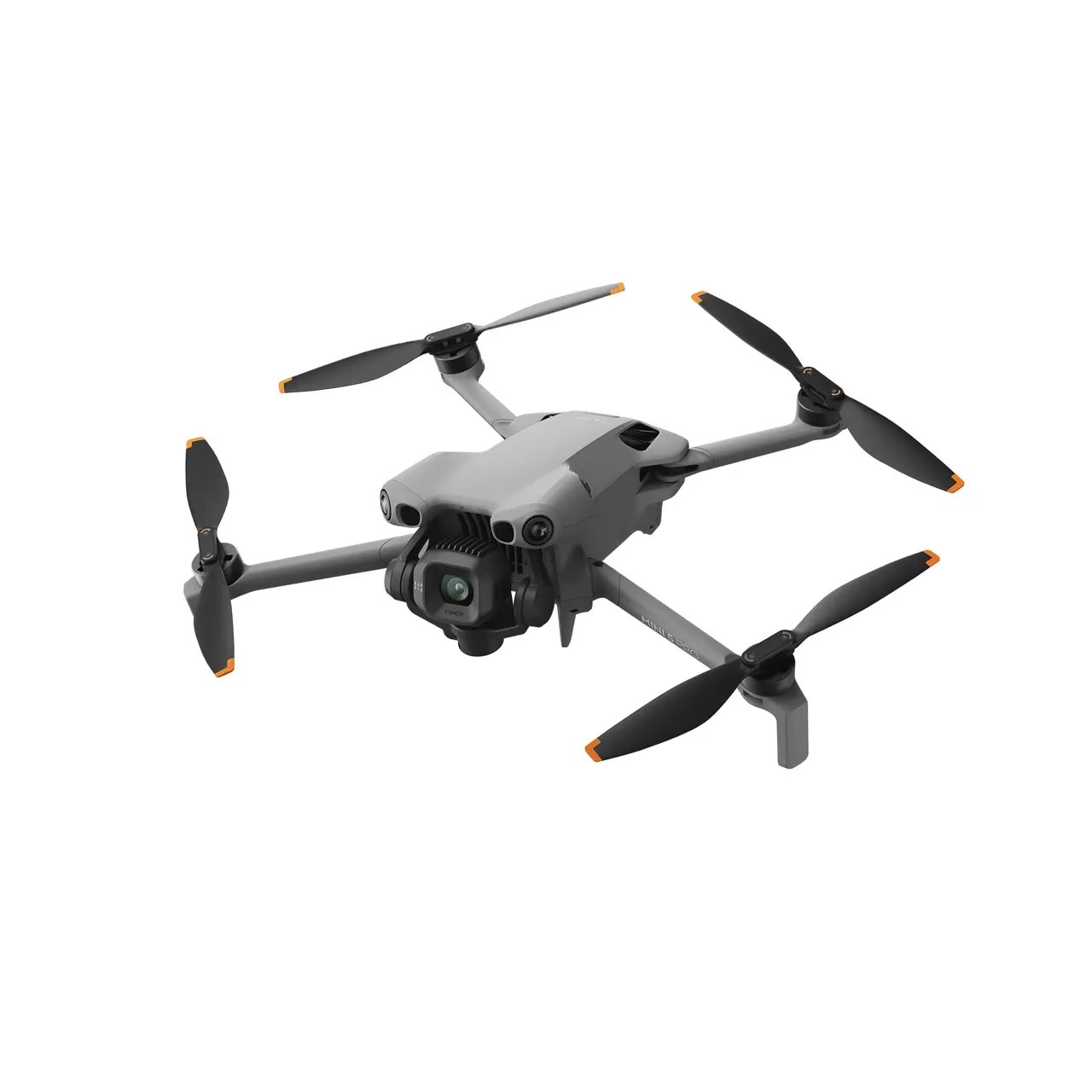
A memory card that copies photos quickly to a laptop can still fail when a drone attempts continuous high-bitrate video. Slow-card, unavailable-storage and recording-stopped warnings usually deserve a media workflow review before blaming the camera. The critical performance metric is sustained write capability under the exact mode the aircraft uses. Capacity printed on a card is not a guarantee of dependable 4K or high-frame-rate recording.
Understand sustained writing rather than headline speed
A card advertised at a high ‘up to’ transfer speed may be describing its best read speed, not sustained recording performance. Compare the camera manufacturer’s recommended cards and required speed class or Video Speed Class for the chosen bitrate. The actual recording rate depends on codec, resolution and frame rate. Purchase genuine media from reputable sources; counterfeit capacity labels can initially appear normal and then corrupt footage.
Check whether the correct storage location is selected
Some DJI devices provide internal storage while others require microSD media; supported capacities and file systems differ. Confirm whether the app is recording to aircraft internal memory, an aircraft card, or an accessory device. Verify there is free storage in the selected destination. If the camera is working but only previews appear on the phone, you may be looking at cached proxy files rather than the camera originals.
Do not format a card before backing up
If a card contains valuable footage, stop writing to it and copy accessible originals to a reliable computer first. Reformatting destroys the file-system record of the media and can complicate recovery. After a good backup, use the camera’s in-app format command if the manufacturer recommends it; that is more reliable than guessing a desktop format. A card showing repeated errors should be replaced, not trusted for commercial work.
Rule out temperature and power interruption
Video recording can stop for reasons unrelated to the card, including camera overheating, battery power events or a firmware issue. Log the exact alert and determine whether it happened at high bitrate, after a long static test or immediately on start. If a different manufacturer-approved card works reliably, the original card is suspect. If all media fails in the same way, further aircraft-side diagnostics may be needed.
Practical multi-card field protocol
Number your cards, format them in the correct aircraft only after confirmed backups and use a consistent folder structure on the editing computer. Keep spare cards in clean cases and protect them from sand, moisture and static discharge. For a UAE event shoot, perform a recording test at the intended resolution before the client arrives; do not make the first validation attempt during the actual job.
Symptom and decision table
| Slow-card alert under high bitrate | Check sustained-write rating and authenticity |
| Card not detected | Inspect compatibility, seating and contacts |
| Phone preview exists, original missing | Check recording destination and cache |
| Random file corruption | Stop using the card; back up and test another approved card |
Step-by-step field checklist
- Identify aircraft and supported media requirements
- Back up existing files before troubleshooting
- Check card health and genuine sustained speed rating
- Use camera-side formatting after a verified backup
- Record a controlled test clip at target resolution
Frequently asked questions
Is a large-capacity card always faster?
No. Capacity and sustained write performance are independent specifications.
Can I use a card that has failed once for a professional shoot?
A repeatable write error is a good reason to retire that card from critical work.

















