


EdgeTX Model Backup and Restore: Protect Radio Settings Before Updates

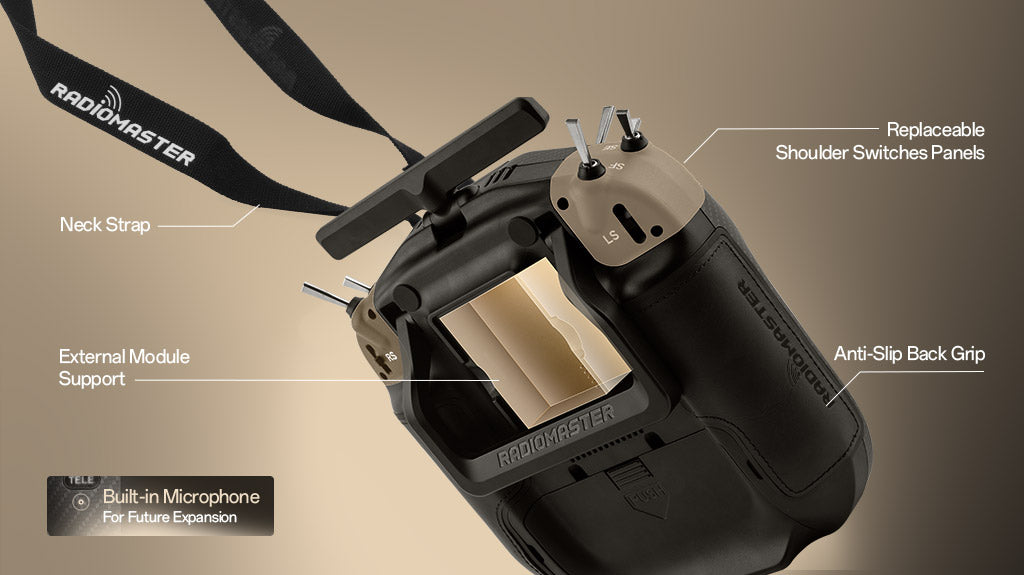
Radio setups often take longer to rebuild than the drone itself. A RadioMaster transmitter may contain many aircraft profiles, logical switches, telemetry alarms, flight modes and mixer settings. Updating EdgeTX or replacing an SD card without a backup can make a familiar radio appear blank or misconfigured. A safe backup captures both model configuration and any external files on which it depends, then verifies that the backup can actually be restored.
Identify what must be preserved
The model memory includes mixes, inputs, output endpoints, special functions and RF configuration. Separate SD-card assets can include sounds, scripts, model images and logs. Copying only screenshots of the main radio menu will not preserve all of these elements. Record the EdgeTX firmware version and transmitter model so you do not later restore a configuration onto incompatible hardware or an unsupported firmware version.
Use a supported backup method
EdgeTX Companion can manage radio models and backups on supported versions, and a computer may also access the radio’s SD-card contents using the appropriate USB mode. Follow the workflow for the installed EdgeTX release; menu labels and file layout can evolve. Keep a dated copy of the model settings and the relevant SD-card folders in two independent locations. Do not erase the radio until the backup files are readable.
Restore methodically, not blindly
After an update, confirm the new EdgeTX version and supported SD-card content version before importing models. Missing sounds or scripts may reflect asset mismatch rather than corrupted model memory. Reconfigure third-party modules or firmware-dependent features only against current documentation. A copied model with the wrong internal/external RF selection is not flight-ready, even if the channel names look correct.
Treat every restored model as untested
Remove propellers from the aircraft. Compare the radio’s stick movement and switch response against the expected channel mapping in Betaflight or the relevant flight controller. Confirm failsafe, arming AUX and the proper model selection. Many software backup methods preserve settings but cannot guarantee they are still correct for changed receiver firmware or newly installed hardware.
A sustainable maintenance routine
Make a backup before significant edits, not just once per year. Use descriptive filenames showing radio model, EdgeTX version and backup date. A simple text change log stating which model was changed will save hours after problems. In professional fleets, keep approved master configurations and avoid uncontrolled edits to a radio used by multiple pilots.
Symptom and decision table
| Models and mixers | Preserve via supported radio/Companion backup |
| SD-card sounds and scripts | Copy matching supported SD-card assets |
| Firmware version | Record before restore |
| Post-restore tests | Verify channels, ARM and failsafe with props removed |
Step-by-step field checklist
- Write down hardware and EdgeTX version
- Save model configuration and relevant SD-card files
- Keep a second copy separate from the radio
- Verify files before changing firmware
- Re-test each aircraft model after restoration
Frequently asked questions
Does copying the SD card always back up every radio setting?
Not necessarily. Storage of model configuration varies by device and firmware; use the supported backup procedure.
Can I copy a model from any RadioMaster to any other?
No. Switch layout, RF hardware and firmware compatibility must be verified.

















