


DJI O4 Pro ND8 vs ND16 vs ND32: Exposure Guide for UAE Sunlight

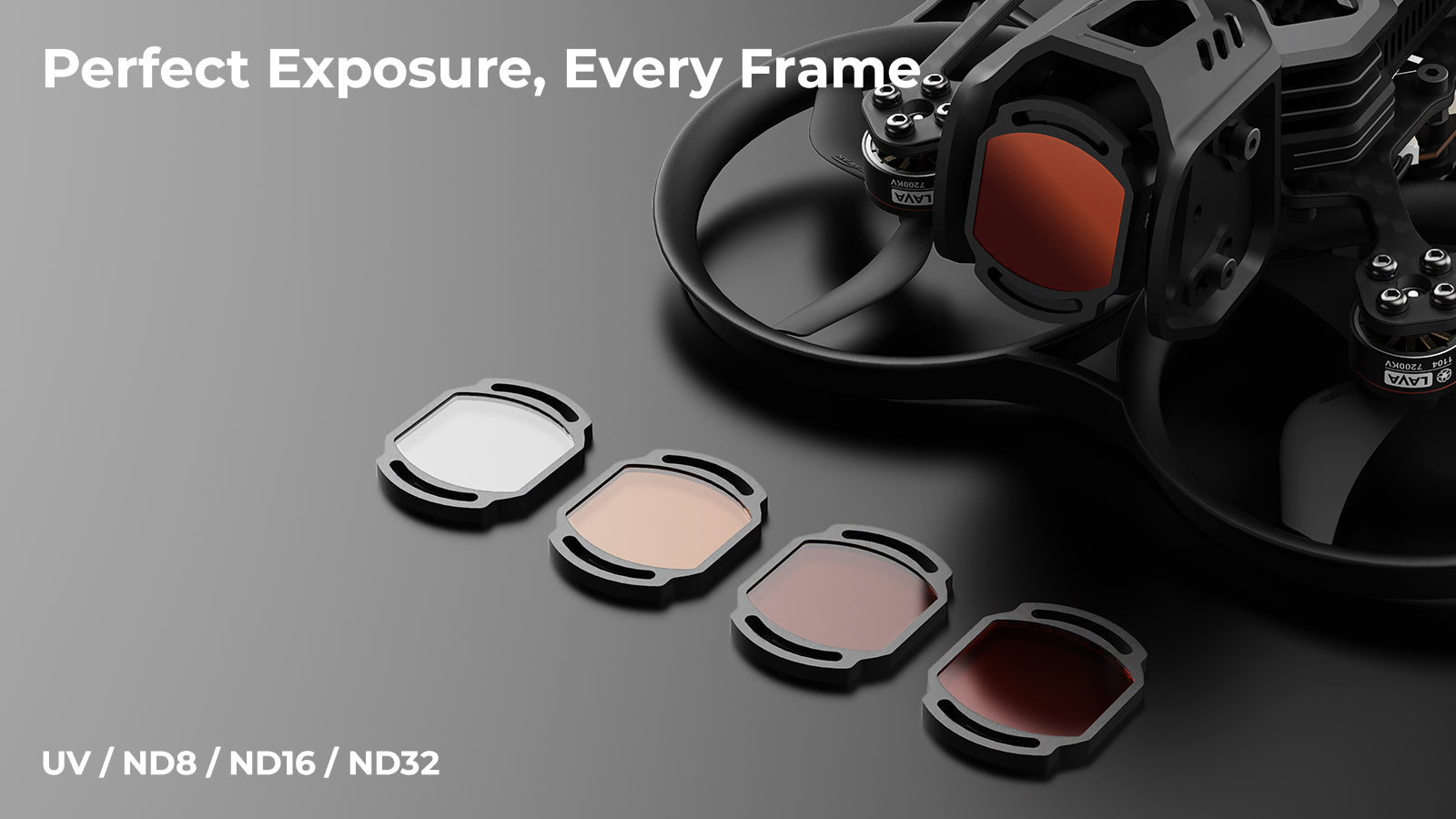
Neutral-density filters reduce the amount of light reaching a camera sensor. ND8 nominally reduces light by three stops, ND16 by four, and ND32 by five. Each additional stop roughly halves the exposure, permitting a slower shutter or lower ISO under bright conditions. An ND filter is not a substitute for exposure knowledge or a promise of cinema-quality video. The right density changes with sunlight, shooting direction, frame rate, aperture and the desired motion look.
What the numbers mean
Neutral-density filters reduce the amount of light reaching a camera sensor. ND8 nominally reduces light by three stops, ND16 by four, and ND32 by five. Each additional stop roughly halves the exposure, permitting a slower shutter or lower ISO under bright conditions. An ND filter is not a substitute for exposure knowledge or a promise of cinema-quality video. The right density changes with sunlight, shooting direction, frame rate, aperture and the desired motion look.
Which density should you test first
| Filter | Nominal reduction | Practical starting situation |
|---|---|---|
| No ND | 0 stops | Indoor or low-light shooting |
| ND8 | 3 stops | Moderate daylight or some cloud |
| ND16 | 4 stops | Bright outdoor daylight |
| ND32 | 5 stops | Exceptionally strong direct sunlight |
These are starting scenarios, not fixed prescriptions for Dubai. A reflective roof and a shaded courtyard on the same day may need completely different settings. Check test frames for clipped highlights and unusably dark shadows before flying.
The shutter-speed decision
A traditional starting point for natural motion blur is a shutter speed near one over twice the frame rate: around 1/50 second for 25fps and 1/60 second for 30fps. This 180-degree-shutter convention is not mandatory for fast FPV movement. Aggressive turns may look excessively blurred at a slow shutter, especially after digital stabilization. Choose the frame rate and intended look first, then use ND to reach a workable exposure rather than selecting a filter by guess.
Manual exposure and ISO
When possible, maintain a consistent exposure for a planned shot. If automatic exposure changes shutter speed or ISO as a drone moves through shadow, the motion blur and noise characteristics can jump visibly between frames. A filter that is too strong forces higher ISO and raises noise; a filter that is too weak can demand an extremely fast shutter that looks harsh. White balance remains a separate setting. Poorly made ND glass may introduce a color cast that cannot be corrected simply by changing shutter speed.
Why video stabilization changes the choice
Optical motion blur and physical vibration are not the same. Stabilization software can struggle to track smeared frames during a rapid yaw, while excessively crisp frames may make a high-speed pass appear jittery. Test the actual combination of ND, shutter and stabilization on a repeatable line. If the image shows jello from vibration, inspect the propellers, camera mount and motor bearings; adding a darker filter cannot repair the underlying problem.
Check camera and frame fitment
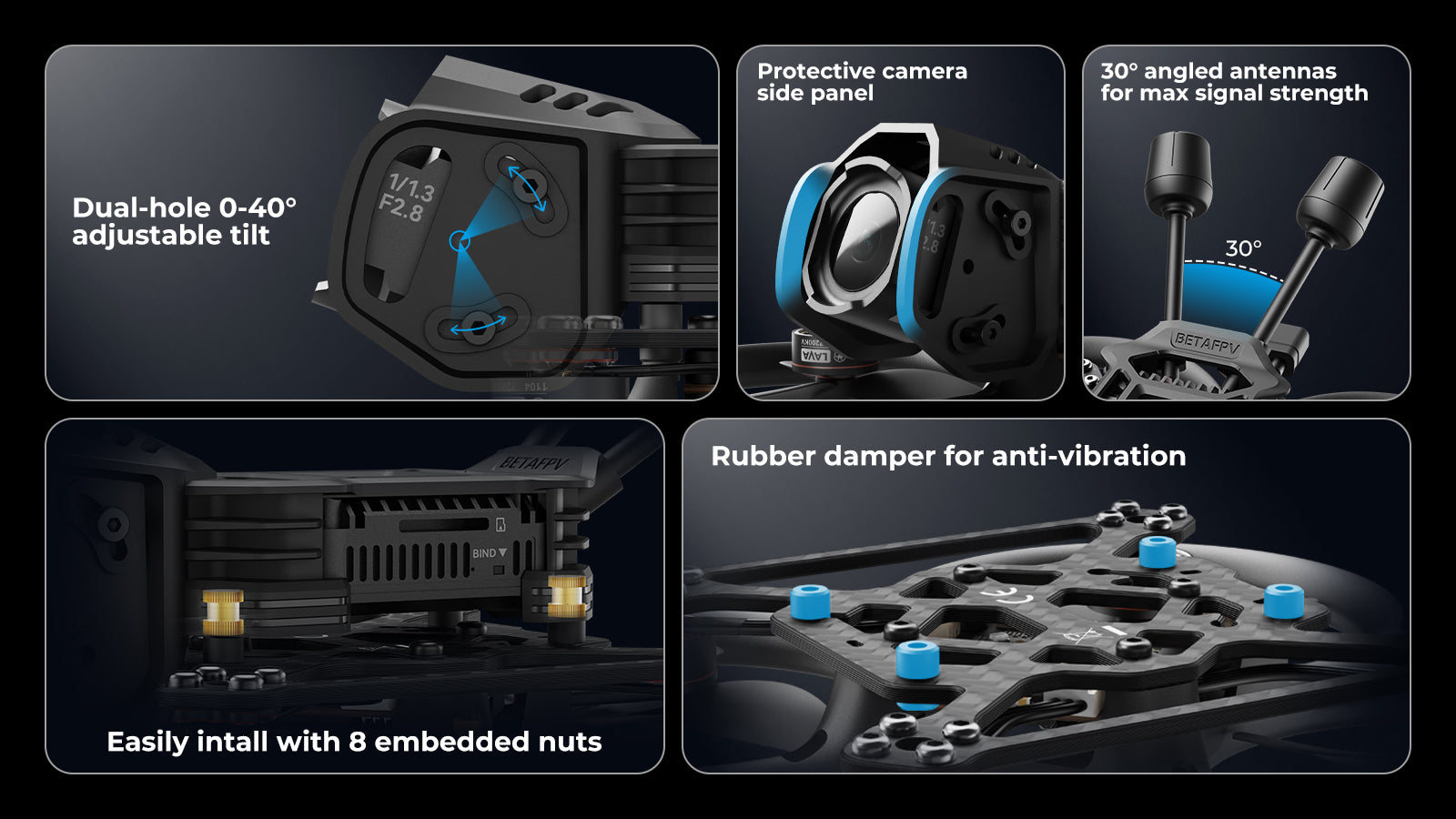
The accessory must be compatible with the exact DJI O4 Pro camera housing, and the frame must allow it to fit at intended camera tilt angles. A filter that sticks out can hit a duct or camera guard, and a loose filter may become a moving hazard. Fit it with the aircraft powered off. Inspect for fingerprints, dust and chips, particularly in sandy outdoor environments. A compatible filter on the camera can still be incompatible with a specific tight cinewhoop mount.
A simple field test in the UAE
Record your scene and the light direction, then choose one fixed frame rate and exposure target. Capture a detailed static subject with and without each filter, compare highlight clipping, shadow noise and color. Fly a legal, controlled short path to see how blur and stabilization respond in motion. Recheck the setting if clouds appear or the shot moves from full sun into shade. When the light drops late in the afternoon, remove or lighten the ND rather than compensating with unnecessarily high ISO.
Frequently asked questions
Is ND32 always best under Dubai sunlight?
No. Reflectance, time of day, shot, camera settings and motion blur requirements determine the choice.
Can ND filters eliminate FPV camera jello?
No. Fix mechanical vibration and mounting problems first.
Can I assume O3 and O4 Pro ND filters fit the same camera?
No. Check exact camera and mount compatibility from the manufacturer.
Products and references
See the related FalconFly listing, our related buying guide, and the manufacturer’s official details.

















