


Can a Friend Watch Your FPV Flight? Analog Receiver vs Digital Goggles Sharing

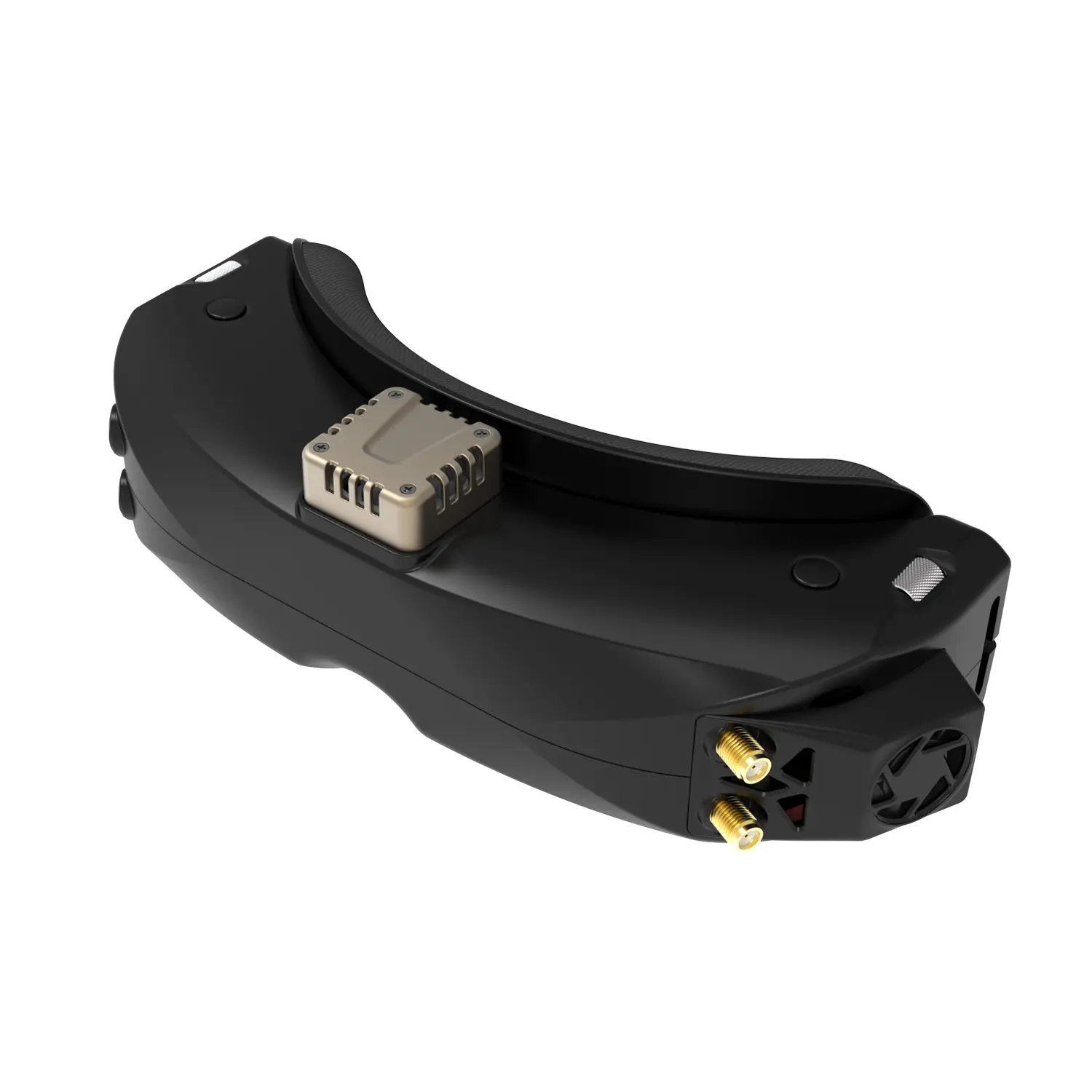
Sharing an FPV feed is easier with some video ecosystems than others. A second pair of goggles must be compatible with the aircraft’s video link or with a supported output from the primary receiver; ELRS binding is not the answer to a video question.
Find the correct path for a spectator video feed
A spectator’s picture comes from a video receiver, not the ELRS control link. Identify whether the quad transmits analog, DJI O4 or another digital format before buying goggles or assuming a controller USB-C port is a working video output.
| What you notice | What to investigate |
|---|---|
| Analog 5.8GHz VTX | A compatible independent 5.8GHz analog receiver can tune in |
| DJI O4 digital video | Check exact goggles/air-unit compatibility and supported viewing mode |
| Client monitor needs HDMI | Verify a supported output path and expected latency |
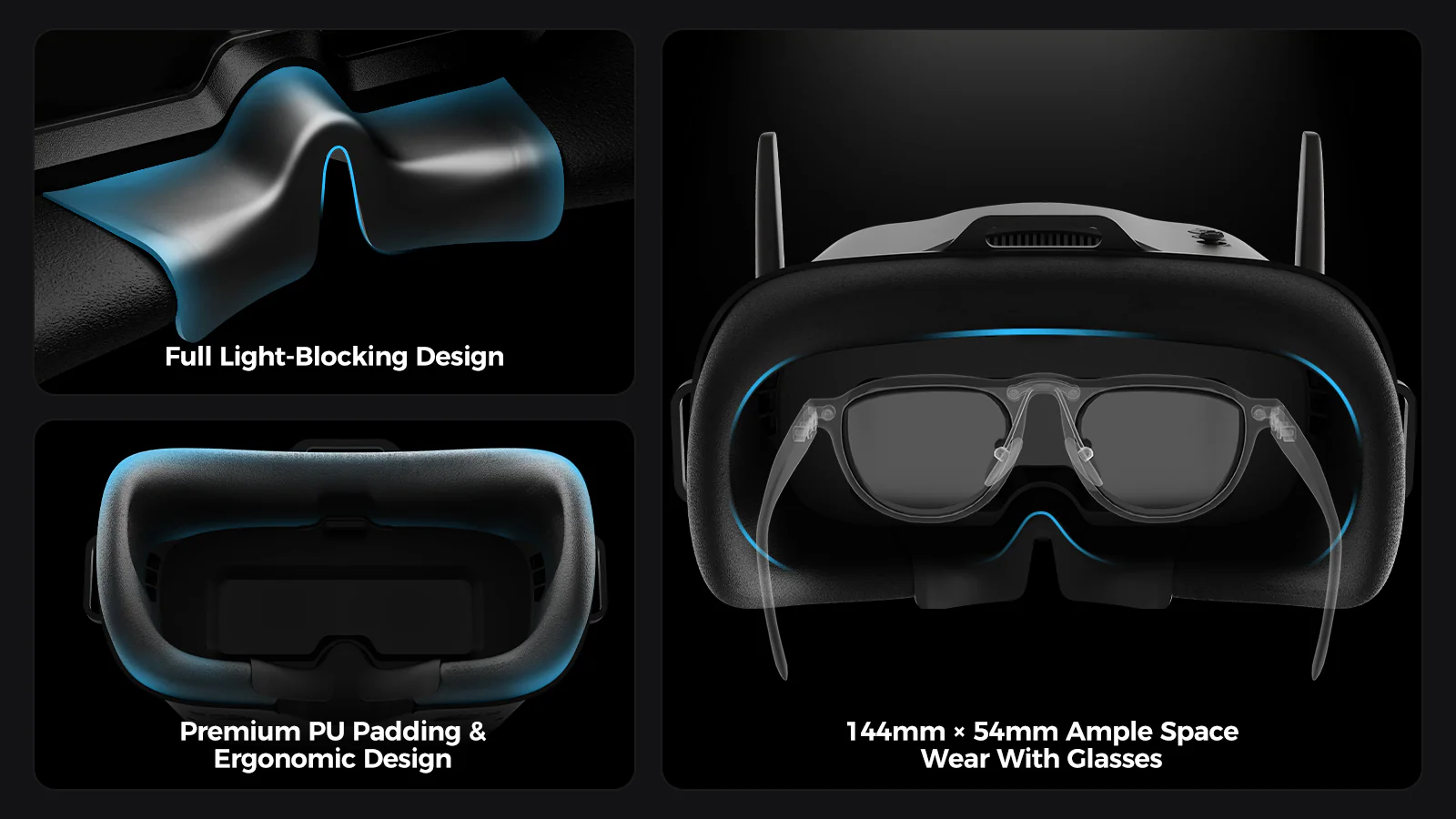
Diagnosis map
1. Identify the video protocol
Write down the actual VTX/air-unit name, not only the drone model. Analog 5.8GHz cannot be decoded by arbitrary DJI/Walksnail digital goggles.
2. Match analog channels and antennas
For analog reception, tune the receiver to the same MHz frequency and use the right polarization and connectors. Keep local RF operating rules in mind.
3. Check digital spectator support
Digital manufacturer ecosystems have specific firmware and receiver rules. A USB-C socket on goggles does not automatically mean live HDMI video output.
4. Separate viewer from pilot
Spectator equipment should not take control of the pilot link or require retuning the VTX mid-flight. Confirm the pilot view remains stable when the audience device is powered on.
5. Rehearse for paid shoots
Check display latency, DVR recording, OSD privacy and cable strain before inviting a client to view a live production feed.
Practical technical analysis, examples and decisions
Radio-control link and video link are separate
Many FPV aircraft use ExpressLRS for pilot control and a completely different system for the picture. Binding a spectator’s ELRS transmitter will not create a video feed and may introduce avoidable control confusion. The first question is whether the quad uses analog 5.8GHz video, DJI O4/O3, Walksnail, HDZero or another digital system. Each requires a compatible receiver or a supported video-output chain. A 5.8GHz antenna on an analog receiver does not magically decode DJI digital packets even if both occupy parts of the 5.8GHz band. Identify the video unit and goggles model before suggesting a second set of goggles for a client.
Passive analog viewing
With a standard analog transmitter, a second compatible analog receiver can often tune to the same channel and show the live image independently. Confirm exact MHz frequency, correct band mapping and antenna connectors, and use matching circular polarization where required. Keep the pilot’s receiver configuration unchanged during flight. A spectator standing in a poor antenna location may see snow while the pilot’s picture remains usable, which is not proof that the aircraft’s transmitter is failing. For a video wall or monitor, a suitable analog receiver with a supported video output may be more practical than another headset. Test compatibility on the ground.
Digital ecosystem limitations
Digital video systems have manufacturer-specific receiver, firmware and pairing support. Some goggles support a spectator, audience or broadcast mode, but the feature may depend on the exact airborne unit and software combination. DJI Goggles 3, Goggles N3 and older Goggles models do not necessarily offer identical viewing compatibility. Similarly a goggles USB-C charging/data port does not automatically provide HDMI output. Consult the current model-specific DJI compatibility and broadcast documentation before making a promise to a buyer. Upgrading a controller’s radio protocol does not fix a mismatched video system. A shop should verify the entire transmitter-goggles-audience chain rather than one brand logo.
Latency, privacy and OSD considerations
A spectator watching a broadcast, cable output or independent receiver may see extra delay compared with the pilot’s primary view. Such a delayed feed is suitable for watching but should not be used as an alternate piloting display without explicit support and safety assessment. OSD overlays can reveal battery levels, GPS coordinates or other operational information that a client does not need to see. Some systems offer cleaner recording than live-view output; check whether the delivered feed includes menus or warnings. Ensure the audience screen does not block the pilot’s view or interfere with the radio antennas. Rehearse where people will stand before a public demonstration.
How to build a monitor setup for a paid job
Write down the aircraft video unit, goggles firmware, available outputs, desired display input, cable length and acceptable latency. If the client wants a large HDMI monitor, verify a native supported video output path instead of assuming a USB-C to HDMI cable can create one. Keep power connections and cable strain relief safe around the pilot, and make sure spectator adjustments cannot change the aircraft channel or disarm control. Record a short test before filming and compare the monitored image to the camera’s original to understand resolution and cropping differences. An independent DVR can provide review footage even when a low-latency spectator screen is unavailable.
What is worth buying
For an analog whoop owner, a compatible inexpensive analog monitor or receiver may be sufficient. For a DJI O4 build, verify the manufacturer’s support for the exact goggles before purchasing a second expensive headset. For a professional client monitor, prioritize reliable signal conversion, supported connectors, acceptable latency and simple operation rather than marketing claims about maximum resolution. If a customer is unsure whether they have analog or digital, ask for a photograph of the air unit and full goggles model number. This avoids selling an incompatible antenna or receiver. Note that legal transmission power and frequency requirements remain applicable even when the viewer is passive.
Deeper troubleshooting and practical decisions
The critical distinction: watching video versus controlling the aircraft
An FPV aircraft uses a control radio link and a separate video transmission system. ExpressLRS, for example, carries remote-control commands and telemetry rather than the pilot’s camera picture. A spectator who only wants to watch should not have to bind a second transmitter or interfere with the pilot’s control setup. First identify the camera/VTX platform: analog 5.8 GHz, DJI O4, Walksnail or HDZero. Their radio waveforms and decoding systems differ, so two sets of goggles that operate at roughly the same radio frequency are not necessarily video-compatible. Select the viewer path from the video protocol, not the controller brand.
Analog FPV sharing is often straightforward
With a conventional analog 5.8 GHz transmitter, several compatible receivers can tune to the same exact frequency and display the same broadcast at once. The second receiver might be goggles, a field monitor or a USB video receiver suitable for the signal. Confirm the frequency in MHz, video standard and channel setting, and choose appropriate antenna polarization and connector types. Analog sharing does not require a second transmitter to be paired. However, the spectator should avoid blocking the pilot’s antennas or changing a shared VTX channel during flight. Where multiple pilots are operating nearby, coordinate channels to prevent interference.
Digital viewing needs model-specific confirmation
Digital ecosystems may provide an audience or broadcast mode through supported goggles combinations, but compatibility is not universal even within one manufacturer’s products. Specific DJI goggles and air-unit firmware versions may support particular spectator workflows, while other combinations cannot. Walksnail and HDZero equipment also have their own receiver, display and firmware rules. Do not promise a client that any pair of digital goggles will receive another pilot’s feed simply because both are ‘HD FPV.’ Read the official compatibility matrix and verify that enabling viewer mode will not change control, encryption or video availability. A completed bench test is more reliable than a generic YouTube demonstration.
What the HDMI label really means
A screen equipped with HDMI input still needs an HDMI video source, which may come from a separate supported receiver, from goggles with genuine output capability, or from a compliant video bridge. USB-C connectors on goggles may be used for firmware, file transfer or charging and do not automatically provide DisplayPort or HDMI output. Even when a video output exists, confirm resolution, frame rate and any overlay elements. Production teams should also test capture-card compatibility and whether additional conversions introduce distracting latency. The goal is a safe spectator feed, not a compromise in the pilot’s primary low-latency view.
A simple client-monitoring rehearsal
Before a paid shoot, set up the primary pilot goggles, spectator receiver and output monitor while the drone remains safely disarmed. Confirm that the spectator has video with the pilot goggles operating normally. Check whether OSD information, recording timers or battery status are visible on the client monitor; sensitive telemetry may not be appropriate for all clients. Walk around the planned operating area with the aircraft safely stationary to assess antenna coverage without risking flight. Test a short supported DVR or output recording and review its actual quality. Record firmware versions and accessory cable requirements in the shoot packing list, not only the monitor model.
Purchase decisions for different audiences
For one friend watching a low-cost analog whoop, an inexpensive compatible receiver or analog goggles can be sufficient. For a professional client, a larger monitor, clean mounting, a reliable power supply and cable management may be more important than a second headset. For DJI O4 or other digital users, pay close attention to manufacturer-approved broadcast/receiver compatibility rather than shopping by screen resolution alone. A high-brightness monitor is useful outdoors but does not repair a weak or unsupported video link. Where broadcast mode cannot be verified, do not force the workflow during a commercial flight; use a supported recorded playback alternative.
Repair, upgrade, or keep the existing equipment?
A second video receiver must match the analog or digital link rather than merely the goggles’ display resolution. A more expensive part is not automatically the correct fix. Explore the related FalconFly UAV product category for equipment that matches the verified requirement.
Realistic workshop and field scenarios
Case 1: A friend owns analog goggles while the pilot uses DJI O4
A 5.8GHz analog receiver cannot decode a DJI digital video protocol just because both involve radio signals near the same general band. Confirm the actual aircraft air unit and intended spectator headset model. The correct answer may be a manufacturer-supported DJI audience mode, compatible second goggles, or a supported display output chain, depending on hardware and firmware. An ELRS binding operation is unrelated to passive video. Do not suggest a universal ‘5.8GHz FPV receiver’ for a DJI O4 feed. Check the latest model-specific compatibility before taking payment for a spectator accessory.
Case 2: Two analog spectators see different picture quality
Independent receivers may have different antennas, orientation and placement even when tuned to the same transmitter channel. Verify the exact frequency and polarization for each. A viewer standing behind the pilot or next to a large metal structure may encounter multipath or body shadowing while another viewer sees a clean image. That does not mean the VTX must raise power. Compare receiver positions and available antenna diversity paths before buying hardware. Keep the pilot’s own receiving arrangement unchanged during flight. An audience display should never influence the pilot’s control link or flight-safe monitoring.
Case 3: A client wants the live FPV image on a HDMI television
First verify that the chosen goggles or receiver genuinely offers a supported live video output. USB-C sockets can be charging or data ports without acting as HDMI Alt Mode transmitters. A passive adapter cannot generate a video signal that the source device does not provide. If the system supports output, consider cable length, format, latency and a stable power arrangement. Compare the output’s quality and overlays with the camera’s onboard original recording. For a paid shoot, rehearse the complete path before the client arrives and keep a backup viewing plan if the monitor fails.
Case 4: The audience feed is delayed and the client wants to pilot from it
A spectator feed may include decoding, conversion or display latency not present in the pilot’s approved primary system. Passive monitoring should not be treated as an alternative flight-control video path without explicit support and a suitable safety assessment. Ask whether the intended use is simply watching, directing camera framing or operating the aircraft. These require different latency and control conditions. Protect pilot attention and visual line of sight. If the client only needs to review footage, an onboard camera master or DVR may be sufficient and less complex than live feed distribution.
Frequently asked questions
Can analog goggles receive O4 video?
No. The modulation and receiving hardware are different.
Does a spectator need an ELRS transmitter?
No for passive video viewing; ELRS is the radio-control link.
Final quality and safety check
Test the spectator receiver with the pilot’s primary goggles operating normally before the event. Do not change the active VTX channel mid-flight, and never treat a delayed audience monitor as a redundant pilot-control display.
Primary technical reference
DJI live-view sharing and spectator guidance. DJI broadcast and audience options are specific to goggles, air unit and firmware combinations.

















