


FPV Goggles
Compare analog and digital FPV goggles, screen comfort, video systems, recording and supported air units. Goggles compatibility depends on the exact video transmitter and firmware generation. Read our DJI Goggles 3 vs N3. See the buyer’s guide ↓
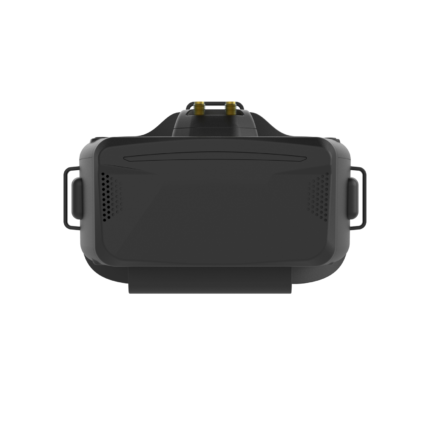
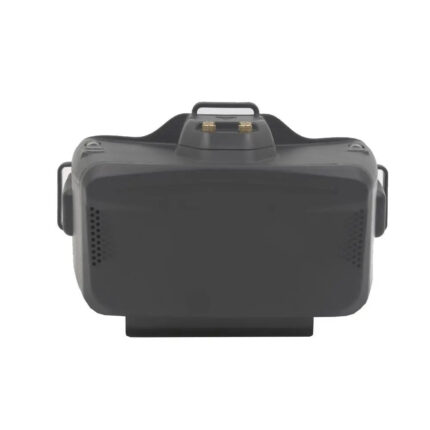
SKYZONE Cobra X V4 SteadyView 5.8GHz Analog FPV Goggles
- Display: 1280 × 720 LCD; 50° diagonal FOV; 4:3 and 16:9
- Video Receiver: 5.8GHz 48-channel SteadyView V3.3 analog receiver
- Recording: H.264 DVR at 60fps, MOV ~6Mbps; SD card up to 128GB
- Power Supply: 1 × 18650, DC 6.5–25.2V (2S–6S), or USB 5V
- Head Tracking & Size: 3-axis accelerometer and gyro; 190 × 150 × 110mm; ~332g
If a second person needs to see your feed, our 5.8 GHz analog FPV screen guide compares flying with goggles and viewing on a separate monitor.
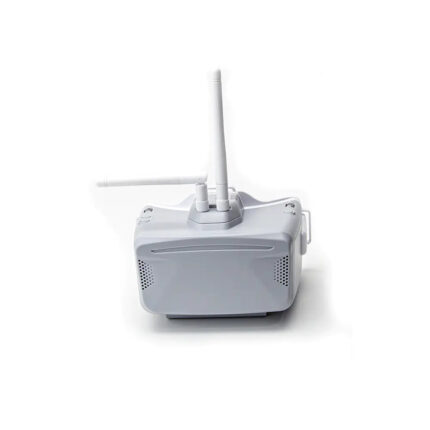
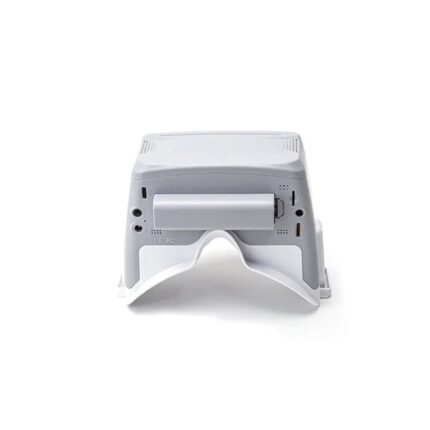
SKYZONE Cobra SD Diversity Analog FPV Goggles
- Display & Design: 16:9 LCD box goggles; glasses-friendly fit; bright colour display
- Video Reception: 5.8GHz analog diversity receiver, supplied receiver module
- DVR & Controls: Onboard DVR; rotary shuttle-wheel operating system; two menu languages
- Power & Connections: 1 × 18650 cell, external 2S–6S LiPo, or USB/DC input (battery not supplied)
- Accessories & Compatibility: Head strap, receiver, cables, antennas and manual; compatible with analog 5.8GHz VTX
If you need a screen for bench testing as well as goggles for flying, see our 5.8 GHz analog DVR monitor vs. FPV goggles guide.
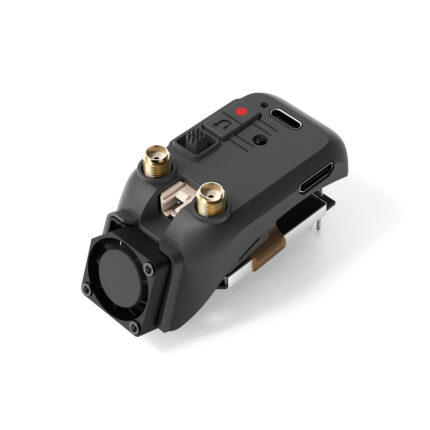
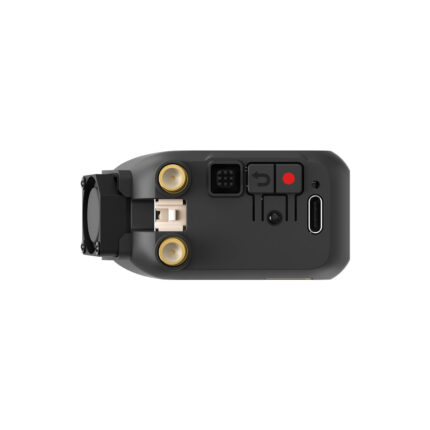
BETAFPV P1 HD VRX Nano – SKYZONE Version | ArtLynk Digital FPV Receiver
- SKYZONE version of the BETAFPV P1 HD VRX Nano ArtLynk receiver.
- Compatible with SKY04L, SKY04X, SKY04O and selected SKY04X Pro / SKY04O Pro goggles.
- 1080p/60fps ArtLynk link over 5.3–5.8GHz with a compatible P1 Air Unit.
- Compact 32 × 64 × 36mm housing; approximately 33g without antennas.
- Mini HDMI, Type-C, microSD and RP-SMA connectors; explore the FPV goggles guide.
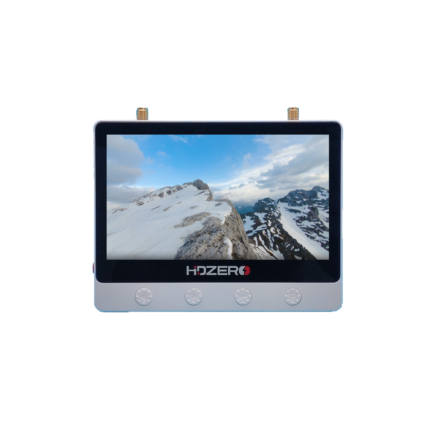
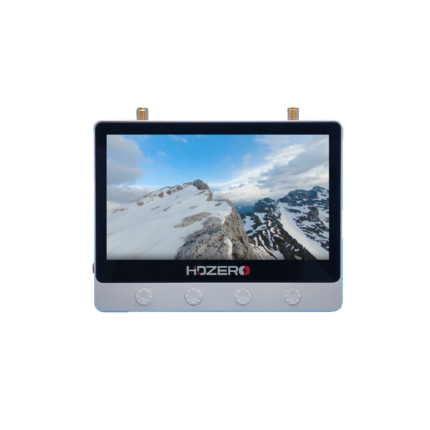
HDZero Monitor (No DVR) 4.3-inch 720p 800-nit FPV Display
- Screen: 4.3-inch 720p LCD
- Brightness: 800 nits, anti-glare
- Video input: HDZero + analog 5.8GHz, auto-detection
- Recording: No DVR in current version
- Power input: 2S–6S XT30 or DC input
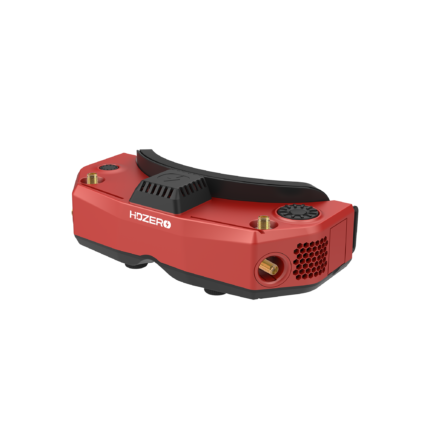
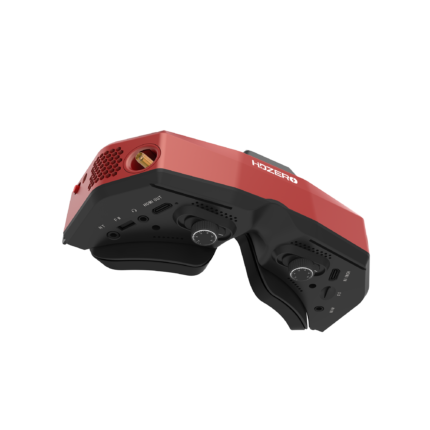
HDZero Goggle 2 – 1080p 90Hz OLED Digital & Analog FPV Goggles
- Displays: Dual 1920×1080 90Hz OLED
- Video systems: HDZero digital + built-in analog receiver
- Optics: 46° FOV; IPD 58–72mm; focus +4 to −7D
- Power: 7–25.2V DC (2S–6S)
- Recording: H.265 DVR for supported inputs
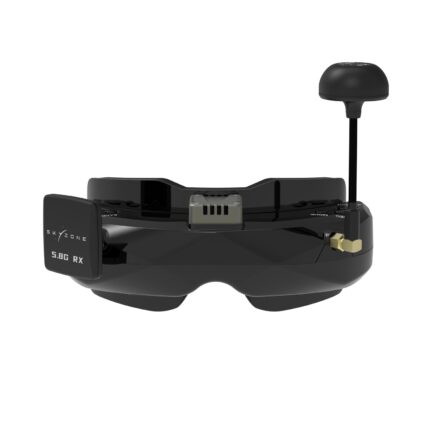
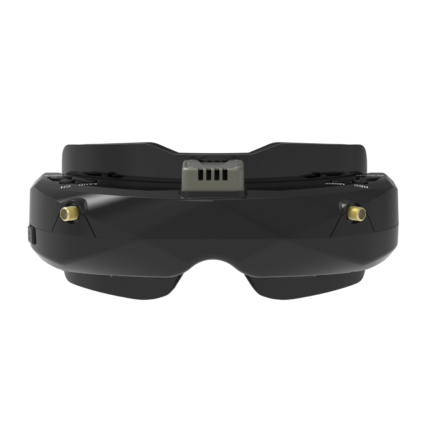
SKYZONE SKY02O OLED Analog FPV Goggles – Black
- Brand / Color: SKYZONE / Black
- Video: 5.8GHz analog, 48CH SteadyView diversity
- Display: 640 × 400 OLED; up to 29° FOV
- DVR: MJPEG 30fps, microSD up to 64GB
- Extras: Head tracking, fan, 2S–6S DC power
If you want a separate screen for a spotter or a bench check, see the 5.8 GHz analog monitor and goggles guide.
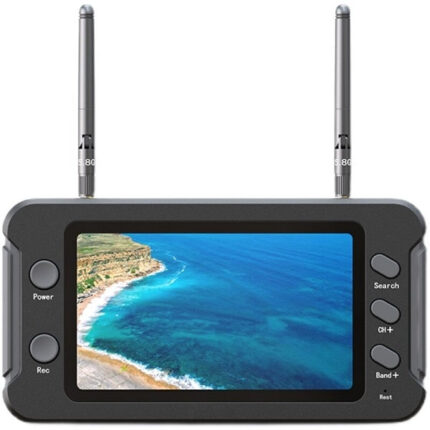
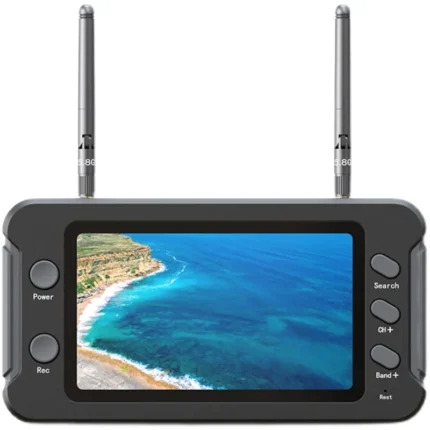
5.8G FPV Monitor with DVR 40CH 4.3-Inch LCD Display
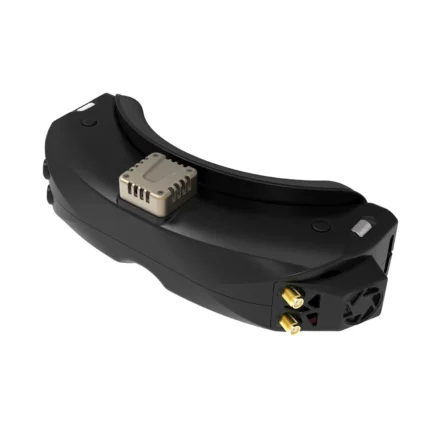
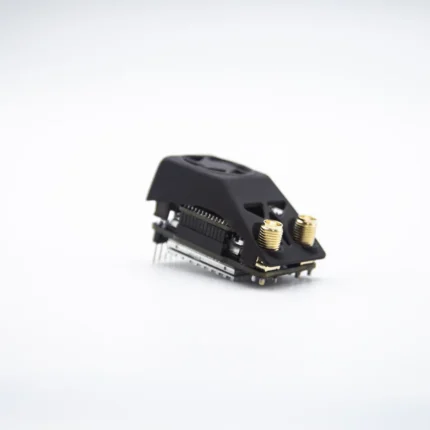
SKYZONE SKY04O PRO FPV Goggles
- Model: SKYZONE SKY04O PRO FPV goggles with OLED optics.
- Display: 1280 × 720 OLED resolution.
- Field of view: 42° diagonal optics.
- Analog reception: Built-in 5.8GHz, 48-channel SteadyView receiver.
- Digital compatibility: External digital video equipment may require an appropriate HDMI input connection; the built-in receiver is analog.
See our FPV video systems buying guide.
For a separate analog screen or bench recording setup, see the 5.8 GHz DVR monitor and analog goggles guide.
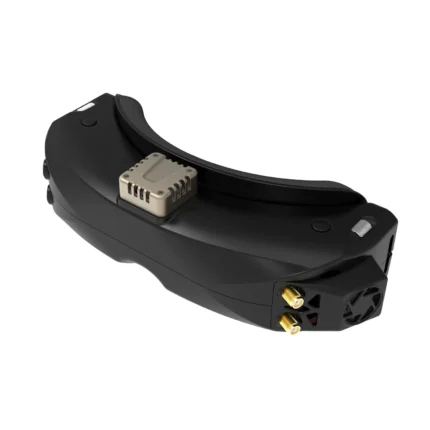
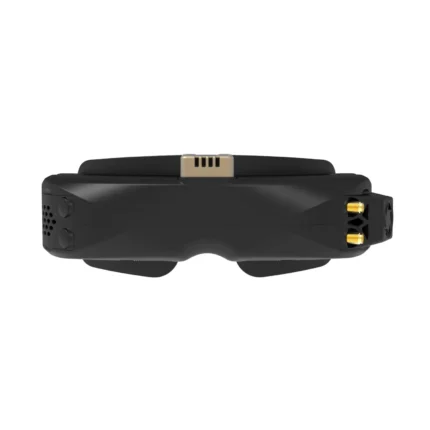
SKYZONE SKY04X PRO FPV Goggles
- Dual 1920 × 1080 OLED displays and approximately 52° diagonal field of view.
- Included SteadyView V3.3 48-channel 5.8GHz analog receiver.
- HDMI input supporting up to 720p at 100fps from compatible external video systems.
- Integrated DVR and head-tracker functionality.
- Adjustable focus and 58–71mm interpupillary distance for fitting comfort.
The included receiver is for 5.8 GHz analog video. If you need a second screen for bench testing or for a spotter, see the analog FPV goggles and DVR monitor guide.
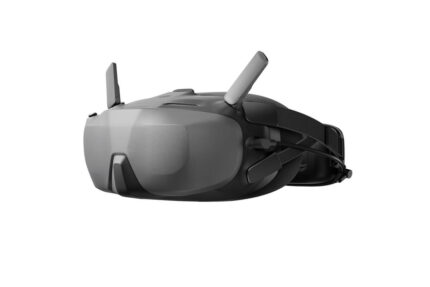
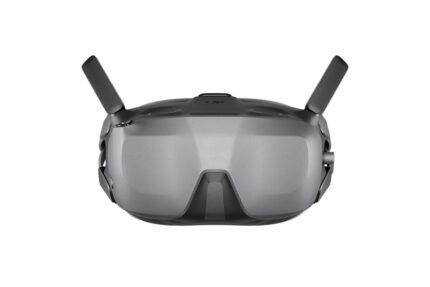
DJI Goggles N3
DJI Goggles N3 is the standalone DJI O4 FPV headset. The drone, air unit and controller are sold separately.
- Works with DJI O4 Air Unit and O4 Air Unit Pro. DJI O3 Air Unit is not supported.
- DJI also lists Avata 2, Avata 360, Neo and Neo 2. Check the controller and firmware required for your aircraft before ordering.
- Single 1080p LCD with a 54° field of view, room for prescription glasses and no built-in diopter adjustment.
- Head tracking and AR Cursor require DJI RC Motion 3 on a supported setup.
Compare Goggles N3 and Goggles 3 or see the DJI FPV Remote Controller 3 for supported stick-control setups.
For a custom FPV build, the supported DJI video units are: DJI O4 Air Unit; DJI O4 Air Unit Pro.
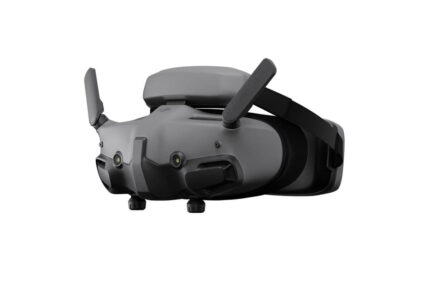
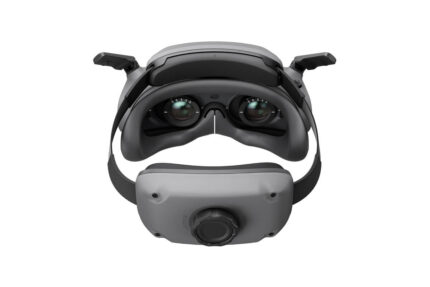
DJI Goggles 3
DJI Goggles 3 are digital FPV goggles with dual 1080p Micro-OLED displays, adjustable diopter and a built-in battery. Check your exact aircraft, Air Unit and controller before ordering.
- Dual 1080p Micro-OLED displays, up to 100 Hz.
- Adjustable diopter and interpupillary distance.
- Supports DJI O4 Air Unit and O4 Air Unit Pro; DJI O3 Air Unit support depends on the documented firmware and controller configuration.
- Compatible aircraft include DJI Avata 2 and DJI Neo; check firmware and controller pairing for your setup.
- Up to 3 hours of operation in DJI’s test conditions.
Goggles 3 or N3? Both support DJI O4. Goggles 3 offers dual displays and diopter adjustment; Goggles N3 uses one 1080p screen up to 60 Hz and can be worn with personal glasses. Compare display, fit and compatibility.
For an O4 build, compare the supported video units: DJI O4 Air Unit; DJI O4 Air Unit Pro.
FalconFly UAV Buying Advice
FPV Goggles: Compatibility Before Screen Specifications
The first question is not whether the headset has the largest field of view. It is whether it can receive video from your actual aircraft.
Frequently asked questions
Will DJI Goggles N3 work with an O3 Air Unit?
Can I use analog goggles with a DJI O4 Air Unit?
Why does the image look blurry in the headset?
Does high screen resolution guarantee clearer flying video?
Can goggles record a flight without an SD card in the drone?
What is video latency and why does it matter?
Can I wear prescription glasses in goggles?
Will goggles work with any remote controller?
More in-depth advice: DJI Goggles 3 vs N3 · DJI O4 vs O4 Pro.

















