


FPV Motors Too Hot After a Flight? Separate Mechanical Drag from PID Noise

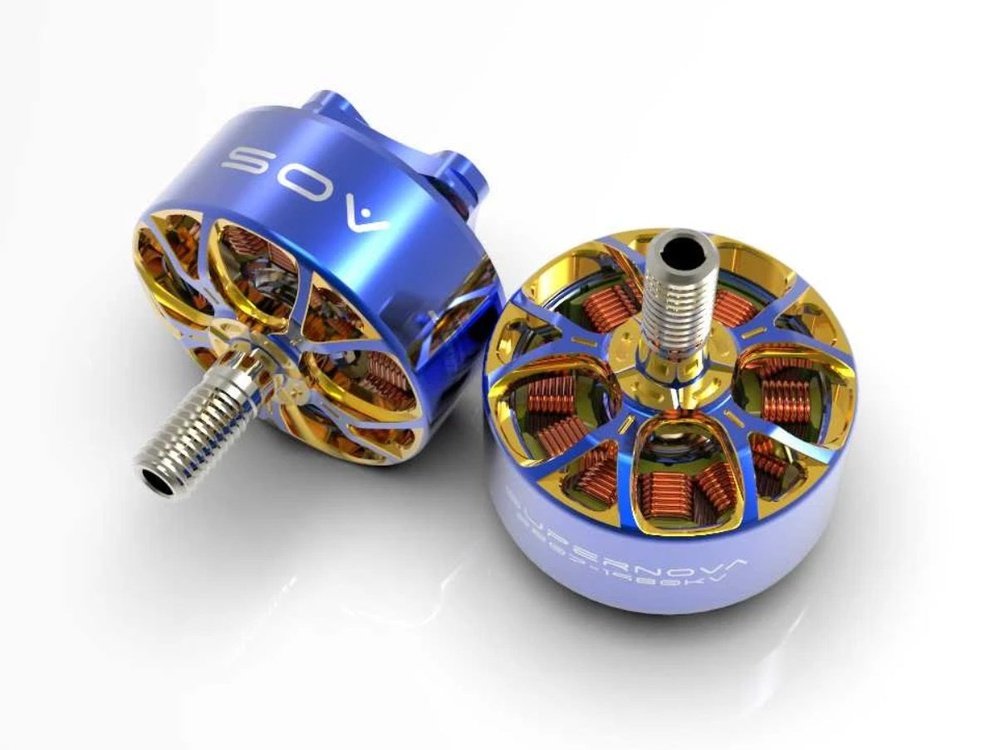
One motor comes back too hot to touch, even though the quad felt smooth in the goggles. Buying four replacement motors immediately is an expensive guess. Start by finding out whether heat follows one corner, one propeller, or every motor after a tune.
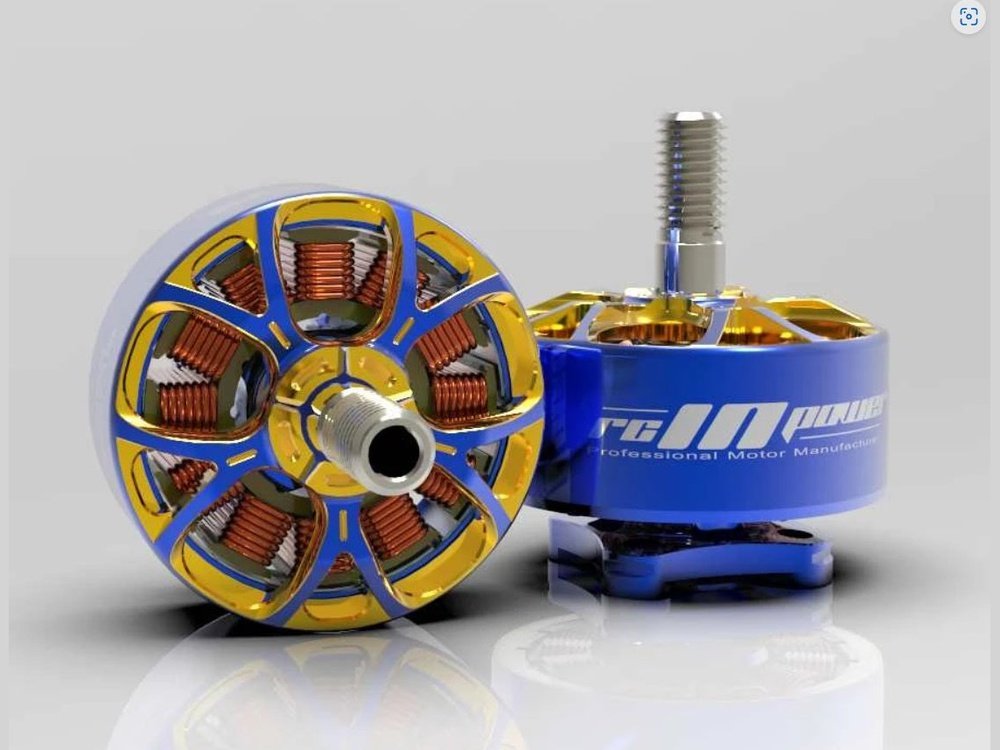
Quick triage: symptom to next action
| Observed symptom | What it may indicate | Safe first check |
|---|---|---|
| One motor much hotter than the others | Local bearing drag, rotor rub or damaged propeller | Disconnect power, inspect and compare motor bells |
| All motors heat up after tuning | Excessive D-term activity or insufficient filtering | Restore known-good tune and compare short flights |
| Heat only under heavy load | High propeller pitch, payload or high ambient temperature | Compare thrust load and motor manufacturer limits |
1. Read the pattern before changing settings
Land after a short repeatable flight and compare the temperature of all four motors without burning your fingers. A single unusually hot corner suggests rubbing, a damaged bearing, bent shaft, winding issue, or unequal loading. Four hot motors after a filter edit suggest a system-wide tune or mechanical resonance. Compare similar batteries and wind conditions; a hot day in Dubai changes the baseline.
2. Inspect the motor and propeller mechanically
With the battery disconnected, remove propellers and turn each bell slowly. Listen for scraping and compare axial play. Inspect motor screws from beneath; too-long screws can contact windings. A cracked propeller hub can transmit noise even when its blades look fine. Replace a damaged prop before touching software.
3. Find tuning-related heat
High D gain and insufficient gyro/D-term filtering can command rapid motor corrections that turn electrical power into heat. If heating began immediately after a PID or filter adjustment, restore a known-good backup. Do not blindly copy a freestyle tune onto a heavy cinewhoop. Use Blackbox gyro traces and motor outputs to identify commanded oscillation; combine the logs with a separate power-off motor inspection, because Blackbox alone cannot diagnose a worn bearing.
4. Review ESC configuration conservatively
PWM frequency, timing, demag behavior and motor protocol affect performance, but no single ESC setting cures all heat. Check that the FC and ESC firmware actually support the selected features. A capacitor can help electrical noise; it cannot repair a bent bell. Change one parameter at a time and retain the original configuration.
5. Decide whether a part really needs replacing
Replace a motor that grinds, binds, has damaged insulation or remains abnormally hot with a known-good prop and conservative tune. If every motor runs cooler after restoring default filters, replacement hardware would not have solved the underlying problem. Stop flight tests at the first sign of persistent abnormal heat.
Verify the motor-temperature diagnosis
Repeat a short, low-risk flight using the same propeller size, battery type and payload, then compare all four motors promptly with a suitable thermometer without touching hot bells. For a single hot corner, repeat the power-off mechanical check; for all four heating after a tune change, restore the known-good configuration and compare with the same flight conditions. Stop testing if any motor rapidly overheats or smells abnormal.
Before buying replacements
Confirm connector type, board revision, voltage range, mounting dimensions and firmware support against the manufacturer’s documentation. A similarly named product can have different wiring and compatibility. FalconFly keeps relevant products in its drone and FPV shop (related equipment: RCINPOWER AOS Supernova 2207 motor), but a troubleshooting article is not evidence that a particular part must be replaced.
Related FalconFly guides
- FPV Motor Screws Too Long? How a Simple Repair Damages Windings
- FPV Drone Vibrates After Changing Propellers? Identify Jello, Bent Shafts and Bad Mounting
Why heat patterns matter more than one temperature reading
Compare the four motors immediately after similar short flights. One unusually hot corner suggests a local mechanical or electrical problem, while four hot motors after a tuning change suggest a system-wide noise issue. Note the propeller type, battery voltage, payload and ambient temperature; otherwise the comparison is misleading. Turn each bell slowly with power disconnected and look for bent shafts, sand or gritty bearings. If heating started when you changed PID filters, restore the saved conservative tune before buying motors.

The important buying decision is not whether a motor is popular. Check mounting holes, shaft, stator diameter, KV and approved voltage. A different propeller pitch can create excessive load even with a perfectly healthy ESC. Replace clearly damaged parts, but use evidence—not guesswork—to decide whether hardware replacement is justified.
Frequently asked questions
Why are all four motors warmer after a filter change?
A filter or D-gain change can make all motors work harder to reject noise. Restore the previous configuration, check Blackbox data where available and compare a short flight under similar conditions before blaming a motor batch.
Why is just one motor unusually hot?
Inspect that corner for a bent shaft, bearing drag, rotor rubbing, a damaged propeller or an inappropriate screw length. Unequal mechanical resistance is more likely when only one motor shows the symptom.
Should I change ESC timing to cool the motors?
Not as the first step. Validate the mechanical condition and tune first, then consult your specific ESC firmware documentation before changing timing or PWM settings.
Technical reference
Read Why FPV drone motors overheat — technical troubleshooting for firmware- or hardware-specific implementation details.

















